
Recently, I’ve found myself immersed in Claude Code, especially within Cursor. I’m not a coder by trade; I run a digital marketing agency. But using Claude Code through Cursor has dramatically sped up how I handle critical tasks such as data extraction and analysis from Google Search Console, GA4, and Google Ads.
Setting up this system takes about an hour, but once it’s done, asking questions like “Which keywords am I overpaying for that I already rank for organically?” becomes a breeze. It provides answers in seconds, eliminating the need for tedious hours spent on spreadsheets.

Let me share the step-by-step process I developed for our agency clients. If any of this seems too intricate, simply paste this article’s URL into Claude, and ask it to guide you through the steps.
Ultimately, you’ll build a project directory where Claude Code can access Python scripts that pull live data from your Google APIs. The data is fetched, stored in JSON files, and you’re free to interact with it without the need for dashboards or complex templates.
seo-project/
├── config.json               # Client details + API property IDs
├── fetchers/
│   ├── fetch_gsc.py         # Google Search Console
│   ├── fetch_ga4.py         # Google Analytics 4
│   ├── fetch_ads.py         # Google Ads search terms
│   └── fetch_ai_visibility.py  # AI Search data
├── data/
│   ├── gsc/                 # Query + page performance
│   ├── ga4/                 # Traffic by channel, top pages
│   ├── ads/                 # Search terms, spend, conversions
│   └── ai-visibility/       # AI citation data
└── reports/                 # Generated analysis
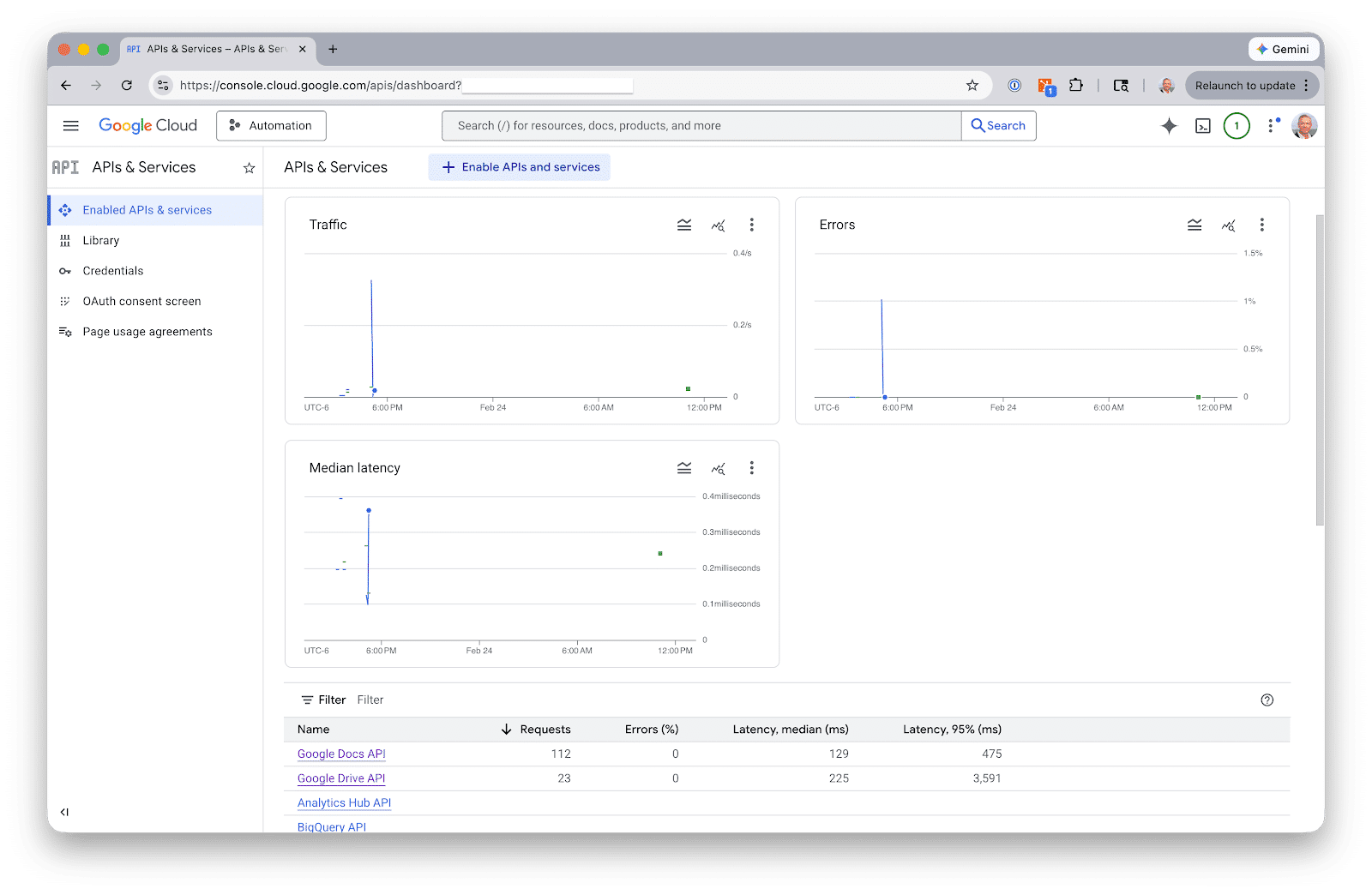
Begin by setting up Google API authentication. This step requires a Google Cloud service account, which covers GSC and GA4. Google Ads, however, requires its own OAuth setup.
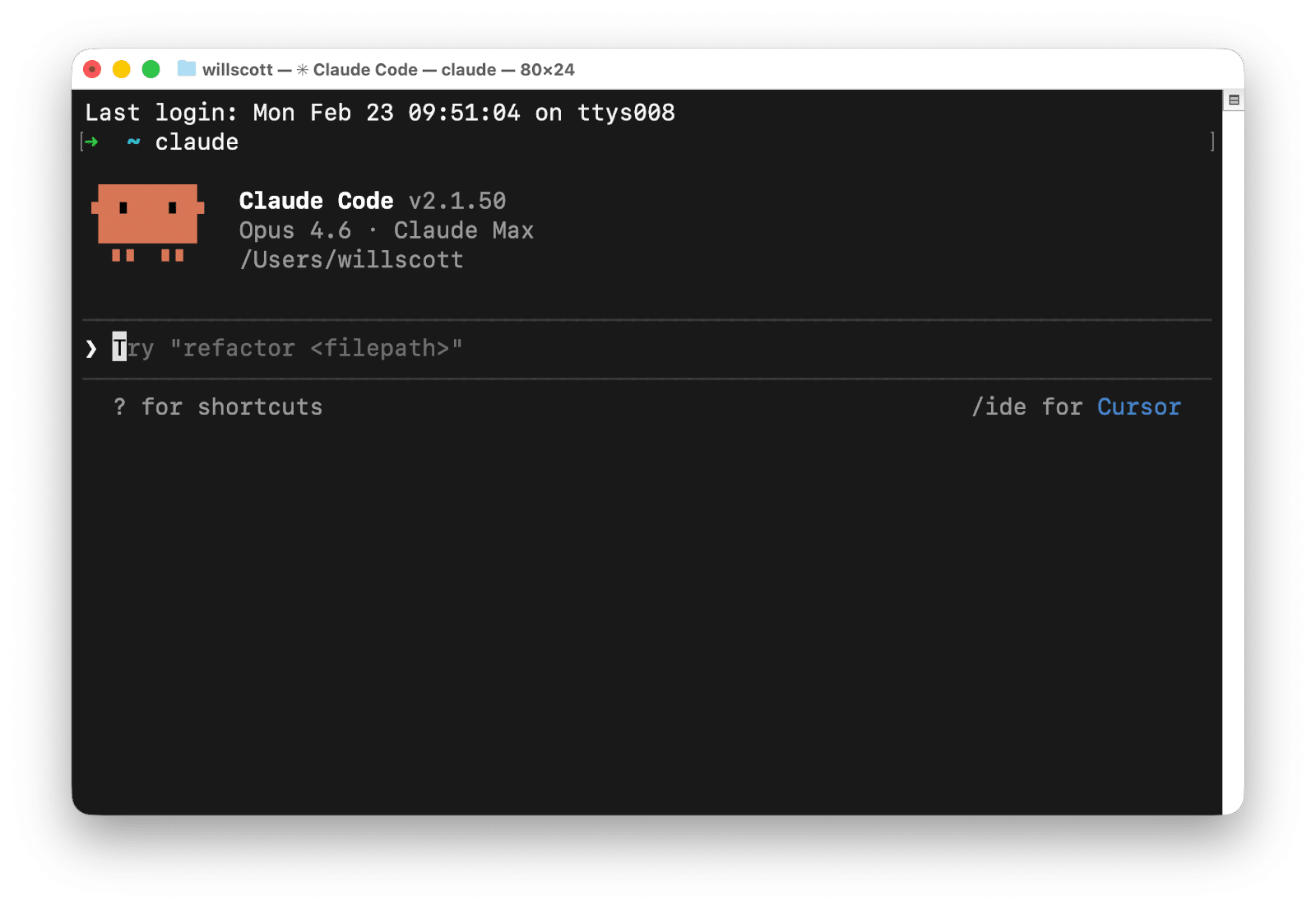
Next, you’ll move on to building the data fetchers. Each fetcher is a Python script that authenticates, pulls data, and saves it in JSON format. You won’t need to dive into API documentation either; Claude Code can write the scripts based on simple descriptions of what you want to achieve.
Once you’ve got your data, Claude Code can answer cross-source questions, such as spotting keywords with paid and organic gaps, or analyzing content performance across platforms.
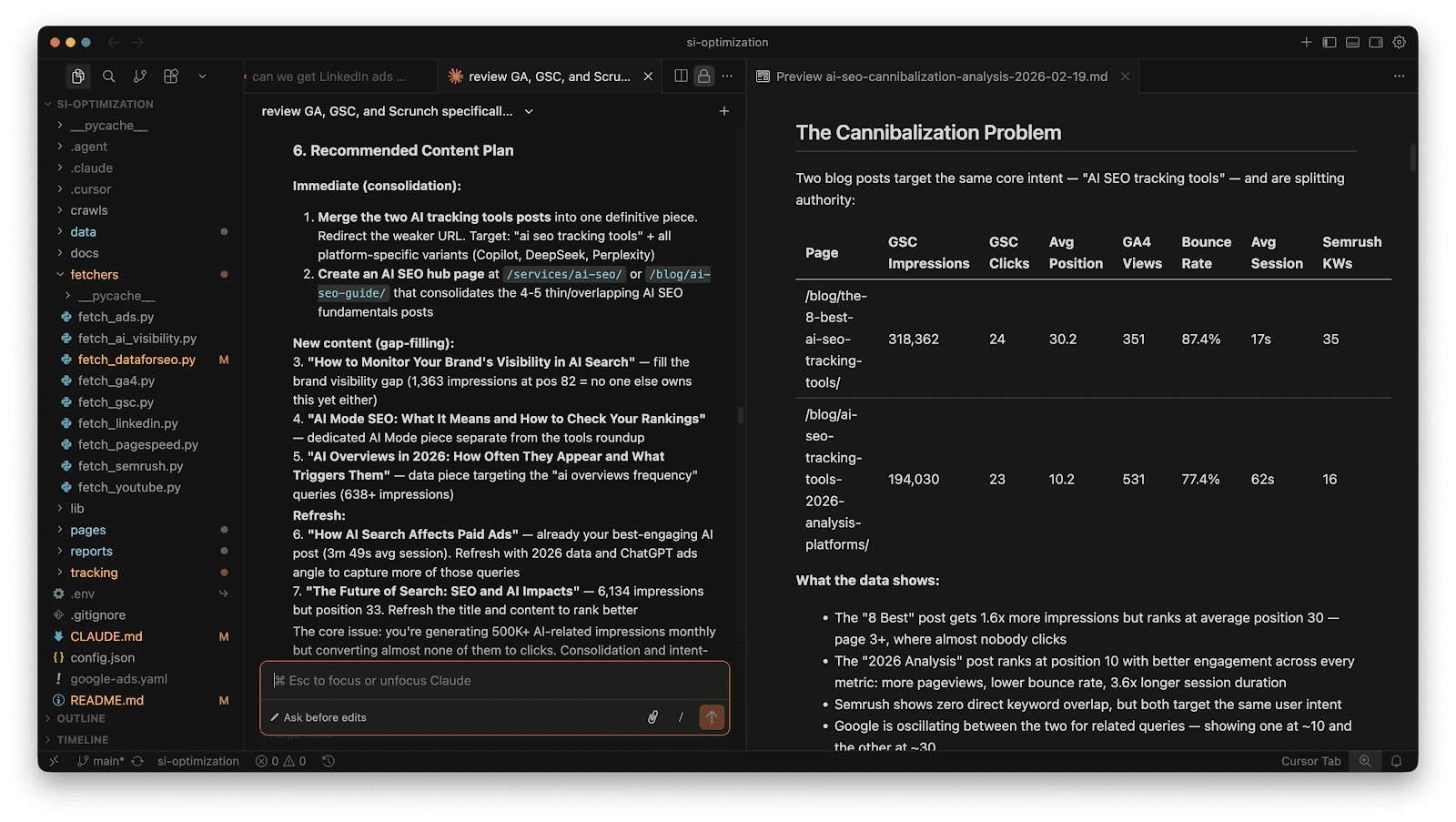
For AI visibility tracking, consider tools like Scrunch or Semrush. Export your data as CSV or JSON to further enhance your insights through Claude Code.
Overall, this workflow takes about thirty-five minutes for a new client and reduces monthly refresh times to about twenty minutes. It saves you from the hassle of manually managing and deciphering data across multiple platforms.
Claude Code enhances your data analysis capabilities, but it’s not a replacement for strategic insight. Remember to verify results just as you would scrutinize work from a new team member.
Inspired by this post on Search Engine Land.

Leave a Reply