How do I install the CrushPressAI WordPress plugin?
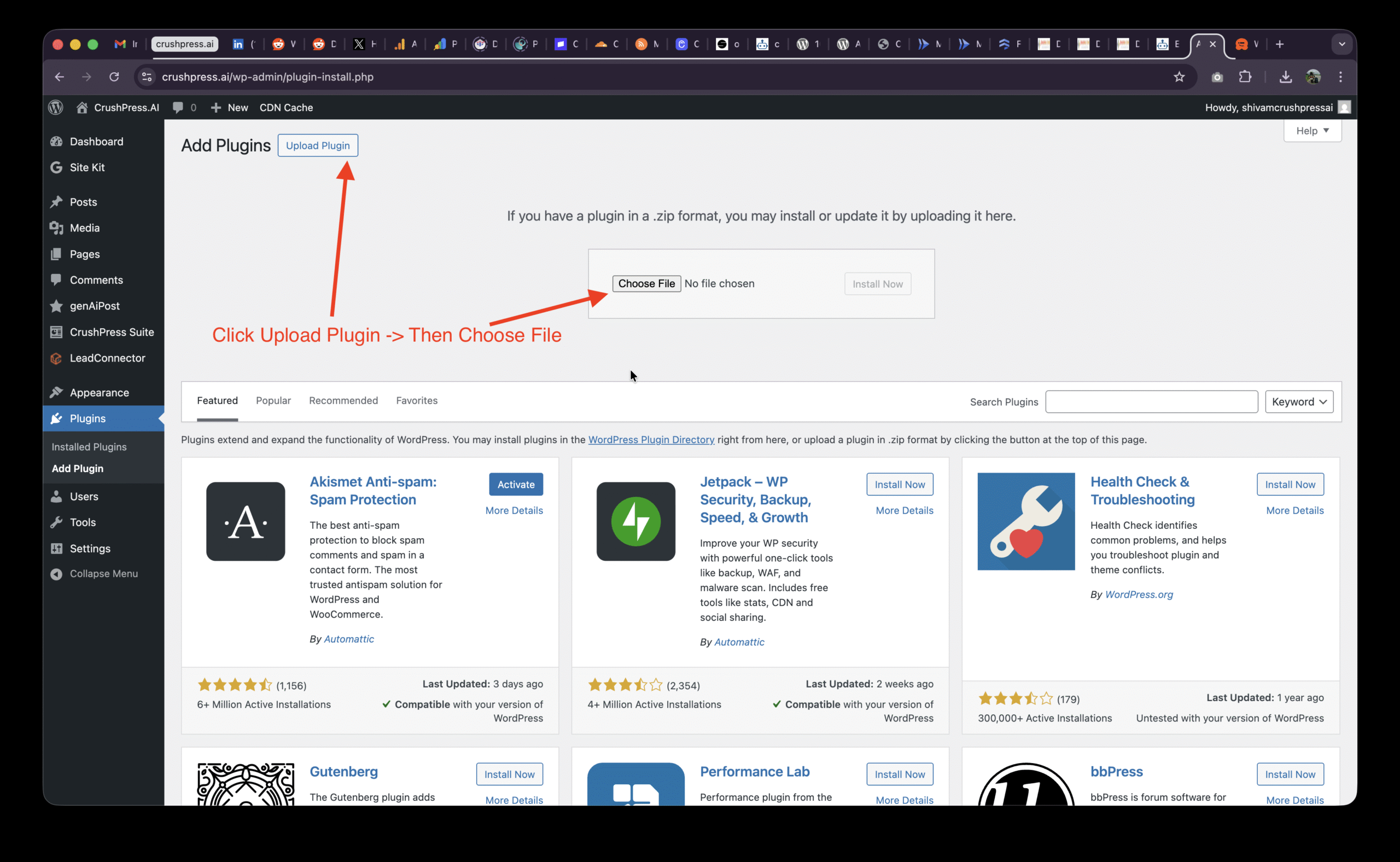
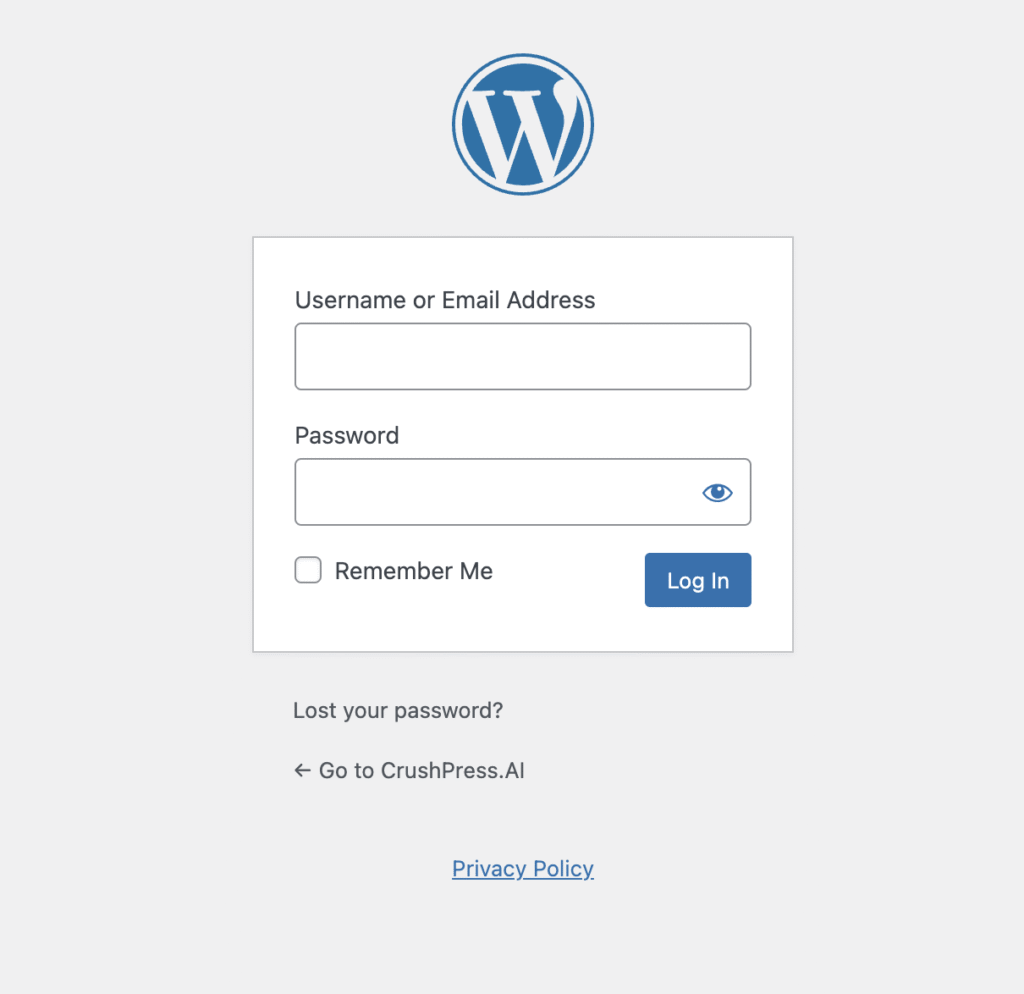
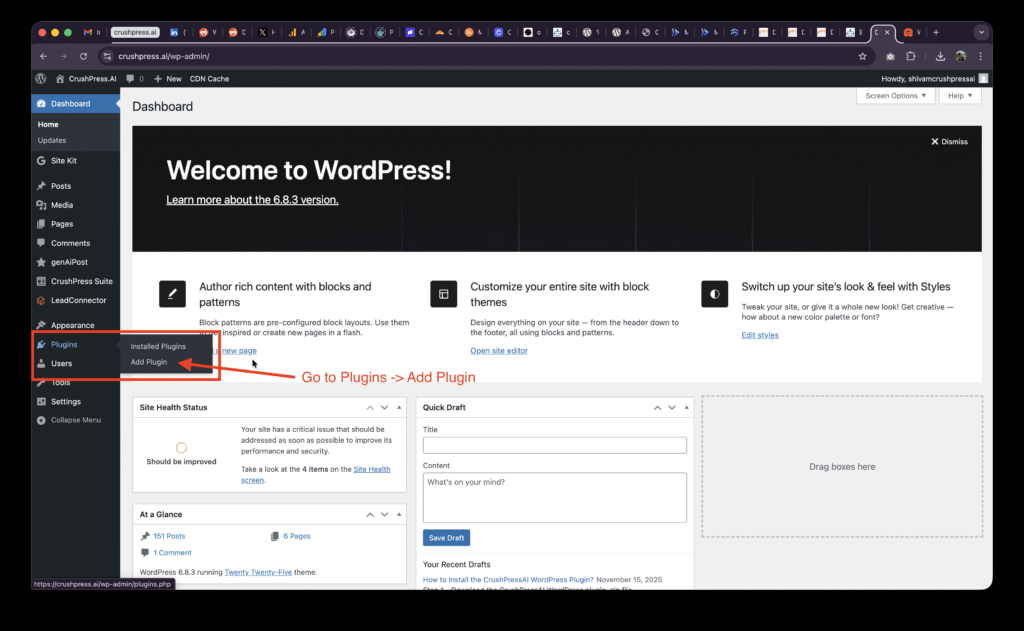
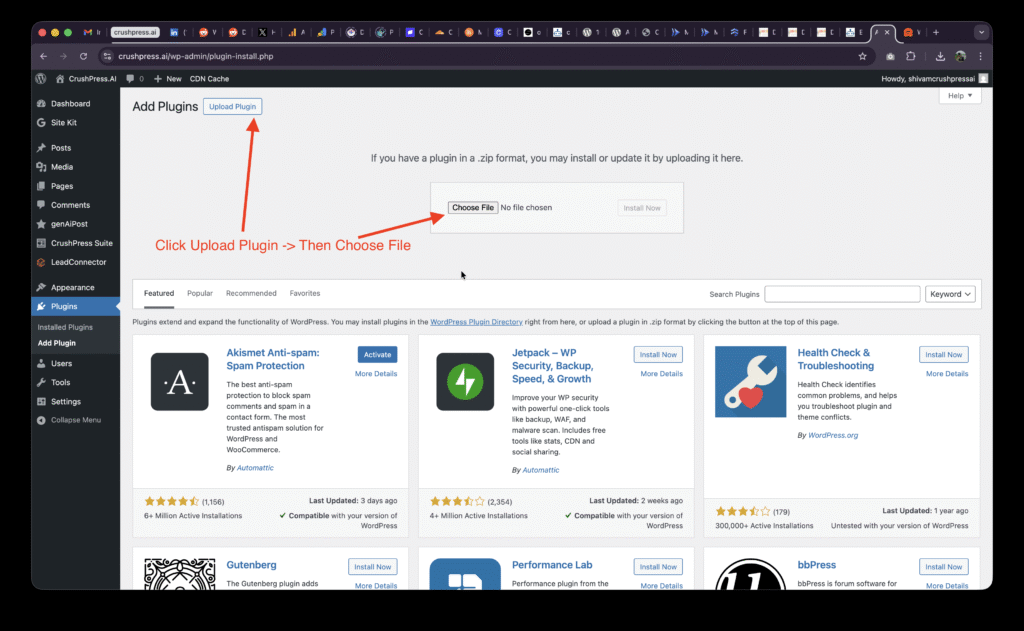
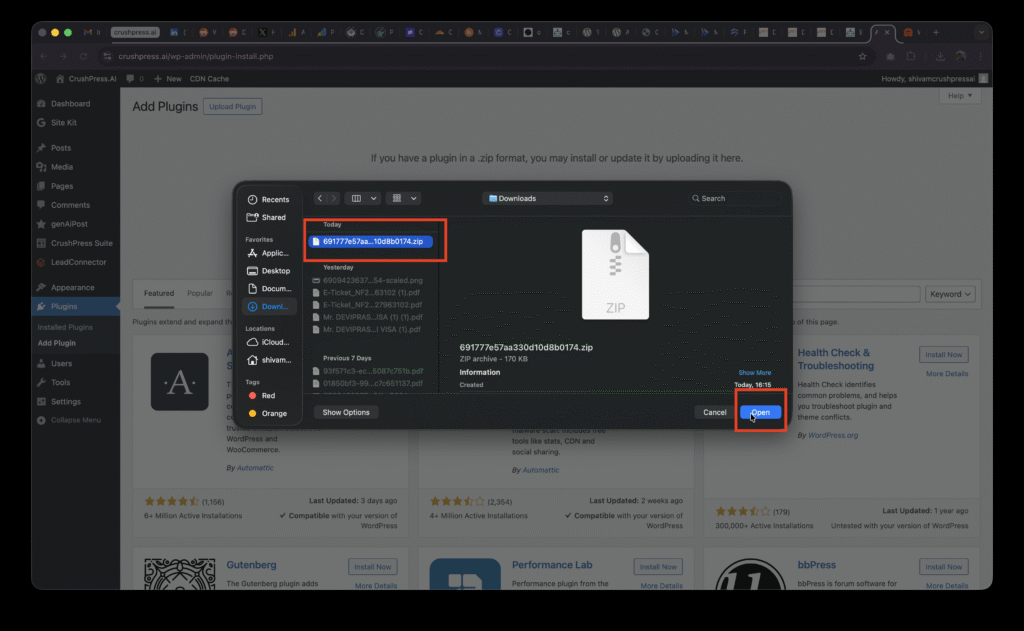
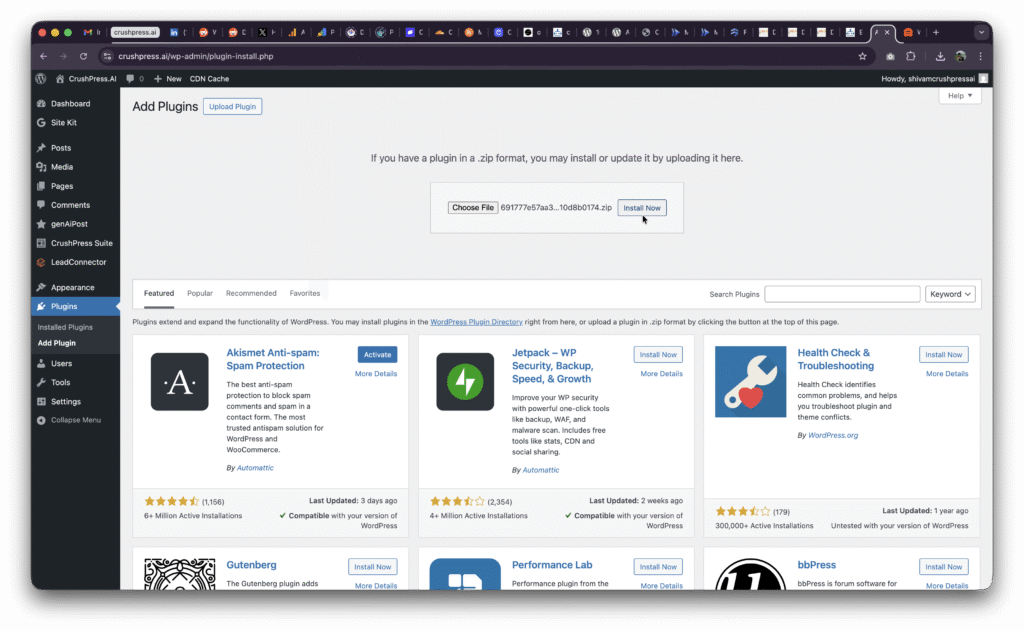
Download the CrushPressAI plugin .zip file, log in to your WordPress /wp-admin dashboard, and go to Plugins then Add Plugin. Use Upload Plugin to choose the .zip file, upload it, and activate it if this is your first install.
Where do I upload the CrushPressAI plugin ZIP file in WordPress?
After logging in to /wp-admin, go to Plugins, then Add Plugin. Click Upload Plugin, choose the downloaded .zip file, and upload it through the WordPress dashboard.
Do I need to activate the plugin after uploading it?
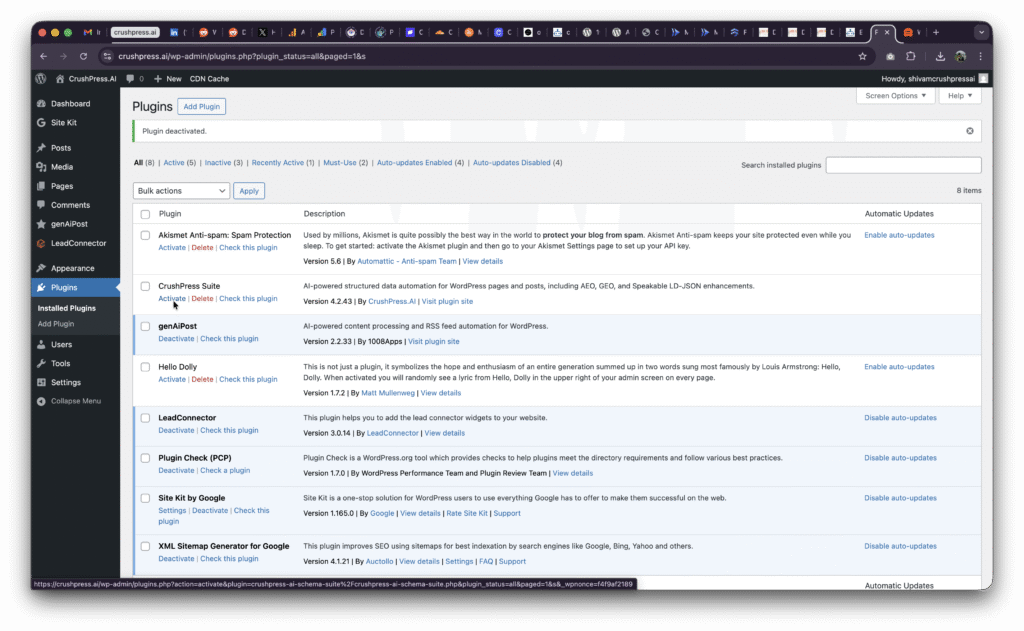
Yes, the guide notes that you may need to click Activate if this is your first install. After activation, CrushPress Suite should appear in the left WordPress menu.
What should I do after CrushPress Suite appears in the WordPress menu?
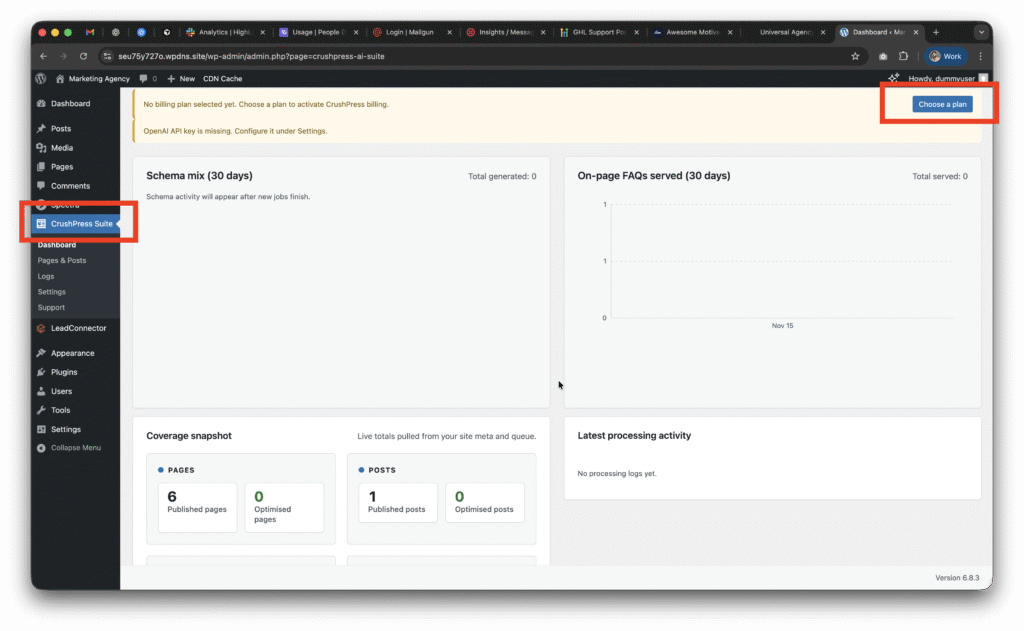
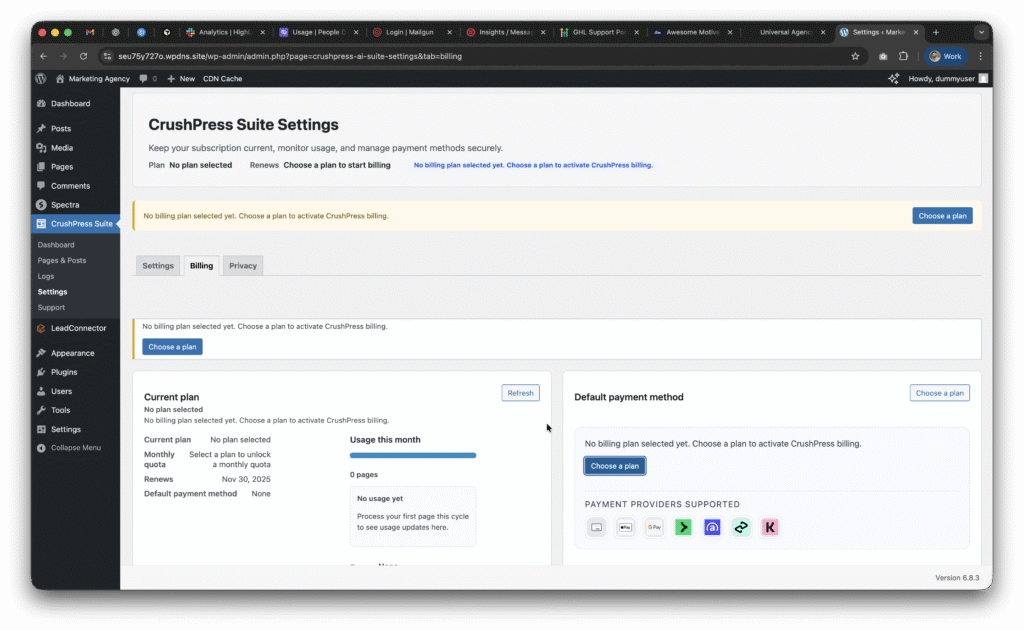
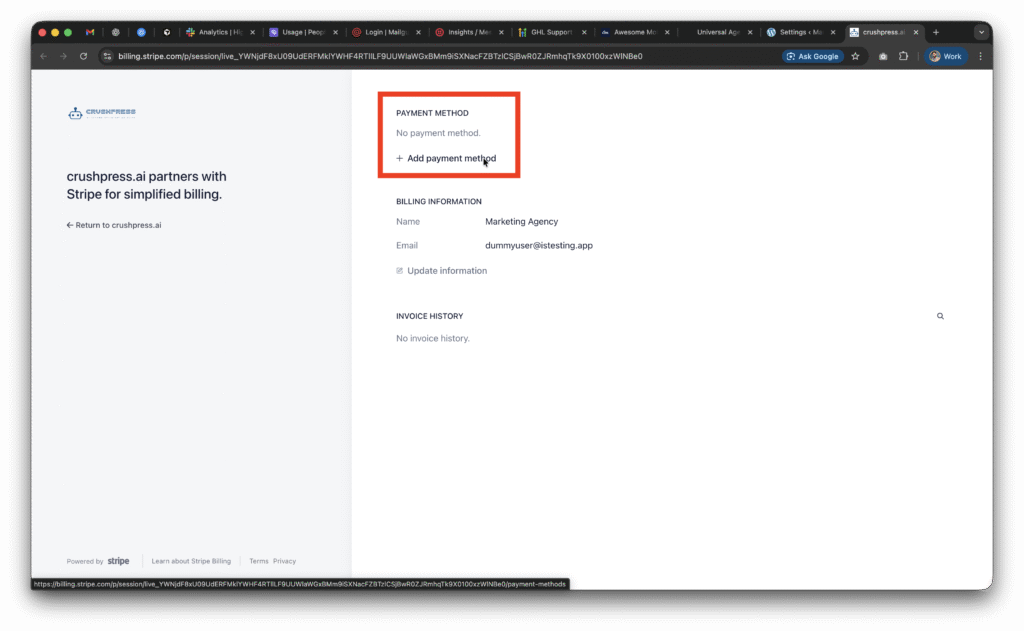
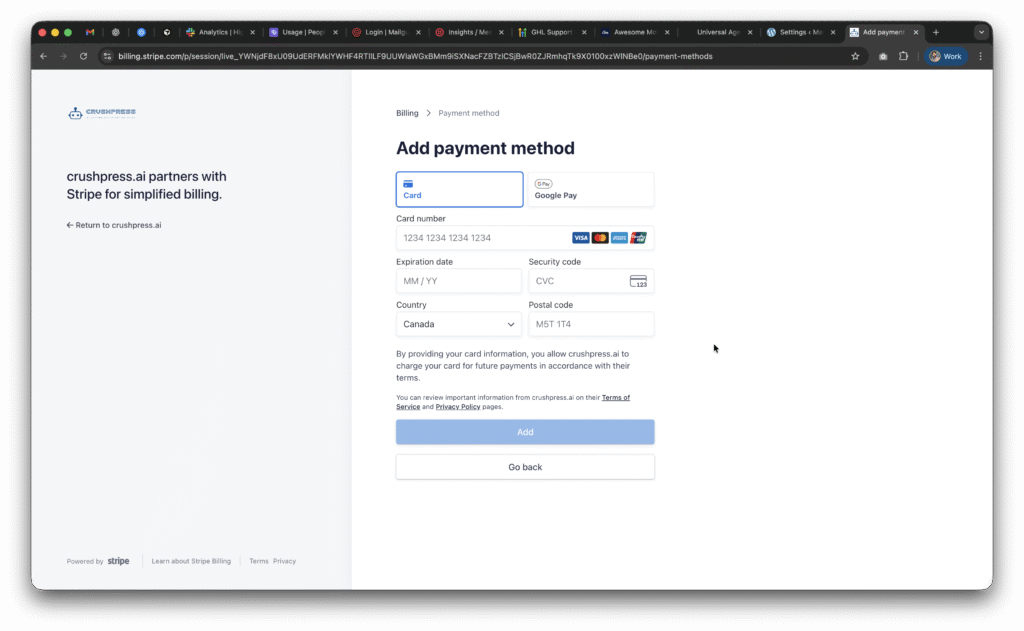
Go to CrushPress Suite, then Settings, then Billing. From there, add your card, choose a plan, and continue setup by adding your OpenAI API key.
Can I start with a free CrushPressAI plan?
The post says you can choose the free plan to start, and that it will not charge you anything and is free forever. It also advises being mindful of overages.
Does CrushPressAI require an OpenAI API key?
Yes. After adding a card and choosing a plan, the guide says you need to set up the OpenAI API key and links to a separate post that explains that configuration.
Leave a Reply