Step 1 – Download the CrushPressAI WordPress plugin .zip file
This will download a .zip file on your computer. If you are prompted to approve thee download please do so.
Step 2 – Login to /wp-admin of your WordPress site and Add Plugin
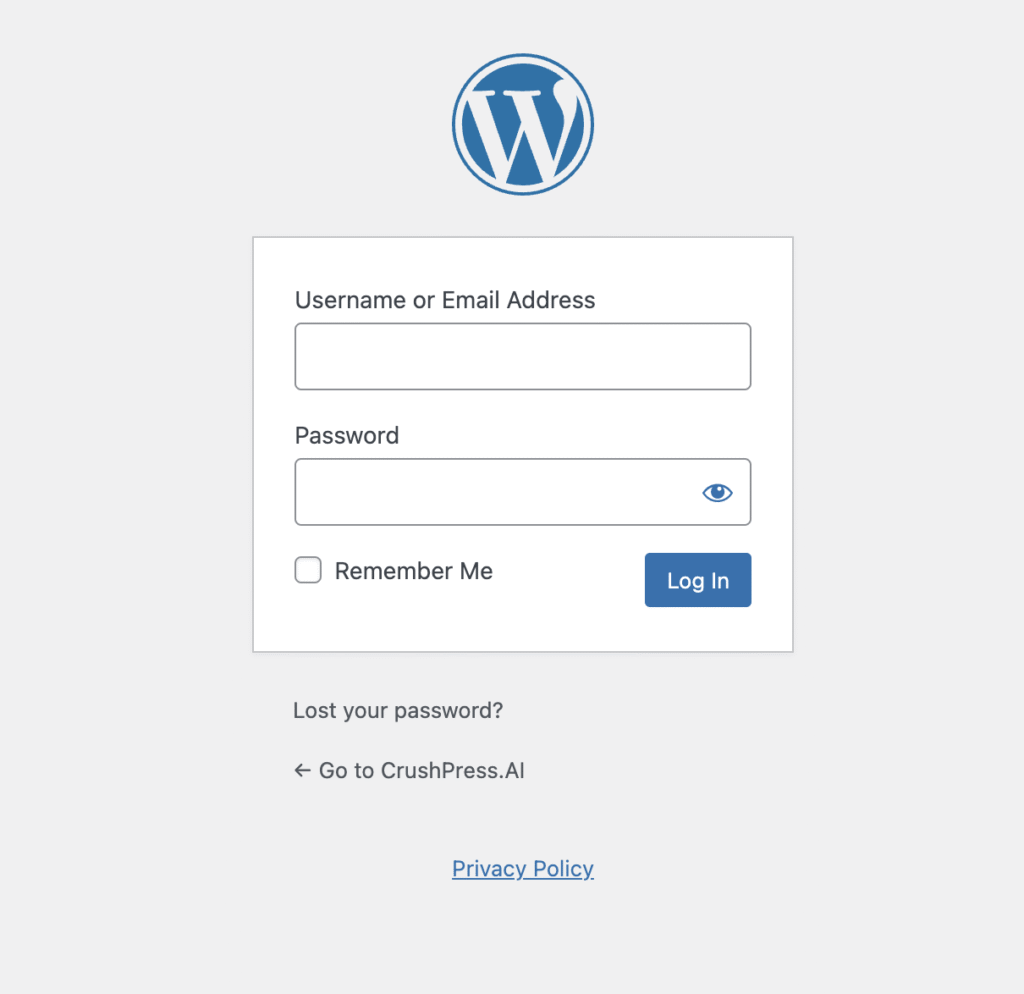
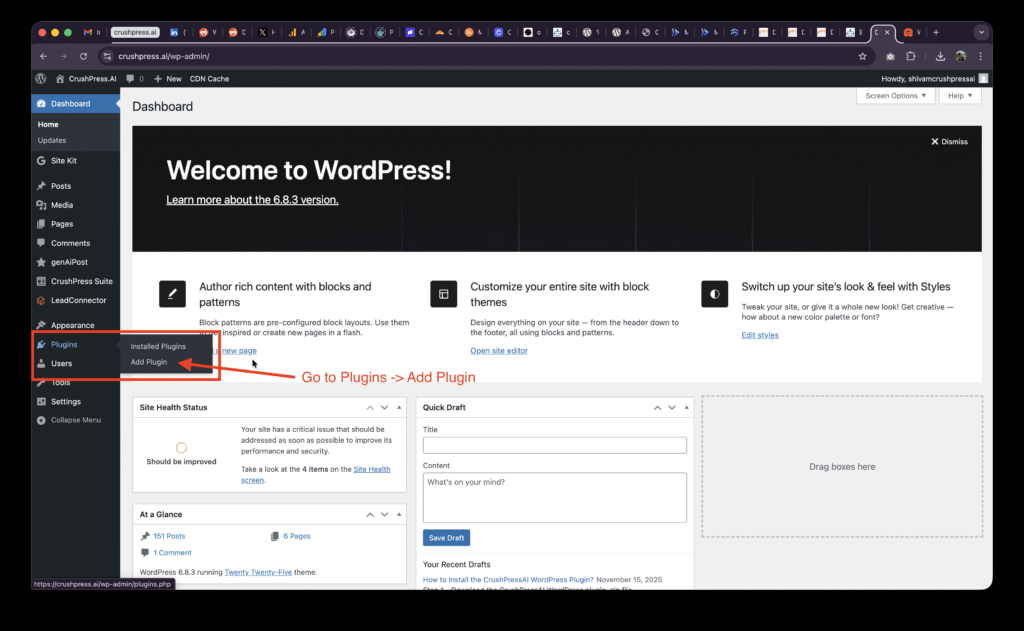
After logging-in to your /wp-admin console go to Plugins -> Add Plugin
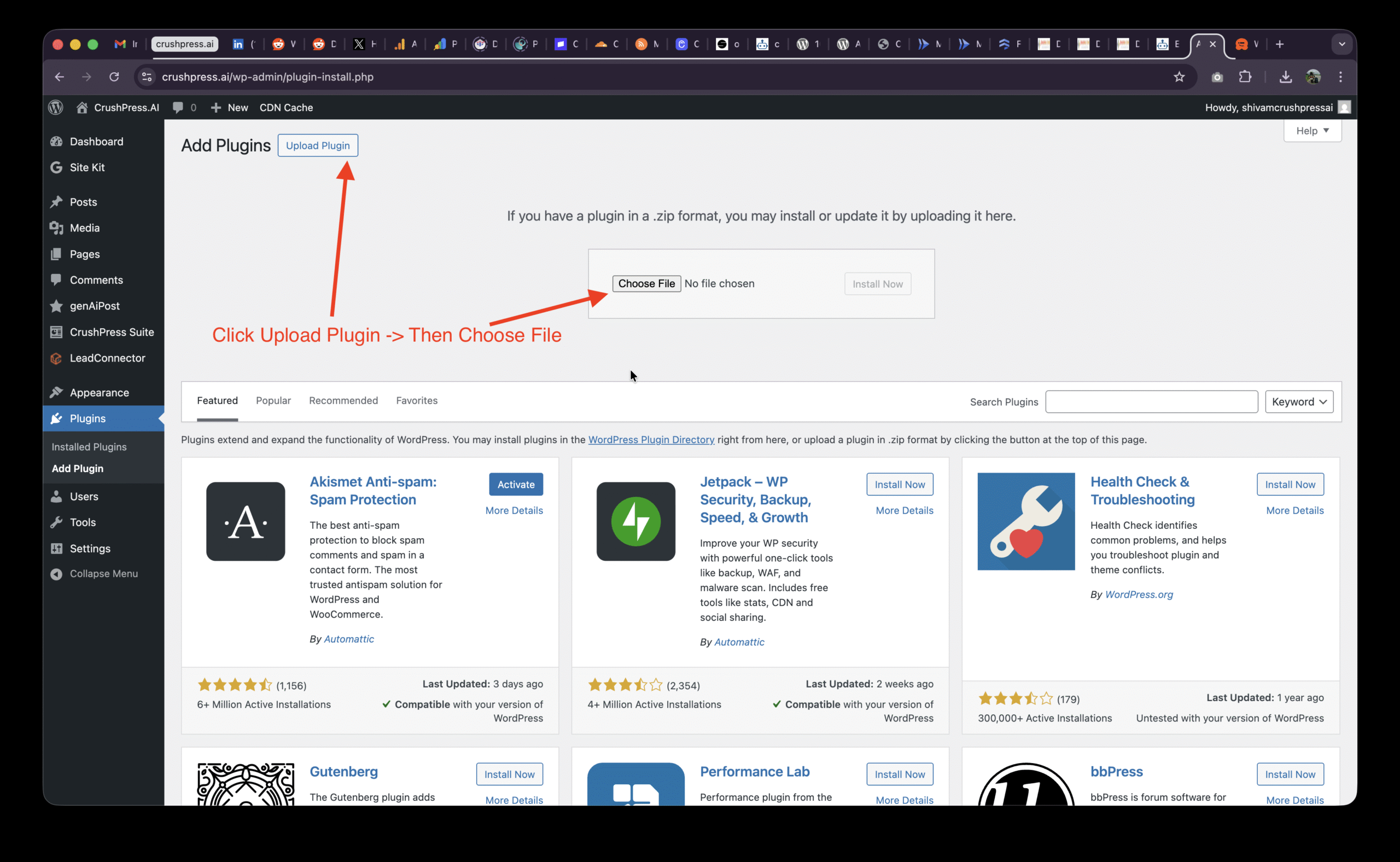
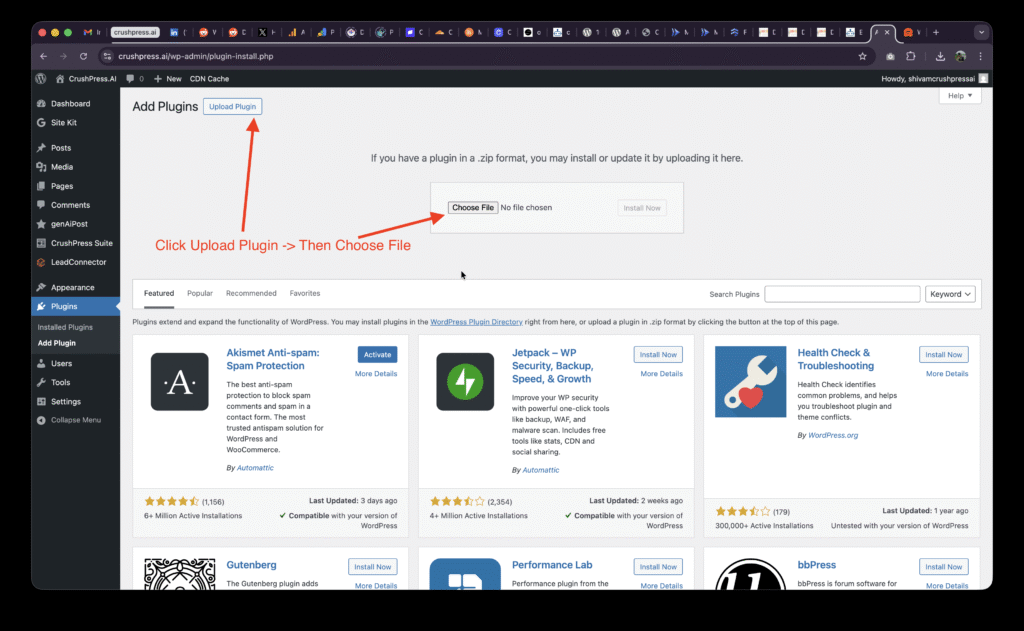
Then Click on Upload Plugin and Choose File
Select the .zip file and Upload Plugin
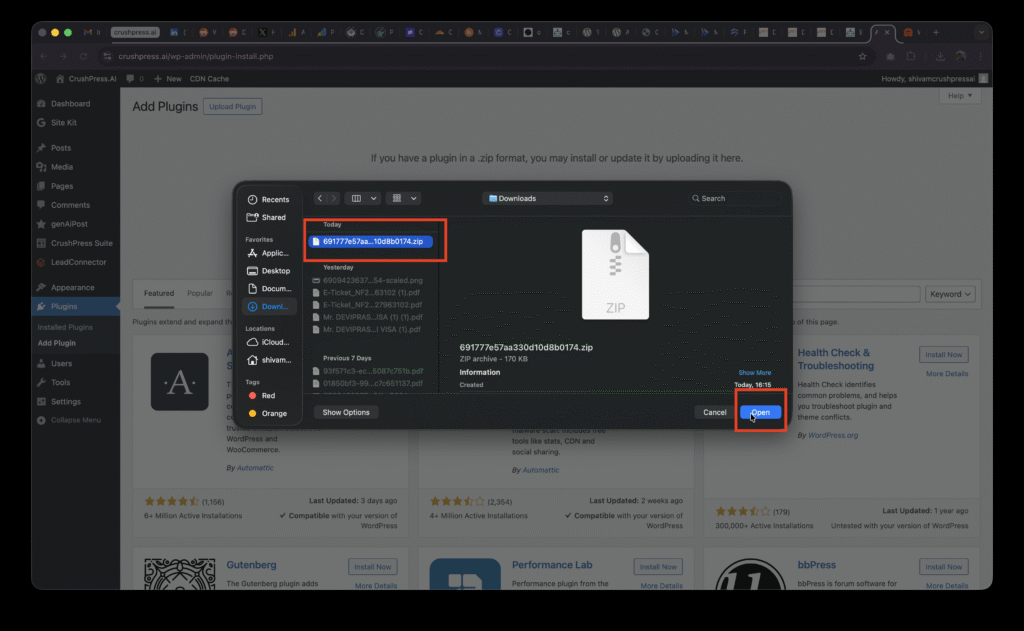
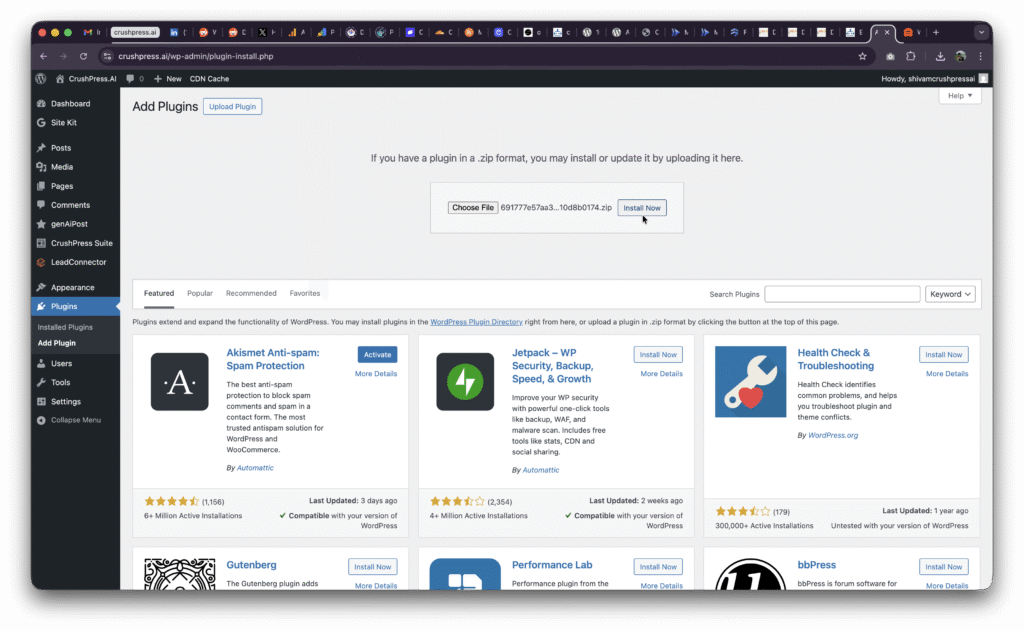
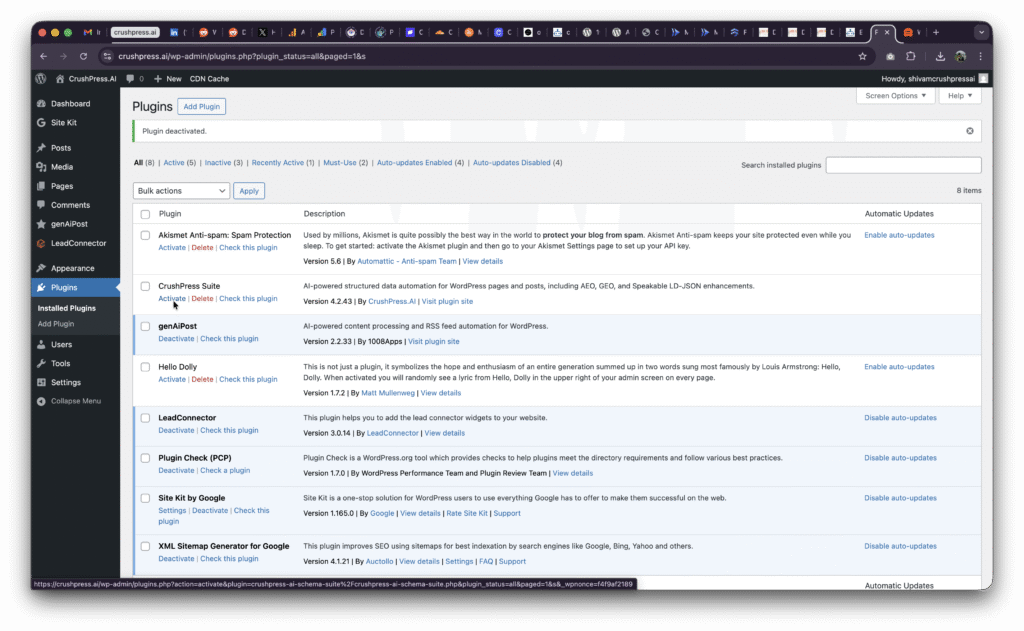
You may need to Activate the plugin if this is your first install.
Step 3 – Add card, choose plan, Setup OpenAI and ALL SET!
You should be able to see CrushPress Suite in the left menu now
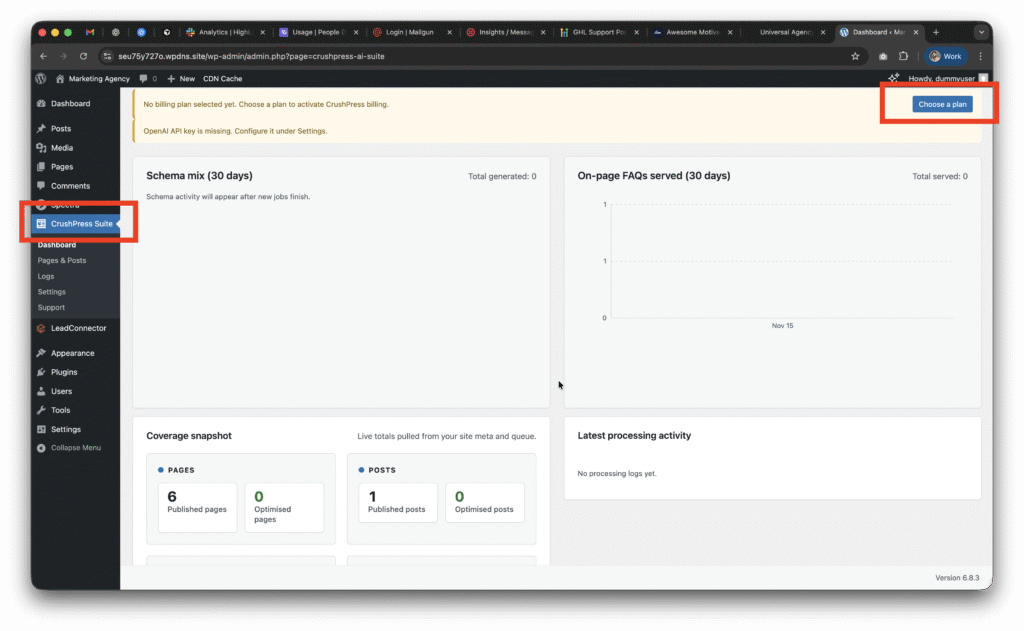
Now go to CrushPress Suite -> Settings -> Billing page and add your card and choose your plan.
You can choose the free pan to start with which will not charge you anything and is FREE FOREVER (be mindful of the overages though!)
Checkout our 2025 Black Friday / Cyber Monday Promo to get unlimited usage free for 2 months on unlimited sites!
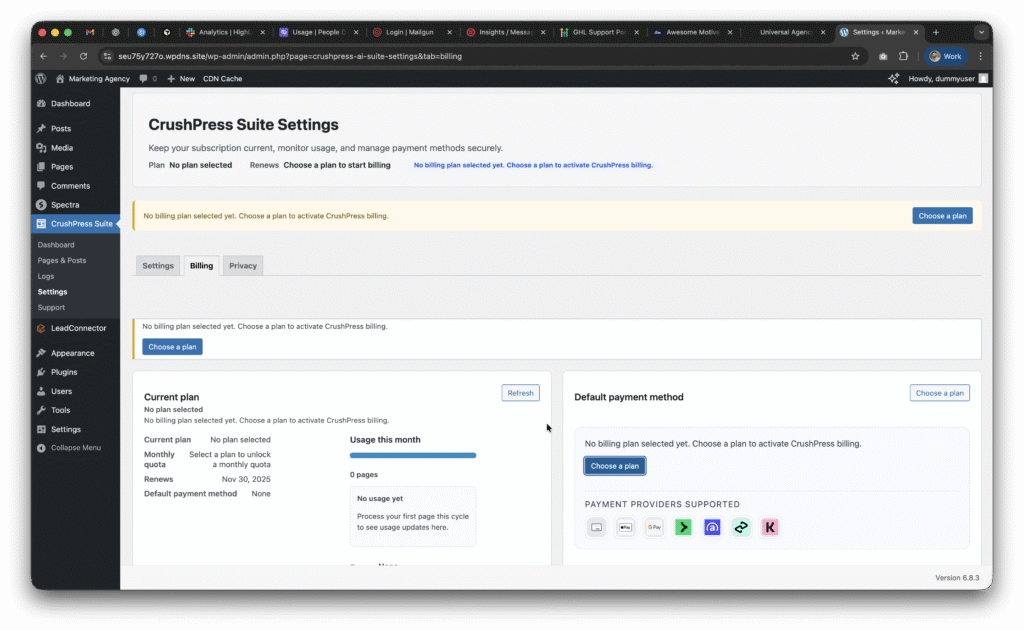
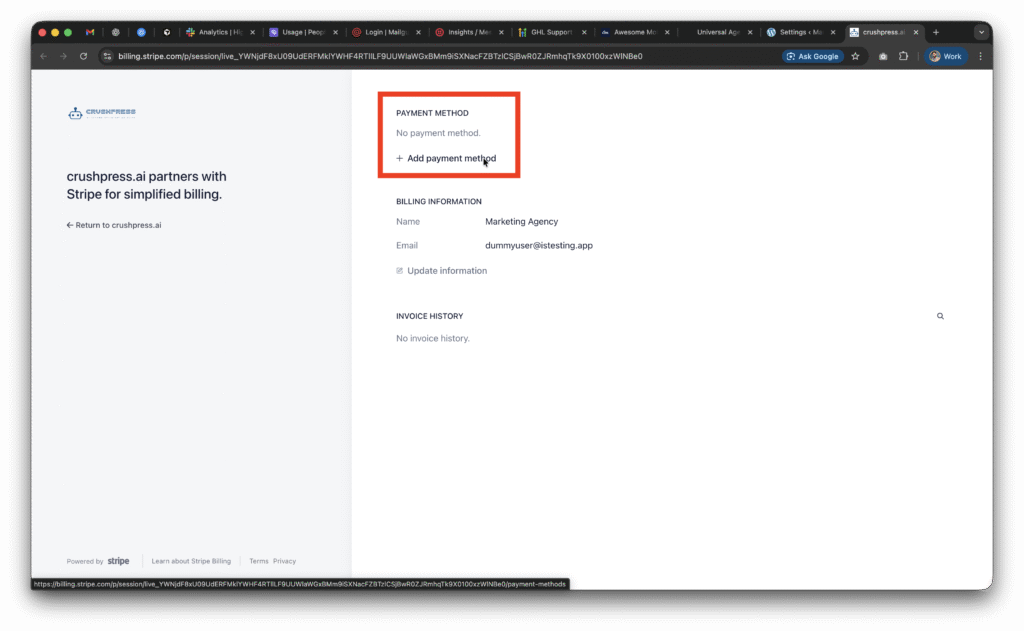
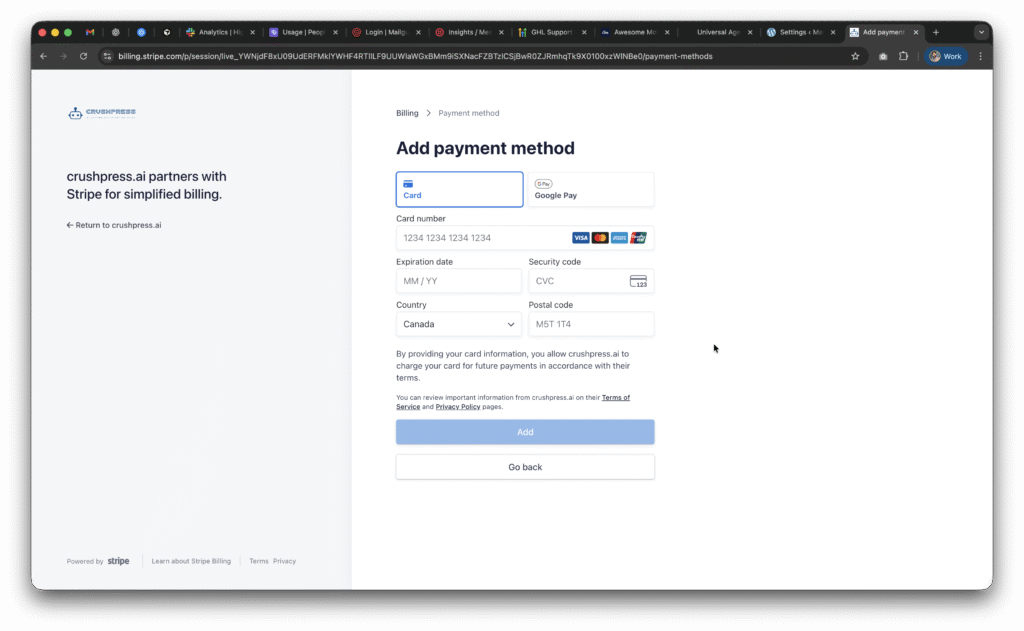
Once you setup the card and choose a plan; you need to setup the OpeAI API Key.
This post walks you through how to configure your OpenAI API Key.