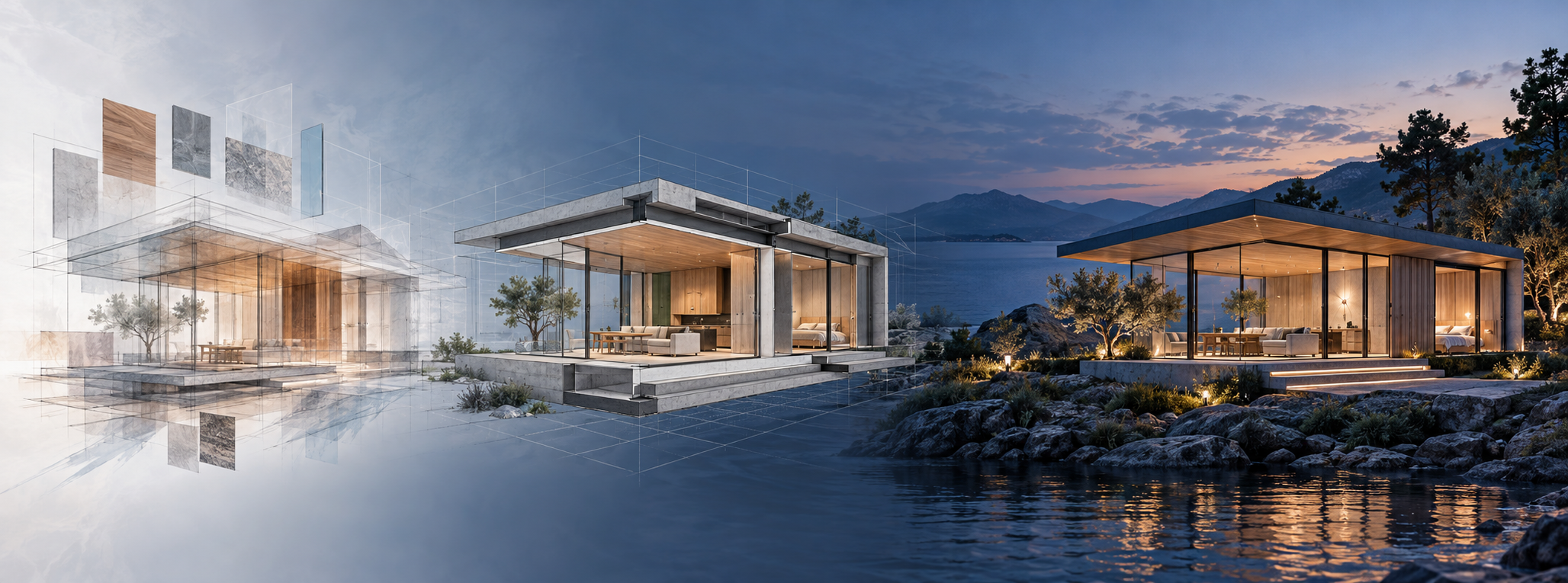
You do not have a tool-selection problem so much as an error-selection problem. One AI system can produce a convincing facade while quietly moving a window. Another can preserve a room accurately but deliver a less polished image. A video can look ready for a campaign until a hand warps, a face changes or the lettering dissolves.
The right choice depends on what the output must prove. If you separate inspiration, spatial validation and presentation, you can use AI for speed without letting visual polish masquerade as accuracy.
Key takeaways
- Use a general visual model such as Google Gemini as a flexible starting point, then route measured plans, virtual staging, architectural rendering and specialist video work to tools built for those jobs.
- For room redesigns that must preserve real walls, windows and doors, HomeDesigns AI is a stronger starting point than a purely aesthetic image generator. For dimension-sensitive plans, use Planner 5D.
- Choose video tools by the failure that matters: Gemini for audio, instructions and lettering; Dreamina for realism; Kling for animating stills and maintaining characters; Hailuo AI for motion; and Runway for editing existing footage.
- Never approve construction, purchasing or layout decisions from appearance alone. Check geometry, dimensions, scale and product details outside the generated image.
- Run a repeatable test with your own briefs before standardizing a tool. Track retries and correction time, not just the best-looking output.
Choose the tool by the failure you cannot afford
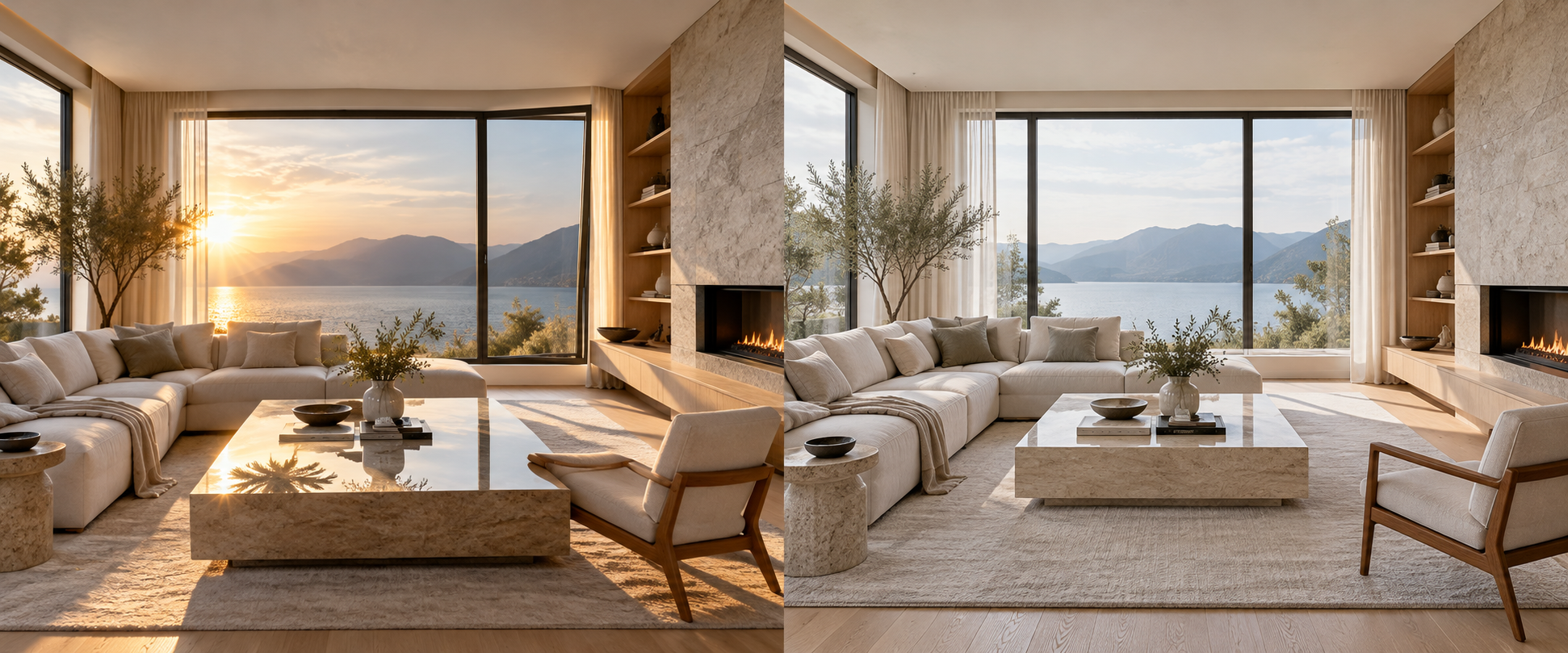
There is no single winner across visual and spatial work. In a late-2026 evaluation covering 480 requests and 4,800 designs, six platforms won at least one of eight design tasks. A separate evaluation of 400 prompts and 4,000 video clips produced five task winners. Broad scores can narrow your shortlist, but the cost of a specific failure should decide which system receives the job.
| Deliverable | Evidence-led starting point | Why it fits | What you still need to check |
|---|---|---|---|
| General image and spatial concepts | Google Gemini with Nano Banana Pro | It scored 89.1 overall and placed first or second in seven of eight design tasks. | Remeasure plans and compare all fixed openings with the original input. |
| Color and material direction | ChatGPT with GPT Image 2 (Thinking) | It led color and material palettes at 90.8, with especially clear notes about finishes and placement. | Treat rendered color and texture as direction, not as an exact physical sample. |
| Redesigning a real room photo | HomeDesigns AI | It led room redesigns at 91.4 and retained the room structure in 95.2% of redesigns. | Overlay the result on the original photograph and inspect walls, windows, doors and camera position. |
| Virtual staging | Interior AI | It led virtual staging at 91.8 and placed furniture at realistic scale in 92.7% of the tested designs. | Confirm the proposed furniture footprint against measured room dimensions. |
| Measured floor plans and space planning | Planner 5D | It scored 92.4 on floor planning, with 96.8% of dimensions landing within 5% of the supplied measurements. | Enter actual measurements; do not ask an image generator to infer them from a photograph. |
| Architectural mood and presentation rendering | Midjourney V8.2 | It led architectural rendering at 90.2. | Use it for visual direction, not geometric authority: it retained the original room structure in only 61.3% of tested redesigns. |
| Written design advice without images | Claude | It led written design advice at 90.6, slightly ahead of ChatGPT at 90.2 and Gemini at 89.6. | Claude did not generate images in the test, so transfer the approved brief into a visual system. |
| General video, dialogue and on-screen text | Google Gemini with Gemini Omni Flash 1.1 | It scored 89.4 overall, including 92.3 for audio and lip sync, 91.4 for prompt adherence and 90.7 for text. | Inspect hands and fine movement, its most common recorded flaw. |
| Realistic text-to-video footage | Dreamina with Seedance 2.5 | It led realism at 90.8 and supported single clips as long as 30 seconds. | Check whether lip sync drifts as the clip progresses. |
| Animating a still or preserving a recurring character | Kling 3.0 | It led image-to-video at 90.3 and character consistency at 90.4. | Add critical lettering in post-production because garbled text was its most common recorded flaw. |
| Movement and physical behavior | Hailuo AI with MiniMax H3 Max | It led motion and physics at 90.1. | Review labels, signs and screens frame by frame. |
| Editing or extending existing footage | Runway Gen-4.5 | It led editing and clip extension at 88.9. | Watch object boundaries and intersections; objects passing through one another were its most common flaw. |
The table is a routing map, not a permanent league table. Models, plans and product capabilities change. Keep the model version and test date beside every result in your own records.
Build a three-stage visual production workflow
A reliable pipeline prevents a polished rendering from acquiring authority it has not earned. Start with constraints, validate the space, and only then produce the presentation asset.
Stage 1: Turn the brief into explicit constraints
Do not begin with a style phrase such as modern luxury living room. That tells the system what the image should feel like but almost nothing about what must remain true. Give it a structured constraint packet:
- Objective: State whether the output is for ideation, staging, layout approval, a facade concept, a campaign image or an animation.
- Input truth: Attach the original photographs, measured plan, elevations or approved reference frame.
- Locked geometry: Name every wall, window, door, column, opening, ceiling condition and camera position that cannot move.
- Measurements: Provide room dimensions, opening sizes and the dimensions of any item that must fit.
- Permitted changes: List exactly what may change, such as furniture, paint, flooring, lighting or decorative objects.
- Functional requirements: Describe circulation, seating, storage, visibility and other practical needs in ordinary language.
- Visual direction: Specify the style, palette, materials, lighting condition and level of realism.
- Exclusions: Name unwanted colors, objects, materials, camera effects and structural alterations.
- Output request: Ask for the required view and instruct the system to preserve locked elements rather than invent a solution when a constraint conflicts.
A usable room prompt might read: Redesign the attached living room in a warm minimal style. Preserve the existing walls, ceiling height, two window openings, door swing and camera position. Use the supplied measurements as constraints. Replace only the furniture, rug, wall paint and lighting. Keep the circulation route unobstructed. Produce a wide view and identify any constraint you cannot maintain.
That last instruction is important. A generator may still fail to disclose uncertainty, but you have made constraint adherence part of the task instead of leaving it implicit.
Stage 2: Separate the concept image from the measured plan
Use the first pass to settle aesthetic direction: palette, furniture language, material relationships and atmosphere. Once the direction is approved, rebuild or validate the layout in a measurement-led planning tool. Then return to the visual generator for a refined presentation image based on that checked layout.
This separation matters because spatial realism and visual realism are different abilities. Planner 5D reached 96.8% accuracy within 5% of supplied floor-plan dimensions, while Midjourney produced the strongest architectural renderings but reached only 38.6% on that dimension test. The prettier output is not automatically the safer planning artifact.
If your only goal is mood, the concept image may be the final deliverable. If money, purchasing, construction or physical fit depends on it, the measured plan becomes the controlling record and the rendering becomes supporting communication.
Stage 3: Animate an approved frame
When the space is settled, animate the approved still instead of asking a video model to invent the environment and the movement at the same time. This gives the model a visual anchor and makes any geometry drift easier to notice.
A motion brief should identify the starting frame, subject movement, camera movement, physical interaction, audio, dialogue, elements that must remain unchanged and the desired final frame. Keep the action narrow enough that you can verify it. If the scene needs several distinct actions, generate and approve them as separate shots before editing.
Route the approved frame according to the hard part of the shot. Kling is the evidence-led choice when the still and recurring character must remain recognizable. Hailuo AI is the stronger starting point when believable running, falling, splashing or other physical movement carries the scene. Gemini is the better starting point for dialogue, lip sync or meaningful text. Runway is the logical destination when you need to modify or extend footage that already works.
Even Gemini’s 90.7 score for text in video does not make generated lettering a dependable master for brand names, prices or calls to action. Kling, Hailuo AI and Midjourney all showed garbled text as their most common flaw. Use generated type for a disposable concept; add critical copy in an editor after the visuals are locked.
Verify what the image cannot prove
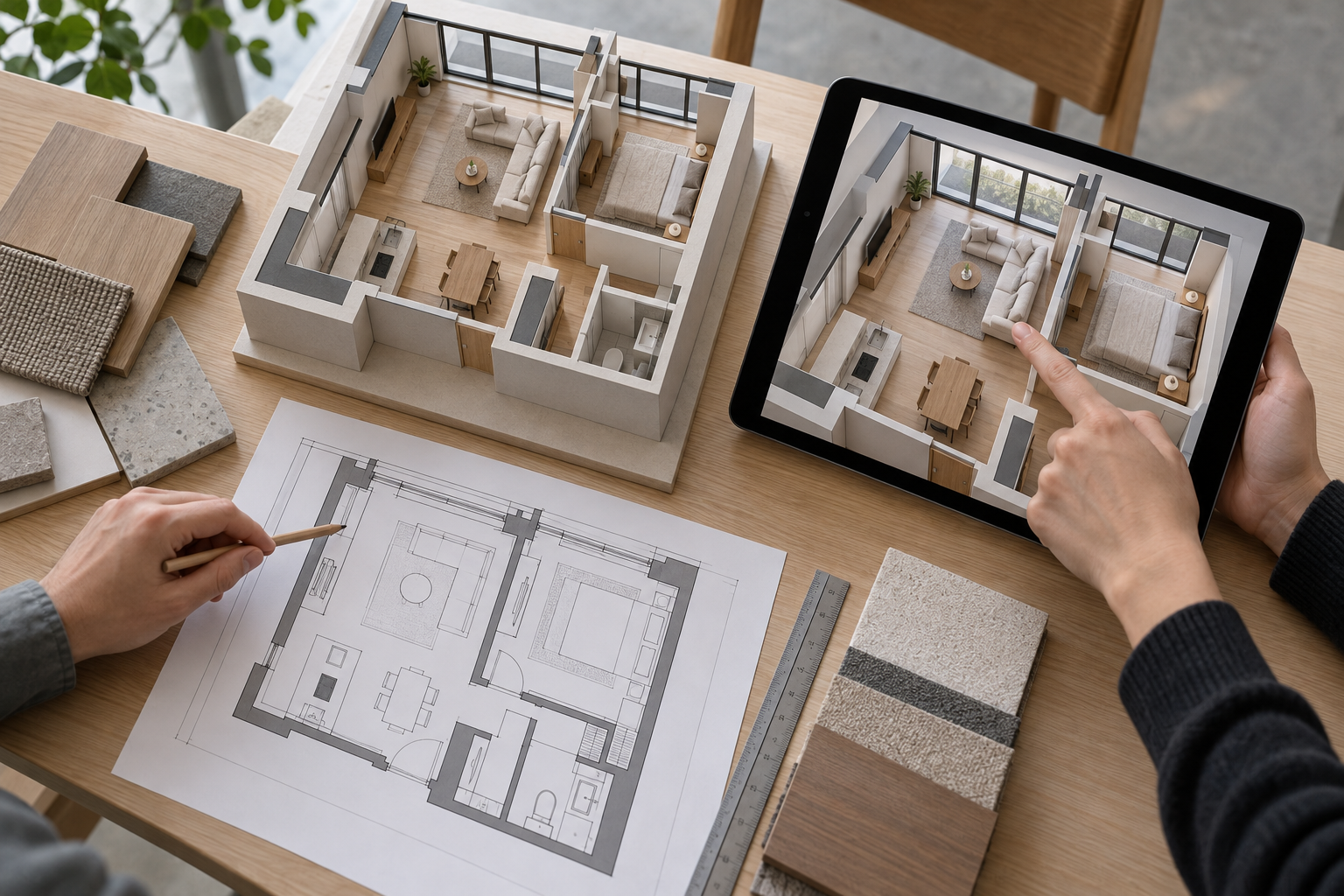
Visual plausibility is a weak acceptance test. A scene can look coherent at normal viewing size while failing exactly where a spatial or commercial decision depends on it. Use separate checks for geometry, scale and temporal continuity.
Check geometry against the original, not your memory
Place the original and generated room side by side. Better still, align them as layers at partial opacity. Inspect every fixed edge: wall junctions, window widths, sill heights, door positions, ceiling lines, columns and camera perspective. Small structural changes become much easier to see when the edges no longer align.
The difference between tools is material. HomeDesigns AI retained the real room structure in 95.2% of tested redesigns, compared with 61.3% for Midjourney. That makes Midjourney useful for discovering a visual language, but risky when the existing shell is part of the brief.
Check scale and dimensions numerically
Verify furniture footprints, opening widths and circulation against a measured plan. Do not measure the pixels of a perspective rendering and treat the result as a room dimension. Perspective, lens simulation and generative reconstruction can all make that inference unreliable.
Planner 5D put 96.8% of floor-plan dimensions within 5% of the supplied measurements. Gemini reached 84.6% and ChatGPT reached 82.9% on the same test. Those are useful results for exploration, but they do not eliminate the need to check the measurements that control purchasing or construction.
Review motion one frame at a time
Watch the video once at normal speed for the overall impression. Then scrub through it and look specifically for hands, faces, object count, contact points, shadows, reflections, lettering and lip sync. Check whether objects pass through one another, whether a face changes between shots and whether an item changes shape as it moves.
Retries are normal, not exceptional. The strongest overall video system produced 71.4% of clips usable as generated. Dreamina reached 69.8% and Kling reached 68.2%. Across the tested field, the major-flaw rate ranged from 8.3% for Gemini to 22.7% for Meta AI. Plan for review and regeneration before you commit to a publishing date.
Know where AI approval must stop
An AI image can approve an aesthetic direction. It cannot, by itself, approve structural feasibility, building-code compliance, material performance, installation details or the fit of a purchased item. When the decision affects construction, safety or a significant spend, have the controlling measurements and technical assumptions checked by an appropriately qualified designer, architect, engineer or contractor before work begins.
Benchmark your own briefs before you standardize
A public benchmark tells you where to begin. Your internal test tells you what to buy and where to put it in the workflow. Use real recurring assignments, including the difficult ones that trigger revisions.
- Select representative jobs. Include each output your team regularly produces, such as a room redesign, measured plan, facade concept, image-to-video shot, dialogue clip and footage extension.
- Lock the inputs. Give every candidate the same photographs, plans, measurements, references, instructions and output requirements. Use the highest-quality setting you would actually pay for.
- Define acceptance before generating. Write down the geometry, scale, identity, motion, audio and text conditions that make an output publishable.
- Classify every result. Mark it usable as generated, usable after a minor correction or unusable because a major element must be regenerated.
- Record the hidden workload. Track render time, retries, hands-on correction time and the recurring failure responsible for each rejection.
- Keep a primary tool and specialist routes. Standardize the general workflow, but preserve a clear handoff for measured planning, staging, rendering, motion and editing.
The usable-output rate deserves more weight than a showcase image. In the video evaluation, Gemini’s 71.4% usable-as-generated rate was substantially higher than Meta AI’s 47.2%. A tool that occasionally produces the best clip can still be the expensive choice if your team repeatedly regenerates the rest.
Capability can also disappear. At the October 2026 test point, ChatGPT no longer generated video after the Sora app closed in April and its API shut down in September; Microsoft had also retired its Sora-based Copilot video tool in June. Record the platform, model, plan and date in every evaluation so an old result does not silently govern a changed product.
Take the next real brief your team expects to deliver and run it through this workflow. Lock the constraints, route each stage to the appropriate specialist, and reject anything that only looks correct. That single exercise will tell you more about the right stack than another afternoon spent browsing galleries.
References
- First Page Sage — Which AI Is Best for Video Generation in 2026?
- First Page Sage — Which AI Is Best for Interior Design in 2026?

Leave a Reply