
Profound’s External MCP Connectors are presented as a way to bring outside work systems into Profound through a shared integration layer. The practical promise is less tool switching: information and actions associated with content management, project tracking, and team communication could become accessible from a more centralized workflow.
The available source is a short, vendor-authored announcement rather than independent testing or detailed technical documentation. Its claims therefore establish Profound’s intended direction, but not the connector catalog, supported operations, security model, or measurable productivity gains.
What Profound says its external connectors enable
According to the Profound post, External MCP Connectors can link the platform with CMS tools, project trackers, and team communication platforms. The announcement describes these connections as a way to manage projects, streamline workflows, improve collaboration, and access important tools from a central hub.
Those statements should be read as product positioning. The source does not identify particular supported services, distinguish between read-only access and write actions, or demonstrate a complete workflow. It also offers no comparative results showing how much time or effort the connectors save. Consequently, the meaningful takeaway is the proposed integration model, not a verified performance outcome.
Why MCP changes the integration conversation
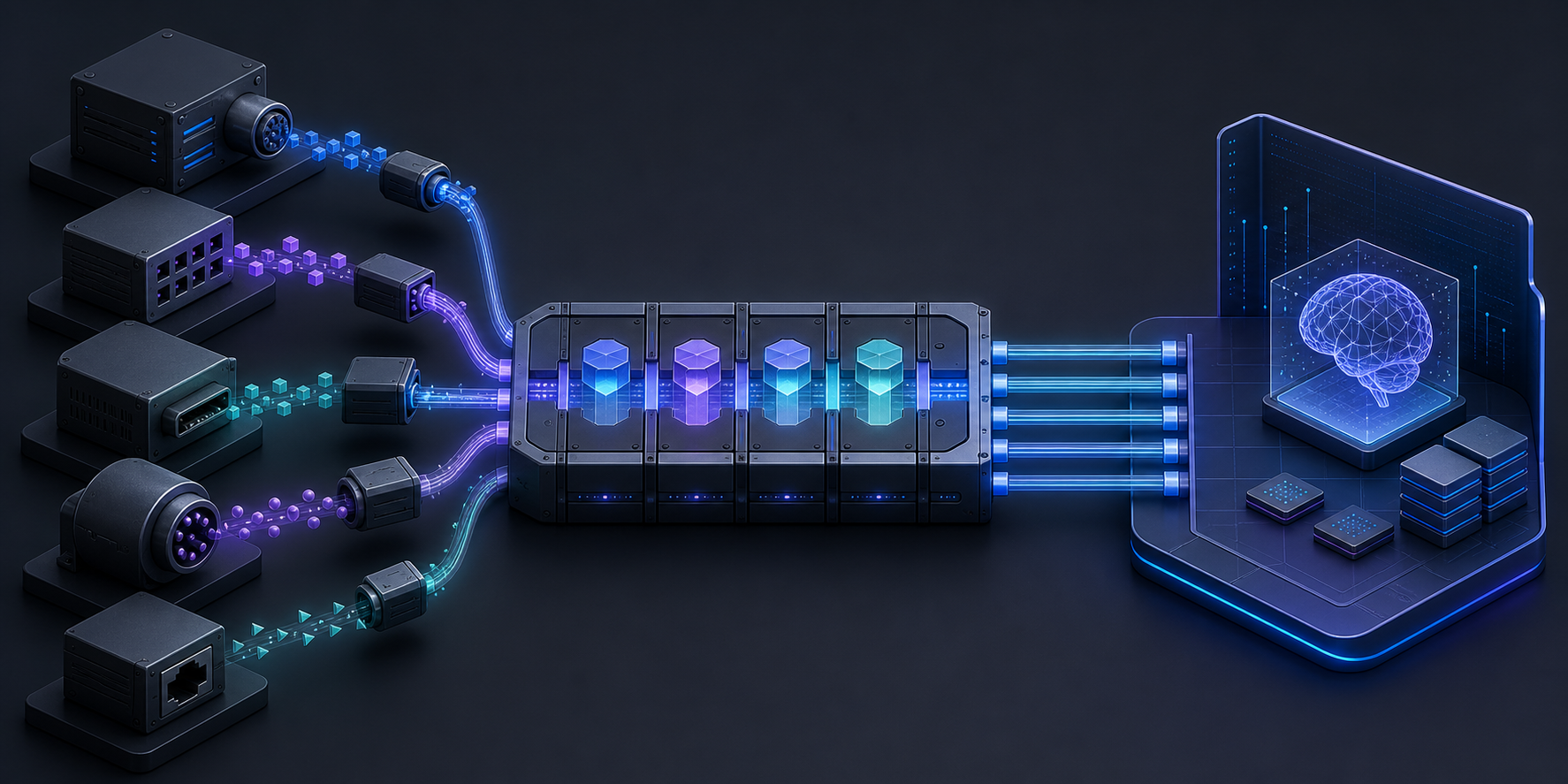
In general terms, the Model Context Protocol provides a standardized way for an AI-enabled application to interact with external sources and tools. Instead of treating every connection as an entirely separate product integration, an MCP-based approach can give compatible systems a common interface for exposing permitted context or actions.
For Profound users, the architectural implication may matter more than the phrase “central hub.” A common interface can make it easier to assemble workflows spanning several systems, but it does not automatically make those systems interchangeable. Each connector can still differ in authentication, available functions, data structure, reliability, and administrative controls.
Key takeaways
- Profound reports that External MCP Connectors can connect CMS, project-tracking, and team-communication tools with its platform.
- The central value proposition is workflow consolidation, although the source provides no independent evidence or quantified results.
- MCP standardizes the connection pattern; it does not guarantee identical capabilities, permissions, or data quality across external tools.
- Teams should evaluate each connector at the level of actual tasks, accessible data, permitted actions, and operational controls.
The questions teams should answer before adoption

A useful evaluation starts with the workflow rather than the number of available connections. A team might examine where information currently moves between its CMS, project tracker, and communication system, then identify which transfers are repetitive, slow, or prone to inconsistency. The connector is valuable only if its available operations match those specific handoffs.
Access boundaries also require scrutiny. Evaluators should determine which data Profound can retrieve, which actions it can initiate, how users authenticate, and whether permissions from the connected service remain enforceable. Logging, error handling, approval requirements, and procedures for revoking access are similarly important wherever a connector can change external records.
Finally, teams should test the quality of the resulting context. Centralized access is not necessarily coherent access: duplicated records, inconsistent naming, stale project statuses, or ambiguous ownership can still undermine an integrated workflow. A limited pilot built around one repeatable task can reveal whether the connector reduces friction without obscuring accountability.
From connectivity to dependable workflows
Profound’s announcement points toward a platform that can sit closer to the systems where teams already plan, communicate, and manage content. Whether that direction produces meaningful efficiency will depend on the depth of individual connectors and the governance surrounding them. Future documentation and hands-on evaluation will be needed to establish which workflows are genuinely supported and how reliably they operate.
Leave a Reply