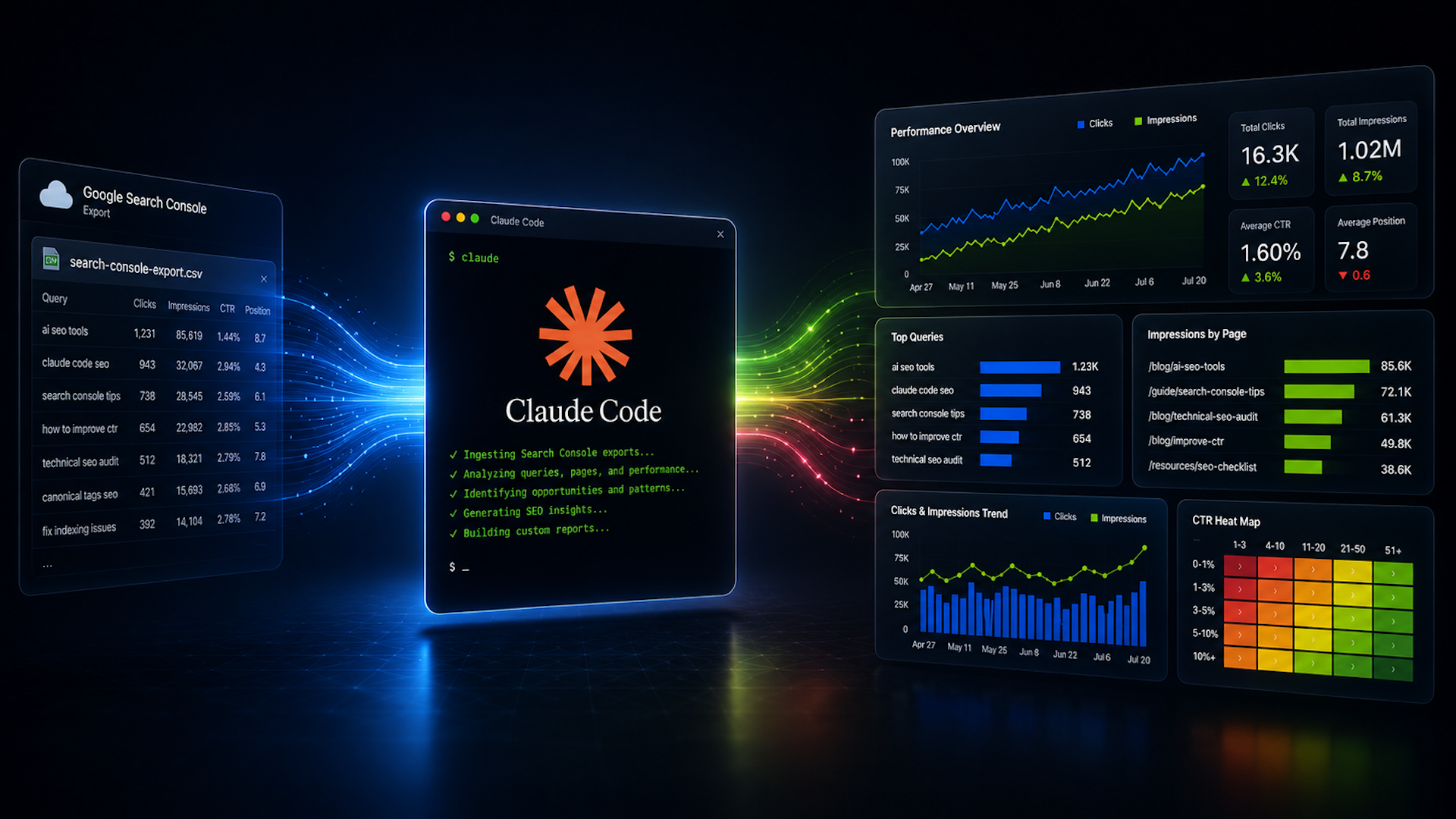
I’ve always found SEO reporting to be a bit of a hassle. It used to mean spending hours exporting data from Google Search Console (GSC), tidying it up in spreadsheets, and then trying to make sense of it all in Data Studio.
Now, with AI tools like Claude Code, my workflow has completely changed. I can instantly create customized data visuals and reports in a fraction of the time it used to take.
Let me walk you through the journey of transforming GSC data into tailored reports, streamlining the entire process.

Using Claude Code is different from the standard Claude experience. While the regular Claude.ai acts like a chatbot, Claude Code functions as an AI coding assistant right on my computer. It’s capable of reading GSC CSV files, analyzing large datasets, and transforming raw data into clear, visual reports.
Initially, setting up Claude Code can be daunting, especially if you aren’t familiar with technical tasks. But don’t worry, the setup is a one-time effort. Once it’s up and running, generating reports takes just minutes.
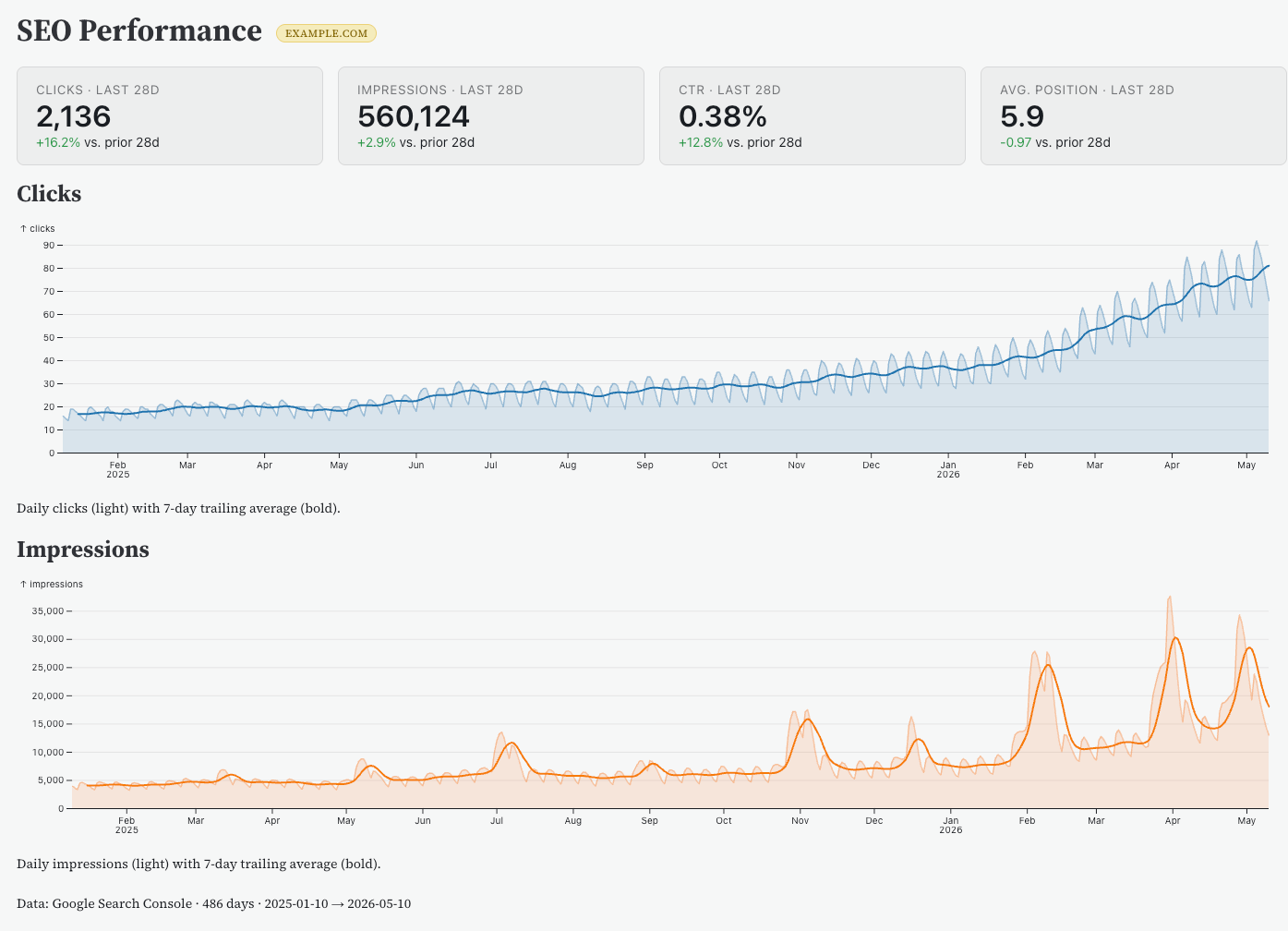
The real magic happens after you connect Claude to GSC. Whether you’re in an enterprise environment or you’re an independent SEO consultant, having Claude Code set up is invaluable.
Starting your journey with Claude Code begins by creating an account on Claude.ai. Even without a paid subscription, I find the platform extremely helpful for generating SEO reports.
A crucial step in using Claude Code is installing Node.js on your machine. For this tutorial, I used a Mac, but it’s compatible with other operating systems too. Once Node.js is installed, I am able to install Claude Code and verify my setup through simple terminal commands.
After setting everything up, I navigated a series of prompts in Claude, choosing how to access GSC data and defining key parameters for my reporting.
Connecting Claude to GSC involves interacting with the Search Console API, albeit a bit technical. But Claude guides me through each step, ensuring a smooth setup.
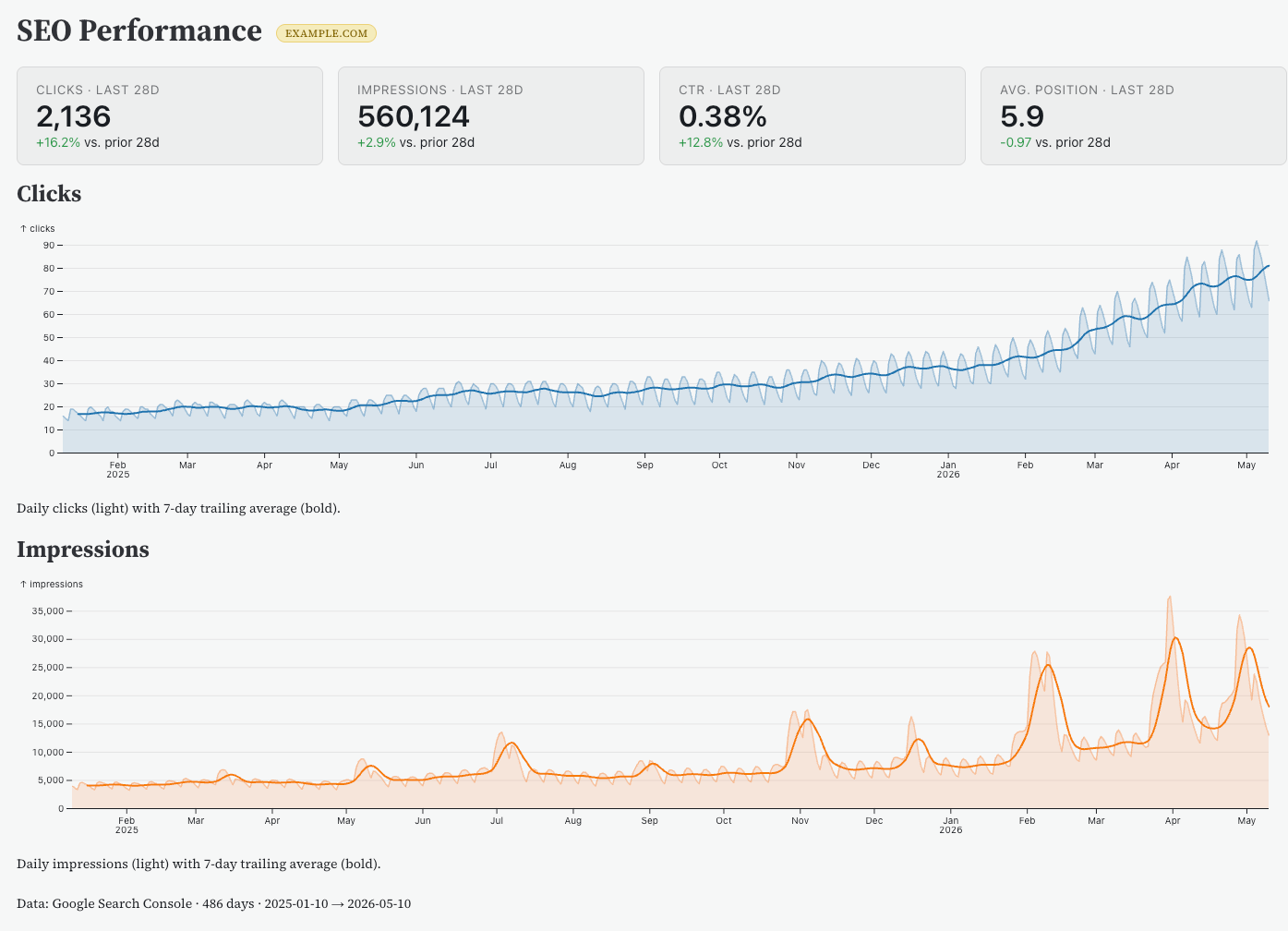
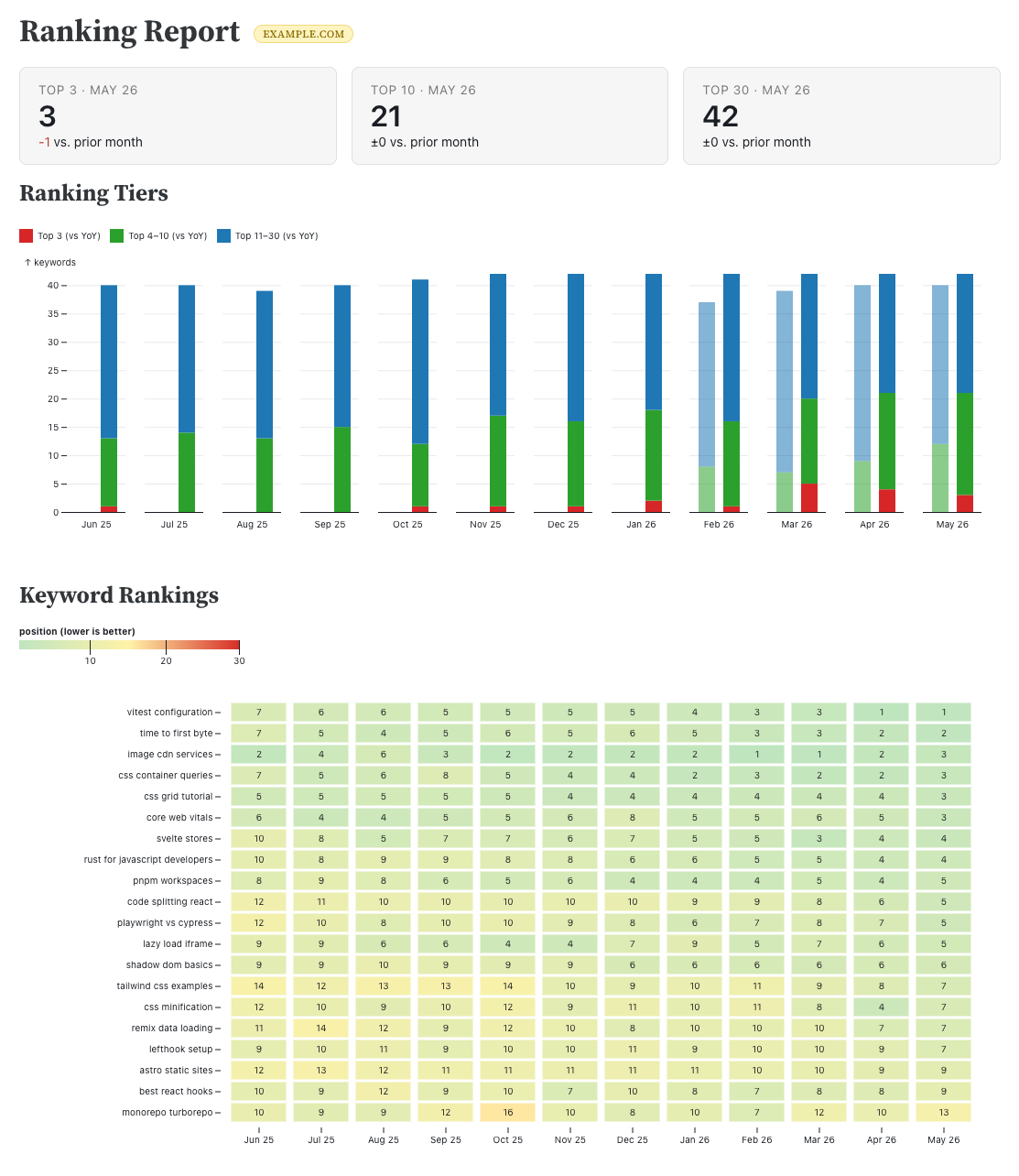
The exciting part comes after the connection is established. I can now rapidly create focused reports, such as identifying top-performing pages or tracking keyword trends over time, tailor-made for my needs.
Overall, Claude Code redefines how I manage SEO reporting. It offers the perfect balance of speed, flexibility, and control. Once the groundwork is laid, it makes my reporting both dynamic and precise, adapting to the demands of my stakeholders with ease.
Inspired by this post on Search Engine Land.

Leave a Reply