Have you ever wondered how all those Claude bots from Anthropic handle your site’s data? Well, I’ve delved into their latest update, which offers insights into their AI training, real-time queries, and what happens when you choose to block them.
Anthropic recently enhanced their crawler documentation, providing clarity on how Claude bots interact with websites and how you can regain control by blocking them.
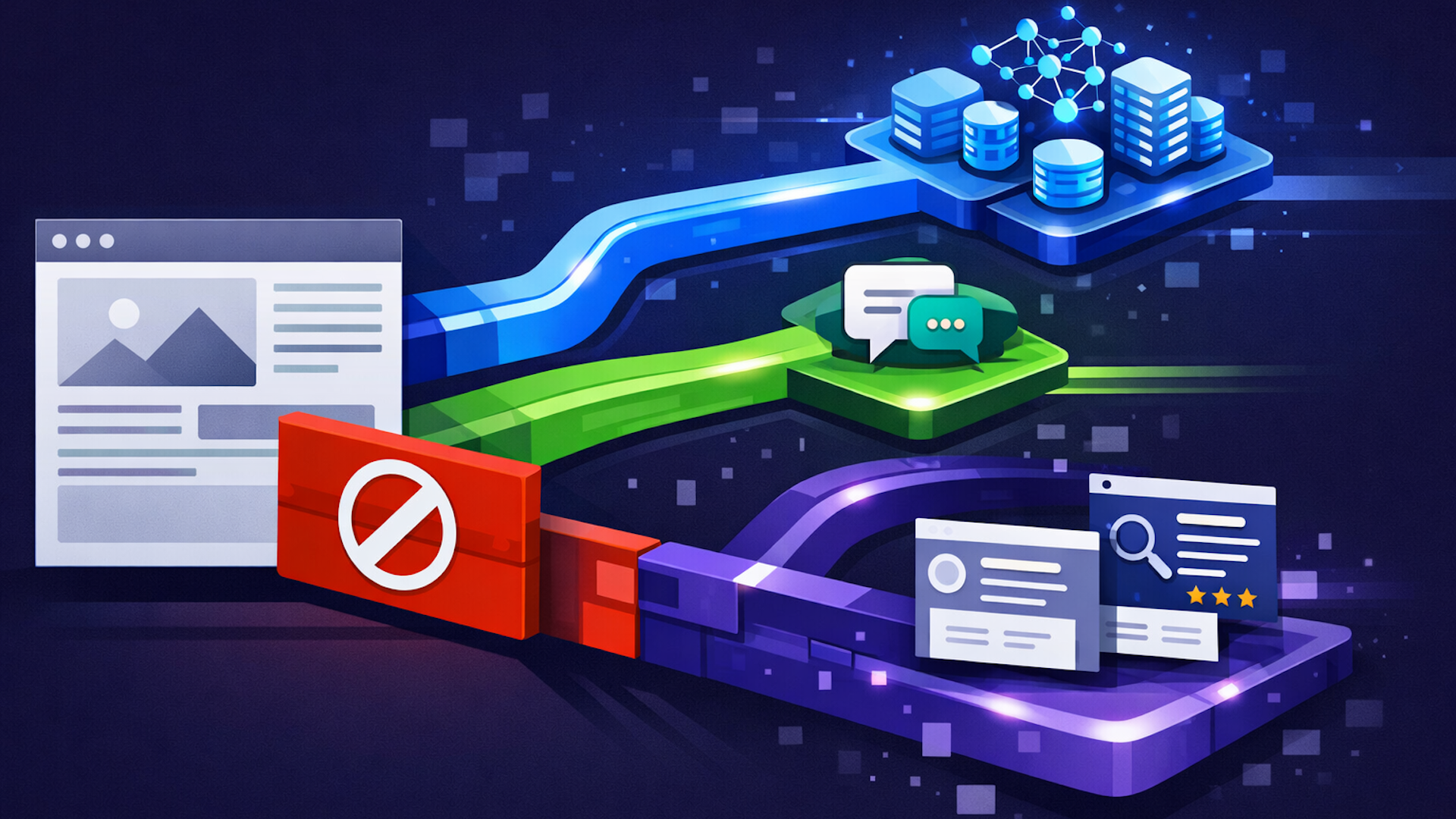
Why should you care? If you’re like me and manage content, you’ll want to manage how AI systems utilize your work. Anthropic smartly divides bots into training crawlers, user-initiated fetches, and search indexers. Blocking just one won’t impact the others, so make informed choices based on visibility and training implications.
Let’s meet the robots: Anthropic employs three unique user agents. First up, ClaudeBot gathers public online content for training their AI models. Blocking it means your site’s content won’t be in future AI datasets.
Next, there’s Claude-User, which fetches pages when someone asks Claude a question necessitating site access. Block this bot and lose out on visibility in user-driven response queries.
Finally, Claude-SearchBot improves search results by indexing. If you decide to block it, it may affect your content’s visibility and accuracy in Claude-enhanced search responses.
Curious about blocking these bots? They comply with standard robots.txt directives, including “Disallow” and “Crawl-delay”. To block a bot site-wide, use:
User-agent: ClaudeBot
Disallow: /
Bear in mind, each bot and subdomain you wish to limit needs its own directive. Be cautious with IP blocking; these bots operate via public cloud IPs, which might interfere with robots.txt access, and IP details aren’t disclosed by Anthropic.
Explore Anthropic’s documentation here: Does Anthropic crawl data from the web, and how can site owners block the crawler?
Inspired by this post on Search Engine Land.

Leave a Reply