
I recently discovered the potential of Google AI Max and, like many of us, wondered if my account is ready to harness its power. Google AI Max promises to unlock additional conversions if set up correctly. Before jumping in, I knew I had to ensure everything was primed and in place.
Google’s AI Max is designed to transcend traditional keyword targeting by utilizing various signals to determine ad displays. It’s a game-changer for those with a history of broad match success. However, if not optimized, it could quickly deplete your budget.
One important clarification: using AI Max is not mandatory for ad appearances in AI Overviews. Broad match keywords can place ads in AI Overviews regardless of AI Max usage. I see AI Max more as a tool to expand conversions beyond mere AI Overviews.
We’ll explore the essential steps to review before testing AI Max. These insights are crucial to ensure our campaigns are fully prepared.
What to Check Before Enabling AI Max
Accurate Conversion Tracking
Having precise conversion tracking is vital. AI Max optimizes based on our defined success metrics. Inaccurate or inflated conversions can lead to poor AI decisions. This insight made me double-check everything.

Automated Bidding with a Conversion-Focused Strategy
For broad match to function optimally, a conversion-centered bid strategy is necessary. Options like ‘Maximize Conversion Value’ or ‘Target CPA’ should align with your updated strategy. My experiments indicated more consistent results with target bids than max bids.
Using max bids without watching over budget and collected data might not yield the best results. I’ve learned to keep a careful eye on it.
Conversion Volume
AI Max needs sufficient data to perform well. With over 100 conversions monthly, its reliability has been strong, provided there’s a positive history with broad match. Based on this, I aimed to test in campaigns with at least 30 monthly conversions.
No Impression Share Lost Due to Budget
If budget constraints already hinder impression share, AI Max could exacerbate this issue. Prioritize spending on top keywords and let AI Max utilize remaining funds for experimentation.
Proven Broad Match Success
AI Max treats keywords as broad match and extends beyond them. Without past success, it could be ineffective. Preparing through ad group optimization and new ad testing has been my strategy.
Should You Use URL Expansion?
Enabling URL expansion allows Google to pick any webpage for landing when AI Max triggers an ad. However, indiscriminate use can be detrimental—excluding non-conversion-oriented pages mitigates risks.
Those who created landing pages for specific geographies should carefully manage page exclusions to avoid mismatching.

Should You Try Automatically Created Assets?
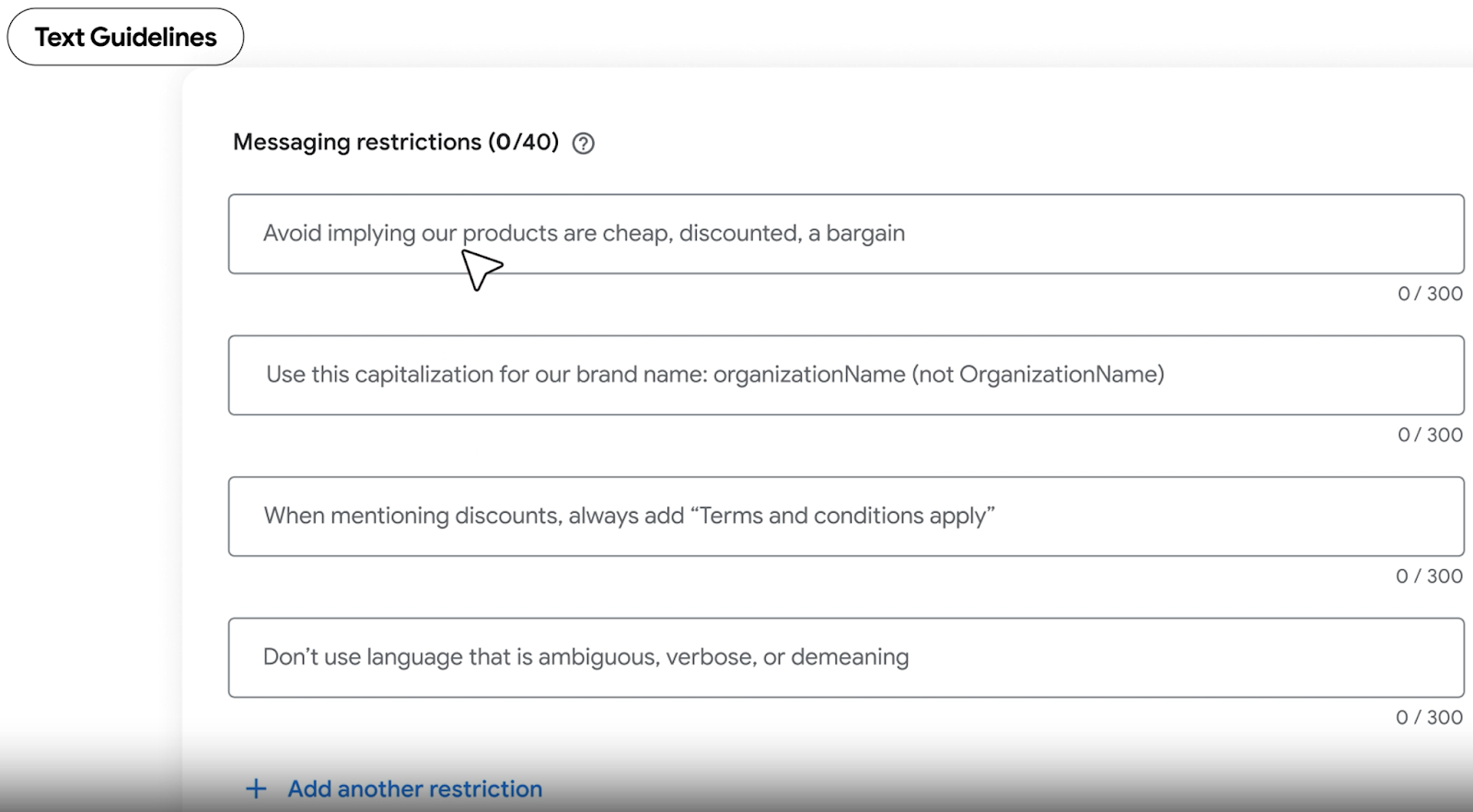
I’m hopeful about automatically created assets. They can significantly enhance messaging but require caution to avoid irrelevant sitelinks and incompatible callouts. Establishing clear guidelines ensures alignment with brand objectives.
How to Test AI Max
Because of its performance inconsistencies with brand keywords, I’ve found it best to initially focus on non-brand keywords in AI Max tests. Starting with successful ad groups rich in conversion data offers the best chance to test its potential.
Operating AI Max at the ad group level via the Google Ads Editor proved efficient in my testing experience.
Is Your Account Ready to Test AI Max?
As AI Max continues to evolve, its integration into our existing systems may provide significant advantages. But, readiness involves assessing if our accounts meet all setup criteria before diving in. By following my steps, you’ll recognize its readiness and potential for success.
Inspired by this post on Search Engine Land.

Leave a Reply