As I delve into the world of SEO reporting, I realize just how much we’ve outgrown platforms like Data Studio. Let me share what I’ve discovered and the exciting changes on the horizon that promise more efficient workflows powered by AI and APIs.
Imagine this scenario: Our team depends on Data Studio for delivering SEO reports. Just as we’re gearing up for a crucial meeting, Data Studio unexpectedly crashes, leaving us with nothing to showcase. It’s frustratingly common and incredibly embarrassing.
Just last year, I was praising Looker Studio (now Data Studio) for its advantages in SEO reporting. Fast forward, and it seems outdated compared to the dynamic coding tools I’m now utilizing. Here’s why rigid dashboards are holding us back and why transitioning to code-driven SEO reporting is essential.
Data Studio once reigned supreme for customizing SEO reports, but technology advanced, revealing its limitations. From dataset crashes to tedious manual interfaces, let me take you through some challenges I’ve faced with Data Studio.
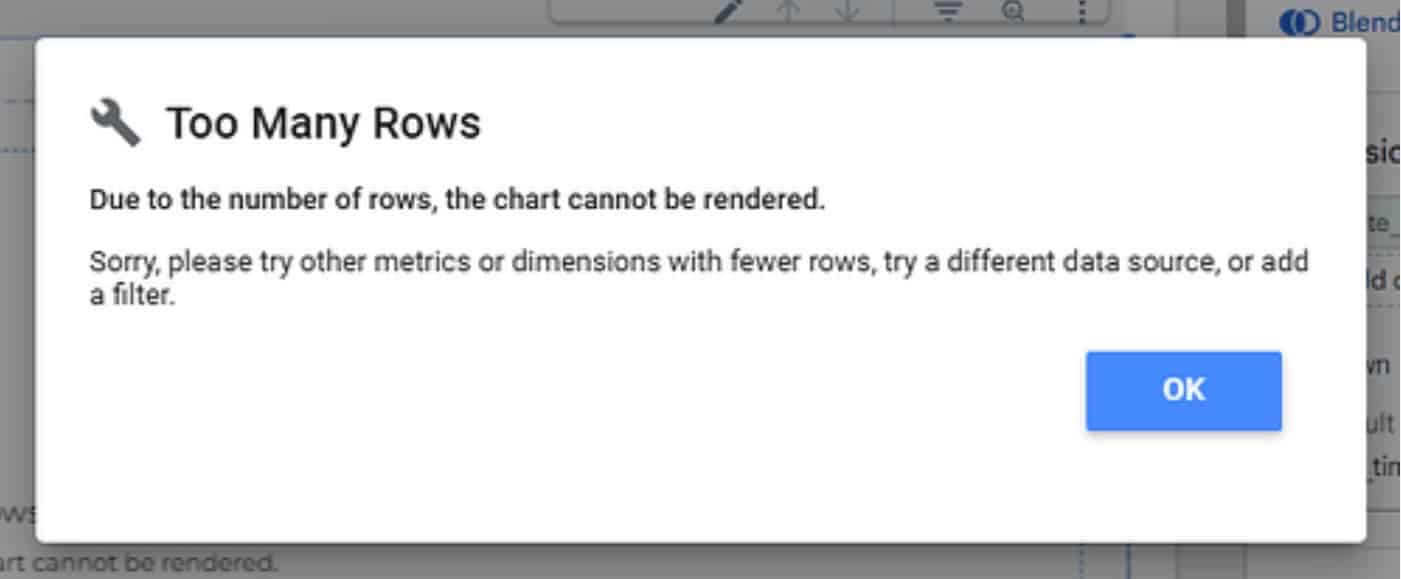
We’re all familiar with the struggle: vast datasets in Data Studio are prone to breaking, often due to the low limits on rows and fields. Hasn’t it been just one too many times when a minor data addition causes everything to crash?
Manual updates in a slow interface make any iteration seem endless. Even the introduction of AI features addresses only a fraction of report-building issues.

Debugging Data Studio reports feels like a never-ending click maze. Unlike code-based systems where agents breeze through files, I’m often left clicking mindlessly within the interface.
Data Studio’s weak API is another stumbling block. It’s representative of Google’s missed opportunities for API-centric platforms. This flaw severely limits external management capabilities.
Despite recent rebranding efforts, these platforms lag behind modern SEO reporting technologies. Let me show you how everything is shifting with AI, APIs, and coding.
The evolution we’re witnessing is astounding. AI-driven coding tools like Claude Code and OpenAI Codex have changed the game. I describe my SEO reporting needs, and these tools take over, executing multi-step workflows efficiently.
Without needing deep coding expertise, I’m able to set up programmatic report workflows from beginning to end. Tools generate code that directly connects to data sources, eliminating reliance on cumbersome dashboard connectors.

Within minutes, comprehensive reports appear as I get accustomed to these tools. Each offers unique advantages, from reasoning to integration speed, transforming manual, rigid processes into infinitely flexible options.
AI coding tools usher in new possibilities for SEO teams by removing barriers between data management and reporting.
Speed is an unmistakable upside. Coding assistants enable SEOs to achieve in hours what once took days, and what took hours, now takes minutes.
Interacting with data directly through coding instead of dashboard interfaces drastically cuts down wait times for refreshes and modifications.
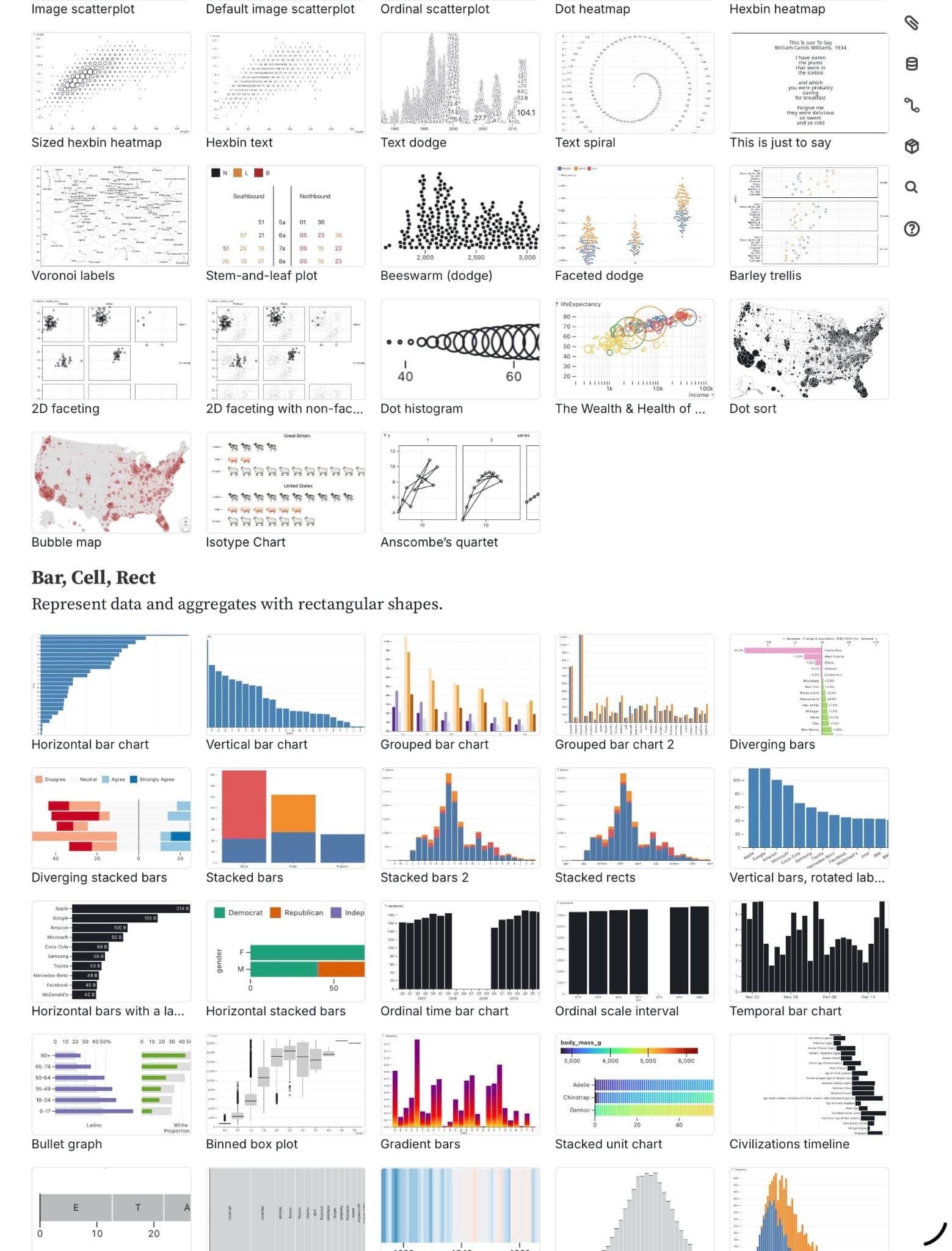
I’m no longer bound by rigid templates. Alongside on-demand data plotting and diverse frameworks, I can tailor reports to perfectly match needs and provide insightful visualizations.
Setting up these tools requires some initial effort but soon transforms the team’s efficiency, offering clearer data constraints and enhanced process transparency.
I’ve discovered how agentic coding assistants can revolutionize real-world SEO applications, from pre-meeting reports to ad hoc stakeholder requests, reducing late-night work and ensuring quick, reliable data access.
AI is reshaping the landscape for all professionals, not just us in SEO. As we adopt this technology, especially in SEO reporting, studies from Stanford and MIT show increased productivity. The shift isn’t optional; it’s imperative.
Teams leveraging AI tools in SEO witness faster iterations and can tackle complex issues more robustly, transforming analysts into strategists with unprecedented capabilities.
Begin this transformation with a small, repeatable project, connect data sources, and slowly expand your use of code-driven reporting. Early adopters are set to lead in SEO efficiency and results.
Traditional SEO reporting tools no longer meet the fast-paced demands of today’s analytics and strategic needs. Through AI and coding, we can leap ahead in reporting accuracy and timeliness, securing a competitive edge.
Inspired by this post on Search Engine Land.

Leave a Reply