
If your Google Ads account has plenty of product images but little usable video, Veo gives you a practical way to close that gap. You can turn existing visual assets into short YouTube ads without waiting for a conventional production cycle.
The useful question isn’t whether AI can make a video. It can. The question is whether you can give it the right inputs, catch the wrong outputs, and measure the result without confusing generated creative with video your team produced. This workflow covers all three.
What Veo changes inside Google Ads
Veo reduces the smallest viable video project. Inside Google Ads Asset Studio, you can upload as many as three static images and generate a video of up to 10 seconds. The model adds motion, and customizable templates help turn the result into an ad suitable for YouTube.
That is a meaningful capability, but it is a narrow one. Veo is well suited to a concise product demonstration, a visual benefit, or a single promotional idea. A 10-second output is not a substitute for a customer story, a detailed explanation, or a campaign concept that depends on dialogue and multiple narrative beats.
Treat the tool as a creative multiplier, not a strategy generator. It can add movement to an idea you have already clarified. It cannot decide which customer problem matters, which claim is credible, or what the viewer should do next.
The accompanying Nano Banana integration expands the editing layer. You can change backgrounds, adjust text, and tailor creative for different audience interests. That makes iteration faster, but each edit still needs the same brand, product, and claim review you would apply to work from a designer.
Choose images that give the model a clear job
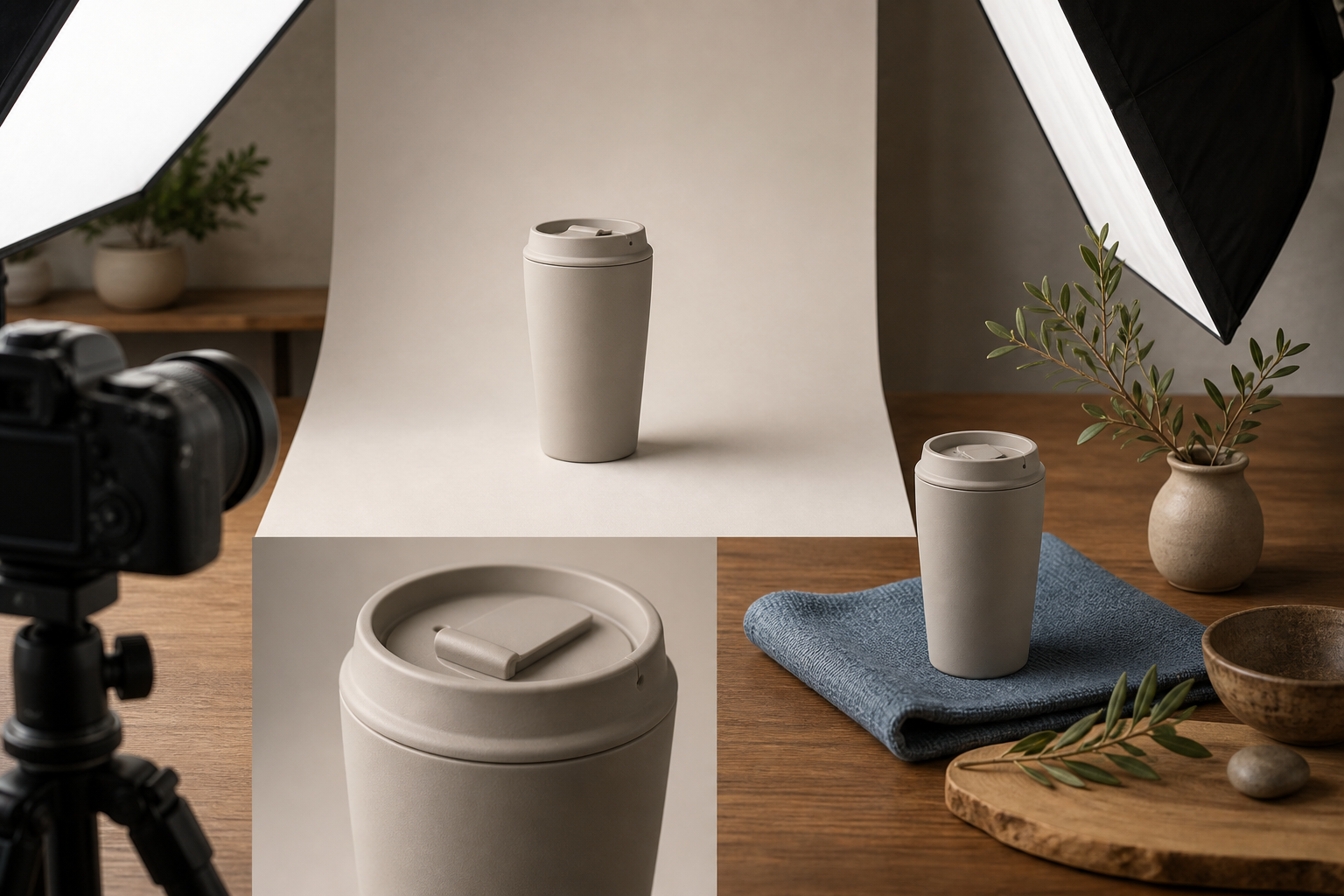
The quality of the source images determines how much ambiguity the model must resolve. A clean product shot with an obvious foreground, stable proportions, and a plausible type of movement gives it a constrained problem. A dense collage with several focal points, embedded copy, and conflicting perspectives gives it several problems at once.
Before uploading anything, score each candidate image against these criteria:
- One unmistakable subject: A viewer should know what the ad is about without studying the frame.
- Clear separation: The product, person, or focal object should be visually distinct from the background.
- Plausible movement: You should be able to describe what could move in one sentence, such as a package rotating, fabric flowing, or a camera pushing toward a product.
- Consistent product details: Packaging, colors, proportions, and visible features should agree across the images.
- Minimal baked-in text: Important copy is easier to inspect and revise when it is handled as an ad element instead of being embedded in a busy image.
- Enough visual space: Leave room for template copy, branding, or a call to action without covering the subject.
- Accurate context: The setting must not imply a use, feature, size, or outcome the product cannot support.
Do not upload three images merely because three are allowed. Every image should have a role. One might establish the product, another might show the relevant detail, and a third might place it in context. If two images contradict each other or compete for attention, use the stronger one and remove the ambiguity.
Clean consumer-product imagery is a particularly sensible starting point. Early testing shared by Ameet Khabra indicated that brands with clean images and an obvious logic for movement may benefit most. That is an early practitioner observation, not a universal performance rule, so use it to select an initial test rather than to predict a result.
Build a repeatable generation and review workflow
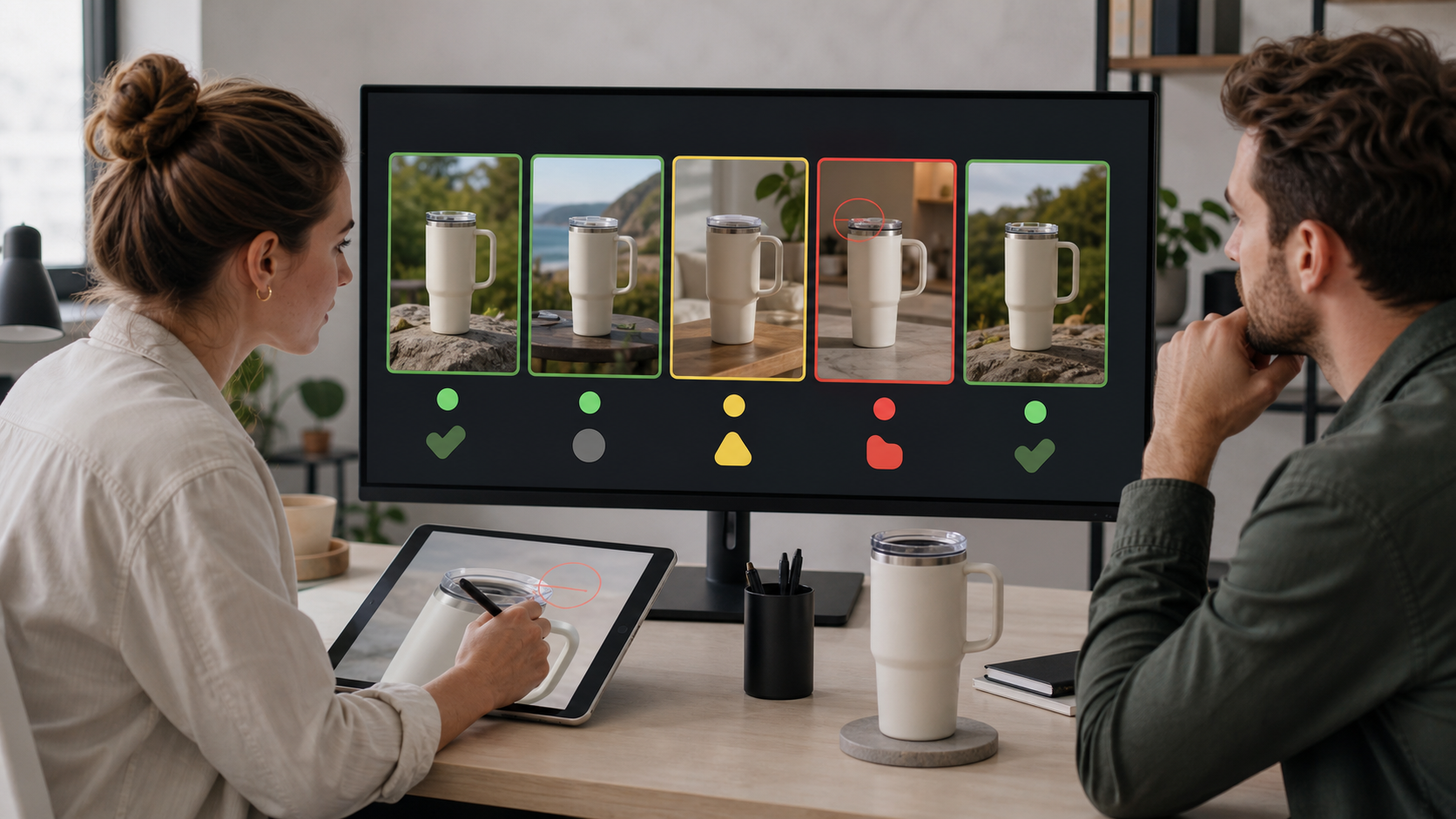
Generating first and deciding what the ad means afterward produces a folder of clips, not a campaign. Write the creative brief before opening Asset Studio, even if the brief is only four lines.
- State the audience and problem. Name the person the ad is for and the single situation that makes the product relevant. Avoid a broad label such as “all shoppers.”
- Choose one promise. A short video rarely has room for a feature list. Select the one benefit the viewer should retain after the clip ends.
- Define the visible action. Describe what should move and why that movement helps communicate the promise. Motion should reveal, demonstrate, or focus attention; it should not exist only to make the image look active.
- Select up to three source images. Give each image a purpose, remove weak duplicates, and confirm that the product details agree across the set.
- Generate a restrained baseline. Start with the simplest version of the concept. A conservative baseline is easier to evaluate than an output containing simultaneous background, text, pacing, and visual-style changes.
- Create one deliberate variant. Change one meaningful element: the input image, the setting, the visual emphasis, or the template treatment. Do not change everything at once.
- Use Nano Banana for controlled edits. Swap a background or adjust the copy only after the core motion works. Treat each edit as a new creative that must pass review.
- Label the asset before launch. Put the concept, generation method, and variant in the name. A structure such as product, benefit, Veo, and variant number will be more useful later than a filename such as “final-video-3.”
Inspect the output as an ad, not as a novelty
Watch the generated clip several times with a different purpose on each pass. First judge the message. Then inspect the product. Finally, check every frame that contains copy, branding, or a transition.
- Product identity: Does the same product remain recognizable from beginning to end?
- Shape and scale: Do proportions stay stable as the camera or object moves?
- Packaging and text: Are labels, logos, prices, and claims legible and accurate?
- Physical behavior: Does the movement make sense for the material and setting?
- Background integrity: Do shadows, reflections, edges, and contact points agree with the new environment?
- Message hierarchy: Can a viewer understand the product, benefit, and next action without pausing?
- Landing-page continuity: Will the person who clicks find the same product, offer, and promise on the destination page?
If the product changes shape, the label mutates, or the setting creates a false impression, reject the output. A polished transition does not compensate for a misleading frame. When the defect affects the central subject, a new generation from a clearer image is usually a sounder decision than layering more edits onto the mistake.
Separate creative testing from generation method
AI-generated video creates two questions that are easy to collapse into one: did the creative idea work, and did the generation method help? You need to preserve the origin of each asset if you want to answer either question.
Google Ads API v23.2 adds a VideoEnhancement resource that can distinguish Google-generated video from advertiser-provided video. If your team maintains a reporting pipeline, update the relevant client library and code before building analysis around that distinction. A dashboard cannot recover creative provenance later if the pipeline never captured it.
Keep a corresponding field in the creative log used by marketers. Record the asset name, source images, generation method, concept, edited element, campaign, and launch status. The API classification tells you where a video came from; the creative log tells you what hypothesis it was meant to test.
Run tests that lead to a decision
Begin each test with a sentence that can be proved wrong. For example: “A product-in-use image will communicate the benefit more clearly than an isolated pack shot.” Then preserve everything you reasonably can except the element named in that sentence.
- To test the generation method: Compare Google-generated and advertiser-provided videos with comparable messages, audiences, offers, and destinations.
- To test an input image: Keep the template and message stable while changing the source visual.
- To test a background: Keep the product, copy, and motion concept stable while changing only the setting.
- To test a message: Keep the visual treatment stable while changing the benefit or call to action.
- To test a template treatment: Use the same source images and promise, then vary the presentation rather than the underlying idea.
Choose the campaign goal and evaluation metrics before launch. Do not declare a winner because one clip looks smoother or receives an early burst of delivery. Judge it against the action the campaign is intended to produce, and document the decision so the next generation builds on a finding rather than restarting the experiment.
Google Ads AI video FAQ
Can Veo replace a conventional video production?
It can replace a narrow production task: turning up to three still images into a short, template-assisted video ad. It does not replace concept development, complex storytelling, accurate product demonstration, brand review, or footage that must document a real person, place, or event. Use it where the format matches the job.
What should you test first?
Start with a product that has clean photography, a single focal point, and an easily described motion concept. Generate one restrained baseline and one controlled variant. That pair will teach you more than a batch of unrelated outputs because you will know what changed.
Do you need Google Ads API v23.2 to create Veo videos?
No. Creation happens in Asset Studio. API v23.2 matters when you operate custom reporting and need programmatic visibility into whether a video was generated by Google or supplied by the advertiser. Teams that rely only on interface reporting can still adopt the same discipline by labeling assets and maintaining a creative log.
Your next move should be small and auditable: choose one image-rich product, write one clear promise, generate a baseline plus one variant, and record the origin of both assets before they enter a campaign. That gives you a usable ad and a test you can learn from.
References
- CrushPress.AI — Transform Your Marketing: Google’s Veo Brings AI Video Generation to Google Ads
- CrushPress.AI — Discover Google Ads API v23.2: Enhancements and Insights

Leave a Reply