
You need Campaign Manager 360 performance data inside a dashboard while someone is still looking at the screen. The traditional create-run-poll-download workflow can do the reporting, but it makes an interactive product carry the machinery of a batch job.
The reportData.query endpoint gives you a shorter path: describe the data you need in the request and receive structured JSON synchronously. That can simplify dashboards and ad-hoc analysis considerably. It does not mean every reporting workload should move, nor does the word “real-time” guarantee that every underlying metric is updated instantly.
The reporting flow is now a direct request-response path
The traditional Campaign Manager 360 reporting flow is built around generated reports. Your application creates a Report resource, runs it, polls until processing finishes, and downloads the resulting file. That sequence remains useful when the file is part of the deliverable, but it introduces several states that an interactive application must manage.
- Create or identify the report configuration.
- Start the report run.
- Poll for completion.
- Download and parse the generated CSV or Excel file.
- Transform the result into the shape required by your interface or analysis.
With reportData.query, developers can instead specify dimensions, metrics, and filters in the request body and receive structured JSON in the response. You do not have to create a Report resource before asking for the data.
- Define the dimensions that determine the result’s grain.
- Select the metrics needed by the dashboard or analysis.
- Apply filters that keep the request focused.
- Submit the synchronous query.
- Map the returned JSON into your application’s data model.
The practical gain is not simply fewer API calls. Your application no longer has to model a report job, persist its status, poll it, retrieve an artifact, and parse that artifact before it can show a result. For a user-driven dashboard, removing that orchestration can make both the code and the experience easier to reason about.
Keep the distinction precise, though: reportData.query simplifies the retrieval path. It does not make the Reports service obsolete, remove the need for a reporting data model, or turn an unfocused query into a fast one.
Choose the endpoint by workload, not by which API is newer
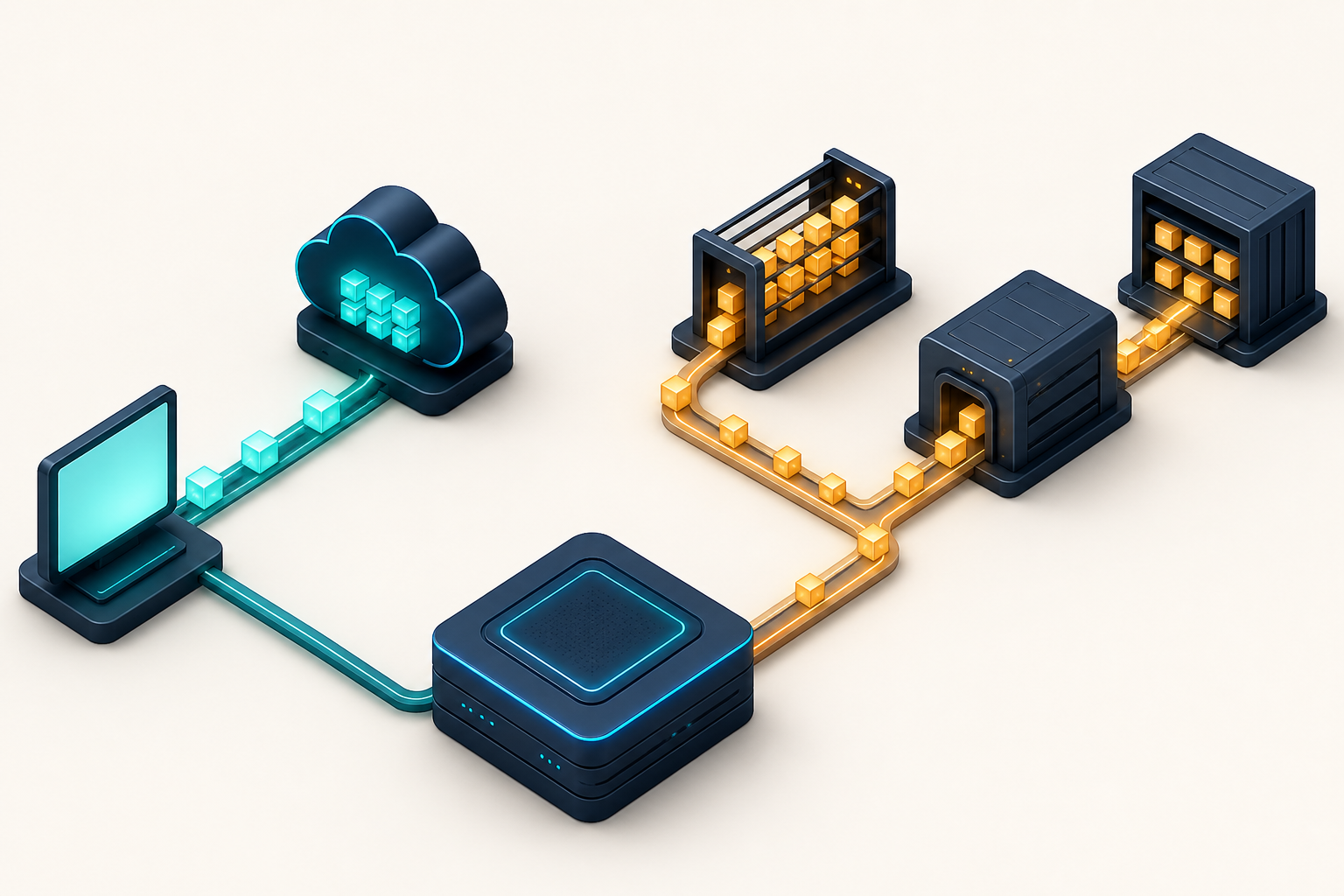
The clearest implementation decision is based on how the result will be consumed. Use reportData.query when a person or application needs a structured answer immediately. Keep the Reports service when the workload is large, scheduled, or expected to produce a downloadable file.
| Decision factor | reportData.query | Reports service |
|---|---|---|
| Interaction model | Synchronous request and response | Create, run, poll, and download |
| Response format | Structured JSON in the API response | Generated CSV or Excel file |
| Best fit | Interactive dashboards, real-time reporting experiences, and ad-hoc analysis | Large datasets, scheduled reporting, and file-based workflows |
| Configuration | Dimensions, metrics, and filters are supplied directly with the query | A Report resource defines the report before retrieval |
| Execution consideration | A query can run for up to 60 seconds | Completion is handled as an asynchronous report job |
Four questions usually settle the choice:
- Is a person waiting for the answer? A dashboard refresh, filtered table, or investigative view is a strong candidate for reportData.query.
- Is the output itself a CSV or Excel deliverable? Keep the Reports service rather than retrieving JSON only to recreate the same file workflow.
- Is this a large or scheduled extraction? The existing Reports service remains the preferred route.
- Does the same system have both interactive and batch needs? Use both paths. A hybrid architecture is a deliberate workload split, not an incomplete migration.
This prevents a common architectural mistake: replacing a sound batch process merely because a more convenient interactive endpoint exists. The new endpoint solves a different access pattern. It should take over the requests that benefit from synchronous JSON while the Reports service continues handling work that benefits from generated files and asynchronous execution.
Design interactive queries that remain useful under pressure
A direct endpoint removes report-job ceremony, but your dashboard still needs a disciplined query layer. The following design choices determine whether reportData.query feels responsive and trustworthy in production.
Start with the user’s question, not every available field
Define one question for each dashboard component. A campaign summary, a filtered placement table, and a diagnostic drill-down do not need to share one universal request. Give each component the smallest dimension grain, metric set, and filter scope that answers its question.
Write down a compact query contract before implementation:
- The decision or question the result supports.
- The dimensions that determine what one result row represents.
- The metrics the interface will actually display or calculate with.
- The filters controlled by the application and the filters controlled by the user.
- The behavior the user sees while the request is running.
- The fallback shown when the request cannot return a usable result.
This contract helps you notice accidental scope growth. If a new chart needs a different grain, give it a separate query rather than quietly expanding an existing request and making every dashboard refresh carry the extra work.
Treat 60 seconds as a ceiling, not a target
The endpoint allows queries to run for up to 60 seconds. That accommodates meaningful interactive analysis, but a dashboard can still feel broken long before the request reaches its limit.
Design the interface for a genuinely synchronous operation. Show a clear loading state, keep unrelated controls usable, and decide what happens if the request takes longer than the user’s workflow can tolerate. Where appropriate, retain the last successful result and label it as such rather than replacing useful data with an indefinite spinner.
Do not hide a consistently slow query behind a longer loading message. Narrow its dimensions, metrics, or filters. If the workload is inherently large rather than accidentally broad, route it to the Reports service.
Do not equate synchronous retrieval with instant measurement
“Real-time” describes the reporting access pattern here: your application submits a query and receives data directly instead of waiting for a generated report file. That alone does not establish how quickly every underlying campaign event becomes available as a reportable metric.
If freshness affects an operational decision, verify it for the dimensions and metrics you use. Give the dashboard an “as of” indicator based on information your implementation can substantiate, and avoid labels such as “live” or “instant” unless you have validated what those words mean for that view. This keeps a faster retrieval method from creating a stronger freshness promise than the data supports.
Put a stable adapter between CM360 and the interface
Structured JSON is easier to consume than a downloaded file, but your UI should not become a direct reflection of a vendor response. Map the response into an internal model with names and types that make sense to your application.
- Keep the API request definition in one reporting layer rather than duplicating it across dashboard components.
- Validate that the returned structure contains what the component needs before rendering it.
- Centralize metric labels and formatting so the same measure is not presented differently across views.
- Record the query definition alongside operational logs so a bad result can be traced to its dimensions, metrics, and filters.
- Version your internal contract when a dashboard changes its grain or meaning.
This adapter also preserves your options. The UI can consume one internal shape even if some views use reportData.query and other data arrives through the Reports service.
Separate no data, zero, slow, and failed
These states can look similar in an empty chart, but they mean different things:
- No matching data: the selected dimensions and filters produced no rows.
- Measured zero: the query returned a legitimate result whose displayed metric is zero.
- Still running: the application has not received the synchronous response yet.
- Failed request: the application cannot present the requested result.
- Last successful result: a previous result remains visible while its replacement is unavailable.
Model and label these states explicitly. Otherwise, an API problem can be mistaken for campaign performance, or an empty filter result can be presented as a technical failure.
Also control how often the interface sends requests. Trigger queries on deliberate actions, avoid submitting a new request for every unfinished input change, and reuse identical results for an appropriate period when your freshness requirements permit it. The right reuse period is a product decision; the existence of a synchronous endpoint does not require every screen interaction to generate a new API call.
A low-risk rollout keeps the batch path intact
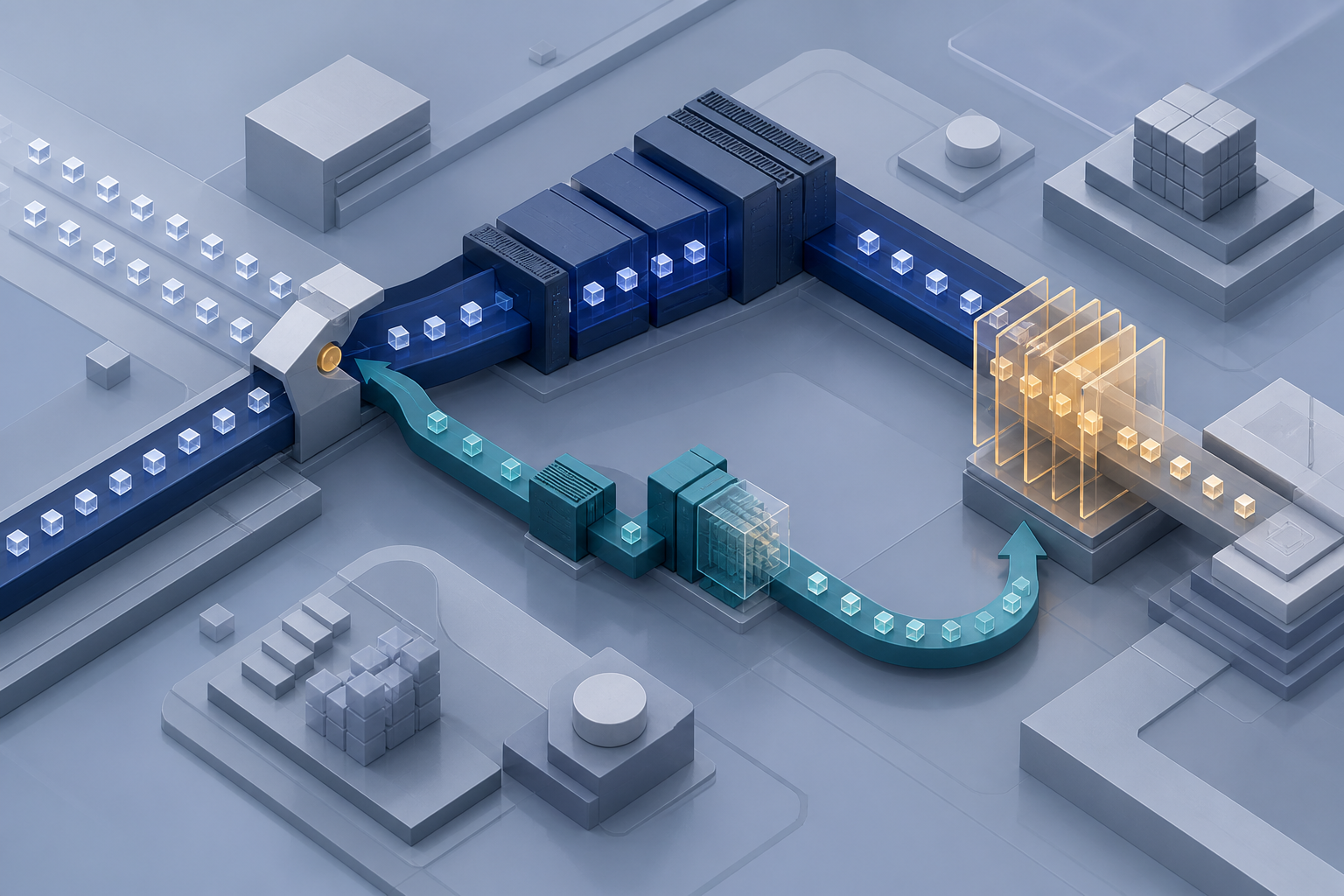
You do not need to redesign the entire reporting stack to benefit from reportData.query. Start with one view where report creation, polling, or file parsing is clearly getting in the way of an interactive experience.
- Inventory the current flow. Identify where the application creates the Report resource, starts the run, polls, downloads the file, parses it, and transforms it for display.
- Classify the use case. Confirm that a person or interactive application needs the result directly. Leave scheduled, large, and file-based jobs in the Reports service.
- Write the query contract. Specify the exact dimensions, metrics, filters, expected result grain, loading behavior, and failure behavior for the selected view.
- Build the response adapter. Convert the returned JSON into the internal shape already expected by the interface, or introduce a stable model that both reporting paths can use.
- Verify meaning, not just transport. Compare the new view with the existing reporting output for the same requested scope. Investigate differences before assuming that receiving JSON means the migration is complete.
- Exercise the slow and empty paths. Confirm that the interface remains understandable if a query runs for a substantial part of the allowed window, returns no matching data, or fails.
- Switch only the interactive read path. Keep existing scheduled reports and downloadable exports running until there is an independent reason to change them.
Measure the rollout by what it removes from the interactive path: report-resource management, polling, file retrieval, and parsing. Do not judge it by how much legacy reporting code you can delete. If that code still supports a valid batch workload, retaining it is the correct design.
Campaign Manager 360 reporting API FAQ
Is reportData.query a streaming API?
No. Its documented interaction is a synchronous query that returns structured JSON. Your application requests a defined result; it is not described as subscribing to a continuous stream of campaign events.
Does “real-time reporting” mean every metric is instantly current?
Not on the evidence available for this endpoint. The direct synchronous response removes the generated-report workflow, but that does not by itself define the freshness of every underlying metric. Validate freshness for your use case before making a user-facing promise.
Should an existing Reports service integration be migrated completely?
No. Keep the Reports service for large datasets, scheduled jobs, and workflows that require CSV or Excel downloads. Move only the interactive and ad-hoc requests that benefit from direct JSON.
What is the best first use case?
Choose one narrowly scoped dashboard view whose user currently waits for a report job or whose implementation exists mainly to download and parse a file. Define its dimensions, metrics, and filters; build the JSON adapter; then compare its output with the established reporting path before expanding the rollout.
Your next step is small and concrete: identify one interactive report, write down the exact question it answers, and determine whether a synchronous query can answer it within the endpoint’s 60-second window. If it can, migrate that read path. If it is fundamentally a large export or scheduled artifact, leave it where it belongs.
References

Leave a Reply