
You have a topic worth covering, but two questions are blocking the brief: which language reflects real search demand, and whether the answer will remain relevant when Gemini knows something about the person asking.
Google’s Gemini integrations now touch both questions. Gemini in Google Trends can suggest related terms and place them into a trend comparison. Personal Intelligence can use selected information from connected Google apps to shape an individual response. The opportunity is useful, but only if you keep those signals separate: Trends helps you map public demand, while Personal Intelligence introduces private context.
Treat the integrations as two different signal layers
The Trends integration is an editorial research tool. You give it a keyword or a natural-language description, and Gemini proposes related search terms for comparison. Personal Intelligence operates later in the journey. With the user’s permission, Gemini can draw on information associated with Search, Gmail, Google Photos, and YouTube to produce a response that may be more useful to that person.
| Gemini surface | Input | Useful decision | What it cannot establish |
|---|---|---|---|
| Google Trends Explore | A keyword or natural-language topic | Which terms, variants, and rising questions deserve closer investigation | Whether a term will convert, whether two terms share the same intent, or whether you should publish a separate page for each suggestion |
| Personal Intelligence | A prompt plus the Google apps and history the user has chosen to connect | Which details could make an answer more relevant in a particular personal context | A universal ranking position, a reusable audience profile, or access to other users’ private context |
This distinction prevents two common mistakes. A rising query is not automatically a content brief, and a personalized answer is not automatically a public search result. The first is a lead that needs editorial judgment. The second is an individual output whose conditions must be recorded before you draw conclusions from it.
Access conditions also matter when you plan a workflow. The Trends redesign was introduced through a gradual desktop rollout, so the Gemini control may not appear in every interface at the same time. Personal Intelligence initially launched as a U.S. beta for Google AI Pro and AI Ultra subscribers using personal Google accounts across the web, Android, and iOS; Workspace accounts were excluded from that initial availability. Treat those as launch conditions to verify in the account you will actually use, not as permanent assumptions.
Turn Gemini’s Trends suggestions into a defensible query map
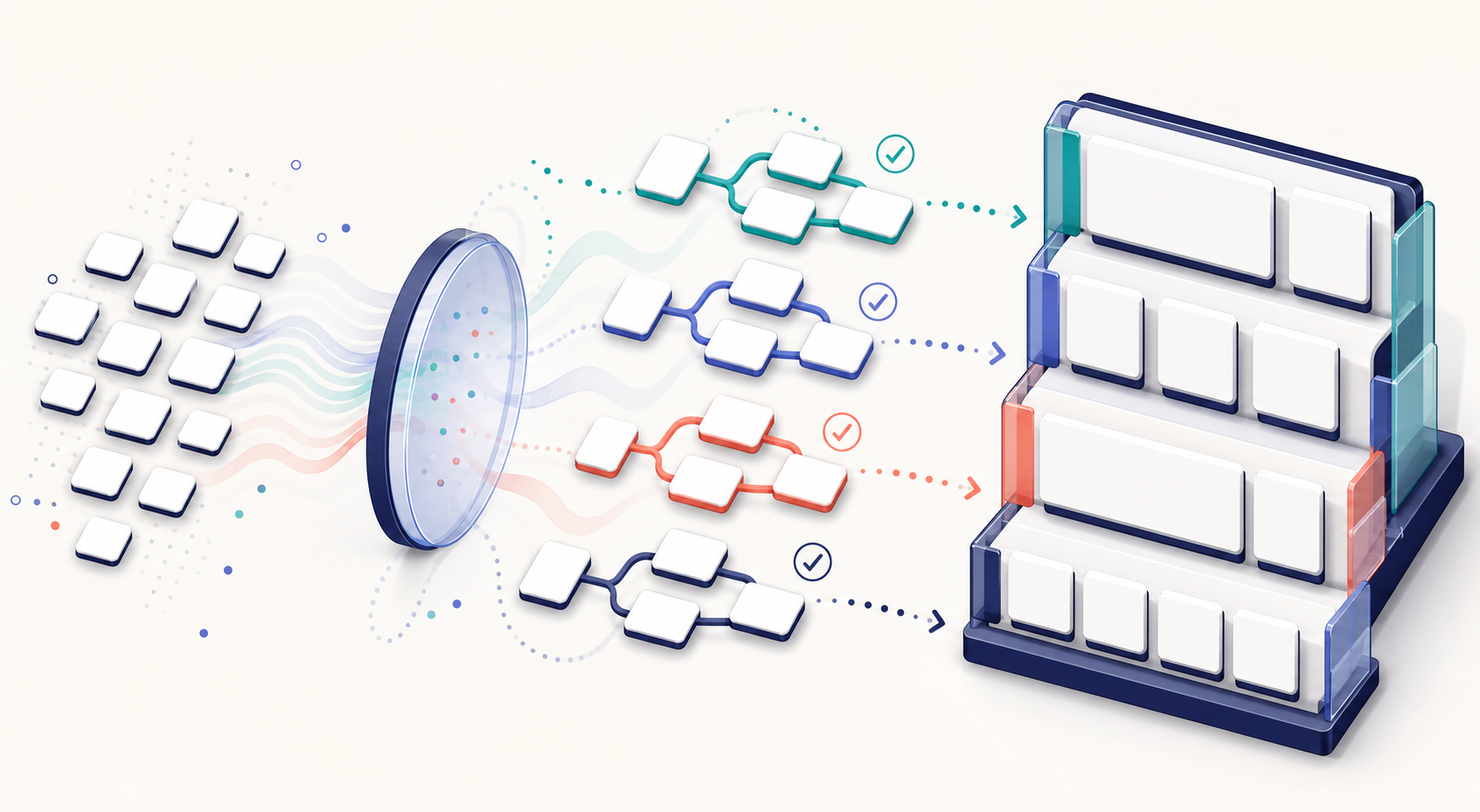
The useful output from Gemini in Trends is not a list of titles. It is a query map: a record of how people describe a problem, which terms appear related, and where the language may represent a genuinely different need. Build that map before you decide whether to update a page, add a section, or create something new.
- Start with the editorial decision. Write the question you need the data to resolve. For example: Do searchers treat two product categories as alternatives, or are they looking for different jobs to be done? A clear decision keeps Gemini’s suggestions from becoming an unfiltered brainstorming exercise.
- Describe the topic in natural language. In the desktop Explore interface, use Suggest search terms and enter either a seed keyword or a sentence describing the audience and problem. Natural language is especially useful when the market uses several labels and you do not yet know which one belongs in the comparison.
- Curate the suggestions before accepting them. Ask whether each term describes the same entity, the same task, a narrower condition, or an unrelated meaning. Remove ambiguous lookalikes. Keep a term when it exposes a meaningful vocabulary choice or a separate intent worth testing.
- Compare the terms as a group. The redesigned interface allows more terms to be compared and gives each one a distinct icon and color. Look for divergence, convergence, and sudden movement. Similar movement can indicate a shared external trigger, but it does not prove that searchers want the same answer.
- Inspect the rising queries for the mechanism behind the movement. The updated timeline exposes twice as many rising queries as the earlier layout. Use them to identify new modifiers, questions, products, or events that may explain the trend. Treat a rising query as an investigation lead, not a forecast that demand will last.
- Make one of three explicit content decisions. Add a missing answer to an existing page when the intent is already covered. Create a focused page when the searcher needs a materially different answer. Put the term on a watchlist when the meaning or durability is still unclear.
Your query map should record the core question, accepted term variants, excluded ambiguities, notable rising queries, and the content decision attached to each cluster. Save the comparison context shown in Trends as well. Without that record, a later editor cannot tell whether a page was built around sustained demand, a temporary spike, or an AI-generated suggestion that was never validated.
Do not publish one page per suggested term. If several phrases express the same task, a single strong page can define the shared concept and use the variants naturally. Separate pages make sense only when the reader needs a different decision, procedure, constraint, or outcome. That is an information-architecture choice, not something Gemini can decide from term similarity alone.
Build pages for context without trying to predict the user
Personal Intelligence changes the selection problem. Gemini was already able to retrieve information from connected apps; in the announced Gemini 3 implementation, it can reason across that information and use it in recommendations. Your public page cannot know the private facts available in a particular conversation. It can, however, make its answer easy to adapt when different facts matter.
- Lead with the stable answer. State what remains true regardless of the user’s history. Do not bury the definition, process, or central recommendation beneath persona language.
- Branch on explicit conditions. Label the cases that change the answer: platform, account type, experience level, objective, compatibility requirement, or other relevant constraint. A reader and an answer system should be able to identify the applicable branch without inferring what the page meant.
- Name entities consistently. Use the canonical product, organization, feature, and version names that the answer depends on. Introduce genuine search-language variants from your Trends map, but do not alternate among labels in a way that makes separate concepts look identical.
- Explain relationships in visible prose. State which feature belongs to which product, which step precedes another, and why a condition changes the recommendation. Do not expect a heading, internal link, or schema property to carry an important relationship by itself.
- Separate facts from judgment. Identify what a feature does before recommending who should use it. Personalized systems may combine a factual passage with private context, so an unsupported universal recommendation is especially fragile.
- Keep structured data aligned with the page. JSON-LD should describe entities, authorship, content types, and other information that visitors can verify in the visible content. The announced Gemini integrations do not establish a new Gemini-specific schema or a markup switch that guarantees selection in personalized answers.
Consider a hypothetical page about organizing a photo library. A context-ready page would answer the universal setup question first, then separate paths for finding images, sharing collections, creating a backup, and cleaning up duplicates. It would not guess which path applies to the reader. It would label the paths clearly enough for the reader or an answer system to select the relevant one.
This is the practical GEO implication: public content establishes what your organization knows, while personal context can influence which part of that knowledge is useful. You control the clarity, completeness, and consistency of the public material. You do not control the private context or the final selection, so promises of guaranteed personalized visibility do not hold up.
Measure public visibility and personalized usefulness separately
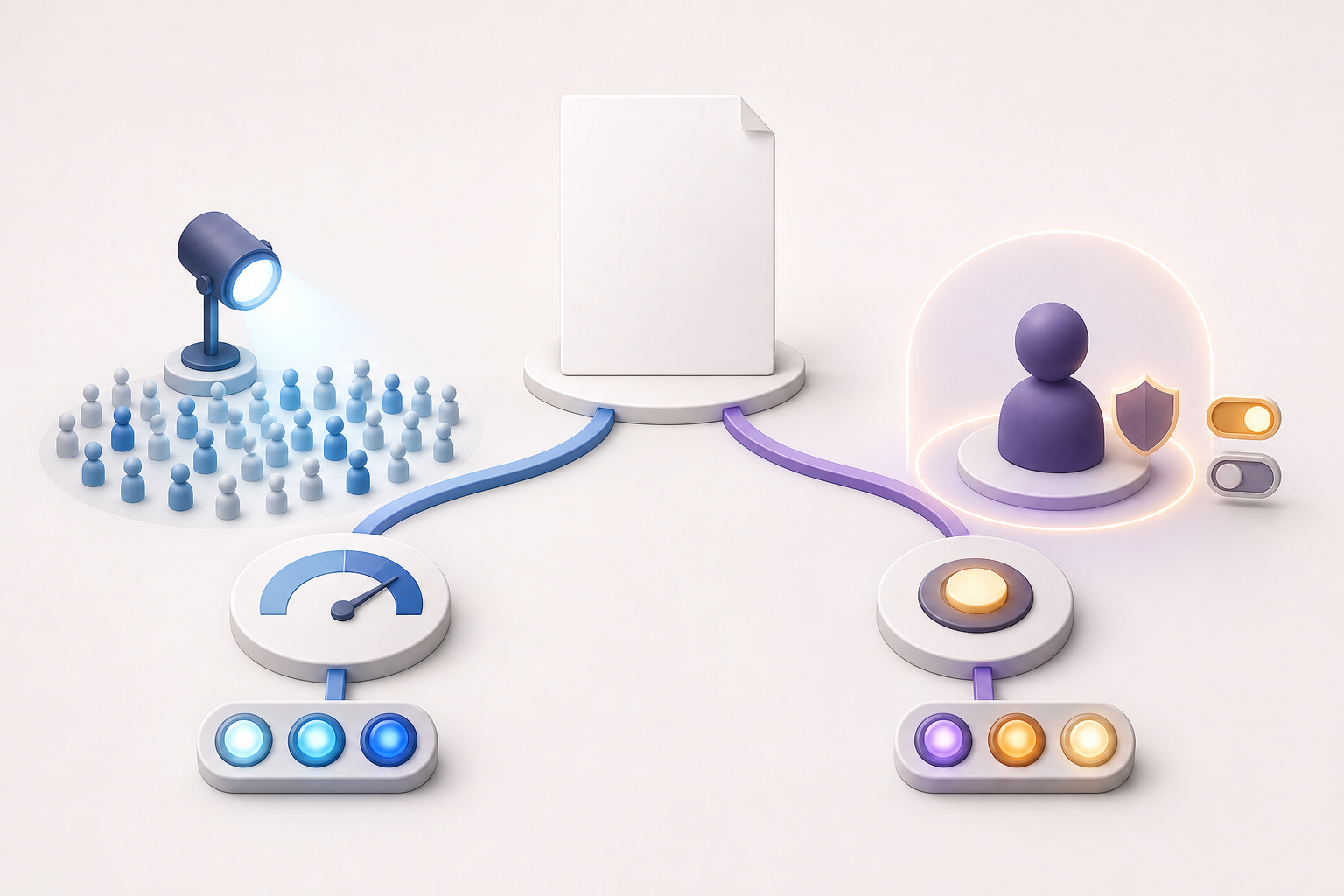
A personalized Gemini response can vary with connected apps, personalization settings, and past conversations. Compressing all of that into one rank number strips away the conditions that produced the answer. Use a small controlled test matrix instead.
Run a controlled visibility check
- Record the demand evidence. Save the Trends prompt, comparison set, relevant rising queries, date, and comparison context visible in the interface. This becomes the public-demand side of the test.
- Document the personalization state. Establish a baseline with personalization off. If you test a connected condition, record which permitted apps are active without copying private contents into the report.
- Hold the prompts constant. Use the same wording, task, and follow-up sequence across conditions. If you change the prompt and the personalization state at once, you will not know which change affected the response.
- Log treatment instead of claiming a fixed rank. Record whether your page or brand appeared, which question the response answered, which details it used, whether it cited or linked to a public page, and whether it represented the entity accurately.
- Translate differences into content changes carefully. Revise a page only when the test exposes a public-content gap, such as an omitted condition, unclear entity relationship, outdated fact, or unsupported recommendation. You cannot repair a private-context mismatch by adding speculative personal details to the page.
- Repeat under the same conditions. After an editorial change, rerun the fixed prompts with the same documented settings. The useful comparison is the change in answer quality and representation under matched conditions, not a screenshot from an unrelated conversation.
Make privacy part of the test design
Personal Intelligence is off by default and lets the user choose which apps to connect. Connected apps do not personalize every response automatically, and users can manage past chats and provide feedback when personalization misses the mark. Those controls are not implementation details. They are variables that determine what your test actually measures.
Do not ask employees, clients, or research participants to expose personal Gmail, Photos, Search, or YouTube information merely to generate a marketing screenshot. Use only an account and data that the owner has explicitly authorized for the test. If private information affects an output, report the pattern at a high level and omit the underlying email, image, search, or viewing history.
The initial exclusion of Workspace accounts also means you should not present a personal-account test as proof of an enterprise workflow. Google indicated that Personal Intelligence would expand to Search in AI Mode, but a planned expansion is not the same as universal availability. Verify the feature, account type, country, and personalization state whenever you interpret a result.
Key takeaways
- Use Gemini in Google Trends to expand and compare a query cluster, not to automate your editorial calendar.
- Treat rising queries as clues about changing language or demand. Validate their meaning before creating or restructuring a page.
- Prepare for personalized answers by publishing a stable core answer with clearly labeled branches for the conditions that change it.
- Keep visible content and JSON-LD consistent. Neither markup nor trend data guarantees inclusion in a personalized Gemini response.
- Measure public demand and personalized usefulness as separate layers, documenting the prompt, account state, app connections, and answer treatment.
- Keep private Google data out of shared SEO artifacts unless the data owner has explicitly authorized its use.
Start with one existing page rather than a site-wide overhaul. Build its query map in Trends, add the most important missing conditional branch, and run one baseline and one authorized personalized check with the same prompt. That gives you a defensible editorial action now, plus a repeatable method as Gemini’s integrations reach more accounts and search surfaces.
References
- CrushPress.AI — Discover Trends with Google’s New Gemini Feature
- CrushPress.AI — Unlock Personal Insights with Gemini: Connect Your Google Life
Leave a Reply