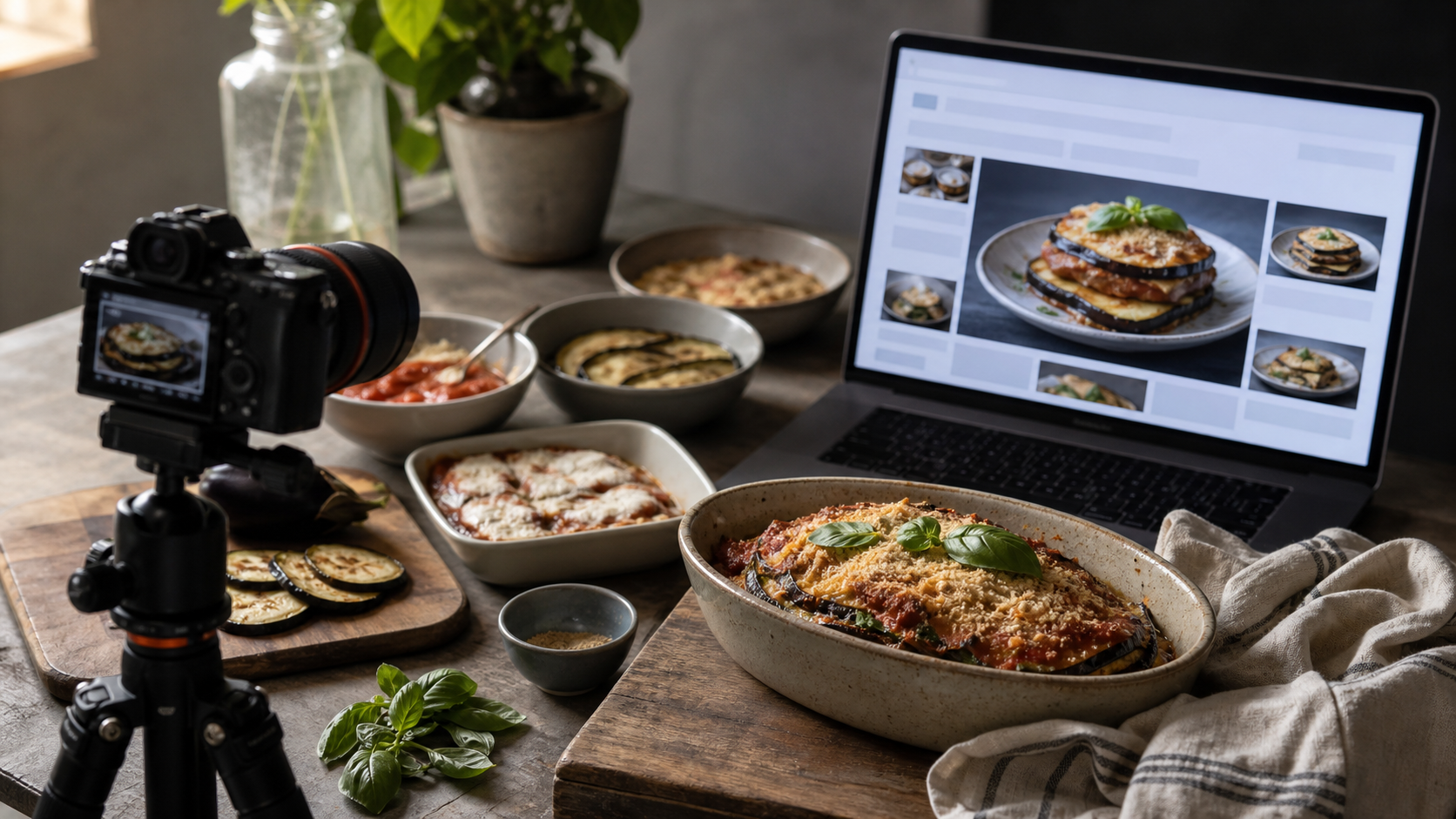
If you publish recipes, tutorials, or any page that depends on original visuals, the immediate question is practical: can Google generate an image that answers the query before your work earns a visit?
Do not cancel an image shoot or replace your library with synthetic assets based on one search experiment. Google stopped the recipe-image test that triggered this concern. The useful response is to make your visuals stronger as evidence, connect them cleanly to your content, and measure whether a generated answer actually changes user behavior.
What Google tested, and what it did not establish
Google tested AI-generated illustrations inside AI Overviews for recipe results. The generated visual compressed the cooking process from preparation to the finished dish. Google subsequently said the small experiment was no longer running.
The company also distinguished that experiment from Nano Banana, an image-generation feature announced in July that activates when a user explicitly asks to create an image. That distinction matters. An automatically generated visual inserted into a search answer is a different product behavior from an image a user deliberately requests.
The narrow reading is the reliable one:
- Google is willing to test generated visuals within the search-results experience.
- The recipe experiment described here has ended.
- The test does not establish a general rollout for generated images in AI Overviews.
- It does not establish how Google ranks AI-generated images published on your own site.
- It provides no measured traffic-loss figure that you can apply to your pages.
That last point should guide your budget decisions. A generated answer could reduce the need to click, but a stopped experiment cannot tell you how large that effect would be. Treat displacement as a hypothesis to measure, not a loss percentage to assume.
Separate the three image questions people keep mixing together
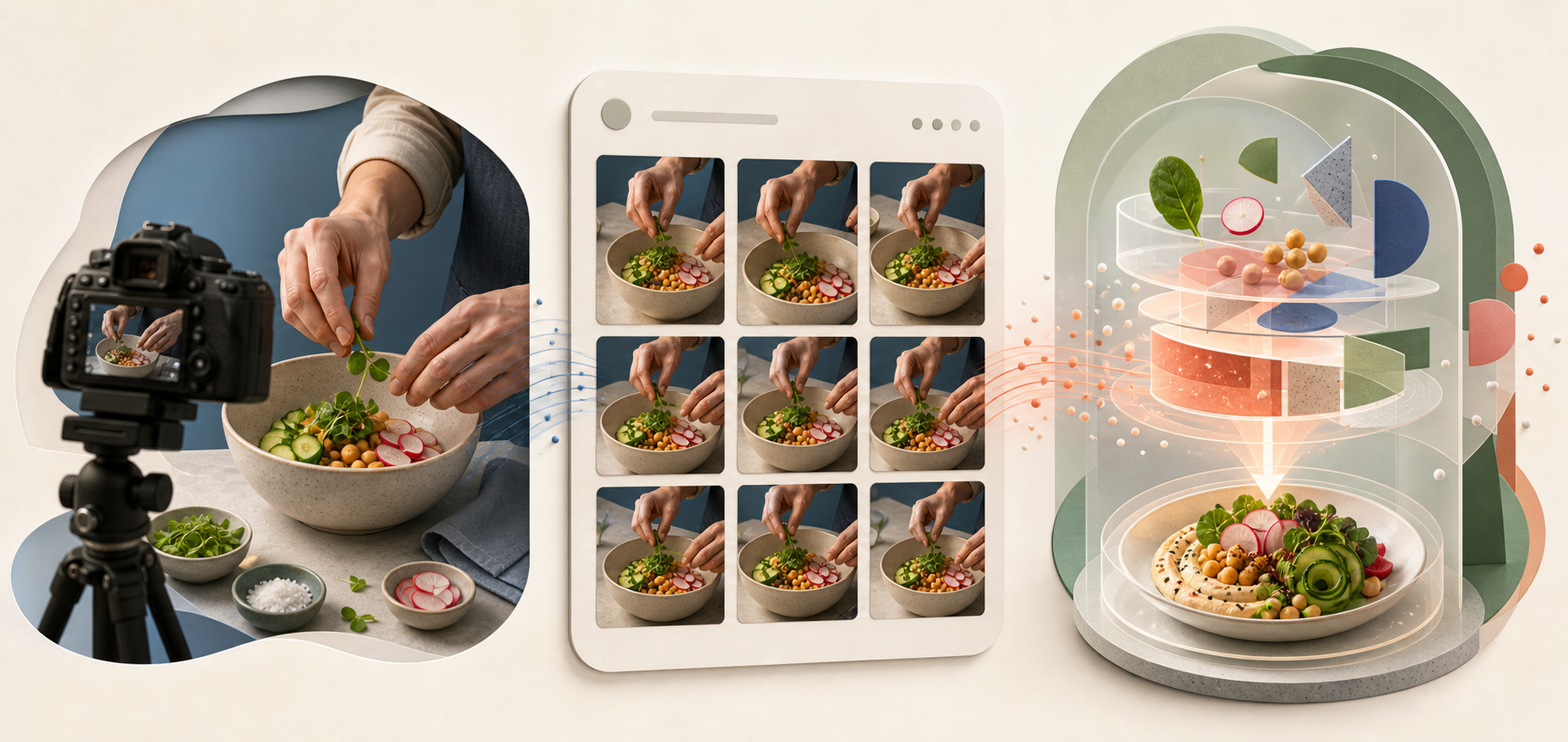
“AI-generated images in Google Search” can describe three different situations. Confusing them leads to bad SEO decisions.
| Question | What the recipe test tells you | Your decision |
|---|---|---|
| Will Google generate a visual inside the result? | Google tested this in recipe AI Overviews and then stopped the experiment. | Monitor the search surface for your important queries instead of assuming a permanent rollout. |
| Will Google show or cite an image from my page? | The stopped test does not answer that broader visibility question. | Keep original images accessible, useful, and clearly associated with the visible page content. |
| Can I publish an AI-generated image on my site? | The event establishes no general ranking treatment for publisher-created AI images. | Judge the asset by accuracy, transparency, reader value, and your content standards rather than an assumed SEO advantage. |
The most immediate concern is the first situation: Google owns the generated visual, while publisher citations may appear nearby. A recipe publisher affected by the experiment warned that users could mistake nearby citations for credit for the illustrations. That concern is plausible, but it should not be inflated into a claim that every AI Overview misattributes images.
When you inspect a result, ask two separate questions: “Where did the factual instructions come from?” and “Who created this visual?” If the interface makes only the first answer clear, a citation does not necessarily give you visual attribution.
Make original images carry evidence a summary cannot preserve
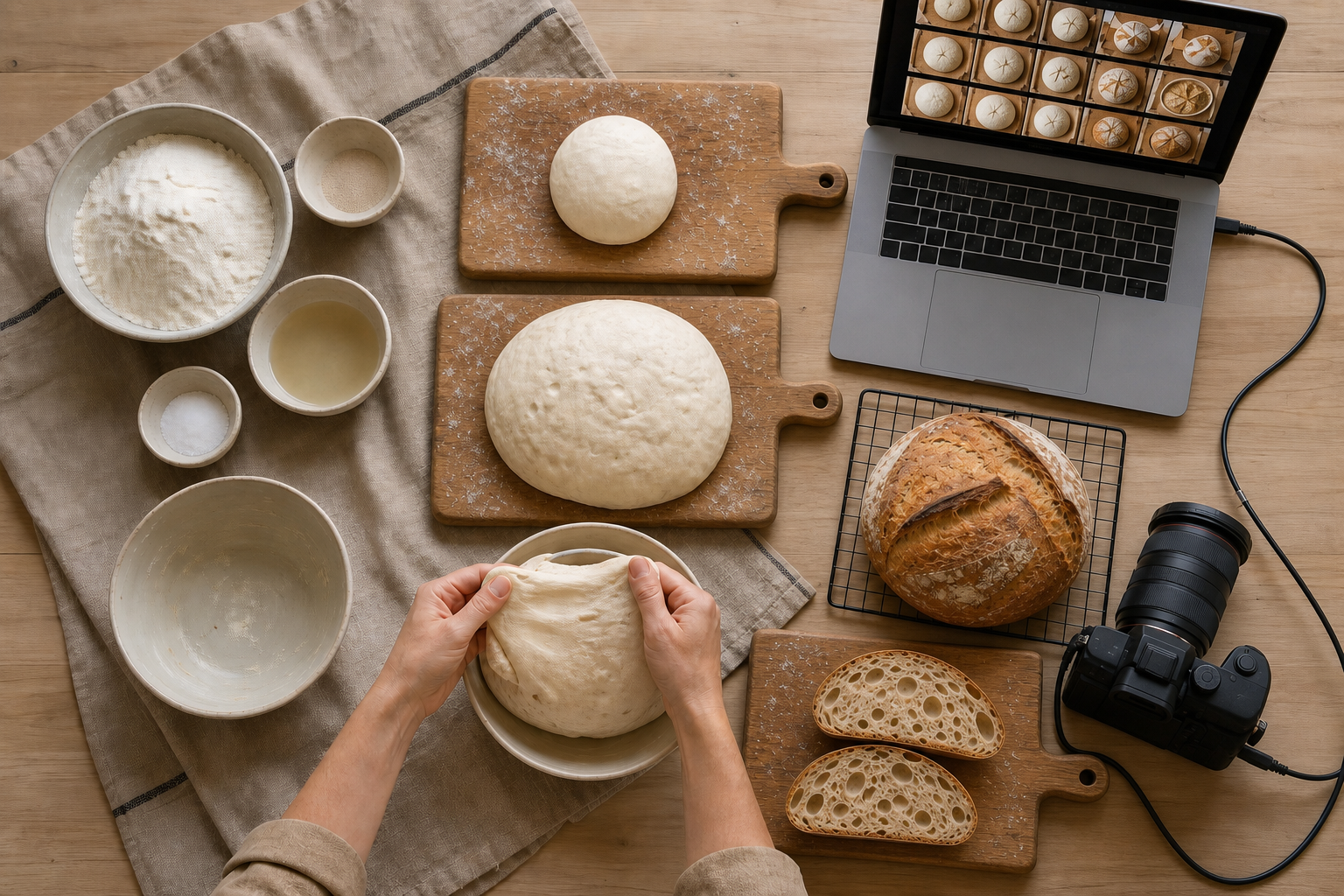
Your strongest response is not to publish more decorative images. It is to make each original visual communicate something a simplified reconstruction could omit, blur, or invent.
- Give every image a defined job. Show a decision, condition, comparison, or outcome that the surrounding prose cannot communicate as quickly.
- Capture consequential stages. For a recipe, that might be texture, color, consistency, assembly, or the difference between an intermediate stage and the finished result. For a repair tutorial, it might be component orientation or correct tool placement.
- Keep the visual and written sequences aligned. If the text changes order during editing, update the image order and captions at the same time. A polished image attached to the wrong step is worse than no image.
- Write captions that interpret the evidence. Name the stage and tell the reader what to notice. “Mixture after folding, with visible streaks remaining” is more useful than “Step three.”
- Use accurate alt text. Describe the relevant content and purpose of the image. Do not turn alt text into a list of target keywords.
- Keep credits in visible page context. If the photographer, illustrator, tester, or organization matters, identify that contributor where readers can see it rather than relying only on the file name.
- Align structured data with the page. If you use Recipe or ImageObject markup, reference an image that represents the visible content. JSON-LD is a consistency layer; it is not proof of authorship or a guarantee that an image will appear in search.
This changes the role of image production. A generic hero image decorates a page. A well-captioned process image documents a claim. When Google or another answer engine compresses the page, the second asset gives the system and the reader a clearer reason to preserve the connection to your work.
If the image itself was generated
An AI-generated image can be an illustration without being evidence that you performed a process, tested a product, or produced the depicted result. Keep that boundary explicit.
- Check every depicted step against the instructions a reader will follow.
- Look for invented ingredients, tools, components, labels, textures, and transitions.
- Do not present a generated process scene as documentary photography.
- Label the image’s role when the difference between illustration and documentation could affect trust.
- Have a human editor verify the final asset in the context of the page, not only as a standalone image.
- Replace the asset when an error could lead the reader to perform the process incorrectly; a disclaimer does not repair a misleading instruction.
For image-led instructional content, consistency matters more than visual polish. If the prose says one thing and the image shows another, the page has an accuracy problem regardless of whether a camera, design tool, or generative model produced the asset.
Measure exposure before changing your production budget
A sitewide traffic change cannot tell you whether a generated image displaced a click. You need query-level evidence that the search feature appeared and page-level evidence that behavior changed.
- Define the exposed content group. Start with pages whose value can be compressed into a visual sequence: recipes, assembly instructions, repairs, demonstrations, comparisons, and other image-led tutorials.
- Record the actual result. For each important query, save the query wording, generated visual, visible citations, search language, location context, device context, and date observed. Search interfaces change, so the screenshot is part of your evidence.
- Annotate the first observation. Add it to the same change log you use for site releases, content updates, and search-feature changes. Without that marker, later traffic comparisons become guesswork.
- Compare the affected pages and queries. Use Google Search Console to review impressions, clicks, and click-through rate. Use analytics to examine entrances and the business actions that follow those visits. If your reporting does not identify the generated feature directly, pair performance data with the search-result captures.
- Use a relevant comparison group. Compare image-led pages where you observed the feature with similar pages where you did not. Do not use unrelated sitewide traffic as the only baseline.
- Inspect attribution and accuracy separately. A citation can be present while the generated visual remains confusing. Record whether the source of the instructions and the creator of the visual are each clear.
- Change strategy only when the pattern repeats. A generated visual appearing alongside a decline isolated to the same queries is more informative than a single screenshot or a broad organic fluctuation.
If impressions remain stable but clicks decline only where the generated visual appears, the displacement hypothesis becomes more credible. If no such visual appears, or the decline affects unrelated pages, look for another explanation before changing your image workflow.
Also separate visibility from value. A page can receive fewer visits without losing the same proportion of conversions, subscriptions, or qualified inquiries. Conversely, a visible citation can look positive while contributing little meaningful traffic. Track both search presence and the outcome you actually need.
When you find an inaccurate or confusing generated visual, capture the evidence before the interface changes. Preserve the query, complete visual, citations, and relevant landing pages. Use any feedback or reporting control available in the result, then check whether ambiguity on your own page contributed to the problem. Correct your page when it is unclear, but do not rewrite accurate instructions merely to match a generated mistake.
Key takeaways
- Google stopped the small recipe experiment that automatically generated process illustrations inside AI Overviews.
- The experiment was separate from image generation triggered by an explicit user request.
- A Google-generated search visual, a publisher image shown in search, and an AI image published on your site are three different SEO questions.
- The stopped test does not establish a general ranking penalty or benefit for AI-generated images on publisher sites.
- Original visuals become more defensible when they document meaningful stages, match the instructions, include precise captions, and align with structured data.
- Do not infer traffic loss from the feature’s existence. Record the result and compare affected queries and pages before changing your production strategy.
Start with your highest-value image-led template. Audit the relationship among its instructions, visuals, captions, credits, alt text, and structured data, then establish a performance annotation you can use if generated visuals reappear. The next experiment may take a different form, but clear evidence and clean measurement will leave you in a position to respond without guessing.
References

Leave a Reply