
Google Search Console’s platform properties extend search reporting beyond an organization’s own website to supported social and video accounts. The practical payoff is a clearer view of which Google searches surface hosted content and which posts earn visits from Search.
The feature should be treated as a measurement layer for Google visibility, not as a replacement for each platform’s native analytics. Used with that boundary in mind, it can connect search demand, content performance, and channel planning.
What platform properties add to search measurement
According to the source report, a verified platform property can represent an Instagram, TikTok, X, or YouTube account in Search Console. This changes the reporting scope: teams can examine Google Search activity involving content hosted on supported third-party platforms, even though they do not own those platforms’ domains.
The report says Search Console can show the search terms that lead people to this content, along with clicks, impressions, post-level performance, and audience discovery information. That creates a useful bridge between two views that are often separated: what people seek on Google and how an account’s individual social or video posts satisfy that demand.
The distinction matters. Platform-property data describes exposure and traffic originating in Google Search. Native platform analytics generally describe behavior within the host platform. A post can therefore perform differently in the two environments, and neither dataset alone represents its complete audience performance.
Three Search Console views answer different questions
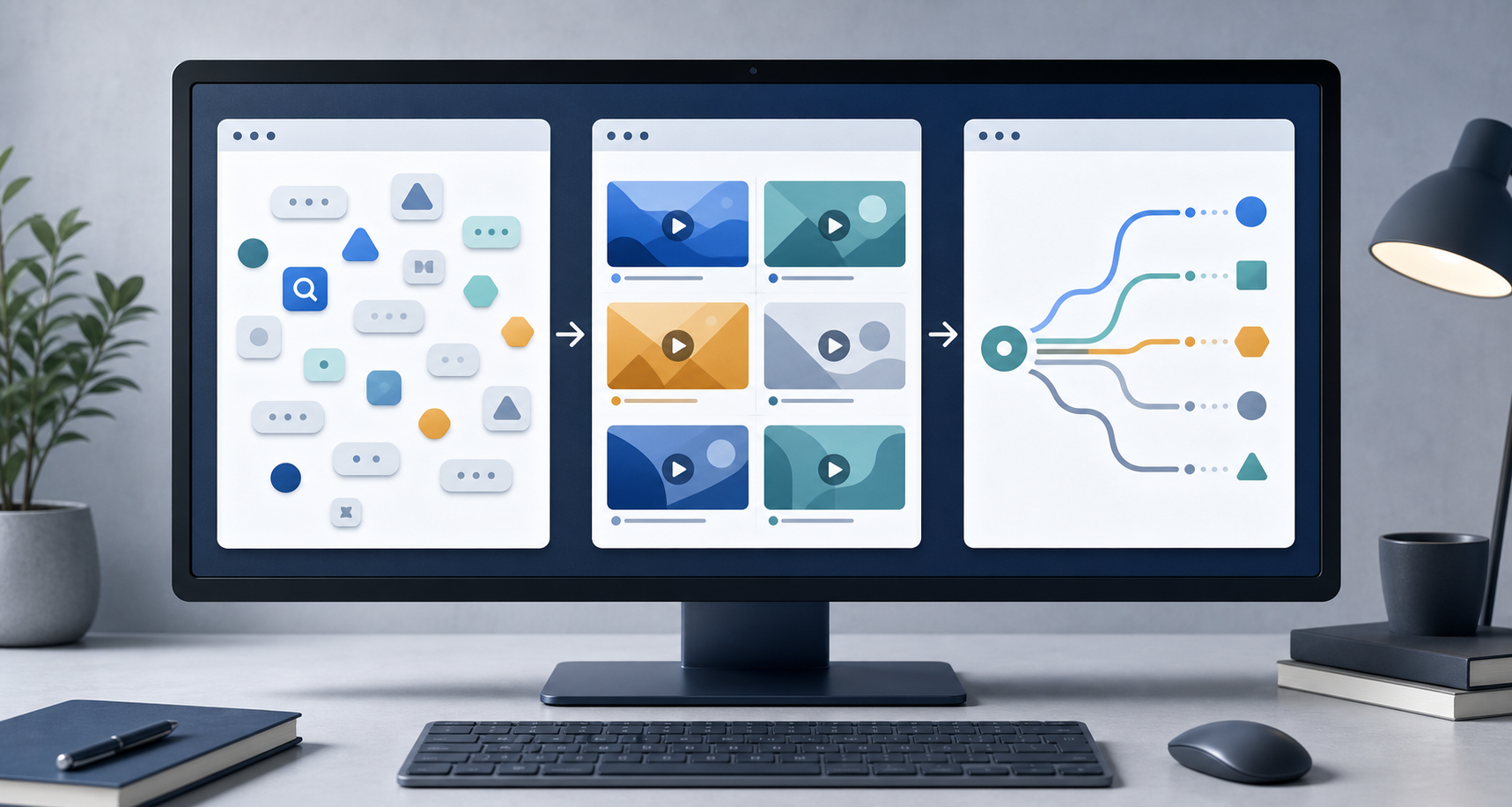
The source identifies three areas where platform information appears: the performance report, the insights report, and achievements. Each supports a different level of analysis.
Performance report: diagnose queries and posts
The performance report is the detailed working view. The source says users can review clicks and impressions, filter and sort the results, identify leading queries and posts, and export the data. This is where a team can connect a search theme to the specific content receiving visibility.
Insights report: monitor direction
The insights report provides a higher-level picture of recent traffic trends, leading posts, and discovery paths, according to the source. It is better suited to routine monitoring and editorial conversations than to granular diagnosis.
Achievements: recognize growth thresholds
The achievements area tracks milestones such as reaching a new threshold for total Google Search clicks over the previous 28 days, the source reports. Milestones can make progress visible, but they should remain supporting signals rather than campaign objectives by themselves.
A practical workflow for acting on the data

Setup begins in the Search Console property selector or verification page. The source says the user selects a supported platform and follows the onscreen authorization process. It also reports that availability is rolling out gradually, so the option may not appear in every account immediately.
Once data is available, analysis should begin with a defined question. Query data can reveal the language searchers use; post data can show which executions attract clicks; and trend data can indicate whether visibility is strengthening or weakening. Those signals can guide updates to titles, descriptions, topics, and future content, while subsequent reporting can show whether Google Search response changed.
Interpretation should account for context. Impressions indicate that content appeared in eligible search results, while clicks indicate visits from those results. Neither metric, on its own, establishes watch quality, engagement, leads, or business value. Those outcomes require native platform data or other measurement systems.
Comparisons should also remain like-for-like. A team can examine posts within the same account, queries within a shared topic, or changes across comparable reporting periods. Differences between Instagram, TikTok, X, and YouTube may reflect distinct content formats and audience behavior, so a simple cross-platform ranking can obscure more than it explains.
The source further notes that platform properties are distinct from Google’s search profiles feature, which has separate analytics. Keeping those property types and datasets labeled clearly will help prevent unrelated measurements from being combined.
Key takeaways
- Platform properties bring supported Instagram, TikTok, X, and YouTube accounts into Search Console reporting, according to the source.
- The performance report supports detailed query and post analysis, while Insights summarizes trends and achievements records growth milestones.
- The data measures discovery through Google Search, not the full performance of content inside a social or video platform.
- Useful analysis connects query intent to individual posts, then combines Search Console findings with native engagement and business-outcome data.
- Because access is being introduced gradually, some Search Console accounts may not yet offer the property type.
As platform reporting becomes available, the strongest opportunity will be to incorporate hosted social and video content into the same search-led editorial process already used for websites. That can turn an otherwise fragmented set of channel reports into a more coherent view of how audiences discover content.
Leave a Reply