
If you manage client spend through a Google Ads Manager account, the dangerous moment may look completely routine: an access invitation arrives, the branding appears familiar, and the sign-in page asks you to continue. If that page is fake, one completed login can put an entire client portfolio at risk.
The strongest defense is not expecting every employee to spot every convincing email. It is building an access workflow in which an email is never trusted enough to authorize account access on its own.
Key takeaways
- Treat every Google Ads access email as a notification, not as the place where you approve or sign in.
- Open Google Ads independently and confirm that the request exists inside the Manager account before acting.
- Stop immediately if a login page is hosted on Google Sites, even if the rest of the page looks authentic.
- Remove dormant users, unnecessary linked managers, and inactive client accounts so one stolen identity cannot expose more than necessary.
- If compromise is possible, contain access and unauthorized spend immediately while you escalate the incident through a trusted Google support route.
Why an MCC phishing mistake spreads so quickly
A Google Ads Manager account, commonly called an MCC, is designed to make many accounts manageable from one place. That convenience also concentrates risk. A user with broad access may be able to reach multiple clients, campaigns, budgets, and account relationships without signing in separately to each account.
The phishing sequence exploits that concentration. A fake account-access invitation leads to a convincing Google-style login page. After the victim enters credentials, the attacker can add an unauthorized administrator, connect another Manager account, and launch fraudulent campaigns with large budgets. The resulting activity can begin immediately and remain unnoticed while the team assumes the original invitation was legitimate.
The financial window can be brutally short. Some affected agencies have reported tens of thousands of dollars in unauthorized expenses within 24 hours. The damage is not limited to ad spend. Fraudulent ads may direct users to harmful sites, accounts may acquire invalid-activity flags or disapprovals, and an agency can lose operational access across its portfolio.
Two-factor authentication remains an important security control, but it does not make a link trustworthy. Teams using two-factor authentication have still been affected by these phishing incidents. Your operating rule therefore has to be simple: no security badge, familiar logo, or additional authentication prompt can substitute for verifying the request inside the real account.
Use a no-email workflow for every access invitation
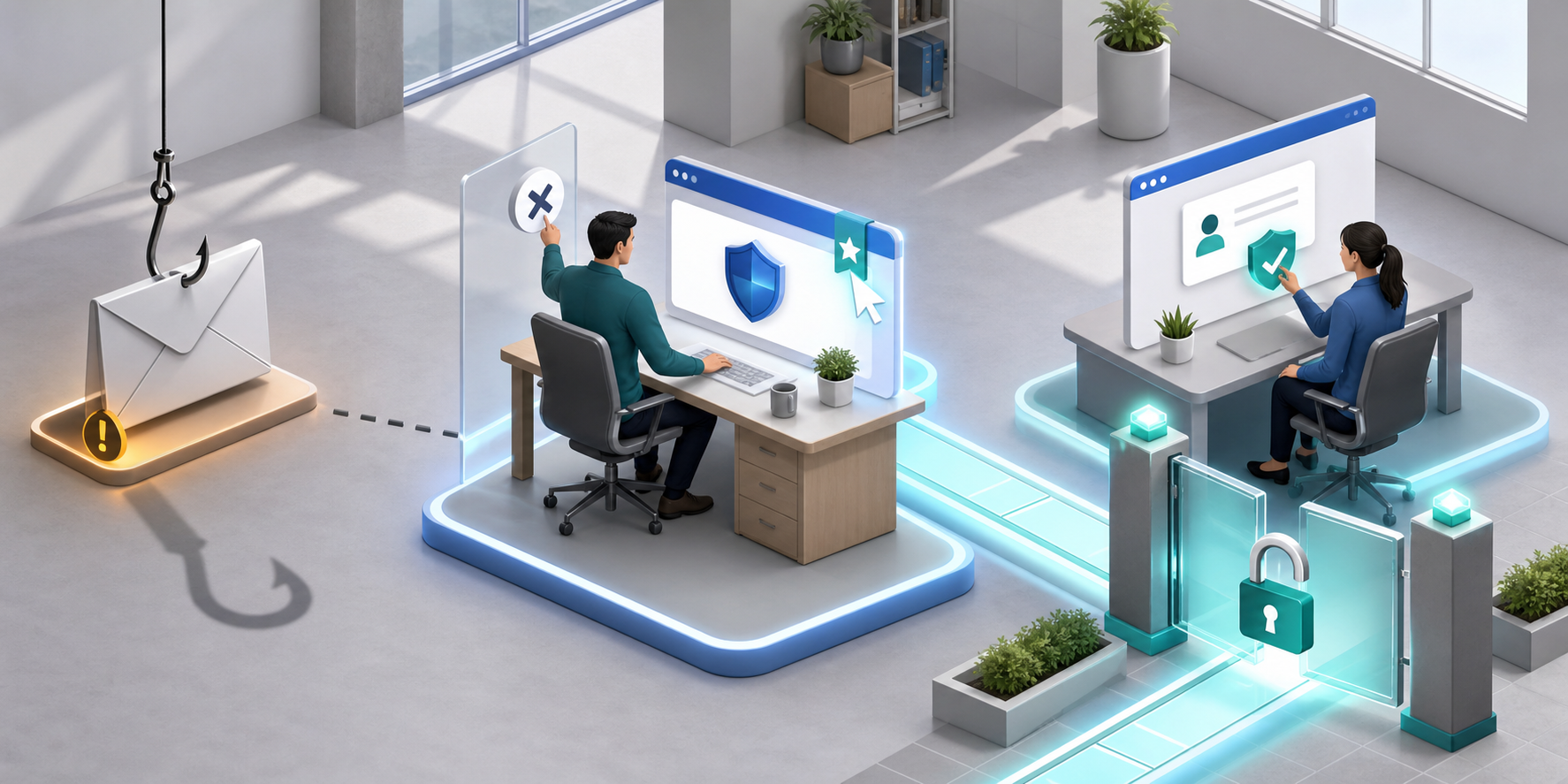
The safest invitation process breaks the connection between the message you receive and the action you take. You can read the email, but you should not use its link to reach Google Ads.
- Pause at the invitation. Do not click its sign-in, review, accept, or account-access button. Treat the message only as notice that someone may be requesting access.
- Open Google Ads independently. Use a trusted bookmark or a known address that you enter yourself. Do not search for the sign-in page through information supplied in the email.
- Check the request inside the MCC. Look for the corresponding invitation or access request in the Manager account. If no matching request exists there, do not proceed through the email.
- Verify the person and business purpose. Contact the requester through a phone number, chat thread, ticket, or email address already known to your organization. Do not rely on contact details introduced by the suspicious message. Confirm which account needs access, who needs it, and why.
- Confirm the requested scope. Distinguish access to one client account from access to the Manager account. Ask whether administrative privileges are actually required. Broad portfolio access should have a clear operational reason.
- Approve only inside the trusted account. Complete the decision from the Google Ads interface you opened independently. Record who approved it, who was granted access, the permission level, the affected account, and the business justification.
A login page hosted on Google Sites is a hard stop. Google Sites can host pages that visually resemble a Google service, but Google does not use Google Sites as its login location. Familiar colors and logos do not override the address shown by the browser.
Sender details deserve the same scrutiny. A small discrepancy in the sender domain or destination address is enough to reject the email workflow. You do not need to prove that the message is malicious before refusing its link. You only need to establish that the request cannot be verified safely.
Reduce how much one compromised user can reach
A good verification process lowers the chance of compromise. Access hygiene lowers the amount of damage if verification fails. Both matter because one person with unnecessary portfolio-wide privileges can become the route into every account that person can reach.
Audit users, managers, and inactive accounts
Review access whenever an employee, contractor, agency partner, or client relationship changes, and place the same review on a recurring operations schedule. For every entry, decide whether to keep it, reduce its permissions, remove it, or investigate it.
- List every user who can access the MCC and identify the current owner of that access.
- Check permission levels and reduce broad administrative access when the person’s work does not require it.
- Inspect linked Manager accounts and verify that each relationship is current and recognized.
- Remove dormant users instead of leaving old access available indefinitely.
- Disconnect inactive client accounts that no longer need to remain within the operating portfolio.
- Make offboarding an immediate access-removal event, not a task deferred until the next general audit.
Before removing a legitimate administrator, confirm that another authorized administrator can manage the account. Careless access cleanup can lock out your own team. If an entry is unfamiliar during a suspected incident, capture its identity and relationship details before removal when doing so will not delay containment.
Give campaign anomalies a named owner
Unauthorized access becomes expensive when nobody is responsible for noticing what changed. Assign a person or on-call function to investigate newly created campaigns, unexpected budget increases, unfamiliar landing-page domains, new administrators, and new linked Manager accounts. A notification without an owner is only another unread message.
Holiday periods deserve an explicit verification rule because the reported phishing pattern intensifies when teams are handling unusual workloads and schedules. Do not respond with a generic reminder to be careful. Repeat the exact behavior required: open the MCC independently, confirm the request there, and verify the requester through a known channel.
Respond as if access and spending are separate emergencies

If someone entered credentials on a questionable page, an unfamiliar administrator appears, or unexplained campaigns begin spending, do not wait for perfect certainty. The account-access problem and the spending problem can worsen at the same time, so both need owners immediately.
- Move away from the suspicious message. Open Google Ads and the relevant Google account through trusted routes. Alert the person responsible for the MCC and your internal security contact. Do not continue using recovery or support links from the questionable email.
- Identify the affected scope. Inspect users, administrators, linked Manager accounts, and client accounts reachable through the compromised identity. Do not assume the visible fraudulent campaign is the only affected asset.
- Contain unauthorized access. Record unfamiliar users and linked managers, then remove them if you have the authority and can distinguish them from legitimate access. Preserve timestamps, account identifiers, and screenshots where practical, but do not delay containment merely to create a perfect record.
- Stop active financial loss. Pause campaigns that you can establish are unauthorized and inspect their budgets, destinations, and affected accounts. Avoid pausing legitimate campaigns indiscriminately; a rushed portfolio-wide shutdown can create a second business incident.
- Secure the exposed identity. Anyone who entered credentials on the suspicious page should change the password through an independently opened Google account, review active sessions, and re-establish authentication controls as required by the organization’s security process.
- Escalate through trusted Google support. Report the account as compromised and provide the customer IDs, timestamps, unauthorized users or managers, fraudulent campaigns, and disputed spend you have identified. Support may not contain the incident as quickly as the attacker can spend, so continue the controls available to your authorized team while the case is open.
- Check for secondary damage. Review ad destinations for harmful content, examine disapprovals and invalid-activity flags, and look for unauthorized billing or campaign changes. Account and client-trust problems can remain after the immediate campaigns are stopped.
- Communicate with affected clients. State what is confirmed, which accounts may be affected, what spending is under review, what has been contained, and when the next update will arrive. Do not promise reimbursement or a recovery timeline that Google has not confirmed.
Keep one incident record that joins access changes, campaign activity, support case details, and client communications. This makes it easier to distinguish confirmed facts from assumptions and gives finance, security, account teams, and clients the same timeline.
Before the next invitation arrives, add one rule to your operating procedure: email access requests are notifications only; verification and approval happen inside the MCC. Then review current users and linked managers. Those actions give your team a default response before a convincing message creates pressure to improvise.
Leave a Reply