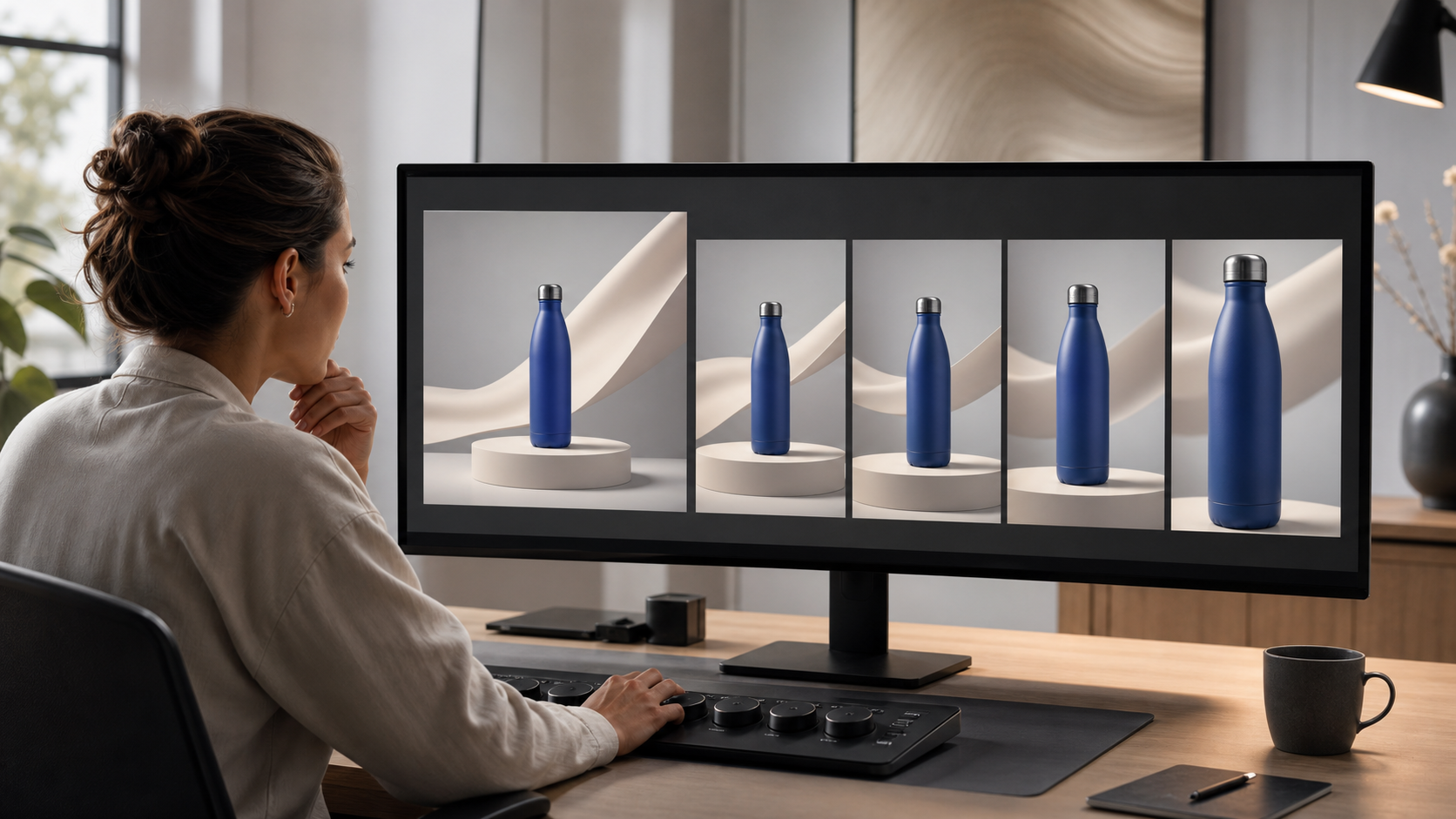
You already have image ads that communicate the offer. The problem is turning them into credible video creative without waiting for another full production cycle.
Microsoft’s AI image animation can close part of that gap, but generating motion is only the production step. You still need to choose the right source image, protect the message, control the test, and decide whether the resulting video deserves more spend.
What Microsoft’s image animation changes
Microsoft Advertising’s Copilot-powered Image Animation feature turns static creative into video through Ads Studio’s video templates. It was introduced as a global pilot available outside mainland China, so account access should be verified before you make it part of a campaign deadline.
The practical benefit is asset extension. Instead of beginning every video concept with a script, shoot, edit, and new approval cycle, you can give an existing image a motion treatment and make it eligible for more video opportunities across Microsoft’s publisher network.
That does not make an animated image equivalent to a purpose-built video. It does not create a stronger offer, repair weak positioning, or prove that video will outperform the original image. The feature reduces production friction; it does not remove the need for creative judgment.
This distinction should shape your first decision. Use image animation when the static asset already contains a complete, intelligible idea and motion could make that idea easier to notice. Commission purpose-built video when the message depends on a demonstration, a sequence of claims, a spokesperson, a detailed explanation, or a narrative change over time.
Choose a source image that can survive motion
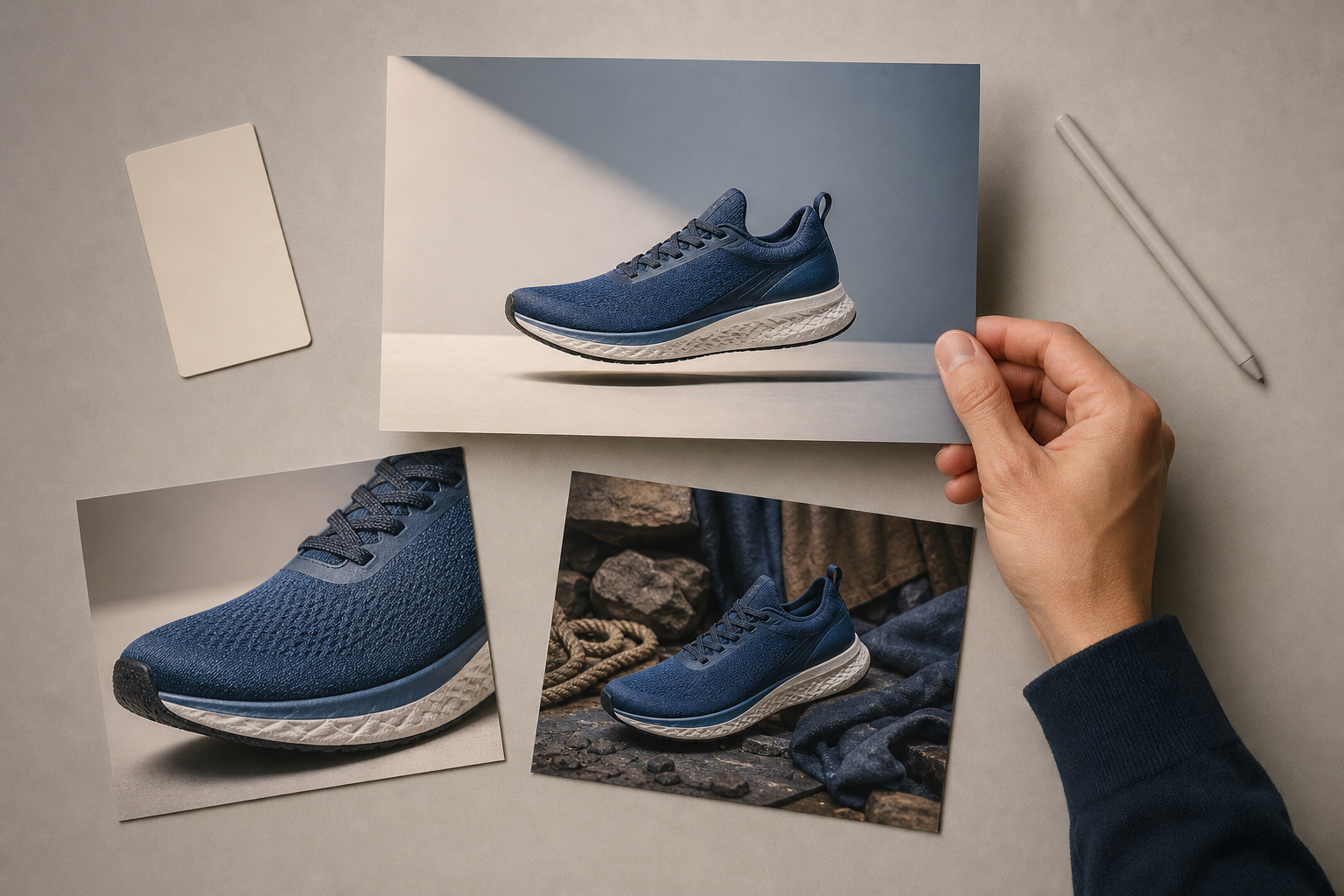
Your most attractive image is not automatically your best animation candidate. Motion directs attention, which means it can amplify either a clear hierarchy or a confused one. Start with assets that pass these checks before animation is added:
- The image has one obvious focal point. A person, product, interface, or result should command attention without competing with several equally prominent elements.
- The offer works as a still image. A viewer should understand the basic promise even if the animation fails to add meaning.
- The text is readable without depending on motion. Animation should support the message rather than move essential words through the frame or make them harder to follow.
- The brand is identifiable. A logo alone is not enough if the colors, product, offer, and landing-page experience feel unrelated.
- The composition has room to move. A crowded collage, dense screenshot, or image packed with disclaimers gives the animation little freedom without creating distraction.
- The asset has a reason to be tested. Prior engagement or conversion performance is useful evidence, but a strategically important new image can also qualify if you define the hypothesis clearly.
Be especially cautious with comparison charts, multi-product grids, small interface screenshots, and images whose meaning depends on fine print. These can be effective static ads because viewers can pause and inspect them. Added motion may reduce that advantage.
Do not choose an image merely because it is available. Write one sentence explaining what the motion is supposed to improve: make the product easier to notice, reveal a benefit, create depth around the focal point, or refresh a proven concept for video inventory. If you cannot finish that sentence precisely, you do not yet have a testable reason to animate the asset.
Build a controlled image-to-video workflow
The fastest route from image to video is not necessarily the fastest route to a usable ad. Put a short decision process around generation so that reviewers evaluate the output against the same objective.
Define the test before generating variants
- Name the source asset. Record the exact image, its message, and why it was selected.
- State the motion hypothesis. Describe the viewer behavior you expect the animation to influence, not simply that the video should be more engaging.
- Set the non-negotiables. Identify the product details, logo treatment, claims, price information, and required disclosures that must remain accurate and legible.
- Generate a small, meaningfully different set. Do not keep numerous near-identical outputs. Retain only variants that create distinct attention paths or motion treatments.
- Choose against the hypothesis. Select the version that best serves the intended message, even if another version looks more dramatic.
- Preserve the static control. Keep the original image and its performance context so the video result can be judged as an extension of known creative rather than an isolated asset.
Keep campaign variables stable wherever the platform and inventory permit it. The audience, offer, landing page, bidding approach, and measurement window should not all change at the same time as the format. Otherwise, a result cannot tell you whether animation helped or whether another variable produced the difference.
Apply a quality gate before the ad reaches review
AI-generated motion can be technically valid and still be commercially unusable. Watch the complete output repeatedly, including without audio, and stop the asset if any of these checks fail:
- Object integrity: Products, hands, faces, packaging, interfaces, and logos remain visually coherent throughout the motion.
- Claim integrity: Movement does not imply a product function, transformation, or result that the offer cannot support.
- Message order: The first thing motion emphasizes is also the first thing the viewer needs to understand.
- Text stability: Essential copy remains readable and is not obscured, distorted, or pulled away from its intended context.
- Brand continuity: The animation still looks like the brand and still leads naturally into the landing page.
- Ending clarity: The final state leaves the viewer with a recognizable product, offer, and next action instead of ending on decorative movement.
Reviewers should also compare the video directly with the source image. The right question is not, “Does this move?” It is, “What became clearer because it moves?” Reject output that adds activity but weakens comprehension.
Keep the approved source image, generated output, final exported asset, approval record, and campaign label connected in your asset library. That lineage matters when a price changes, a claim expires, or a product image is replaced. Without it, an efficient production process can create a larger cleanup problem later.
Measure whether motion improves the business outcome
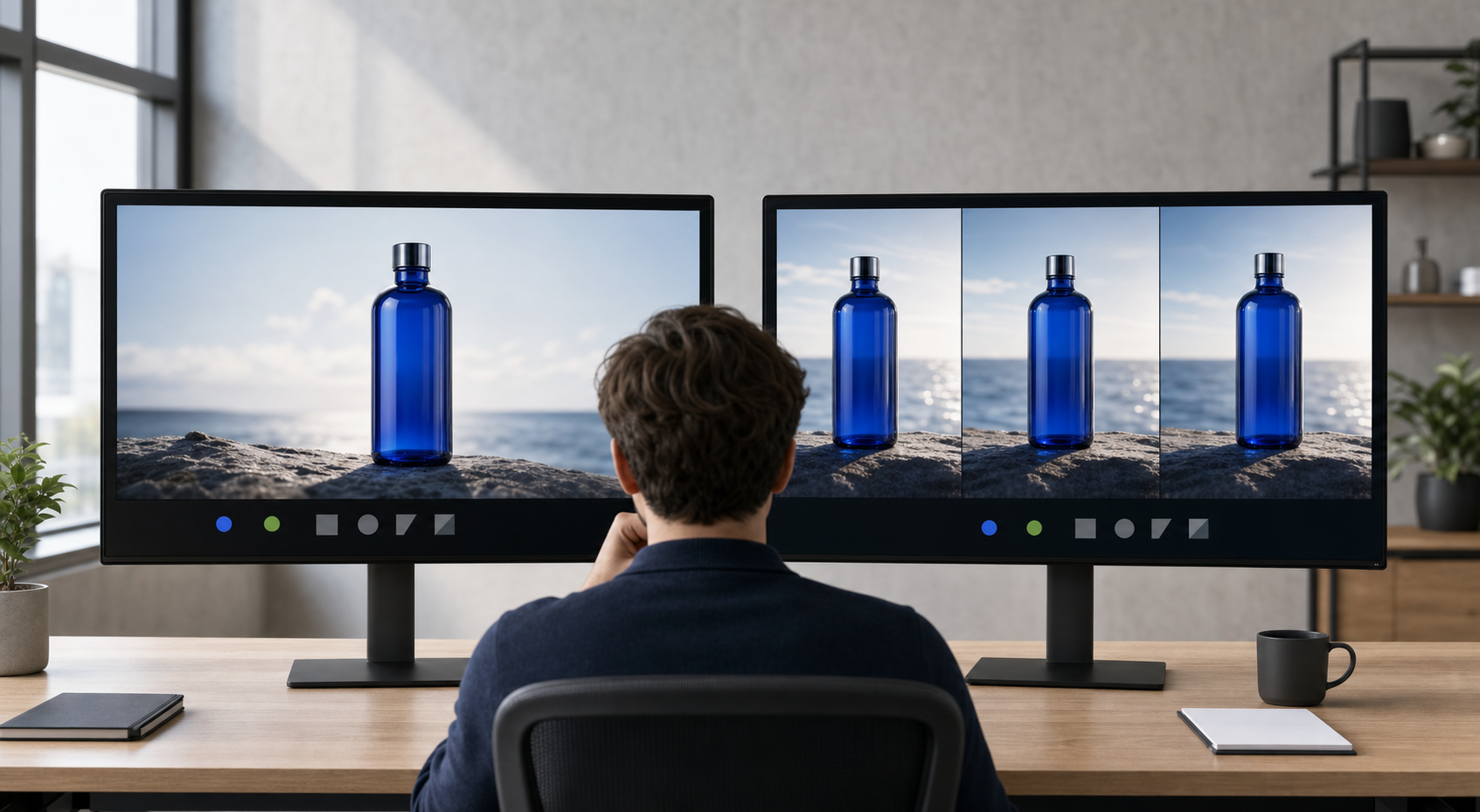
Video metrics can make weak creative look busy. Views, starts, and completion behavior tell you how people consumed the format, but they do not automatically tell you whether the ad attracted the right audience or advanced the campaign goal.
Select the primary metric from the campaign objective before launch. A response campaign should ultimately be judged by the valuable action it is designed to produce. An awareness campaign can use video-consumption and reach signals, but it still needs a defined outcome rather than a collection of whichever metrics improved.
Read the result as a sequence rather than a single total:
- Delivery changed: If the animated asset receives different inventory or substantially different exposure, separate the effect of access from the effect of creative quality.
- Video engagement improved but clicks did not: The movement may hold attention without communicating a sufficiently relevant offer.
- Clicks improved but post-click performance weakened: The animation may be creating curiosity that the landing page does not satisfy, or it may be attracting less-qualified traffic.
- Downstream performance improved: Check whether the gain is consistent enough to justify producing more animations from the same creative pattern.
- Nothing meaningful changed: Do not add more motion by default. Revisit the source image, the hypothesis, and whether animation is the appropriate format for the message.
These patterns are diagnostic clues, not proof of a cause. Campaign delivery, inventory, audience composition, and normal variation can affect them. The cleaner your setup and asset labeling, the less likely you are to scale a false winner.
When a test wins, scale the principle before you scale the production volume. Identify what appears to have worked: focal-point movement, a clearer product reveal, stronger brand presence, or access to useful video inventory. Apply that lesson to the next suitable image and test again. Generating a large batch from every asset would replace a production bottleneck with a measurement bottleneck.
Key takeaways
- Microsoft’s Copilot-powered feature converts static images into video through Ads Studio templates and can extend existing creative into more video inventory.
- Account availability should be confirmed because the documented rollout was a pilot rather than an unconditional promise of access.
- The strongest source image already communicates one clear idea; motion should reinforce that hierarchy rather than invent it.
- A useful test changes the format while keeping the offer, audience, landing page, and measurement approach as stable as practical.
- Generated motion needs human review for distorted objects, altered claims, unstable text, weak endings, and brand discontinuity.
- Scale only when the video improves the metric tied to the campaign objective, not merely because it collects more video activity.
Start with one image whose role you understand. Write the motion hypothesis, generate a restrained set of options, pass the winner through a strict quality check, and test it against a preserved control. If the downstream result improves, you have found a repeatable creative direction rather than merely a faster way to make files.
Leave a Reply