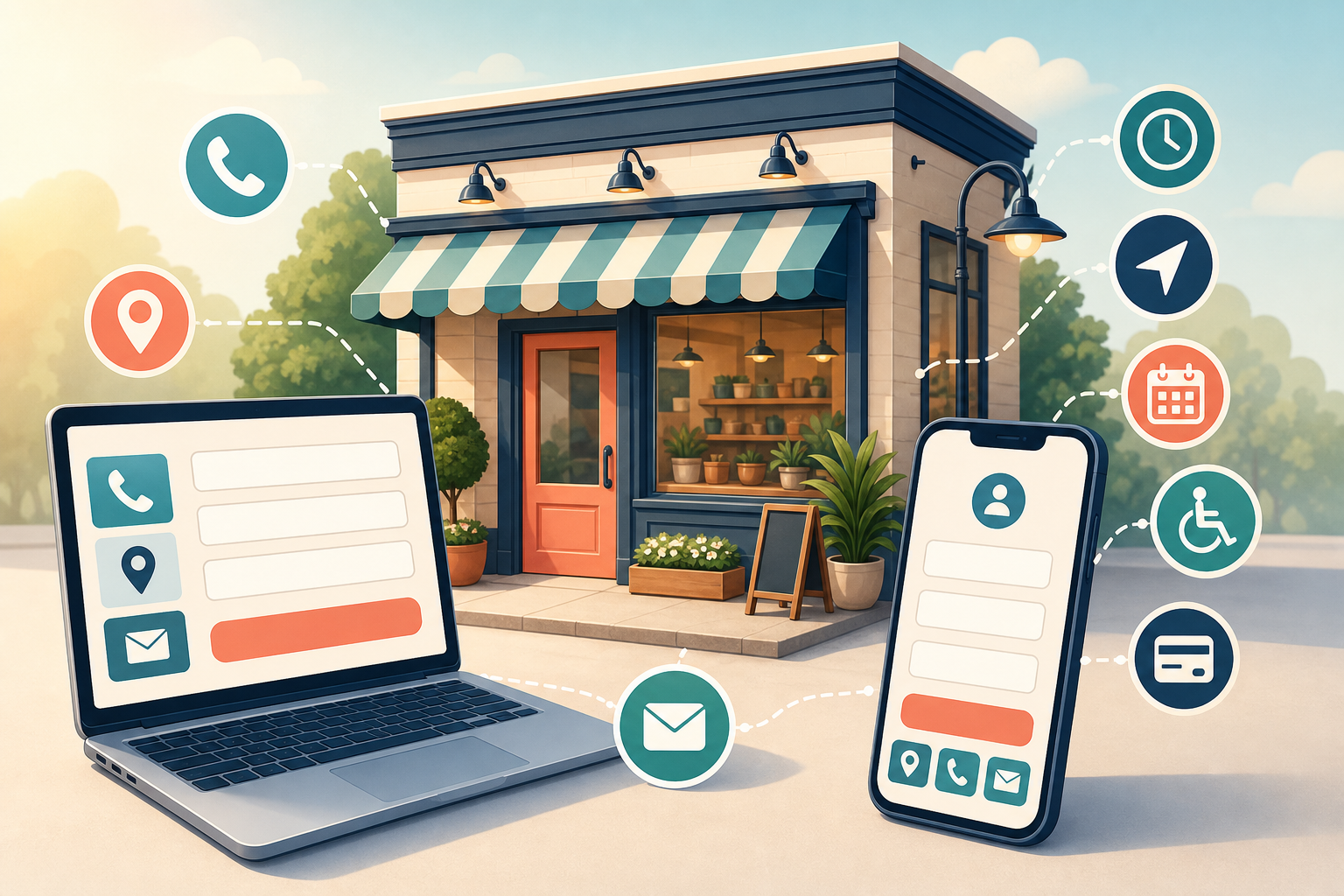
If your contact page contains only a phone number and a form, your customer still has work to do. They must find out when you are open, whether they can text you, where to park, which payment methods you accept, and what will happen after they submit an inquiry.
Those missing details also make your business harder for search systems to interpret. Google can crawl and interpret a contact page to extract business details, so this page should function as a complete local business record as well as a conversion page.
Give the contact page three clear jobs
A useful contact page answers three questions without making the visitor search the rest of your site:
- Have I found the right business? The page confirms your name, brand, location, and what you do.
- Can this business meet my practical needs? The visitor can check hours, service options, amenities, directions, parking, and payment methods.
- What should I do next? The page presents a visible action and explains what happens after the customer takes it.
That makes the contact page closer to a focused local landing page than an administrative endpoint. It still needs to be concise, but concise does not mean incomplete. The goal is to put every fact needed for a call, visit, message, pickup, delivery, or appointment in one dependable place.
Key takeaways
- Publish a complete business identity, not just a name, address, and phone number.
- Make shared details agree with your Google Business Profile.
- Answer practical questions about contacting, visiting, buying, and arriving.
- Support your claims with verifiable reviews, credentials, awards, and local involvement.
- Use a prominent call to action, explain the follow-up process, and track completed actions.
Publish one complete and consistent business record
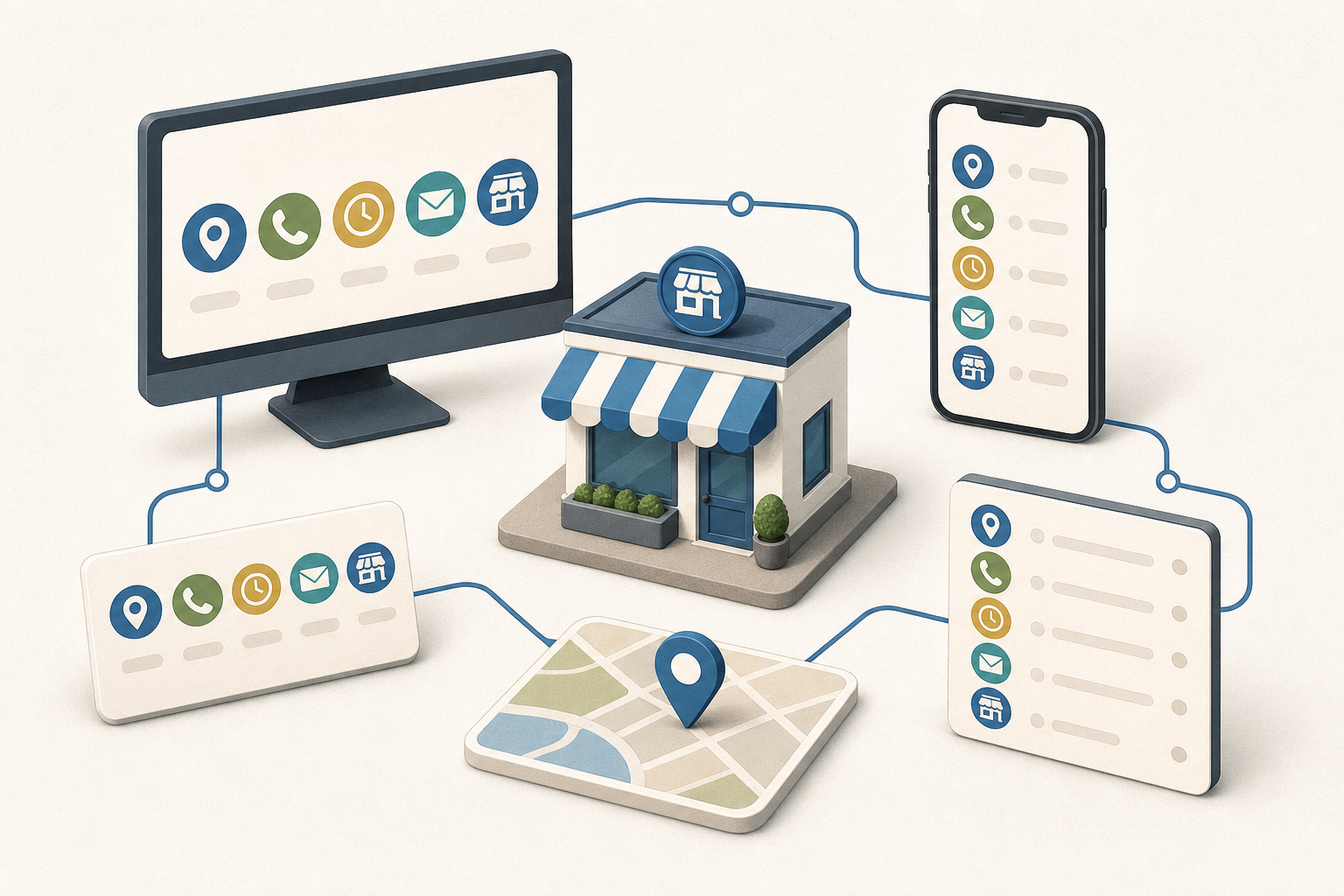
Start with facts before rewriting headlines or changing the design. Open the contact page beside your Google Business Profile and compare every field they share. A customer should not see one phone number on the page, another on the profile, and unexplained hours somewhere else.
Make the business identity unmistakable
Use the same recognizable logo that appears on your signage and other marketing materials. State the full customer-facing business name prominently. If you use a slogan, keep it accurate and useful; forcing location phrases or service keywords into it will make the page sound less credible.
Follow the identity block with a short introduction that says what you do, where you operate, and why someone would choose you. A practical pattern is: business type, location, main area of expertise, and a genuine differentiator. This gives a first-time visitor enough context to confirm that they reached the intended company.
Include the details customers otherwise have to hunt for
- Full business name: Use the name customers encounter on your storefront, Google Business Profile, invoices, and other public materials.
- Complete address: Include every part needed to reach the correct entrance or unit.
- Phone number: Make it easy to select on a mobile device and label its purpose if you publish more than one number.
- Text number: If texting is supported, say so explicitly. Do not leave visitors guessing whether the main number accepts messages.
- Contact form and email address: Provide an alternative when the form fails, the request needs an attachment, or the visitor prefers email.
- Operating hours: Publish normal hours and keep special or holiday variations current.
- Social profiles: Link only to profiles you actively associate with the business.
- Ways to buy: State whether you offer in-store shopping, curbside pickup, delivery, appointments, or another relevant arrangement.
- Map and directions: Embed the Google Map connected to the business and include a direct link to its Google Maps listing. A generic pin for the street address can be less useful than the actual business listing.
- Accepted payment methods: Tell customers what they can use before they arrive or place an order.
- Parking information: Explain where customers can park and identify any instructions they need before reaching the entrance.
The shared facts on this page and your Google Business Profile should agree. That does not mean every channel must contain identical prose. It means the business name, location, contact routes, hours, service options, and applicable attributes should not contradict one another.
When something changes, update both records as part of the same task. Assign an owner for the page and include it in the workflow for holiday hours, phone changes, relocations, new payment methods, and revised pickup or appointment policies. A technically polished page with stale operational information still fails the customer.
Remove friction from calling, visiting, and buying
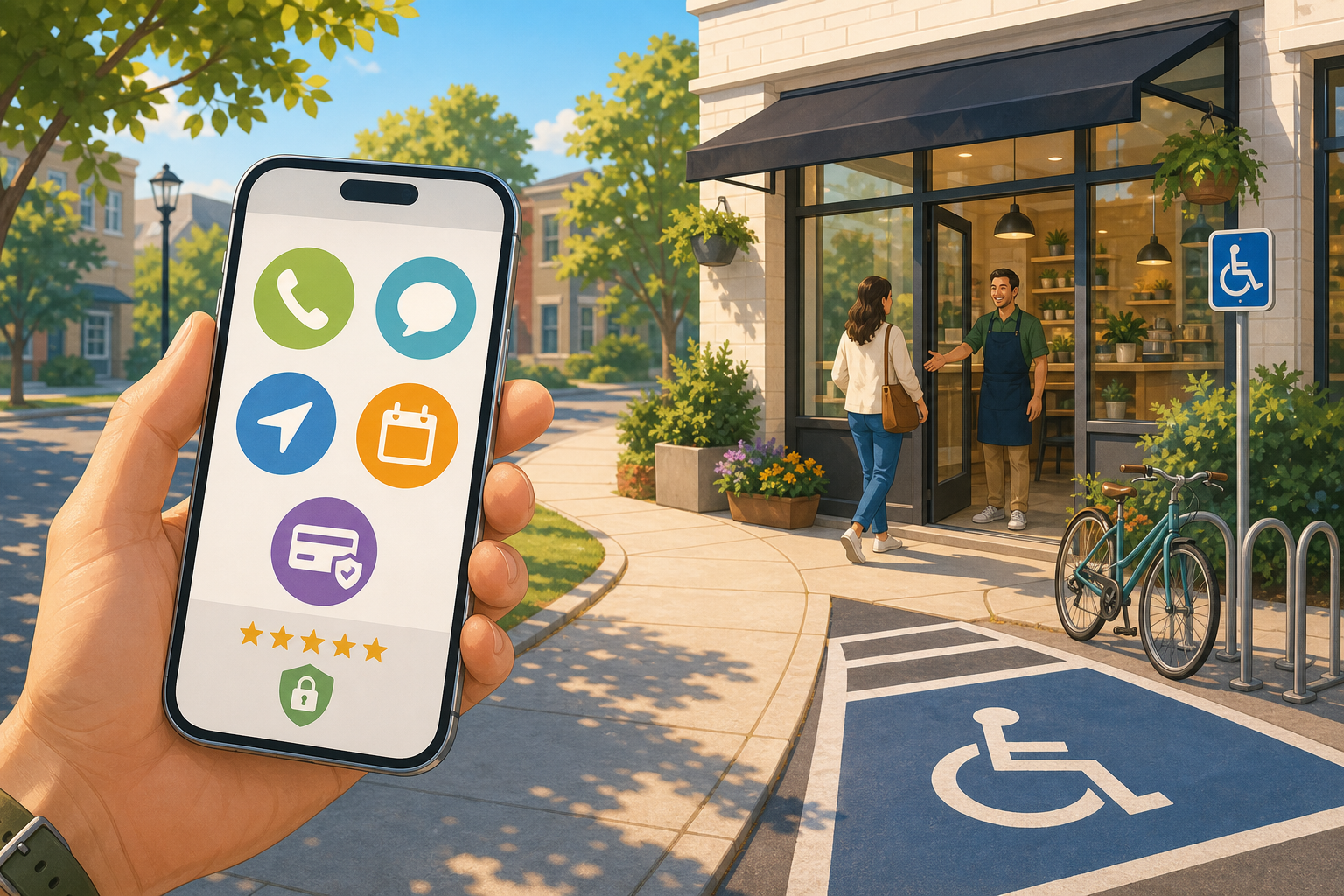
Visitors do not all arrive with the same intention. One wants to call immediately. Another needs directions. A third is checking whether curbside pickup is available. The page should support those paths without forcing everyone through the contact form.
- For callers: Place the phone number near the primary call to action and show the hours during which a response is available.
- For people who want to text: Label the text option and set an expectation for how the conversation continues.
- For visitors traveling to you: Pair the address with the business map, a Google Maps link, parking instructions, and any arrival detail that prevents confusion.
- For shoppers: State whether the relevant option is in-store service, pickup, curbside collection, delivery, an appointment, or some combination.
- For people comparing fit: Publish relevant amenities and business attributes in plain language rather than assuming they will infer them from photos.
- For written inquiries: Offer both the form and an email address, then explain what information will help your team respond.
Put the most common action early on the page, but do not hide the supporting details below a long promotional introduction. Someone standing outside your building needs the address, hours, map, and parking information more than another paragraph about brand values.
Amenities deserve particular attention because they often decide whether a customer can use a business at all. Review the attributes shown on your Google Business Profile, confirm which ones are still accurate, and reproduce the applicable facts on the page. Add other genuinely useful amenities that are specific to your location. Do not claim an attribute merely because it sounds desirable.
If you operate multiple locations, do not mix several addresses, phone numbers, and sets of hours into an unlabeled block. Make the selected location obvious, separate its facts from every other branch, and ensure each call to action reaches the right team or destination.
Put trust and local relevance beside the decision
Reaching the contact page does not mean the visitor has decided to contact you. They may be looking for one final reason to proceed or one warning sign that tells them to leave. Place evidence close to the action instead of expecting them to visit a separate company-history page.
Explain what happens after contact
Uncertainty is a conversion barrier. State the expected response time, whether the visitor will receive a confirmation, and what the next step normally involves. If different channels have different processes, explain them separately. A form submission might lead to a callback, while an appointment request might require confirmation before the time is reserved.
Make those expectations operationally honest. A vague promise such as “we respond quickly” gives the customer no usable information. A clearly stated response window is better, but only if your team can maintain it. If you cannot commit to a window, describe the sequence instead: confirmation, review, and follow-up.
Use proof that a visitor can verify
- Associations and memberships: Name relevant industry groups, chambers of commerce, professional organizations, neighborhood associations, and community groups. Link to your business entry on the organization’s site when one exists.
- Ratings and credentials: Display current credentials and any applicable Better Business Bureau information without overstating what the rating or membership means.
- Awards and press: Identify the award or coverage and link to the organization or publication that issued it.
- Reviews and testimonials: Use external reviews or testimonials that include enough context to feel authentic, such as the reviewer’s name, photo, city, or public profile when you have permission to publish those details.
Verification matters more than the number of badges. An unfamiliar logo with no explanation can become visual clutter. A named organization, a clear relationship, and a link to an independent listing give the visitor something they can evaluate.
The page can also serve existing customers. Include a clear link for leaving a Google review where appropriate, especially for repeat customers who arrived looking for your contact details. Keep that request separate from the main inquiry action so a new customer does not mistake it for the contact route.
Replace generic local copy with specific local evidence
Calling yourself a trusted local business does not establish local relevance. Show it through details: team names and photographs, areas of expertise, the customer needs you handle, neighborhoods you serve, current guarantees, local events, volunteer work, and partnerships.
Only include details that help someone decide or verify. A list of neighborhood names added solely for keyword coverage is not useful local content. A short explanation of where you work, which services are available there, and what a customer should expect is useful.
Specificity also helps systems answer constrained questions about fit. Clear amenities and business attributes can help traditional and AI-powered search understand whether a location meets a particular need. That is not a guarantee of visibility or rankings. It is a reason to publish accurate facts that a search system does not have to infer.
Make the next action obvious, reliable, and measurable
Choose a primary call to action that matches the way the business actually converts inquiries. “Request an appointment,” “Call the store,” “Get directions,” and “Ask about pickup” each describe an outcome. “Submit” describes only what the button does.
Repeat the primary action at sensible decision points: after the identity and contact details, after the trust evidence, and near the end. Keep its wording consistent. Secondary actions can support visitors with a different intent, but they should not make every option look equally important.
Treat the form as a working contact channel
- Pair the form with an email address so customers have a fallback.
- Tell the visitor what happens after submission and how your team will respond.
- Use an appropriate spam control, such as reCAPTCHA, a form plugin’s protection, a double opt-in process, or an obfuscated public email address.
- Test the spam protection on a phone and with keyboard navigation so it does not block legitimate inquiries.
- Send submissions to a monitored destination and verify that confirmation messages and internal notifications arrive.
- Track a successful form completion as a conversion. Measuring a button click alone can count attempts that failed validation or never reached your team.
Tracking should reflect the actions that matter to the business. At minimum, verify the form completion event. If calls, text messages, map visits, appointment requests, or pickup inquiries are important contact paths, decide which of those interactions should also be measured. Analytics cannot repair a broken contact experience, but it can reveal which routes customers use and whether a redesign disrupted them.
Run this publishing audit from a customer’s point of view
- Confirm identity. Check the full name, logo, location, business description, and differentiator.
- Reconcile business data. Compare the address, phone and text numbers, hours, service options, and applicable attributes with the Google Business Profile.
- Test every contact route. Call the number, open the text option, send the form, use the email link, and confirm that each route reaches the intended destination.
- Test the visit. Open the embedded map and Google Maps link, then verify that they lead to the actual business listing. Read the parking and arrival instructions as though you have never visited.
- Check practical fit. Confirm that payment methods, shopping options, amenities, and appointment requirements are accurate.
- Verify the proof. Open association, award, press, review, and credential links. Remove expired claims and unexplained badges.
- Complete the primary action. Use both a mobile and a larger screen. Confirm that the call to action is visible, the form is usable, the confirmation appears, the inquiry reaches the team, and the conversion is recorded.
- Assign maintenance. Identify who will update the page when hours, staff, contact details, service methods, parking, amenities, or credentials change.
Start your first pass with the facts, not the design. Reconcile the page with your Google Business Profile, fix every broken contact route, and then add the missing visit details and proof. Once a customer can identify you, assess fit, trust the business, and complete the next step without guessing, the contact page is doing its real job.
Leave a Reply