Category: Google Business Profile

  • Google Business Profile Ranking Factors: What to Fix First

    Google Business Profile Ranking Factors: What to Fix First

    Your Google Business Profile can look finished and still be poorly aligned with the searches that matter. If it is not appearing where you expect, resist the urge to rewrite every field. Start with a narrower question: does the primary category accurately describe the service behind the query you want to rank for?

    Category relevance, category specificity, and basic Profile completeness give you a practical order of operations. They do not guarantee a top-three Maps position, but they can help you correct clear mismatches before you spend time on less certain changes.

    Key takeaways

    • Your primary category should be the most specific accurate match for the main service or business type you want Google to associate with the Profile.
    • Specific primary categories were associated with a 12.5% top-10 presence, compared with 9.2% for generic categories.
    • Relevant additional categories can clarify real secondary services, but broad filler categories do not provide the same advantage.
    • A claimed Profile with a website, description, hours, and photos has a stronger baseline than an incomplete Profile, although completeness alone is not enough to secure visibility.
    • The available numbers are correlations. Use them to prioritize your audit, not to predict an exact ranking gain.

    Start with the query, then choose the primary category

    A category is a classification of the business, not a place to list every service you might sell. The primary category has to do two jobs at once: represent what the business genuinely is and align with the customer need behind the target query.

    The distinction between generic and specific categories is substantial. Across 1.8 million Google Business Profiles spanning 4,209 categories, businesses using specific primary categories had a better average rank and appeared in the top 10 more often than businesses using generic categories.

    Primary category typeProfilesAverage rankTop-10 presence
    Generic55,09150.09.2%
    Specific1,664,73345.812.5%

    Lower average rank is better in this table. The relative increase from 9.2% to 12.5% is about 36%, but the more important lesson is not the percentage. It is the direction of the decision: when an accurate specialist category exists, defaulting to a broad umbrella category can weaken the match between your Profile and a specific search.

    The pattern becomes clearer at the query level. For searches related to hair salons, the exact primary category Hair salon appeared in the top 10 in 11.3% of observations. Adjacent categories performed less well: Hairdresser reached 6.0%, Beauty salon 3.2%, Barber shop 1.3%, and Nail salon 0.0%. Those labels may all sound relevant to a human, but they describe different entities to the ranking system.

    Competition also matters. A specific category usually puts the business into a smaller and more relevant competitive set. A plumber is competing as a plumber rather than as every possible type of contractor. That does not make a specific category an automatic shortcut; it makes the business-to-query relationship clearer.

    Use this decision process when reviewing your primary category:

    1. Write down the single local query that represents the most important customer need you can genuinely satisfy.
    2. Identify the business type that most directly answers that need. Focus on what the business is, not a phrase you merely want to rank for.
    3. Choose the narrowest available category that remains fully accurate for the core business.
    4. If two categories are accurate, reserve the primary position for the service or business type you most need the Profile to represent. Consider the other for an additional category.
    5. Reject any category that would create the wrong expectation when a customer calls, books, or arrives.

    Do not treat category performance tables as a leaderboard. A restaurant cannot become a tapas restaurant because that category has less competition, and a general contractor should not select plumber unless plumbing accurately describes the business. Ranking alignment is useful only when the category is truthful.

    Use additional categories to sharpen the Profile

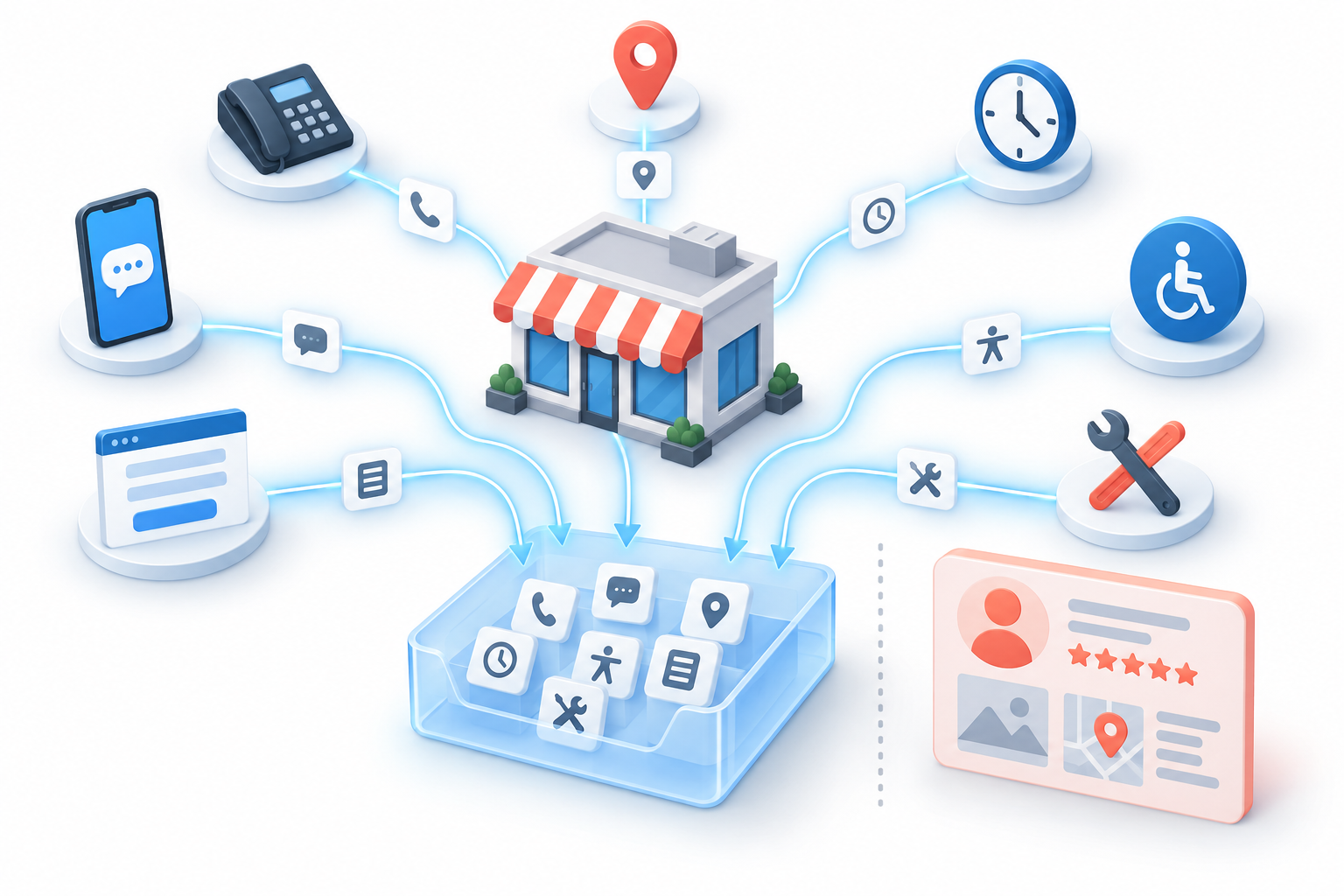
    Illustration of a storefront with one large primary category card and three smaller supporting category cards.

    The primary category establishes the main identity. Additional categories can cover distinct services or specialisms that are genuinely part of the business. Their purpose is to extend the entity without blurring it.

    Profiles with carefully aligned additional categories were associated with better rankings than single-category Profiles. Across the broader dataset, the difference was commonly between 6 and 17 ranking positions. The examples below show how a specific secondary category compared with no additional category and with the broad Service establishment category.

    Primary categoryRelevant additional categoryAverage rank with relevant additionAverage rank with no additionAverage rank with Service establishment
    VeterinarianEmergency veterinarian service33.951.275.6
    ElectricianEV charging station contractor38.247.563.5
    PlumberDrainage service47.354.062.3
    RoofingGutter service47.152.170.3
    DentistCosmetic dentist47.657.653.7

    The specific additional category produced the best average rank in every combination shown. The generic category did not. That does not prove that adding a category caused the entire difference. Businesses that maintain thoughtful category selections may also be more diligent about reviews, Profile maintenance, and local SEO outside the Profile.

    Even with that limitation, the decision rule is useful: add a secondary category when it names a real and meaningful part of the business. Do not add categories merely because they are adjacent to your industry or broad enough to sound harmless.

    • Add a category when it represents an established service line, specialty, or operating identity that customers can actually choose.
    • Keep it secondary when it is accurate but less central than the business represented by the primary category.
    • Leave it out when it describes an aspiration, an occasional exception, or a service you cannot consistently deliver.
    • Question generic labels when a more precise category communicates the same part of the business.

    Read the complete category stack as one statement. A primary category of Plumber with Drainage service as an additional category describes a coherent business. A long collection of loosely related categories makes the entity harder to interpret and gives you no reliable basis for diagnosing which query each category is meant to support.

    Complete the five measured basics without overreading them

    A Profile cannot communicate much if its essential fields are absent. Five basic elements provide a useful completeness check: claimed status, a website, a business description, operating hours, and photos.

    This five-point checklist is an analytical index, not an official Google completeness score. One point was assigned for the presence of each element. It did not measure the accuracy, depth, freshness, or persuasive quality of the information.

    Completeness scoreAverage rankTop-10 presence
    0 of 5624%
    1 of 5585%
    2 of 5547%
    3 of 5509%
    4 of 54711%
    5 of 54313%

    Moving from zero to five completed elements was associated with an average-rank improvement of about 19 positions. Top-10 presence rose from 4% to 13%, more than tripling. The progression is consistent at every step, which makes basic completion an obvious part of a Profile audit.

    It also shows why completeness should not be mistaken for a complete ranking strategy. Even among Profiles scoring five out of five, only 13% appeared in the top 10. Completion removed obvious deficiencies; it did not erase competition or make every business relevant to every query.

    Check the five elements for both presence and usefulness:

    1. Claimed status: confirm the business controls the Profile rather than leaving it unclaimed.
    2. Website: make sure a working, appropriate business page is connected.
    3. Description: explain the actual business and its important services plainly. Presence earned the point in the index; repetition and keyword density were not measured.
    4. Hours: provide the operating hours customers need in order to make a visit or contact decision.
    5. Photos: include images that genuinely represent the business. The index recorded whether photos existed, not how many were uploaded.

    The distinction between presence and quality matters. The numbers do not establish that a longer description ranks better, that adding more photos produces a ranking increase, or that repeated edits create an advantage. They support completing the fields, not inventing an optimization formula inside each one.

    The index also did not include every field available in a Google Business Profile. Services, products, attributes, and other Profile data were outside its scope. You can maintain those fields for accuracy and customer usefulness, but this particular evidence cannot tell you what ranking weight they carry.

    Separate a ranking signal from a ranking promise

    Ranking-factor discussions become misleading when an association is converted into a guarantee. The category and completeness patterns are useful because they are large, consistent, and operational. They still come from observational data.

    The primary-category result has the clearest practical mechanism. An exact, specific category describes a closer match to a specific query and often competes within a narrower group. That gives you a strong reason to correct a generic or mismatched primary category. It does not tell you that changing the category will move your Profile a fixed number of positions.

    The evidence for additional categories requires more caution. A business owner who selects a precise set of additional categories is also more likely to maintain the rest of the Profile, seek reviews, and work on local visibility elsewhere. Some of the observed ranking difference may come from that broader effort.

    Completeness has the same limitation. Complete Profiles ranked better on average, but completion may also identify businesses that take local search more seriously. The five-point index measured whether fields existed, not whether Google treated each field as an independent ranking signal.

    Average rank is not a forecast for your business either. It combines businesses operating in categories with different levels of competition. Use the averages to decide which obvious problems deserve attention first. Judge your own result against the query, category, and competitive market you actually face.

    • Strongly supported action: replace a generic primary category with a more specific category when the specific category accurately represents the core business.
    • Reasonable action with a caveat: add relevant secondary categories for genuine specialties, knowing that broader optimization habits may account for part of the ranking difference.
    • Foundational action: claim the Profile and add its website, description, hours, and photos.
    • Unsupported leap: assume that one category change, a longer description, or a higher photo count guarantees a particular Maps position.

    Run your Google Business Profile audit in this order

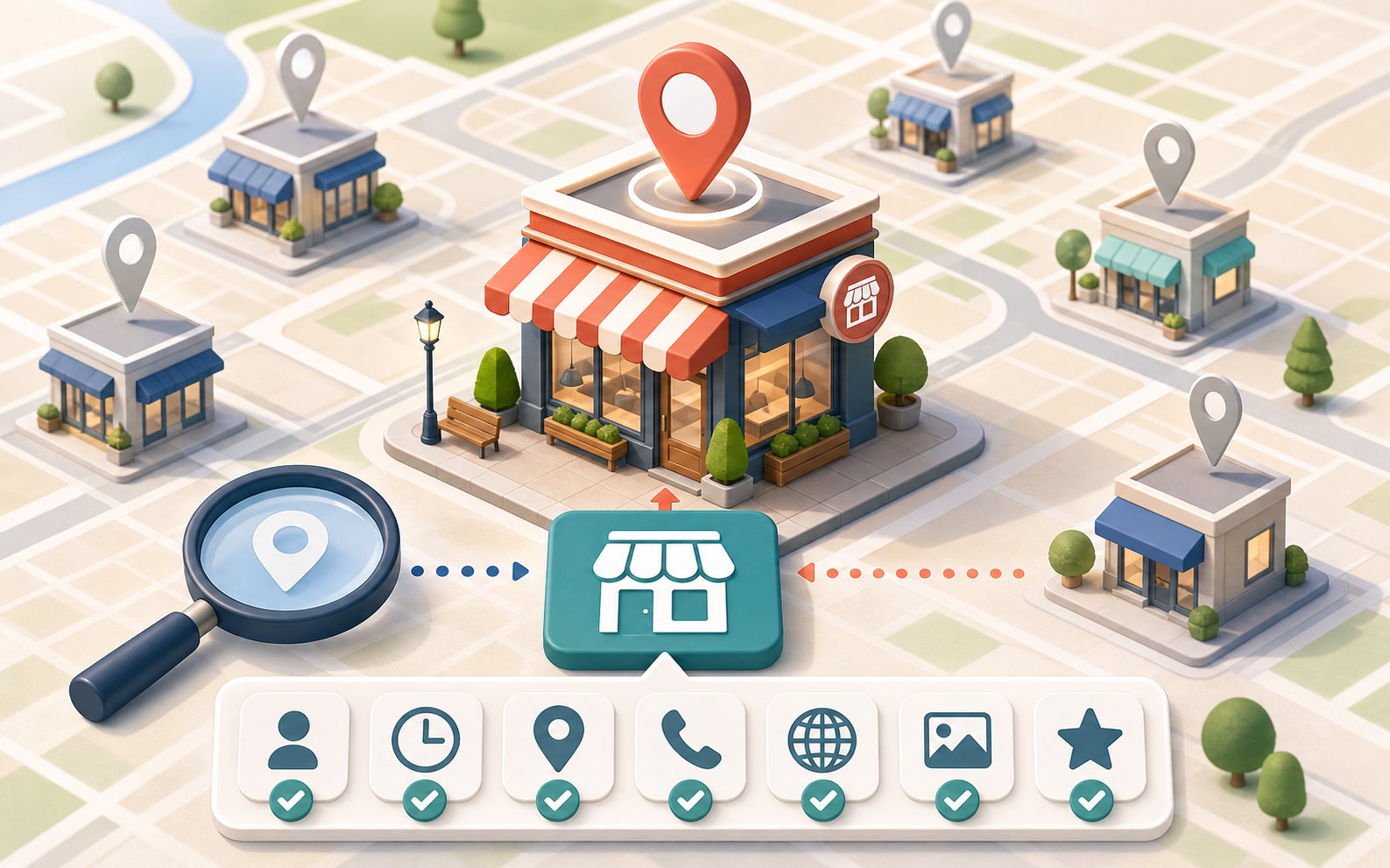
    Isometric audit path with checkpoints for a search query, primary category, supporting categories, five profile details, and map visibility.

    A useful audit begins with search intent and ends with a clean record of what you changed. This order prevents basic category problems from being buried under cosmetic edits.

    1. Select one priority query. Choose a customer need that matters to the business and that the business is fully qualified to satisfy. Do not begin with a vague goal such as ranking for everything in the industry.
    2. Compare the query with the current primary category. If the category is generic while a truthful specialist category exists, evaluate the specialist category first.
    3. Map secondary lines of business. List the distinct services or specialties that deserve representation, then match only those to relevant additional categories.
    4. Remove ambiguity. Question broad filler categories, unsupported specialties, and combinations that make the Profile describe several different businesses at once.
    5. Complete the five-field baseline. Confirm claimed status, website, description, hours, and photos. Correct inaccurate information instead of merely filling empty fields.
    6. Keep a change log. Record the target query, old and new primary categories, additional-category changes, and missing fields you completed. If you need to understand what made a difference, avoid changing every available field in the same batch.
    7. Evaluate the result query by query. A stronger match for one service does not mean the Profile will improve for every adjacent search. Measure the outcome against the intent that drove the category decision.

    If the Profile still uses a broad category such as Contractor while the business is specifically an electrician, plumber, roofer, or HVAC contractor, begin with the primary category. Generic contractors had an average rank of 57.7 and an 8.0% top-10 presence, while the specific contractor categories in the same comparison produced better average ranks and top-10 rates ranging from 10.4% to 12.6%.

    If the primary category is already precise but the business has a meaningful specialty, review additional categories next. A plumber offering drainage work has a clearer reason to consider Drainage service than to add Service establishment.

    If the categories are coherent but one or more of the five basic elements is absent, complete the Profile before interpreting disappointing visibility as a subtler ranking problem. An unclaimed or nearly empty Profile introduces a preventable weakness.

    If the primary category is accurate, additional categories are relevant, and all five basics are present, stop endlessly rewriting fields that were measured only for their presence. Your remaining visibility problem may sit outside this narrow set of Profile variables and requires a broader local SEO diagnosis.

    Begin with one valuable query. Give the Profile the narrowest truthful primary category for that need, add only categories that represent real specialties, and complete the essential fields. The goal is not to make the Profile look busy. It is to make the business unmistakably clear.

    References


  • How to Change Your Google Business Profile Address Safely

    How to Change Your Google Business Profile Address Safely

    Changing a Google Business Profile address looks like a simple dashboard edit. It isn’t. The address shown on the profile, the coordinate Google uses to place the business, and the location around which the profile ranks can stop agreeing with one another.

    This matters most when you have moved, inherited a service-area business profile, or discovered that the original listing used a home, P.O. box, or virtual office. Before you edit anything, identify the profile’s current operating model and its historical location anchor. That one audit can prevent a routine move from becoming a ranking or verification problem.

    Key takeaways before you change the address

    • A visible-address business and a hidden-address service-area business should not follow the same migration process.
    • The address entered in Google Business Profile is text. Google geocodes that text into a physical coordinate, and that coordinate is the ranking anchor used for proximity calculations.
    • For a hidden-address service-area business, changing the dashboard address may not move the functional ranking anchor. Practitioner testing indicates that the profile can remain tied to the address used when it was created.
    • If a hidden profile is performing well and its original address was legitimate, do not edit it merely to make the dashboard look cleaner. Establish its history and measure its ranking geography first.
    • For a major visible-address move, especially one across state lines, update the website, citations, structured data, and business records before editing Google Business Profile.
    • Keeping an established profile usually preserves reviews and history. Starting over deserves consideration only when the geographic conflict is substantial enough to justify losing those assets.

    Find the profile’s real location anchor first

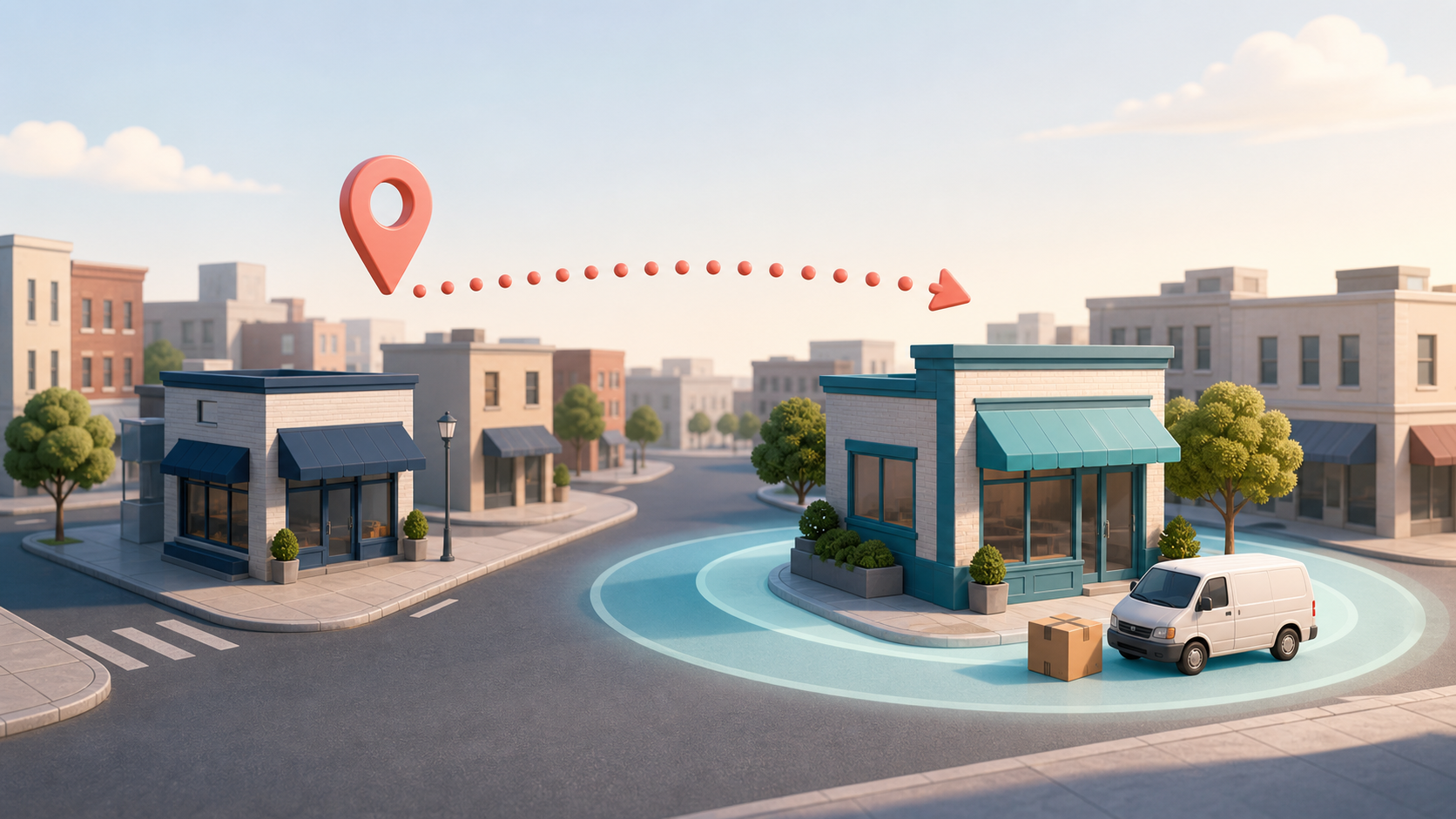
    Isometric neighborhood scene with a storefront, an aligned map pin, a location radius, and a faint previous pin.

    Start by classifying the business correctly. A storefront or other customer-facing location normally displays its address. A service-area business, or SAB, travels to customers and may keep its address hidden. A hybrid business may serve customers at a staffed location and also travel to them. The critical distinction for this audit is whether the address is currently visible or hidden.

    Next, separate the postal address from the ranking anchor. When an address is entered, Google’s geocoding system interprets the text and assigns coordinates. Those coordinates, rather than the address string by itself, anchor proximity-based visibility. A dashboard can therefore contain a current address while the profile’s effective geographic center still reflects an older one.

    That distinction becomes consequential for hidden-address profiles. Documented practitioner testing indicates that hiding an SAB’s address can leave or return its functional pin to the address used when the profile was created. Editing the hidden address, temporarily showing it, or completing verification after an edit has not reliably moved that anchor in those tests. Google has not made this behavior transparent, and local SEO practitioners disagree about how aggressively legacy profiles should be corrected, so treat it as a strong diagnostic lead rather than a universal promise.

    Before opening the editor, answer these questions:

    • What exact address was used when the profile was created?
    • Could that original address be resolved to the correct building, rather than only an approximate area?
    • Was the original location a legitimate operating address, a home, a P.O. box, or a virtual office?
    • Has the address ever been switched from visible to hidden or from hidden to visible?
    • How many times has the address been changed?
    • Has the business physically moved since its original verification?
    • Where is the profile strongest in local results now: around the current premises, the previous premises, or somewhere else?

    If you inherited the listing and nobody knows its history, do not guess. Run a local grid ranking report for a representative service query, then inspect the same category in a tightly zoomed Google Maps search. A cluster of stronger rankings around an old location is not absolute proof, but it can help you triangulate the likely anchor. Save the grid, the visible map marker, the current address setting, and the profile state as your baseline.

    Choose the migration path that matches your scenario

    Profile situationRecommended approachMain consequence to plan for
    Hidden SAB, never edited, ranking wellLeave the address setting alone if the original location was legitimate. Record a grid report before considering any future change.An edit may create verification or suspension risk without moving the functional ranking anchor.
    Hidden SAB, inherited history unknownRecover the original address and visibility history from the owner. If that fails, use grid rankings and zoomed Maps searches to estimate the existing anchor before deciding.The dashboard’s current address may not explain where the profile actually ranks.
    Hidden SAB originally created with a P.O. box or virtual officeMake a deliberate risk decision. One path is to avoid touching a currently active profile while documenting the unresolved risk. The corrective path is to establish a compliant physical operating address, align supporting citations and records, and then address the profile.Correcting a legacy location can trigger verification or suspension, but leaving it untouched preserves an underlying compliance and continuity risk.
    Visible-address business moving within the same general areaEdit the established profile to the new address and complete any requested reverification. Compare pre-move and post-move ranking grids.The map pin should move, so the profile’s proximity-based ranking pattern may also move.
    Visible-address business moving across state linesUpdate the website, major citations, structured data, business records, and other entity references first. Then edit the existing profile unless a documented review of the tradeoffs supports a fresh start.Old navigational and behavioral history may conflict with the new geography, while a fresh profile would sacrifice reviews and profile history.
    Brand-new profileTest the exact address through Google’s Geocoding API before submitting it. Confirm that it resolves to the intended building with a ROOFTOP result rather than an approximate or partial result.A malformed address, misplaced unit detail, or weak geocoding result can give the profile a poor anchor from the beginning.

    The difficult row is the legacy SAB created with an unsuitable address. There is no zero-risk dashboard trick. Practitioners split between preserving an active profile and correcting the business’s location foundation before making an edit. Your decision should reflect the profile’s current visibility, the eligibility of the new premises, the quality of the supporting records, and the business’s tolerance for an interruption.

    Run the move as a controlled data migration

    Overhead desk scene with old and new storefront models, a street-grid mat, blank status cards, tools, and a hand placing a destination pin.

    Once you have chosen the correct path, treat the move as an entity-data migration. The goal is not to change every platform simultaneously. It is to establish one accurate version of the new location, make the rest of the web agree with it, and leave enough evidence to diagnose any change in visibility.

    1. Write down the canonical new address. Decide the exact street wording, unit placement, city, region, and postal code that the business will use. Confirm that the address identifies the actual operating location rather than a mail-handling substitute.
    2. Create a before-state record. Save the profile’s address visibility setting, map marker, service areas, verification status, and a local ranking grid. Record the original address and previous moves wherever that information is available.
    3. Update first-party business information. Change the primary location or contact page, relevant sitewide address references, and the LocalBusiness JSON-LD. Make sure the structured PostalAddress and the human-readable location information describe the same premises.
    4. Align major third-party references. For a substantial move, update platforms such as Facebook, Yelp, Apple Maps, the Better Business Bureau, and other important citations. Update business documents used to establish the current location as well. The new address should already be the dominant, supportable version of the business’s location before a high-risk Google Business Profile edit.
    5. Validate geocoding where it matters. For a new listing, submit the exact address text to Google’s Geocoding API and check for a ROOFTOP result at the intended building. If the result is approximate, resolve the formatting or address-record problem before creating the profile.
    6. Make the profile-specific change. For a visible business, edit the established profile and complete reverification if requested. For a hidden SAB, proceed only if your earlier audit supports the change; do not assume that toggling address visibility will recenter the ranking anchor.
    7. Measure the geographic outcome. Re-run the same grid query with the same settings after the profile has settled into its verified state. Compare the location of the strongest visibility, not only the average ranking number.

    Address consistency does not mean publishing a private hidden address everywhere. A service-area business should not expose a private location merely to make every database field identical. It means that public location information, structured data, citations, and verification records should accurately represent the business model and should not continue presenting a former location as current.

    For an interstate move, sequencing is especially important. Updating the wider citation and entity ecosystem before Google Business Profile gives the new address corroborating signals. It also makes a verification review easier to explain than a profile edit surrounded by old-state information.

    Diagnose the result before making another edit

    A ranking change after a move is not automatically a penalty. If a visible business moves, its pin and proximity relationships should change. It may become more relevant near the new premises and less relevant near the old one. Your before-and-after grids should show whether visibility moved geographically, weakened everywhere, or remained centered on the former address.

    • The visible marker moved and the ranking grid moved with it: the profile appears to have adopted the new geographic anchor. Evaluate performance around the new market rather than expecting the old ranking footprint to remain unchanged.
    • The dashboard shows the new address but visibility remains centered on the original location: review the profile’s address history. This pattern is particularly significant for a hidden SAB and may indicate that its functional anchor did not move.
    • The visible address is correct but the marker lands away from the building: investigate address parsing and geocoding before making repeated profile edits. Confirm the canonical address and whether unit information has been represented consistently.
    • The profile is suspended after the edit: stop treating the problem as a normal ranking fluctuation. Verify that the new premises, public information, and business documents support the operating model. In some reinstatement situations, hiding the address can send the functional anchor back toward the old location, so consider that geographic consequence before choosing a remedy.
    • The website and citations still show the previous address: finish the entity-data migration. Until the wider web agrees, you cannot cleanly separate a Google Business Profile issue from inconsistent location information.

    When starting over deserves serious consideration

    Editing the established profile is normally attractive because it preserves reviews and history. A fresh profile becomes a serious option mainly when a visible business has moved a long distance, such as across state lines, and years of directions requests or other location-linked behavior remain associated with the old market. Even then, this is a tradeoff rather than an automatic best practice.

    Compare the two losses explicitly. Keeping the profile may preserve valuable reviews while carrying conflicting historical geography. Starting fresh may create a cleaner location foundation while giving up those reviews and the profile’s accumulated history. A cross-state move creates the strongest case for weighing a fresh start, particularly when an edited profile could be suspended and an address-hiding step would pull the anchor back toward the former location.

    Before you touch the dashboard, produce three things: a written address history, a baseline ranking grid, and a completed list of first-party and third-party location updates. Then make the one profile change supported by that evidence. An address migration is much easier to recover when you can show exactly where the business was anchored, what changed, and where visibility moved afterward.

    References

  • Google Review Glitch: Missing Reviews Under Investigation

    Google Review Glitch: Missing Reviews Under Investigation

    I’m tracking a growing Google Business Profile issue after several days of complaints from businesses that say reviews have disappeared from their local listings. Google has now confirmed that it is investigating the reports, and in some cases, review submissions on affected profiles appear to be paused.

    What Google said. Google told us that when its systems detect suspicious review activity, it may take several actions, including removing reviews and temporarily pausing reviews on a profile to prevent further abuse. Google also said it is investigating the issue and will restore any reviews that were incorrectly removed.

    What I’m seeing. As I documented on the Search Engine Roundtable, there are dozens of complaints in the Google Business Profile Forums from business owners and local SEOs who say their reviews have mysteriously vanished. In some cases, businesses are also unable to receive new reviews on their local listings.

    From what I can tell, Google’s review spam detection systems may be identifying certain patterns and aggressively removing or blocking reviews on suspected Google Business Profiles. What remains unclear is whether this is tied to spammers abusing some profiles, a recent algorithmic adjustment, or Google’s systems becoming overly sensitive.

    More details. Amy Toman, a volunteer Google Product Expert for Google Business Profiles, shared on LinkedIn that businesses or clients affected by this issue can post in the forum if they want to, but Google is already aware of the problem and working on it. She also noted that no timeline for a resolution has been provided yet.

    She said she is seeing a new pattern where, after fake or spam reviews are reported, some Google listings receive a review block and all reviews are hidden. In at least one case, she said the rating was reduced to 0.

    Why I care. If I noticed a sudden drop in reviews or stopped receiving new reviews this week, I would consider this issue a likely explanation. For local businesses, reviews can directly affect trust, visibility, and customer decisions, so even a temporary review disruption can be frustrating.

    Google is investigating, and I’m watching to see whether missing reviews are restored and whether affected Google Business Profiles can begin receiving new reviews again.


    Inspired by this post on Search Engine Land.


    crushpress.ai community screenshot
  • How to Improve Visibility in Personalized Google Maps Results

    How to Improve Visibility in Personalized Google Maps Results

    If your business appears for a broad search such as electrician nearby but disappears when the customer describes an older home, a panel upgrade, and a need for responsive service, a conventional ranking report is showing only part of the problem. Ask Maps may evaluate which businesses fit the stated situation, not merely which listings match the category.

    Your practical goal is to make that fit understandable and supportable. Your Google Business Profile should establish what the business is, your website should explain the work in enough depth to resolve a specific need, and your reviews should provide credible customer evidence. The following process turns those surfaces into a local discovery system you can audit and improve.

    Personalized recommendations change what visibility means

    Traditional local tracking usually reduces visibility to a position: where did the business rank for a keyword in a location? That remains useful, but it misses an important layer of conversational discovery. A person can now supply the job, property type, constraint, urgency, trust concern, or decision criterion inside the request.

    As those details accumulate, Ask Maps has been observed moving from a relatively simple set of nearby businesses toward a more selective answer that interprets fit and explains its choices. Basic prompts tend to produce broader retrieval. More involved prompts can trigger guidance about which options appear suitable and why.

    That distinction changes the question you should ask. It is no longer only, Can Google associate this business with electricians in this city? It is also, Can Google find enough consistent evidence to associate this business with panel upgrades in older homes, responsive communication, and the other details a customer included?

    Use personalized carefully here. The actionable behavior is personalization to expressed intent: the result changes as the person gives the system a more specific problem to solve. You do not need to speculate about private account history or undocumented signals to work on that problem.

    The observed pattern is directional rather than universal. It came from locality-specific testing and was not exhaustive across every market or query. Treat it as a reason to expand your audit, not as proof that every Ask Maps result follows an identical formula.

    Build a consistent evidence map across profile, site, and reviews

    An abstract business profile, service website, and customer review cards connected by glowing lines to a local storefront and a customer's home.

    Ask Maps can draw from Google Business Profiles, reviews, business websites, and external material. These surfaces play different roles. A useful working model is identity, explanation, and corroboration:

    • Google Business Profile establishes identity. It tells the system what the business is, where it operates, and which services it presents.
    • The website explains capability. It gives a specific service or situation enough context to be understood beyond a short listing.
    • Reviews corroborate experience. They show how customers describe the work, service, communication, and outcomes in their own words.
    • External mentions can reinforce or complicate the picture. Information elsewhere may help confirm the business, but stale or inconsistent claims can create ambiguity.

    Create an evidence map before you edit anything. For every commercially important service, write down the customer need, the relevant profile fact, the page that explains it, and the review themes that could honestly support it. A blank cell is a content or data gap. A contradictory cell is an accuracy problem.

    Make the Business Profile precise, not expansive

    Your profile should describe the business customers can actually hire. Confirm that its category, services, description, hours, contact details, and service-area information are accurate. Do not add adjacent services merely to look comprehensive. A larger but unreliable service list makes it harder to build a consistent explanation across the rest of your presence.

    Use operational language where the profile permits it. Electrical contractor offering residential panel upgrades communicates more than a string of broad adjectives. If responsiveness matters to customers, publish accurate contact and availability information. Let real customer accounts support the quality claim rather than describing the business as responsive without evidence.

    Check consistency at the fact level. A service should not appear on the profile while the website gives no indication that you provide it. Hours, names, locations, phone details, and stated coverage should not conflict across your owned pages. Consistency does not guarantee selection, but inconsistency makes the business harder to interpret confidently.

    Publish pages that resolve a situation, not just a keyword

    A generic Electrician in City page can establish category and location. It may not answer whether the company handles a panel upgrade in an older home. That difference matters when the query contains the job and its context.

    For each meaningful service-intent combination, give the reader a page that answers the decision they are making. Include:

    • The exact work offered: name the service plainly and distinguish it from neighboring services a customer may confuse with it.
    • The situations you handle: describe relevant property, equipment, business, or project contexts only where they genuinely affect fit.
    • The boundaries of the service: state exclusions, prerequisites, or geographic limitations that would otherwise produce a poor match.
    • How the next step works: explain what information you need, how scope is assessed, and what the customer should do next.
    • Decision-useful answers: address the questions customers ask when choosing a provider, not merely the phrases an SEO tool reports.
    • Visible evidence: use accurate examples, credentials, service details, and customer feedback when you have them. Do not manufacture specificity.

    The page does not need to repeat every possible conversational prompt. It needs clear facts that can answer several versions of the same underlying need. Write for the decision, then use headings and direct language to make each answer easy to extract.

    JSON-LD can encode those visible facts after the page is complete. Use the appropriate business and service vocabulary, keep marked-up information consistent with what a visitor can read, and avoid adding claims solely in structured data. Schema is a machine-readable clarity layer, not a substitute for missing service information or customer evidence. There is no basis for assuming markup alone will force Ask Maps to recommend a business.

    Treat reviews as evidence, not a bag of keywords

    Reviews appear especially influential in the initial impression of a business, while more complex requests can lead Ask Maps deeper into websites and other informative material. That makes review quality relevant, but it does not justify scripting customer language.

    Ask customers for honest feedback about the work they received. Open questions can invite useful context: What problem were you trying to solve? What work was completed? What part of the process was helpful? The customer should decide what to mention and how to say it.

    Then analyze the patterns already present. Group review language by service, situation, communication, specialization, and trust. Compare those themes with your profile and service pages. If customers repeatedly describe a capability that the website barely mentions, you may have a documentation gap. If the site promotes a specialty that customers never discuss, investigate whether the claim is unclear, unimportant to buyers, too new to have accumulated evidence, or unsupported.

    Do not turn that analysis into review manipulation. Repeating a target phrase is not the same as demonstrating fit. The useful signal is a coherent relationship between the stated service, the detailed explanation, and genuine accounts of customer experience.

    Audit discovery with a five-level intent ladder

    A person follows a glowing path up five platforms marked by progressively more specific home-service symbols toward a contractor van.

    A single near me query cannot tell you whether the system understands your specialties. Use a five-level progression from a basic local need to a conversational decision request. Keep the underlying service and locality consistent so you can see what changes as intent becomes richer.

    1. Basic local need: HVAC company nearby. This checks whether the business enters a broad category-and-location result.
    2. Defined service: Electrician for a panel upgrade in an older home. This introduces a named job and a meaningful context.
    3. Situational fit: I need a panel upgrade in an older home and want a company that regularly handles this kind of work. This asks the system to interpret suitability rather than category alone.
    4. Trust requirement: Which local electrician appears dependable for this job, and what evidence supports that? This tests whether the answer can attach a reason to the selection.
    5. Decision request: Help me choose a local electrician for an older-home panel upgrade, prioritizing relevant experience and responsive communication. This combines service, context, trust, and a decision criterion.

    These prompts are templates, not universal keywords. Replace the service and context with the real decisions your customers face. A plumber might test a specific repair and property situation. An HVAC company might test a system type, service need, and availability concern. A professional practice might test the matter handled, client context, and trust requirement.

    Do not include your brand name unless you are deliberately testing branded comprehension. The purpose of an unbranded audit is to discover whether the business can be selected from evidence, not whether Google recognizes a name you supplied in the prompt.

    Record more than presence or absence for every prompt:

    • Inclusion: Did the business appear anywhere in the answer?
    • Selection: Was it merely listed, or framed as a suitable option?
    • Explanation: What reason, if any, was attached to it?
    • Evidence: Did the explanation appear to rely on the profile, reviews, the website, or another visible source?
    • Accuracy: Was the description correct, incomplete, stale, or unsupported?
    • Missing fit: Which part of the prompt could not be connected to clear evidence about the business?

    Document the locality, prompt wording, account context, and date alongside the output. A result from a particular setup is an observation, not a universal rank. Keeping the setup visible makes later checks interpretable and prevents a changed prompt from being mistaken for improved visibility.

    Turn recommendation gaps into a prioritized backlog

    The audit becomes useful when each failure leads to a different response. Do not answer every disappointing result by adding more keywords to the same page.

    • Broad discovery gap: The business is absent even for the basic local need. Check fundamental profile accuracy, business identity, locality, and whether the service is actually represented before expanding content.
    • Service comprehension gap: The business appears for the broad request but drops out when a specific job is added. Build or improve the page that explains that job, and align the profile service information with it.
    • Situational gap: The service is understood, but a property type, use case, or constraint breaks the match. Add the context only if the business genuinely serves it, and explain how it affects the engagement.
    • Evidence gap: The business appears but receives no meaningful rationale, or the rationale is thin. Look for credible detail across reviews, service pages, and external mentions rather than adding unsupported superlatives.
    • Accuracy gap: The answer describes the business incorrectly. Correct conflicting facts on surfaces you control and investigate visible third-party information that may be stale. Do not publish a new claim merely to overpower an old one.
    • Conversion gap: The recommendation is accurate, but the destination page leaves the customer unsure what to do. Make the service boundary, contact route, and next step explicit.

    Prioritize accuracy first because an incorrect recommendation can create poor leads and erode trust. Then work from broader comprehension toward narrower situational evidence. There is little value in polishing a specialized page if the profile and site still disagree about the basic service.

    Measure progress with a small set of diagnostic fields rather than one supposed Ask Maps ranking:

    • Intent coverage: which important customer situations have clear supporting facts across the profile and site?
    • Selection depth: at what point in the intent ladder does the business stop appearing or stop being treated as a fit?
    • Explanation accuracy: do the reasons attached to the business match what it actually provides?
    • Evidence alignment: do profile facts, website explanations, reviews, and visible external information tell a compatible story?
    • Change history: which factual or content update preceded a meaningful change in observed answers?

    Avoid claiming causation from a single before-and-after check. Locality-based results are not exhaustive, and several information sources may contribute to an answer. Build a change log, repeat the same useful prompts over time, and look for consistent movement in selection and explanation.

    Key takeaways

    • Ask Maps can move beyond listing nearby businesses and interpret which options appear to fit a detailed local request.
    • Your Business Profile establishes identity, your website explains capability, and reviews provide customer evidence. Improve them as one connected system.
    • Build service pages around real jobs, contexts, boundaries, and decisions rather than producing interchangeable city-and-keyword pages.
    • Test broad, service-specific, situational, trust-focused, and decision-oriented prompts to find where the system loses confidence in the match.
    • Track inclusion, selection, explanation, evidence, and accuracy. A single position cannot describe personalized local discovery.
    • Use structured data to encode accurate visible information, not to manufacture relevance that the page and business cannot support.

    Choose a service that matters to your business and build its intent ladder now. The first useful output is not a better-looking rank report. It is the first point where the recommendation breaks, the evidence missing at that point, and a specific profile, page, or accuracy update you can make to close the gap.

    References


  • How to Use AI Review Replies in Google Business Profile

    How to Use AI Review Replies in Google Business Profile

    One click can turn an unanswered review queue into a wall of polite, interchangeable replies. That is faster, but it is not the outcome you want. A useful response shows the reviewer, and every prospective customer reading along, that someone understood the actual experience.

    If Google’s AI reply control appears in your Google Business Profile, treat it as a drafting layer inside a human approval process. The goal is not to publish more words. It is to respond faster without inventing facts, exposing customer information, making promises you cannot keep, or sanding every reply down to the same generic apology.

    First, verify what the AI control does in your account

    Google has conducted a limited test of AI-generated review replies within Google Business Profile. The tested feature creates a proposed response that a business can review, edit, and manually submit.

    Do not assume every profile has the same interface or publication flow. Availability has varied between accounts and individual reviews. Documented appearances included the United States, Brazil, and India, while the feature was not yet broadly visible in Europe. Some prompts focused on older unanswered negative reviews.

    The most important variation concerns bulk use. At least one observed version could generate suggestions for multiple reviews. Experiences differed after generation: some still involved a review step, while others appeared more automated and required no edits. That difference matters because generating twenty drafts is reversible; publishing twenty unchecked replies under your business name is not.

    Before touching your backlog, use one low-risk positive review to inspect the actual workflow. Confirm whether the tool only creates a draft, whether any bulk action pauses for approval, which user is publishing, and which location profile is active. If you cannot clearly identify the final approval step, do not use the bulk option.

    This caution is not an argument against AI assistance. Thoughtful review engagement can influence trust and conversion decisions. It is an argument for putting the speed in the drafting stage, where mistakes are still easy to correct.

    Match human oversight to the risk of the review

    Three review-response situations show increasing human oversight from a routine compliment to a serious customer complaint.

    Not every review needs the same amount of editing. A short five-star comment is different from a complaint involving a disputed charge, a safety concern, or personal information. Use the review’s factual and reputational risk, not the size of your queue, to decide how much authority AI receives.

    Review typeAppropriate role for AIRequired human check
    Simple positive reviewCreate a short first draftMake sure the reply reflects what the reviewer actually wrote and adds no invented detail
    Specific praise naming an employeeDraft an acknowledgementCheck spelling, context, privacy, and your policy on repeating employee names publicly
    Star rating with no written commentSuggest a brief neutral responseDo not infer a visit, purchase, problem, or reason that the reviewer never stated
    Mixed or negative service reviewProvide a structure, not a finished answerVerify the incident, any corrective action, the contact route, and every promise
    Claim involving safety, discrimination, payment, personal data, or legal actionNo autonomous publicationEscalate to the responsible manager and publish only an approved, factual response

    The dividing line is not positive versus negative. It is whether the reply could create a false factual record, disclose something private, or commit the business to an action. A warm thank-you usually has little exposure. A sentence claiming that a refund was processed has much more.

    Negative reviews also demand more than a longer apology. Generic language such as “we strive to provide excellent service” can make the reply feel automated because it does not identify what went wrong or what the customer should do next. Use AI to establish a calm tone, then replace abstractions with verified detail.

    Build a review-to-reply workflow that catches AI mistakes

    An overhead desk scene shows a customer review moving through AI drafting, fact-checking, privacy review, and human approval.

    A reliable process separates understanding, drafting, verification, and publication. When those tasks collapse into one button, a plausible sentence can escape before anyone asks whether it is true.

    1. Confirm the profile and context. Check the business location, star rating, review text, review date, and any named service or employee. Multi-location teams should be especially careful: a polished response posted from the wrong location is still wrong.
    2. Classify the review before generating anything. Decide whether it is praise, a question, a mixed experience, a service failure, or a sensitive allegation. A five-star review containing a complaint is not simple praise. A one-star rating with no text does not give you an incident to explain.
    3. Create a small set of usable facts. Separate what the reviewer publicly stated from what your team has verified. Useful facts can include the location, service named, confirmed action already taken, approved contact channel, and role responsible for follow-up. If a detail is neither in the review nor verified internally, leave it out.
    4. Decide what the response must accomplish. A reply should normally do one primary job: thank the customer, acknowledge a problem, answer a question, correct a material misunderstanding, or move a sensitive discussion to an appropriate channel. Do not let the generated draft wander across all five.
    5. Generate the draft, then edit sentence by sentence. Keep a sentence only if it acknowledges a real detail, supplies verified information, or gives the customer a useful next step. Remove filler, excessive apologies, promotional language, and service or location keywords inserted for their own sake.
    6. Run a pre-publication check. Verify every proper noun, operational claim, promise, contact method, and time-sensitive statement. Make sure the tone fits the review. Do not request or repeat addresses, card details, health information, account data, or other sensitive information in a public reply.
    7. Close the operational loop. Publish the response, but route the underlying issue to the team that can fix it. If several reviews mention the same delay, handoff, product problem, or communication gap, the important result is not a larger collection of apologies. It is a corrected process.

    Assign ownership before volume increases. Someone should be responsible for low-risk approvals, someone should handle sensitive escalations, and location managers should know which statements they are allowed to make. Otherwise, the AI tool may reduce drafting time while adding an approval bottleneck that nobody owns.

    Edit generated replies into specific, human responses

    You do not need a different writing system for every review. You need a few reliable response shapes and the judgment to fill them only with information you can support.

    For a positive review, reflect one meaningful detail

    A practical shape is: thank the reviewer, mention one detail they supplied, and close without turning the response into an advertisement.

    Template: Thanks, [reviewer name, if appropriate]. We are glad [specific detail from the review] made your [visit or service experience] easier. We appreciate you taking the time to mention it.

    One detail is enough. Do not repeat the full review, invent what the customer purchased, or attach a string of services and place names in the hope of gaining search visibility. A review reply is a customer-service message, not a miniature landing page.

    For a negative review, move from acknowledgement to action

    A useful negative-review reply has three parts: acknowledge the experience described, state only what has been verified, and provide an appropriate next step. It does not need to settle the entire dispute in public.

    When the event and next step are verified: We are sorry your order was not ready at the confirmed time. Please contact [approved channel] with [non-sensitive identifier] so [responsible role] can review what happened and follow up.

    When important facts are still unknown: We are sorry to hear about the delay you described. We would like to understand what happened. Please contact [approved channel] so [responsible role] can review the details with you.

    The second version acknowledges the complaint without pretending the business has already completed an investigation. Do not write that an issue was fixed, a refund was issued, an employee was disciplined, or an event never happened unless the statement has been verified and approved for public release.

    For an older unanswered review, acknowledge the timing

    AI prompts may bring older negative reviews back into the queue. Do not publish a reply that reads as if the incident occurred yesterday. If accurate, open with a simple acknowledgement: We are sorry we missed your feedback when you first shared it. Then provide a contact route that is valid now.

    A late reply can still show prospective customers how the business handles criticism. It should not promise a retroactive resolution that the current team cannot provide. If no meaningful next step remains, keep the response brief, acknowledge the gap, and avoid manufacturing activity merely to make the reply sound complete.

    Key takeaways

    • Treat every AI-generated reply as an unverified draft until a person checks its facts, promises, tone, and privacy implications.
    • Test the exact approval flow in your own Google Business Profile before using any bulk-generation option.
    • Use AI more freely for low-risk acknowledgements and require stronger human review as factual or reputational exposure increases.
    • Personalize with details the reviewer supplied, not plausible details the AI added.
    • Move sensitive cases to an approved private channel without repeating customer information in public.
    • Use patterns in reviews to fix the underlying operation rather than automating repeated apologies.

    Start with one low-risk reply and write a short approval rule before working through the backlog. Once the same checks reliably protect single drafts and bulk suggestions, you can increase speed without handing your public reputation to an unchecked generator.

    References


  • Google Ask Maps SEO: A Practical Local Visibility Guide

    Google Ask Maps SEO: A Practical Local Visibility Guide

    A customer no longer has to search for a broad category such as a restaurant, charging point, or tennis court. They can describe the whole situation: what they need, where they need it, which constraints matter, when they plan to go, and what they want to do next.

    If your business is technically present on Google Maps but its listing does not answer those details, it may be difficult to match with that request. Preparing for Google Ask Maps is therefore less about adding more keywords and more about making your business accurate, specific, credible, and easy to act on.

    Ask Maps matches a situation, not just a search phrase

    Ask Maps uses Google’s Gemini models to turn complex local questions into a conversational response accompanied by a custom map. A request can include several kinds of information at once:

    • Intent: what the person wants to accomplish.
    • Hard constraints: features or conditions that must be present.
    • Context: preferences, urgency, companions, or the purpose of the visit.
    • Time: whether the place must work tonight, during a journey, or at another relevant moment.
    • Location: nearby, in a particular area, or along an existing route.
    • Action: getting directions, making a reservation, saving a place, or sharing it.

    That is a different optimization problem from trying to rank for a short phrase such as vegan restaurant near me. The useful question is no longer only, Does Google know our category? It is also, Can Google determine which real-world situations we fit?

    A practical way to evaluate your local presence is to use four recommendation gates:

    • Eligibility: Is this actually the type of place or service the person requested?
    • Fit: Does it satisfy the stated location, timing, amenity, preference, or route constraints?
    • Confidence: Are the relevant facts consistent, current, and supported by useful customer context?
    • Actionability: Can the person complete the next step without encountering a broken link, unavailable option, or contradictory information?

    Eligibility gets you into consideration. Fit and confidence help distinguish you from other eligible businesses. Actionability determines whether the recommendation can become a visit, booking, call, or direction request.

    Personalization adds another layer. Ask Maps can use a person’s search and save history, so two people may receive different recommendations for similar questions. It can also surface route information, directions, estimated arrival details, and tips informed by a community of more than 500 million contributors. There is no single universal Ask Maps position that every customer will see.

    Make your Maps profile answer the customer’s next question

    A business owner updates a map profile surrounded by symbols for hours, accessibility, parking, amenities, directions, and booking.

    Your Google Maps presence should do more than identify the business. It should resolve the follow-up questions a customer would normally ask before choosing it. Start with the facts you directly control, then examine the customer-generated context surrounding them.

    Audit the facts you control

    1. Confirm the canonical identity. Use the real business name, primary category, address or service area, phone number, and official website. Do not add promotional phrases or location keywords to the business name.
    2. Describe the actual offer. Select the most accurate categories and complete the applicable product, service, menu, or description fields. A broad category may establish eligibility, but specific services help establish fit.
    3. Keep availability dependable. Check regular hours, special hours, appointment requirements, and temporary changes. A recommendation for tonight is only useful if the customer can rely on the availability shown.
    4. Complete relevant attributes. Record supported amenities, accessibility information, reservation options, service modes, and other fields available for your business type. Do not select an attribute merely because customers search for it.
    5. Verify every action path. Test the website, call, directions, menu, ordering, and reservation links visible on the listing. The landing page should open the relevant location or service rather than forcing the customer to start again.
    6. Use current, representative media. Photos should help a person verify the entrance, environment, products, facilities, or amenities that affect the decision. Remove or replace media you control when it no longer represents the experience.

    Focus on decision-changing facts. A public tennis facility, for example, should make lighting, access, availability, and reservation requirements clear wherever the applicable fields allow it. A restaurant should not stop at its cuisine category if dietary suitability, booking, service mode, or opening hours are the details that determine whether it fits a request.

    Do not hide a qualification. If an amenity is available only in part of the venue, during limited hours, or by prior arrangement, state that plainly on the website and in any profile field that can represent it accurately. A precise limitation is more useful than an attractive claim that produces a failed visit.

    Build useful review context without scripting customers

    Reviews can add real-world context that controlled business descriptions cannot. They may reveal which services people used, what conditions they encountered, and which details mattered during the visit. That makes a healthy body of honest, specific reviews more useful than a collection of repetitive compliments.

    Ask customers for an honest account of their experience, not a required keyword or prewritten sentence. Neutral prompts such as What was most useful about your visit? or Is there anything another customer should know before arriving? leave the substance with the reviewer. Never manufacture reviews or ask people to claim they used a service they did not use.

    Read reviews as a data-quality queue. When several customers mention confusing parking, an outdated menu, inaccessible directions, or a service that is difficult to locate, correct the underlying information. If a review contains a factual mistake, respond calmly with the accurate detail and update your controlled pages if the confusion is understandable.

    There is no dependable Ask Maps threshold for a particular review count or rating. Treat reviews as evidence and customer feedback, not as a number you can mechanically convert into conversational visibility.

    Keep your profile, website, and JSON-LD consistent

    A storefront connects to matching location, hours, contact, and service symbols on a phone, laptop, and structured data network.

    Your Maps listing, visible website content, and structured data have different jobs. They should describe the same business reality without being identical copies of one another.

    Information layerPrimary jobWhat to includeCommon failure
    Google Maps and Business ProfileProvide immediate local facts and actionsIdentity, category, location, hours, applicable attributes, contact details, and booking or direction pathsIncomplete fields, stale hours, duplicate listings, or broken actions
    Location pageExplain details that require contextServices, restrictions, amenities, arrival instructions, availability, policies, and a clear next stepGeneric copy that does not answer location-specific questions
    JSON-LDRestate supported facts in a machine-readable formBusiness type, name, URL, telephone, address, hours, and relevant supported propertiesMarkup that conflicts with visible content or describes unavailable features
    Customer reviewsDescribe observed experiencesUnscripted details about actual visits, services, conditions, and outcomesManipulated, repetitive, irrelevant, or unanswered feedback

    Use a dedicated page for each real location. The page should identify what is offered there, where it is, when it is available, which important constraints apply, and how the visitor can act. A generic corporate page that merely lists city names gives both customers and machines little evidence about the individual location.

    Write nuanced facts in visible page copy before trying to encode them. If evening access ends earlier than the venue’s general opening hours, explain that limitation where a visitor can see it. Structured data should support visible, accurate information rather than introduce a more favorable version of the business.

    For JSON-LD, choose the most specific LocalBusiness subtype that accurately represents the location. Common factual properties include name, url, telephone, address, and openingHoursSpecification. Add business-specific properties only when they apply and are supported by the page. Restaurant properties such as servesCuisine, menu, and acceptsReservations, for example, should not be copied into unrelated business types.

    Do not promise that adding LocalBusiness JSON-LD will earn an Ask Maps recommendation. Schema can make website facts explicit; it cannot prove that Gemini will select the business for a personalized request. Treat structured data as corroboration and entity clarification, not as a hidden command to the recommendation system.

    Consistency matters more than repetition. If Maps shows one closing time, the location page shows another, and JSON-LD contains a third, the solution is not to choose the most SEO-friendly version. Determine the real operating time, correct every controlled surface, and establish one internal source of truth for future updates.

    Avoid creating thin pages for every conceivable conversational query. One detailed location page can answer many situations when it organizes accurate information clearly. Separate pages make sense when the underlying offer, place, audience need, or conversion path is genuinely distinct.

    Test scenarios instead of chasing one Maps position

    Conventional rank tracking asks where a business appears for a fixed keyword at a fixed point. Ask Maps requires a broader test because wording, timing, route, location, and personal history can change the answer. Your objective is to find out whether Google understands the situations your business can truthfully satisfy.

    Build prompts from actual customer decisions using this pattern:

    intent + hard constraint + time or context + location or route + desired action

    A recreation venue might test a request for a public court with lighting that can be used in the evening. A restaurant might test a dietary preference, neighborhood, reservation requirement, and arrival time in the same question. A route-based business might test whether it is a suitable stop without forcing the traveler to leave the planned journey.

    Use scenarios that reflect profitable or strategically important customer needs, but keep every constraint truthful. There is little value in being considered for a high-intent request that the location cannot reliably fulfill.

    1. Write down the exact question. Small wording changes can alter which constraint receives the most weight.
    2. Record the test context. Note the location, time, route context, device, and relevant search or save history rather than treating the response as neutral.
    3. Capture the complete result. Record which businesses appear, which facts the answer cites, which pins are shown, and which actions are offered.
    4. Check factual accuracy. Look for wrong hours, missing services, mistaken attributes, outdated links, or ambiguity about the correct location.
    5. Trace each issue to a controlled surface. Correct the Maps profile, location page, structured data, booking flow, or internal operating record responsible for the gap.
    6. Retest under comparable conditions. Treat movement as directional evidence, not proof that a single edit caused a universal ranking change.

    Maintain an observation log with the query, context, recommendation set, cited details, available actions, factual errors, and changes made. This produces a more useful record than a screenshot labeled only with a rank.

    Classify what you see before deciding what to change:

    • If the business is absent and a required fact is missing, complete or correct that fact first.
    • If the business appears for a poor-fit scenario, look for an overly broad category, ambiguous service description, or outdated customer-facing information.
    • If the business appears but the answer cites the wrong detail, repair the canonical information across controlled surfaces.
    • If the recommendation is accurate but the action fails, fix the booking, calling, website, or directions path before doing more visibility work.
    • If the profile is accurate and the business still does not appear, do not invent a feature or manipulate reviews. Continue improving legitimate local evidence and assess the pattern across several relevant contexts.

    Measure business outcomes conservatively. Direction requests, calls, reservations, visits, and location-page conversions matter, but do not label every change as Ask Maps traffic unless the available analytics actually identify it. Recommendation inclusion, factual accuracy, and working actions are useful leading indicators; completed customer actions are the outcome.

    Key takeaways

    • Optimize for customer situations, not isolated local keywords. Ask what intent, constraints, context, timing, location, and action a recommendation must satisfy.
    • Make the Maps profile operationally complete. Accurate hours, categories, attributes, service details, and action links determine whether a recommendation remains useful.
    • Encourage honest, specific reviews without scripting customers. Use recurring confusion in reviews to improve controlled business information.
    • Keep the Maps listing, location page, and JSON-LD aligned with one real source of truth. Schema should clarify supported facts, not promise selection.
    • Test realistic prompts and record personalization context. An Ask Maps response is an observation under particular conditions, not a universal rank.
    • Fix failed actions as seriously as missing visibility. A recommendation that leads to an unavailable service or broken booking path does not serve the customer.

    Start with the highest-value situation your location genuinely serves. Write the customer’s full question, inspect whether your profile and location page answer every constraint, correct the first material gap, and test the scenario again. That turns Ask Maps optimization into a manageable data-quality practice rather than a guessing game about AI.

    References

  • Google AI Search and Local Visibility: A Practical Guide

    Google AI Search and Local Visibility: A Practical Guide

    Your Google Business Profile is accurate, your location page is live, and you rank for at least some local searches. The uncomfortable question is what happens when a potential customer asks Google an open-ended local question and receives an AI-generated answer instead of a familiar list of links.

    The practical response is not to chase a separate set of AI keywords. Make your business identity easy to verify, keep every important fact consistent, and publish enough location-specific information for an answer system to understand when your business is relevant. That work supports local packs, conventional results, AI Overviews, and other AI-assisted discovery without betting your strategy on one interface.

    Local AI visibility starts with a resolvable business identity

    A storefront is connected to matching map, profile, website, directory, and structured-data symbols that converge on one location pin.

    Google does not have to rely on one page or database to decide what your business is. It can compare on-page content, site structure, Google Business Profile data, citations, reviews, and schema markup. Agreement among those signals gives the system a coherent entity to work with. Contradictions force it to choose between competing versions of your name, location, hours, services, or status.

    That distinction matters because local AI optimization is not simply another ranking exercise. A system may need to establish that your business exists, determine where it operates, understand what it offers, and decide whether the evidence is strong enough to include in an answer. Schema can make facts explicit, but it cannot turn conflicting information into reliable information.

    You should also avoid treating every Google AI experience as the same destination. Google Search is oriented toward information, engagement, and connections to the web, while Gemini is positioned more as an assistant for productivity and creation. Those products share technology but follow different objectives, and their eventual degree of convergence remains unsettled. Build facts that can travel across systems instead of optimizing around a guessed interface.

    Key takeaways

    • Treat local visibility as an entity-confidence problem before treating it as a content-volume problem.
    • Create one approved record of your business name, location, contact details, hours, services, and service area.
    • Make visible page content, Google Business Profile data, citations, reviews, internal links, and structured data tell the same story.
    • Use schema to confirm facts that people can also see on the page, not to introduce a more convenient version of the business.
    • Measure factual accuracy and visibility separately across standard search, local results, AI Overviews, and Gemini.

    Write a canonical local fact sheet before editing schema

    Most consistency problems begin inside the business. The website owner has one phone number, the operations team has another, and an old directory still lists the number used before a move. A schema plugin then reproduces whichever version happened to be entered during setup.

    Create a canonical fact sheet for each location. This is an internal operating record, not marketing copy. Give one person or team responsibility for approving changes, then use the record whenever you update the website, profiles, directory listings, or structured data.

    1. Identity: Record the customer-facing business name, the most accurate primary business category, and a short factual description of the operation.
    2. Location: Distinguish a staffed customer-facing location from an office, headquarters, mailing address, or service area. Do not let one address imply a function it does not have.
    3. Contact details: Choose the public phone number, canonical location-page URL, and any official appointment or enquiry URL.
    4. Availability: Record normal operating hours and identify services that follow different schedules. If customers can visit only by appointment, say so in visible language.
    5. Offerings: Use the service names customers will see on the website and confirm which location actually provides each one.
    6. Geographic scope: List the areas the business genuinely serves. Keep a service area distinct from an address and from places you merely hope to target.
    7. Official profiles: Maintain the URLs of the Google Business Profile and other profiles that clearly represent the same business entity.

    Resolve ambiguity instead of encoding it

    A fact sheet is useful only if it contains decisions. If the storefront sign, website header, and profile use different names, do not copy all three into different schema fields. Decide which customer-facing identity is correct, determine whether the alternatives still serve a legitimate purpose, and plan a coordinated correction.

    Apply the same discipline after a relocation, rebrand, acquisition, phone-system change, or adjustment to opening hours. Old information is not harmless just because it appears on a low-priority page. It can still create another version of the entity for machines and customers to reconcile.

    Do not place aspirational claims on the fact sheet. A city you want to enter is not yet a service area. A service you plan to launch is not an available offering. A shared building is not evidence of a customer-facing branch. Structured data should describe the operation customers can actually use.

    Align every place Google can compare

    Once the canonical record is approved, audit the surfaces that can confirm or contradict it. Work from high-consequence identity facts down to descriptive enhancements. A wrong address, closed status, or phone number can block a customer journey; a less-than-perfect description usually does not deserve priority over those failures.

    SignalWhat to inspectCommon conflictCorrective action
    Visible website contentHeader, footer, contact page, location page, service pages, and booking instructionsThe footer shows current hours while an old contact page shows a previous scheduleUpdate the reusable template and every page that states the fact
    Internal links and site structureNavigation, location finders, breadcrumbs, service links, and XML sitemap entriesCurrent pages still point to a retired location URLLink to the canonical live location page and remove obsolete paths from normal navigation
    Google Business ProfileName, category, address or service area, phone, hours, website URL, and listed servicesThe profile and website describe different operating scopesCorrect the underlying business record, then update both surfaces from it
    Citations and directoriesProminent industry, regional, and customer-facing listingsAn old brand, address, or phone number remains activeCorrect the profiles most likely to be encountered or reused, keeping the same canonical facts
    Reviews and reputation contextRecent customer language and references to a location, brand, or serviceCustomers continue to refer to a former name or locationDo not rewrite customer reviews; clarify the transition on properties the business controls
    Structured dataRendered JSON-LD, not only the fields displayed in a plugin dashboardA theme or second plugin emits an outdated duplicate business entityFix the generating component and leave one coherent representation of each entity

    Do not turn consistency into a demand that every description be word-for-word identical. A directory may need a short category label while a service page needs a detailed explanation. The facts must agree even when the wording and level of detail differ.

    Audit from the customer’s point of view as well as the database owner’s. If one page says a branch is open but its booking link offers no way to select that branch, the site is making two operational claims. Fix the journey, not just the sentence.

    Use LocalBusiness schema as a confirmation layer

    LocalBusiness structured data converts important business facts into explicit relationships and properties. Its value is clarity: it can help a machine distinguish the entity’s name from a page heading, the business address from a publisher address, and the location URL from a general site URL. In AI-assisted local search, that clarity helps reduce uncertainty about who the business is, what it does, and where it operates.

    It is not a private channel for claims that the visible page cannot support. If the page says the office closes at one time and openingHoursSpecification says another, the markup has created a conflict. If areaServed lists places the page never discusses and the business does not genuinely serve, the markup is not providing stronger optimization; it is weakening the integrity of the entity record.

    • Use the most specific LocalBusiness subtype that accurately represents the business. Specificity is useful only when it is true.
    • Give each real location a stable page URL and a stable @id so repeated references can point to the same entity.
    • Match name, url, telephone, address details, and opening hours to the approved record and visible page.
    • Add areaServed only for genuine service coverage. Do not use it as a list of geographic keywords.
    • Use sameAs for official profiles that represent the same entity, not for any page that happens to mention the business.
    • Include only properties your team can keep current. More markup creates more maintenance obligations.
    • Inspect the rendered output after theme, plugin, template, or location-data changes. A correct admin form does not prove that the live page emits one correct graph.

    Keep multi-location entities separate

    A multi-location organization should not collapse every branch into one ambiguous local entity. Give each genuine location its own visible facts and structured-data identity, then connect it to the parent organization where that relationship is accurate. This lets a system answer a local question with the appropriate branch instead of inheriting a headquarters address, organization-wide phone number, or service that is unavailable locally.

    The same caution applies to practitioners operating inside a larger business. Represent a practitioner, department, location, and parent organization as distinct entities when they are distinct in the real world. Do not merge them merely because one plugin form is easier to complete.

    No schema property guarantees a local ranking, an AI citation, or inclusion in an AI Overview. The useful test is narrower: does the markup make the correct business easier to identify without disagreeing with the rest of the web presence?

    Create answerable local pages, then keep them synchronized

    An organized set of illustrated local website pages receives synchronized business details from a central hub connected to an abstract search assistant.

    Consistency helps a system trust a fact, but it does not establish relevance to every local question. Your location pages must also explain the decisions customers are trying to make. A page containing only a business name, map, phone number, and generic brand copy identifies a place but says little about why that place fits a particular need.

    Write for local decisions

    Start the page with a plain statement of what the location provides and where it provides it. Then answer the questions that materially change whether someone can use the business.

    • Which services are available at this location, and which are not?
    • Is the address a place customers can visit, or does the business travel to them?
    • What geographic area does the team actually serve?
    • Are there appointment, access, delivery, or availability conditions a customer needs to know before acting?
    • What should a customer do next: call, book, request a quote, visit, or choose another location?
    • Which page provides the best supporting detail for each important service?

    Use internal links to connect a location to the services genuinely available there, and connect service pages back to the appropriate locations. That structure gives people a usable path and gives machines a clearer relationship between the organization, its branches, and its offerings.

    Avoid manufacturing near-identical city pages that change only a place name. They repeat a target phrase without adding evidence about local availability. If you cannot state what is operationally different or specifically useful for a location, strengthen the primary service-area or location page instead of multiplying weak pages.

    Use a change protocol

    Local information drifts when operational changes are handled as one-off edits. Treat every change to a name, address, phone number, schedule, service, location status, or service area as a coordinated release.

    1. Approve the new fact in the canonical record and note when it becomes effective.
    2. Update the visible website content, including reusable headers, footers, contact modules, and booking instructions.
    3. Update the structured-data generator and inspect the JSON-LD rendered on the live page.
    4. Update the corresponding Google Business Profile fields.
    5. Correct important citations and official profiles that still expose the previous fact.
    6. Check internal links, redirects, sitemap entries, and location finders if a URL or location status changed.
    7. Record what was changed so a later audit can distinguish an overlooked property from a system that has not yet reflected the update.

    Measure each discovery surface separately. For standard search, local results, AI Overviews, and Gemini, record whether the business appears, whether the displayed facts are correct, which page or profile is surfaced, and whether the result offers a usable next action. A correct answer with no visibility is a relevance problem. Visibility with the wrong hours or location is an entity-accuracy problem. Those failures need different fixes.

    Begin with one commercially important location and one service customers regularly seek there. Approve its fact sheet, compare every major signal, repair the highest-consequence conflict, and only then expand the process across the rest of the business. That gives you a repeatable local AI visibility system rather than another markup project that goes stale after launch.

    References

  • Local Business Contact Page SEO: A Practical Blueprint

    Local Business Contact Page SEO: A Practical Blueprint

    If your contact page contains only a phone number and a form, your customer still has work to do. They must find out when you are open, whether they can text you, where to park, which payment methods you accept, and what will happen after they submit an inquiry.

    Those missing details also make your business harder for search systems to interpret. Google can crawl and interpret a contact page to extract business details, so this page should function as a complete local business record as well as a conversion page.

    Give the contact page three clear jobs

    A useful contact page answers three questions without making the visitor search the rest of your site:

    • Have I found the right business? The page confirms your name, brand, location, and what you do.
    • Can this business meet my practical needs? The visitor can check hours, service options, amenities, directions, parking, and payment methods.
    • What should I do next? The page presents a visible action and explains what happens after the customer takes it.

    That makes the contact page closer to a focused local landing page than an administrative endpoint. It still needs to be concise, but concise does not mean incomplete. The goal is to put every fact needed for a call, visit, message, pickup, delivery, or appointment in one dependable place.

    Key takeaways

    • Publish a complete business identity, not just a name, address, and phone number.
    • Make shared details agree with your Google Business Profile.
    • Answer practical questions about contacting, visiting, buying, and arriving.
    • Support your claims with verifiable reviews, credentials, awards, and local involvement.
    • Use a prominent call to action, explain the follow-up process, and track completed actions.

    Publish one complete and consistent business record

    Illustration of a storefront linked to matching phone, location, hours, and email icons across a computer, smartphone, card, map tile, and directory panel.

    Start with facts before rewriting headlines or changing the design. Open the contact page beside your Google Business Profile and compare every field they share. A customer should not see one phone number on the page, another on the profile, and unexplained hours somewhere else.

    Make the business identity unmistakable

    Use the same recognizable logo that appears on your signage and other marketing materials. State the full customer-facing business name prominently. If you use a slogan, keep it accurate and useful; forcing location phrases or service keywords into it will make the page sound less credible.

    Follow the identity block with a short introduction that says what you do, where you operate, and why someone would choose you. A practical pattern is: business type, location, main area of expertise, and a genuine differentiator. This gives a first-time visitor enough context to confirm that they reached the intended company.

    Include the details customers otherwise have to hunt for

    • Full business name: Use the name customers encounter on your storefront, Google Business Profile, invoices, and other public materials.
    • Complete address: Include every part needed to reach the correct entrance or unit.
    • Phone number: Make it easy to select on a mobile device and label its purpose if you publish more than one number.
    • Text number: If texting is supported, say so explicitly. Do not leave visitors guessing whether the main number accepts messages.
    • Contact form and email address: Provide an alternative when the form fails, the request needs an attachment, or the visitor prefers email.
    • Operating hours: Publish normal hours and keep special or holiday variations current.
    • Social profiles: Link only to profiles you actively associate with the business.
    • Ways to buy: State whether you offer in-store shopping, curbside pickup, delivery, appointments, or another relevant arrangement.
    • Map and directions: Embed the Google Map connected to the business and include a direct link to its Google Maps listing. A generic pin for the street address can be less useful than the actual business listing.
    • Accepted payment methods: Tell customers what they can use before they arrive or place an order.
    • Parking information: Explain where customers can park and identify any instructions they need before reaching the entrance.

    The shared facts on this page and your Google Business Profile should agree. That does not mean every channel must contain identical prose. It means the business name, location, contact routes, hours, service options, and applicable attributes should not contradict one another.

    When something changes, update both records as part of the same task. Assign an owner for the page and include it in the workflow for holiday hours, phone changes, relocations, new payment methods, and revised pickup or appointment policies. A technically polished page with stale operational information still fails the customer.

    Remove friction from calling, visiting, and buying

    A customer holds a phone with icon-based contact actions while a clear route leads to an accessible local shop with parking, a bicycle rack, and welcoming staff.

    Visitors do not all arrive with the same intention. One wants to call immediately. Another needs directions. A third is checking whether curbside pickup is available. The page should support those paths without forcing everyone through the contact form.

    • For callers: Place the phone number near the primary call to action and show the hours during which a response is available.
    • For people who want to text: Label the text option and set an expectation for how the conversation continues.
    • For visitors traveling to you: Pair the address with the business map, a Google Maps link, parking instructions, and any arrival detail that prevents confusion.
    • For shoppers: State whether the relevant option is in-store service, pickup, curbside collection, delivery, an appointment, or some combination.
    • For people comparing fit: Publish relevant amenities and business attributes in plain language rather than assuming they will infer them from photos.
    • For written inquiries: Offer both the form and an email address, then explain what information will help your team respond.

    Put the most common action early on the page, but do not hide the supporting details below a long promotional introduction. Someone standing outside your building needs the address, hours, map, and parking information more than another paragraph about brand values.

    Amenities deserve particular attention because they often decide whether a customer can use a business at all. Review the attributes shown on your Google Business Profile, confirm which ones are still accurate, and reproduce the applicable facts on the page. Add other genuinely useful amenities that are specific to your location. Do not claim an attribute merely because it sounds desirable.

    If you operate multiple locations, do not mix several addresses, phone numbers, and sets of hours into an unlabeled block. Make the selected location obvious, separate its facts from every other branch, and ensure each call to action reaches the right team or destination.

    Put trust and local relevance beside the decision

    Reaching the contact page does not mean the visitor has decided to contact you. They may be looking for one final reason to proceed or one warning sign that tells them to leave. Place evidence close to the action instead of expecting them to visit a separate company-history page.

    Explain what happens after contact

    Uncertainty is a conversion barrier. State the expected response time, whether the visitor will receive a confirmation, and what the next step normally involves. If different channels have different processes, explain them separately. A form submission might lead to a callback, while an appointment request might require confirmation before the time is reserved.

    Make those expectations operationally honest. A vague promise such as “we respond quickly” gives the customer no usable information. A clearly stated response window is better, but only if your team can maintain it. If you cannot commit to a window, describe the sequence instead: confirmation, review, and follow-up.

    Use proof that a visitor can verify

    • Associations and memberships: Name relevant industry groups, chambers of commerce, professional organizations, neighborhood associations, and community groups. Link to your business entry on the organization’s site when one exists.
    • Ratings and credentials: Display current credentials and any applicable Better Business Bureau information without overstating what the rating or membership means.
    • Awards and press: Identify the award or coverage and link to the organization or publication that issued it.
    • Reviews and testimonials: Use external reviews or testimonials that include enough context to feel authentic, such as the reviewer’s name, photo, city, or public profile when you have permission to publish those details.

    Verification matters more than the number of badges. An unfamiliar logo with no explanation can become visual clutter. A named organization, a clear relationship, and a link to an independent listing give the visitor something they can evaluate.

    The page can also serve existing customers. Include a clear link for leaving a Google review where appropriate, especially for repeat customers who arrived looking for your contact details. Keep that request separate from the main inquiry action so a new customer does not mistake it for the contact route.

    Replace generic local copy with specific local evidence

    Calling yourself a trusted local business does not establish local relevance. Show it through details: team names and photographs, areas of expertise, the customer needs you handle, neighborhoods you serve, current guarantees, local events, volunteer work, and partnerships.

    Only include details that help someone decide or verify. A list of neighborhood names added solely for keyword coverage is not useful local content. A short explanation of where you work, which services are available there, and what a customer should expect is useful.

    Specificity also helps systems answer constrained questions about fit. Clear amenities and business attributes can help traditional and AI-powered search understand whether a location meets a particular need. That is not a guarantee of visibility or rankings. It is a reason to publish accurate facts that a search system does not have to infer.

    Make the next action obvious, reliable, and measurable

    Choose a primary call to action that matches the way the business actually converts inquiries. “Request an appointment,” “Call the store,” “Get directions,” and “Ask about pickup” each describe an outcome. “Submit” describes only what the button does.

    Repeat the primary action at sensible decision points: after the identity and contact details, after the trust evidence, and near the end. Keep its wording consistent. Secondary actions can support visitors with a different intent, but they should not make every option look equally important.

    Treat the form as a working contact channel

    • Pair the form with an email address so customers have a fallback.
    • Tell the visitor what happens after submission and how your team will respond.
    • Use an appropriate spam control, such as reCAPTCHA, a form plugin’s protection, a double opt-in process, or an obfuscated public email address.
    • Test the spam protection on a phone and with keyboard navigation so it does not block legitimate inquiries.
    • Send submissions to a monitored destination and verify that confirmation messages and internal notifications arrive.
    • Track a successful form completion as a conversion. Measuring a button click alone can count attempts that failed validation or never reached your team.

    Tracking should reflect the actions that matter to the business. At minimum, verify the form completion event. If calls, text messages, map visits, appointment requests, or pickup inquiries are important contact paths, decide which of those interactions should also be measured. Analytics cannot repair a broken contact experience, but it can reveal which routes customers use and whether a redesign disrupted them.

    Run this publishing audit from a customer’s point of view

    1. Confirm identity. Check the full name, logo, location, business description, and differentiator.
    2. Reconcile business data. Compare the address, phone and text numbers, hours, service options, and applicable attributes with the Google Business Profile.
    3. Test every contact route. Call the number, open the text option, send the form, use the email link, and confirm that each route reaches the intended destination.
    4. Test the visit. Open the embedded map and Google Maps link, then verify that they lead to the actual business listing. Read the parking and arrival instructions as though you have never visited.
    5. Check practical fit. Confirm that payment methods, shopping options, amenities, and appointment requirements are accurate.
    6. Verify the proof. Open association, award, press, review, and credential links. Remove expired claims and unexplained badges.
    7. Complete the primary action. Use both a mobile and a larger screen. Confirm that the call to action is visible, the form is usable, the confirmation appears, the inquiry reaches the team, and the conversion is recorded.
    8. Assign maintenance. Identify who will update the page when hours, staff, contact details, service methods, parking, amenities, or credentials change.

    Start your first pass with the facts, not the design. Reconcile the page with your Google Business Profile, fix every broken contact route, and then add the missing visit details and proof. Once a customer can identify you, assess fit, trust the business, and complete the next step without guessing, the contact page is doing its real job.

    References

  • Google Review Deletions: A Local SEO Response Plan

    Google Review Deletions: A Local SEO Response Plan

    Your Google Business Profile review count dropped. A few five-star reviews vanished, the average changed, or the numbers in your report no longer match the live listing. The wrong response is to rush out and replace the missing reviews before you know what happened.

    Your first job is to separate an isolated disappearance from a repeatable moderation pattern. Once you can see which ratings, review ages, locations, and acquisition methods are involved, you can protect your local SEO reporting and correct the part of your review process that may be creating risk.

    Key takeaways

    • Five-star reviews are not protected from removal. Positive reviews can receive especially close scrutiny in some industries and markets.
    • Do not assume only new reviews are at risk. Google can remove reviews months after publication, including older feedback that once appeared stable.
    • Track displayed review count, average rating, individual disappearances, and review age by location. A stable rounded average does not prove that nothing was deleted.
    • Pause incentives and audit how reviews are requested before launching a replacement campaign. More requests will not fix a collection process that keeps producing moderation risk.

    A deleted review is not the same as a local ranking penalty

    A review can disappear at the same time that local visibility changes, but that timing does not prove Google applied a manual penalty to the business. The immediate effects are narrower and easier to verify: the public review count changes, the displayed average may move, recent feedback may become thinner, and your historical reports stop matching the live profile.

    Those changes still matter. Customers see a different reputation profile, while your SEO team may compare current performance with a review set that no longer exists. An analysis of 60,000 Google Business Profiles between January and July 2025 found that removals were becoming more common, with momentum increasing near the end of the first quarter. The pattern included five-star feedback, not just critical reviews.

    Start with the arithmetic. If the count falls and the average falls, the removed set probably had a positive net effect on the rating. If the count falls and the average rises, lower-rated feedback was probably removed. If the count falls while the average appears unchanged, the missing reviews may be mixed, too small to change the rounded display, or offset by new reviews. These are diagnostic clues, not proof about any individual review.

    Keep local visibility in a separate column from review movement. Annotate the date of a confirmed count change, but do not attribute every ranking fluctuation to it. Profile edits, competitor activity, demand, and other search changes can occur during the same period. Your review log should help you investigate correlation without turning it into an unsupported causal claim.

    Use industry and location patterns to focus the audit

    A stylized neighborhood map shows several types of local businesses with map pins and clusters of star-rating cards, some of which are faded or missing.

    Your business category changes where you should look first. It does not determine why a particular review disappeared, but it can keep you from auditing the wrong slice of data. The observed deletion patterns differ by rating, age, sector, and country.

    Business contextObserved deletion patternWhat to inspect first
    RestaurantsHighest deletion activity among the sectors examined, with removals across star ratingsAll ratings and both recent and older review cohorts
    Home servicesGreater scrutiny of five-star feedback, with many removals occurring within six monthsRecent five-star reviews and the request method that generated them
    Medical businessesFewer deletions than the highest-incidence sectors, but a noticeable bias toward five-star removalsPositive reviews from the previous six months and any coordinated solicitation campaign
    RetailRelatively high deletion activity, including older reviewsHistorical cohorts as well as current acquisition
    ConstructionAmong the sectors experiencing more deletion activityThe full review history until a location-specific pattern emerges

    Do not combine every location into one company-wide total. A restaurant group, home-services network, or retailer can gain reviews overall while individual profiles lose them. Keep one record per Business Profile, then compare locations using the same fields and checking schedule.

    Country-level differences also deserve their own view. Five-star reviews have faced more scrutiny in many English-speaking markets, while low-rated reviews in Germany have been removed more often soon after publication. The German pattern aligns with stronger legal pressure around defamation, whereas automated moderation appears more prominent in English-speaking markets. If a German review is connected to a legal complaint or threat, preserve the relevant records and obtain advice from qualified local counsel before treating the situation as a routine SEO issue.

    Build a review log that exposes removals instead of hiding them

    An analyst organizes star-rating cards into trays beside a laptop and paper audit log containing generic rows and status symbols.

    A displayed review count is a balance, not an acquisition total. If five new reviews appear while five older ones disappear, the count looks flat even though both customer activity and moderation occurred. You need a simple cohort log to see that movement.

    1. Create a baseline for every profile. Record the check date, displayed review count, displayed average rating, and the newest visible reviews. Keep each location separate.
    2. Check on the same day each week. Weekly monitoring is granular enough to catch the deletion activity that has been appearing across many profiles without confusing a long period of gains and losses.
    3. Record newly visible and newly missing reviews. For each one, note the star rating and whether it was posted within the previous six months or belongs to an older cohort. Those two age groups are useful because recent removals are more prominent in medical and home services, while older removals appear more often in restaurants and retail.
    4. Attach acquisition context. Note the date, channel, location, campaign, and whether any benefit was connected to the request. Include requests handled by staff, software, agencies, receipts, email, or in-location prompts.
    5. Estimate removal volume. Subtract the net change in displayed review count from the number of newly observed reviews. Treat the result as an estimate when your checks may have missed reviews that appeared and disappeared between observations.
    6. Annotate SEO performance separately. Record local visibility or conversion changes beside the deletion event, but preserve the distinction between events that occurred together and events you can show were causally connected.

    The useful unit is the review cohort: feedback acquired through the same location, channel, and time period. If one cohort loses a disproportionate share of its five-star reviews while organically acquired feedback remains visible, you have a much sharper lead than a company-wide count decline.

    You can also track a survival measure for each cohort: the number of originally observed reviews that remain visible after six months divided by the number originally observed. Keep acquisition and survival as separate metrics. One tells you whether customers are responding; the other tells you whether those reviews persist.

    A single missing review rarely reveals the cause. It may reflect moderation or another change outside the business’s control. A cluster tied to one campaign, request channel, rating, or location is more actionable because it gives you a process to inspect.

    Fix the acquisition process before replacing lost reviews

    Google has increased enforcement against incentivized feedback, and automated systems are being used to identify suspicious activity. If a customer received a discount, free item, entry into a drawing, or another benefit for leaving a review, stop that workflow while you assess it. Do not assume that calling the benefit a thank-you removes the moderation risk.

    Map each missing cohort back to the way the request was made. Review the audience, timing, wording, channel, and responsible vendor or team. If removals cluster around one method, pause that method instead of sending a larger campaign to compensate for the loss. A replacement burst can add more questionable activity before you have removed the original cause.

    A lower-risk process is straightforward: connect the request to a real customer interaction, use neutral language, offer no benefit for posting, and let the customer write in their own words. Build review requests into an ordinary operating workflow so you are not dependent on occasional pushes designed to hit a target number.

    If an agency or software provider manages acquisition, require a clear description of its methods. Your internal record should show which customers were contacted, when the request was sent, which channel was used, and whether the provider attached any incentive. A promise to deliver a certain number of positive reviews is not a substitute for that process evidence.

    Do not focus only on the total count. Recent, detailed reviews remain important authority signals, while older feedback can still be re-evaluated and removed later. Your working dashboard should therefore show reviews received, reviews still visible, removals by star rating, removals by age, and removals by acquisition channel.

    At your next weekly check, establish the baseline before asking for anything new. Then trace every active request path and remove any attached benefit. You cannot control every moderation decision, but you can make review losses measurable, keep your reporting honest, and build an acquisition process that does not depend on reviews Google may later remove.

    References