You are planning or reviewing a YouTube campaign, and a 90-second unskippable break on a television sounds like either premium attention or an expensive way to irritate viewers. The reality is narrower: YouTube has been testing longer ad blocks for some viewers using TV devices, with the skip option delayed for roughly 90 seconds and, in some reported cases, even longer.
That does not make 90 seconds the new rule for every YouTube impression. It also does not mean you should immediately commission a 90-second commercial. First separate the viewing device, the length of the ad break, and the length of any individual ad. Those are three different decisions.
What the 90-second timer actually tells you
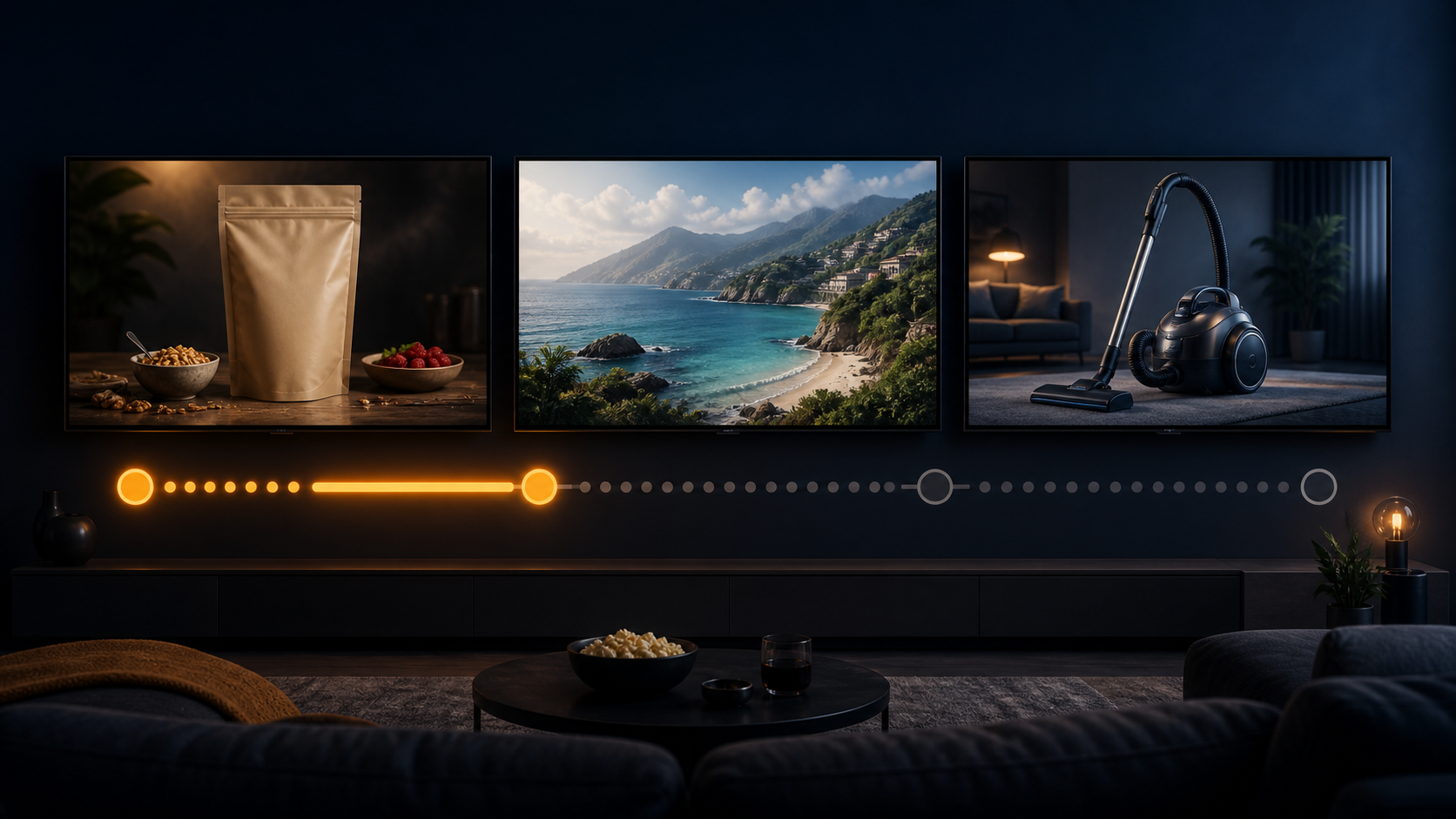
The documented behavior concerns the period before a viewer can skip an ad block. Some TV viewers have waited as long as 90 seconds for that control to appear, while individual reported blocks have sometimes run beyond 90 seconds. Because the behavior is described at the ad-block level, you should not assume that one advertiser receives a single, uninterrupted 90-second placement.
The phrase “YouTube TV ads” can also cause confusion. The test concerns YouTube watched on television devices. It is not, on the available evidence, a platform-wide change limited to or defined by the separate YouTube TV service. Initial observations were concentrated on TVs rather than mobile phones or desktop computers.
| What you observe | What you can reasonably conclude | What you should not assume |
|---|---|---|
| A skip countdown approaching 90 seconds on a TV | You may be seeing the longer ad-block test | Every YouTube viewer now receives a 90-second unskippable ad |
| Several ads before the skip control appears | The timer may represent a combined break | One advertiser owns the entire interval |
| The break appears on a short video | The test is not tied only to long-form content | The video’s length determines the ad load |
| The same behavior is absent on mobile or desktop | The experience may be specific to TV-device delivery | Your account, connection, or television is necessarily malfunctioning |
Reports have found the format on both shorter and longer videos. That matters when you diagnose what happened. A long break before a short clip is not proof that the video’s creator selected that ratio, and a long video is not a reliable predictor that the test will appear.
Why YouTube is treating the living-room screen differently
A television is not simply a larger phone. It is usually a lean-back viewing environment, often watched from across a room and sometimes shared by several people. YouTube can therefore package TV-screen viewing more like traditional television inventory: longer breaks, greater room for brand storytelling, and a prominent full-screen placement.
For advertisers, the attraction is the combination of TV-like inventory with digital targeting and measurement. That can make YouTube more relevant to budgets previously reserved for conventional television. It does not make the format right for every objective.
Give TV-device inventory serious consideration when your campaign needs broad visual reach, your creative works without an immediate click, and your reporting can separate television delivery from mobile and desktop performance. Be more cautious when success depends on a fast site visit, a small-screen interaction, or a direct comparison with highly clickable placements.
The practical mistake is to treat all YouTube impressions as interchangeable. If TV-screen delivery is strategically important, give it its own hypothesis, creative review, and reporting view wherever your account data permits. Otherwise, aggregate campaign results can conceal whether the television portion added useful reach or merely added completed impressions.
Build a TV campaign without confusing forced exposure with attention
An unskippable placement guarantees an opportunity to be seen for a period of time. It does not guarantee that the viewer welcomed, understood, or remembered the message. Use that distinction to shape the campaign before you increase spending.
- Write a device-specific hypothesis. Define what television delivery is meant to add, such as incremental reach or stronger brand response. “More completed views” is not enough on its own when viewers cannot skip.
- Keep ad-break length separate from creative length. A timer approaching 90 seconds does not establish that advertisers have been given one 90-second commercial. Maintain a strong shorter edit, especially because 30-second unskippable formats are already part of YouTube’s TV-style approach. Only produce a longer version when the story genuinely needs it and the placement supports it.
- Review the creative from across a room. Use readable text, uncomplicated frames, and clear product or brand identification. Let sound improve the message, but do not make audio the only way to understand it.
- Set exposure guardrails. Use the frequency and sequencing controls available for your campaign type. Prepare more than one creative treatment when the campaign will run repeatedly. A longer break makes repetition more noticeable, not less.
- Measure more than completion. Pair delivery metrics with the business signal the campaign is supposed to influence. Depending on the tools available to you, that could include incremental reach, brand-lift evidence, branded search behavior, or downstream conversions. Treat an unskippable completion as proof of delivery, not proof of persuasion.
- Choose a tolerance signal before launch. Monitor frequency, creative fatigue, negative feedback, or another relevant indicator alongside your primary outcome. Decide in advance what would cause you to rotate creative, reduce exposure, or stop the test.
This last step matters because early viewer reaction has been largely negative, with some people considering ad blockers or third-party viewing apps. That response does not prove the inventory is ineffective, but it does expose the central risk: purchased visibility can rise while willingness to pay attention falls.
Do not use the skip timer as your proxy for engagement. If brand response remains flat while forced exposure and repetition climb, the campaign has not become more persuasive. It has only become harder to avoid.
Questions about YouTube’s unskippable TV ads
Are all YouTube ads on TVs now unskippable for 90 seconds?
No. The available information describes a test affecting some TV-device viewers, not a universal rule for every viewer, video, market, or campaign. Treat a 90-second countdown as evidence of the tested experience, not evidence of a complete platform rollout.
Is this specifically a change to the YouTube TV service?
Not on the available evidence. The reported distinction is based on viewing through television devices rather than mobile or desktop. “YouTube on TV” and the separate YouTube TV service should not be used interchangeably when you document or analyze the change.
Does a 90-second countdown mean one commercial lasts 90 seconds?
Not necessarily. The documented experience is an extended ad block before skipping becomes available. That interval may contain more than one ad, so advertisers should not turn the countdown into a creative specification without confirming the placement they can actually buy.
Why can the long break appear before a short video?
The initial test was not tied consistently to video length. It appeared with both shorter and longer content. Do not use the duration of the selected video to predict whether a long unskippable block will appear.
Before your next media plan is locked, label this correctly as a TV-device ad-block test. Keep a strong shorter creative cut, isolate TV-screen results where possible, and define both a success signal and a viewer-tolerance signal. That plan remains useful whether YouTube retires the test, keeps it limited, or expands it to more viewers.
References

Leave a Reply