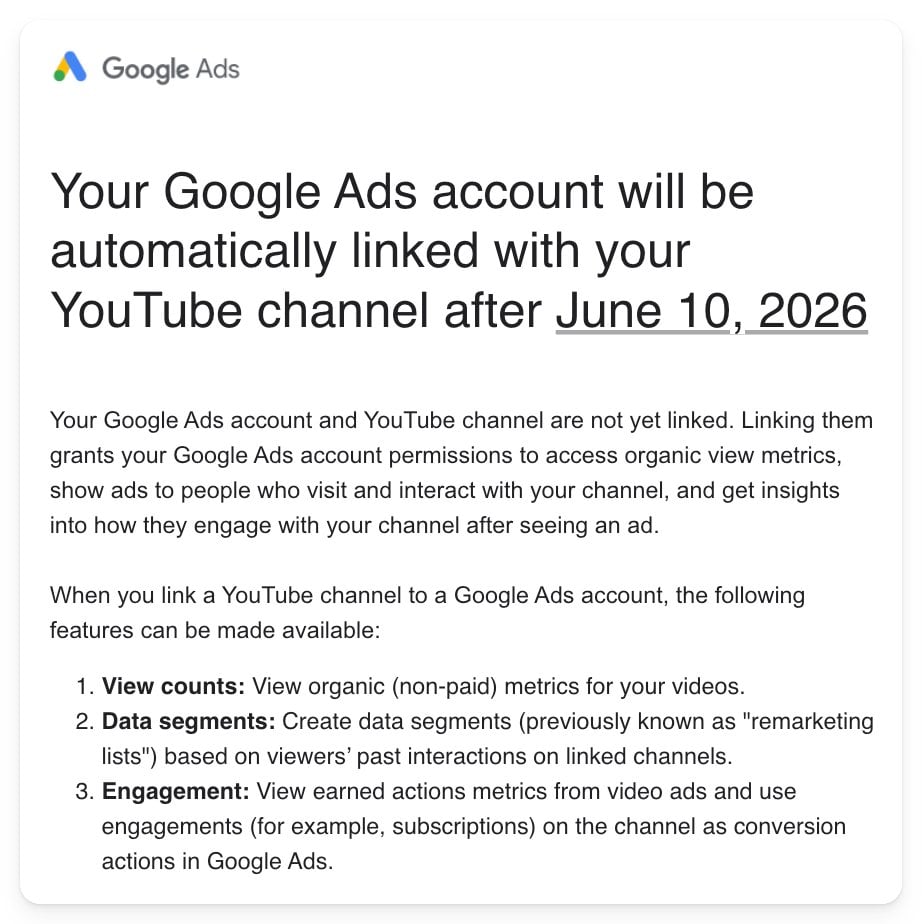
Your gambling licence alone does not unlock YouTube’s most prominent advertising placement. Starting October 21, 2026, Google will extend YouTube Masthead eligibility to more certified online gambling advertisers, but access will still depend on the product, jurisdiction, registration rules, certification scope, and campaign controls.
If you’re planning a Masthead campaign, qualify the exact product-market combination before you commit the budget or build the creative. The policy change creates an opportunity, not an automatic approval.
The change opens one premium placement, not the whole platform
YouTube’s Masthead requirements already permit sports betting advertising. The October change expands eligibility to additional forms of online gambling advertising, provided the advertiser holds the relevant Google Ads certification and satisfies the applicable legal restrictions.
That distinction matters. Masthead eligibility, Google Ads certification, and campaign approval are related, but they aren’t interchangeable:
- Eligibility means your type of gambling business may be considered for the placement.
- Certification means Google has approved you to advertise the relevant gambling category in the jurisdictions covered by that certification.
- Campaign approval means the specific account, targeting, creative, destination, and other campaign elements satisfy Google’s applicable policies.
Passing one stage does not guarantee the next. A certified advertiser can still submit a campaign that falls outside its approved geography, reaches an impermissible age group, or conflicts with another Google advertising policy.
Use this four-gate test before treating your brand as eligible

Run each proposed product and target market through four gates. If any answer is unknown, treat the campaign as pending rather than eligible.
- Does mandatory state or national registration apply? The exception is easy to misread: online gambling advertisers not subject to mandatory state or national gambling registration remain excluded from the expanded eligibility. Operating in a category without a registration requirement is not a shortcut into the Masthead.
- Are you legally permitted to offer the product in the target jurisdiction? Confirm the relevant registration and licensing position for the product and location. If the answer depends on an interpretation of local law, use qualified legal counsel rather than inferring eligibility from a competitor’s campaign.
- Do you hold the matching Google Ads certification? Certification is not a universal gambling credential. Approval depends on the gambling category, local rules, licensing requirements, and jurisdictions you intend to target.
- Can the campaign enforce every geographic and age restriction? The campaign must stay inside the approved markets and comply with all applicable age limits. A broad audience setup can invalidate an otherwise eligible plan.
The third gate deserves particular attention. A government licence or registration addresses your legal status. Google Ads certification addresses your permission to advertise through Google’s systems. Keep both records in your campaign approval file; neither should be treated as a substitute for the other.
Map eligibility by product and jurisdiction

Don’t label the entire company “approved” because one product is certified in one market. Build a simple eligibility matrix with one row for every product-jurisdiction combination you want to advertise.
- Product or gambling category
- Target country, state, or other applicable jurisdiction
- Whether mandatory gambling registration applies
- Registration and licensing status
- Google Ads certification status and scope
- Required geographic exclusions
- Applicable age restrictions
- Overall status: eligible, pending, or blocked
This matrix prevents a common planning error: allowing a valid approval in one market to become an assumption about another. It also gives media, legal, compliance, and creative teams the same definition of what can launch.
Be strict about the status labels. “Pending” should mean that a required decision, certification, or legal confirmation is still outstanding. It should not be converted to “eligible” because the campaign deadline is approaching. “Blocked” should identify the failing gate so the team knows whether the constraint is the product, jurisdiction, registration rule, certification, or targeting requirement.
Sequence the campaign so compliance is not the final dependency
The expensive mistake is to complete the media plan and creative first, then discover that the certification doesn’t cover the proposed product or market. Use this order instead:
- Define the exact gambling product being promoted.
- List every jurisdiction the campaign would reach.
- Confirm whether mandatory registration applies in each product-market combination.
- Verify the relevant registration, licensing, and legal permissions.
- Obtain or confirm Google Ads certification for the applicable category and jurisdictions.
- Configure geographic targeting, geographic exclusions, and age controls around the narrowest permitted scope.
- Review the creative, destination, account, and campaign against Google’s broader advertising policies.
- Commit the Masthead budget and launch date only after the required approvals are confirmed.
For the initial rollout, narrow scope is easier to govern. A campaign covering one confirmed product-market combination has fewer ways to drift beyond its permissions than a launch that combines several products and jurisdictions. Expansion can follow as additional rows in the eligibility matrix become confirmed.
October 21 is an eligibility start date, not a guaranteed campaign launch date. Account review, certification, legal clearance, and campaign approval still determine whether your specific campaign can run. Keep an alternative media plan until those dependencies are settled, particularly when the Masthead date is tied to a fixed promotion.
Key questions about YouTube gambling ad access
Can every online gambling operator buy a YouTube Masthead from October 21?
No. The expansion applies to eligible, certified advertisers that satisfy the relevant legal, registration, licensing, geographic, and age requirements. It is not blanket permission for online gambling advertising.
Does a gambling licence replace Google Ads certification?
No. A licence or registration establishes a legal status under the applicable jurisdiction. Google Ads certification is a separate platform requirement for advertising the covered gambling category and market.
Does one Google certification cover every jurisdiction?
You should not assume that it does. Certification requirements depend on the category, jurisdiction, local regulation, and applicable licensing rules. Verify the scope against every market in the campaign.
Are sports betting advertisers newly eligible?
No. YouTube’s existing Masthead policy already permits sports betting advertising. The change extends potential access to more certified online gambling advertisers.
Your next move is concrete: write down the exact product and jurisdiction you want to promote, then clear all four gates before briefing the campaign. If registration, licensing, certification, geography, or age controls remain unresolved, the Masthead plan is not ready for budget approval.
References