
You have a short brand message, a YouTube campaign to build, and one awkward question: how do you make an ad work when the audience may barely look at the screen?
The answer is to make audio carry the complete idea. YouTube audio ads are built for audio-focused surfaces and listening-first experiences across YouTube and YouTube Music. The screen still matters, but it should confirm the brand rather than rescue an incomplete script.
First decide whether your message survives without the screen
Audio inventory is a sensible fit when your immediate goal is awareness or reach and the central message can be understood by listening alone. It is a weaker fit when comprehension depends on a product demonstration, a sequence of screenshots, a dense offer table, or several visual disclaimers.
Use a simple test before you spend time on production: read the proposed script while hiding every visual. A listener should still be able to identify the brand, understand what category it belongs to, and repeat the one idea you want associated with it. If any of those answers depend on text or imagery, the concept is still a video ad with an audio track, not an audio-first ad.
A useful one-sentence brief is: “Make [audience] remember [brand] when they think about [need or category].” That sentence forces you to pick one memory rather than compressing an entire landing page into a short spot.
- Choose the format when: the campaign is about brand awareness or reach, the proposition is easy to say, and the brand name can be worked naturally into the audio.
- Rework the concept when: the voiceover refers to something the listener must see, the offer requires several conditions, or the brand is withheld until a final visual reveal.
- Choose a different campaign approach when: the screen demonstration is the argument rather than supporting evidence.
This distinction also keeps expectations aligned with setup. The format lives under the Brand awareness and reach objective. Treating it as an awareness format from the briefing stage prevents a later mismatch between the creative, campaign configuration, and the decision you expect the campaign to support.
Choose the duration before you write the script
One second can change the ad experience. Creative that runs for up to 15 seconds is non-skippable, while creative from 16 through 30 seconds is skippable. Do not write a script, record it, and let the final edit determine which side of that boundary you land on by accident.
| Creative length | Ad experience | What to do with the script |
|---|---|---|
| Up to 15 seconds | Non-skippable | Deliver one complete idea. Name the brand early and remove setup that delays the point. |
| 16 to 30 seconds | Skippable | Make the opening meaningful on its own. Do not rely on a late reveal to explain the brand or proposition. |
Non-skippable does not mean guaranteed attention. It describes the ad controls, not the listener’s concentration. A 15-second script still needs an immediate, recognizable opening. An abstract soundscape followed by a delayed brand reveal may be elegant, but it spends the most valuable part of the ad withholding context.
The longer, skippable range gives you more room, but that room should add clarity rather than another message. Build the opening so it can establish the brand and central idea without depending on the ending. Use the remaining time for a reason to believe, a memorable restatement, or a clear next action.
Be especially careful with a 16-second export. Crossing from 15 to 16 seconds is not a cosmetic change; it moves the creative from the non-skippable range into the skippable range. If an edit finishes just over the boundary, decide deliberately whether the extra material earns that change in experience.
Build an audio-first asset that happens to be a video
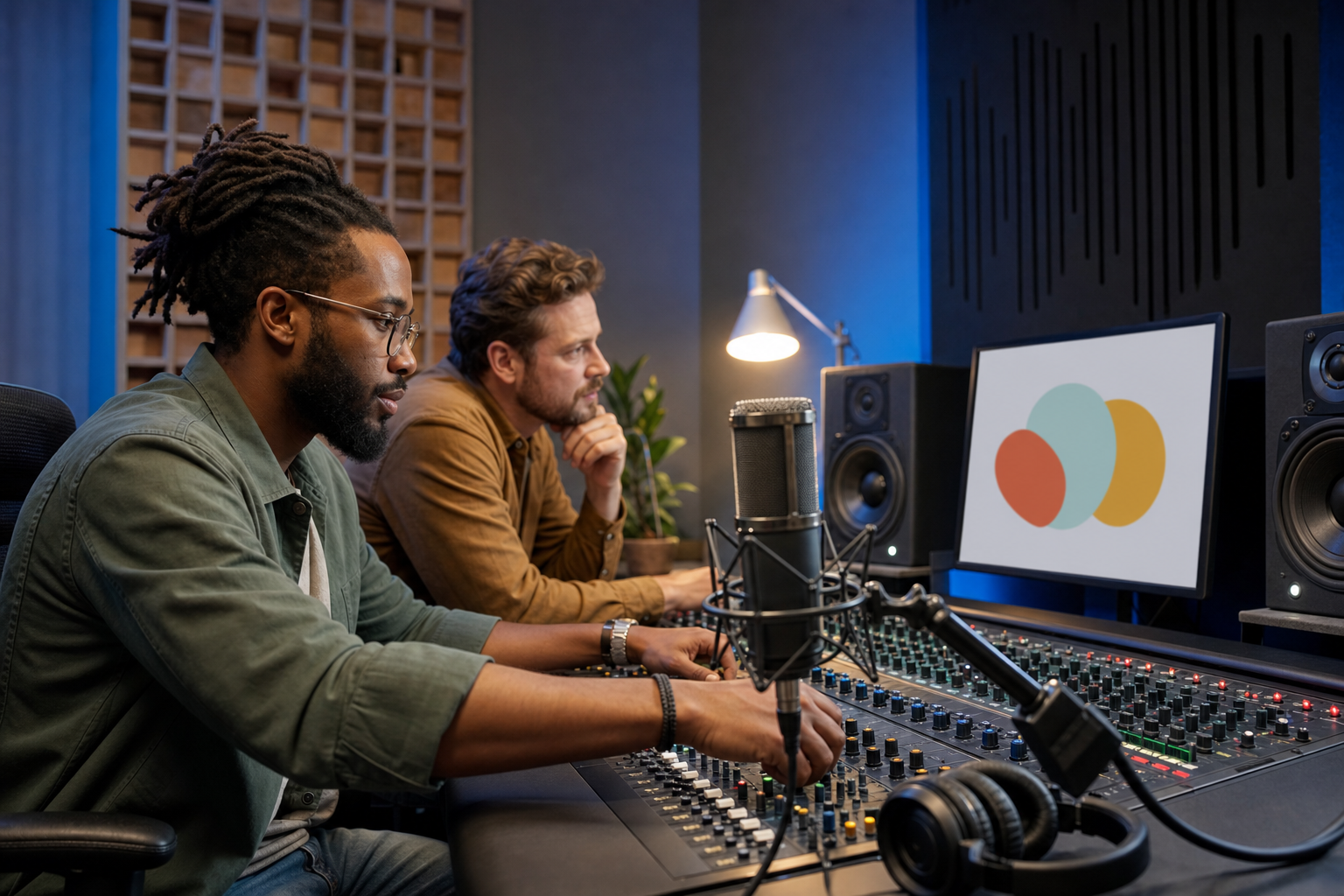
You still upload the creative as a YouTube video. A static image or simple animation is the intended visual approach, which is useful discipline: the audio makes the argument, while the image confirms who is speaking.
- Write a listening-only draft. Start with spoken words and sound. Do not add visual directions until the message works without them.
- Mark the essential information. The brand, category or problem, central proposition, and any intended action must be understandable through audio.
- Remove visual dependencies. Phrases such as “as you can see,” “choose the option below,” or “look at the difference” expose a concept that still requires the screen.
- Read it at its real pace. If the delivery has to be rushed to meet the chosen duration, cut an idea rather than forcing the voiceover to carry more.
- Add restrained visuals. Use a static image or simple animation that reinforces brand recognition. Avoid making small on-screen copy responsible for a qualification the listener needs to understand.
- Run two separate quality checks. Listen once without looking, then watch once as a complete video. The first check tests comprehension; the second catches a visual that contradicts or distracts from the spoken message.
The most common structural mistake is trying to create suspense before establishing relevance. For a listening-first placement, the audience may encounter your ad while focused on something else. Give them a reason to orient themselves: a recognizable need, a clear category cue, or the brand connected directly to its proposition.
Keep the call to action proportional to the format. A spoken instruction should be short enough to remember and complete without consulting the screen. If the action requires a long URL, multiple steps, or detailed conditions, let the destination handle that complexity. The ad’s job is to create enough recognition and interest for the next interaction.
Configure the campaign without losing the format in setup
The required campaign path is specific: use the Brand awareness and reach objective, choose the Audio video campaign subtype, and select Target CPM bidding. Those choices are not labels to clean up after creative production; they define the campaign you are building.
- Create a campaign under Brand awareness and reach.
- Select the Audio video campaign subtype.
- Use Target CPM as the bidding strategy.
- Select or upload the YouTube video containing your audio-first creative.
- Set the audience, budget, and schedule from the approved campaign brief rather than improvising them during setup.
- Confirm the final runtime so you know whether the ad will be non-skippable or skippable.
- Check the destination and every audience-facing field before enabling spend.
Pause before launch if the subtype, bidding strategy, or duration does not match the plan. Advertising spend is the wrong place to discover that a last-minute export crossed the skippability boundary or that the campaign was created under a different path.
Keep a compact launch record containing the final script, video URL, runtime, campaign objective, subtype, bidding strategy, audience definition, and the question the campaign is meant to answer. That record makes later analysis more useful because you can distinguish a creative decision from a configuration mistake.
Run a test that gives you a clear next move
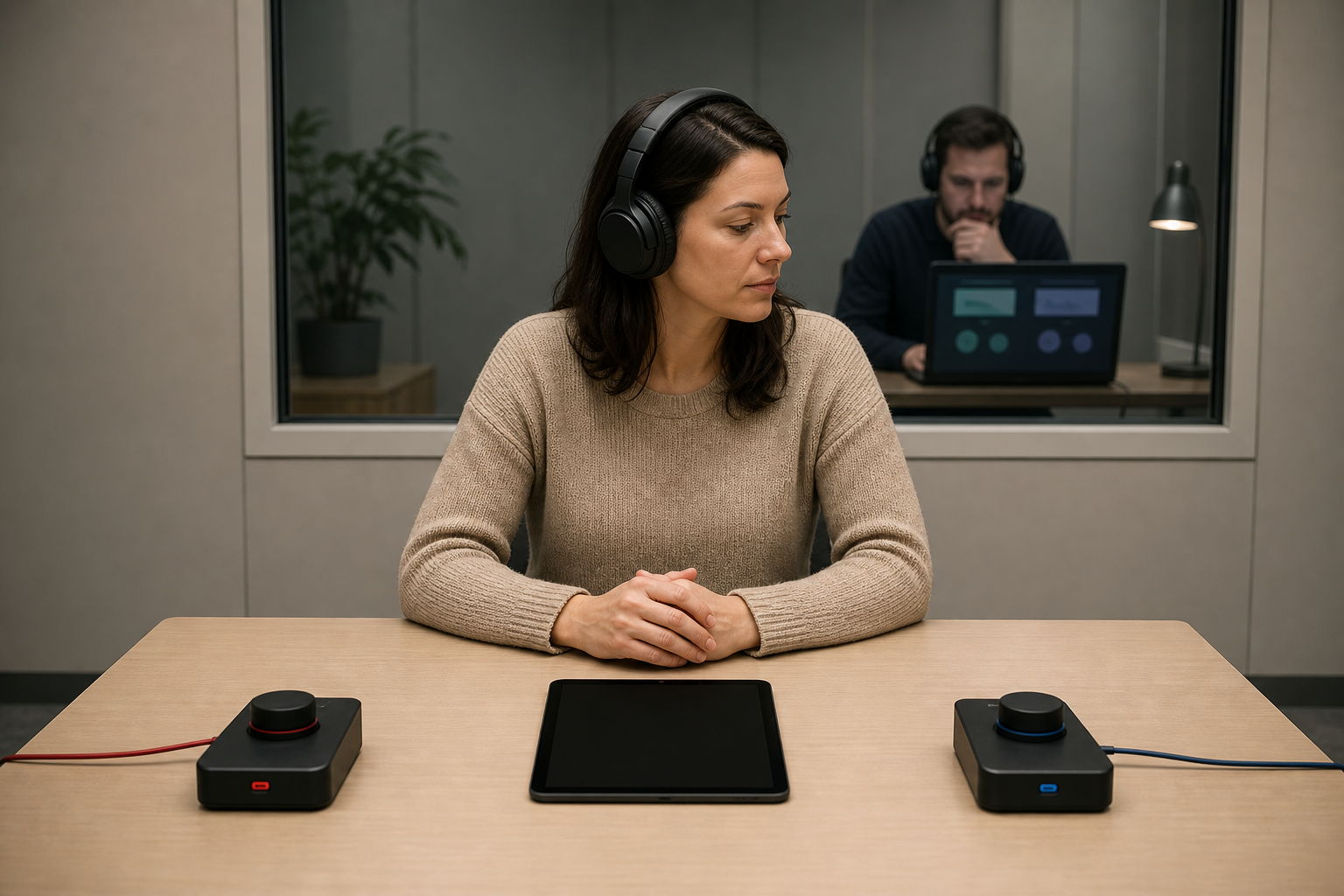
Do not frame the first campaign around the vague question, “Do audio ads work?” A single campaign cannot settle that. Ask a narrower question whose answer changes the next creative decision: whether the brand-led opening is clearer than a problem-led opening, whether the short non-skippable treatment suits the message better than a longer skippable treatment, or whether one proposition is easier to understand by ear.
When comparing creative, change one important element at a time and keep the rest as stable as practical. If the audience, message, length, visual, and campaign conditions all change together, the result cannot tell you what to repeat. Write down the hypothesis and decision rule before launch, then evaluate the campaign against the awareness or reach outcome selected in the brief.
Key takeaways
- YouTube audio ads are intended for listening-first experiences across YouTube and YouTube Music.
- The creative is uploaded as a YouTube video, ideally with a static image or simple animation.
- Creative up to 15 seconds is non-skippable; creative from 16 to 30 seconds is skippable.
- The campaign path is Brand awareness and reach, followed by the Audio video subtype and Target CPM bidding.
- The script must communicate the brand and central idea without relying on the screen.
- A useful test changes one consequential variable and defines the next decision in advance.
Start with the listening-only test. If your current script cannot name the brand, explain the proposition, and make sense with the screen covered, revise it before opening the campaign builder. Once it passes, choose the duration deliberately and carry that decision unchanged through production, setup, and launch review.
References

Leave a Reply