
Your Shopify admin rejects a login while shoppers are still arriving and staff need access to orders. Do not start changing passwords, clearing browsers, or cycling every device. Those reactions can destroy the authenticated access you still have without fixing a platform-level failure.
Your immediate job is to preserve working sessions, determine which customer and merchant functions are actually affected, and move the store into a controlled operating mode. The plan below gives your team a way to keep making defensible decisions even when Shopify cannot provide a resolution time.
Confirm what is down before you change anything
A merchant login outage is not necessarily a complete storefront outage. Admin authentication, the customer-facing store, checkout, Shopify POS, the mobile app, and support access are separate surfaces. Test them separately instead of treating one failed login as proof that everything is unavailable.
That distinction mattered during a major Shopify disruption when login alerts began at 14:54 UTC and the confirmed impact expanded to POS, mobile logins, and support access. At 15:26 UTC, Shopify advised merchants to remain logged in on devices with active sessions. An authenticated device had effectively become a scarce operational resource.
- Preserve every trusted session that still works. Do not sign out, clear browser data, switch accounts, or restart a working device unless a separate problem makes that necessary.
- Assign each working device to an authorized operator. Do not share passwords or weaken your normal access controls to let more people into the same account.
- Record the exact failure. Note the affected device, surface, error message, and whether the failure happened during sign-in or after authentication.
- Open the storefront in a private browser window and test navigation, product pages, the cart, and the path to the payment step. This checks the customer journey without depending on a merchant session.
- Check POS devices individually. A terminal with an active session may behave differently from a device that needs a fresh login.
- Review Shopify’s status page and compare its affected components with your own observations. Do not let repeated login attempts substitute for diagnosis.
Do not launch a storewide password reset merely because several people cannot sign in. A password reset does not repair platform authentication, and changing access details during an incident adds another variable your team will have to untangle later. Reset credentials only when there is separate evidence of an account-security problem.
Key takeaways
- Keep trusted, authenticated sessions open and under the control of authorized staff.
- Test the storefront, checkout path, admin, mobile app, POS, and support access as separate functions.
- Use only payment and fulfillment fallbacks that your business has already approved.
- Tell staff and customers what you have verified, not what you assume is broken.
- When access returns, reconcile orders, payments, inventory, and customer promises before resuming normal activity.
Run the store in a controlled degraded mode

When Shopify is investigating without an estimated resolution time, waiting passively is not an operating plan. Create one incident log, give one person responsibility for coordinating decisions, and define what the store can safely continue doing with its current access.
| Observed condition | What it establishes | Immediate response |
|---|---|---|
| Admin login fails, but the storefront and checkout path respond | Merchant access is impaired; a customer purchase outage has not been established | Keep the storefront available, preserve active sessions, and warn staff that fulfillment or service changes may be delayed |
| The storefront loads, but a checkout failure is independently verified | Customers may be unable to complete purchases | Publish a precise notice and pause traffic-driving activity you can safely control until checkout is verified again |
| An authenticated POS device works, but new POS logins fail | Existing access may still support in-store operations | Protect the active device, route authorized work to it, and avoid signing it out merely to test authentication |
| Admin, POS, mobile login, and support access all fail | The incident affects more than one merchant surface | Use the approved continuity plan, document blocked work, and rely on status updates rather than repeated support-login attempts |
For in-store sales, move to an alternative payment method only if it is already approved by your business and payment provider. Never write down full card details, ask staff to retain security codes, or bypass identity and payment controls. Losing sales is costly, but creating a payment-data incident is not a safe workaround.
For fulfillment, separate work that is already verified from work that depends on current Shopify data. Shipments already transferred to a carrier can continue through the normal carrier process. Picking, editing, cancelling, refunding, or reshipping an order from an old export is riskier because the order may have changed since that file was created. Label every offline list with its export time and treat it as a snapshot, not a live queue.
For customer service, collect the customer’s order identifier, contact details, request, and any promise your team makes. Avoid confirming a cancellation, refund, address change, or reshipment until someone can verify the order state. A clear pending response is safer than an unverified action that later becomes a duplicate.
For marketing, distinguish an admin-access problem from a purchase problem. Do not pause every campaign simply because your staff cannot log in. If checkout is demonstrably failing, however, continuing to buy traffic can waste budget and frustrate customers. Pause only the activity you can control safely, preserve a record of the change, and wait for checkout verification before restoring it.
Communicate verified impact, not assumptions
Your internal message should answer four questions: what is failing, what still works, what staff must avoid, and where the next verified update will appear. Keep all teams on the same message so a warehouse employee, retail associate, and support agent do not improvise conflicting explanations.
Internal update template: Shopify merchant access is currently unavailable on [confirmed surfaces]. [Confirmed working functions] remain available. Keep existing sessions open, do not change credentials, and record blocked orders or customer requests in [incident log]. The next update will be posted in [channel] when the status or our verified store behavior changes.
Customer communication is necessary only when the customer experience is affected. Announcing a storewide outage while checkout still works can cause unnecessary abandonment. If only merchant tools are inaccessible, a targeted message about delayed fulfillment changes or support responses is usually more accurate than a banner claiming that the entire store is down.
Customer update template: We are currently having trouble with [specific customer-visible function]. [What customers can still do] remains available. If you have already submitted an order or payment, please do not repeat it until you receive confirmation or our team verifies its status. We will update this notice when the affected function has been checked.
Do not describe a login outage as a breach, attack, or loss of customer data unless verified evidence supports that conclusion. Authentication availability and account compromise are different issues. Unsupported security language can alarm customers, trigger unnecessary password changes, and create reputational damage long after access is restored.
Shopify Support may be affected by the same authentication problem. During the documented disruption, merchants were unable to reach support through the usual access path. Your continuity plan should therefore include Shopify’s public status page, an internal escalation channel, and named decision owners rather than making support availability the only route to action.
Treat recovery as reconciliation, not a green light
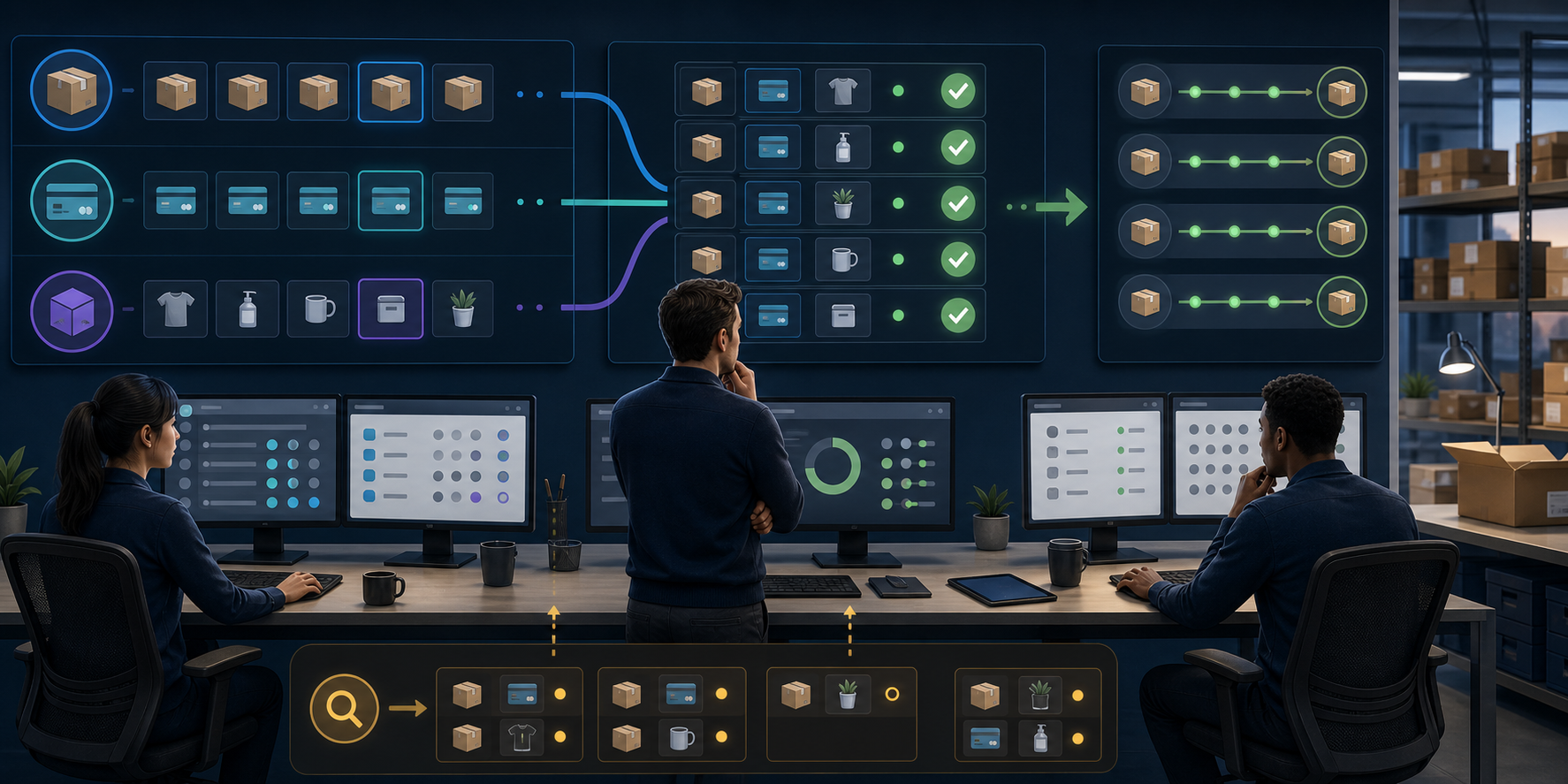
A successful login tells you that authentication has returned for that session. It does not prove that every delayed order, payment, POS transaction, inventory update, fulfillment action, or support request has settled correctly. Resume in a deliberate order that minimizes duplicate financial and operational actions.
- Tell the team that access appears to be returning but that normal operations have not yet been declared. Keep the incident log open.
- Confirm access on the merchant surfaces you actually use, including admin, mobile, POS, and support where relevant. Do not sacrifice the only working session merely to test a fresh login.
- Define the outage window from your first verified failure through the restoration checks. Use that window to identify orders and transactions needing review.
- Reconcile orders against available payment records before retrying charges, issuing refunds, or asking customers to order again. A missing confirmation in one view is not enough evidence that no payment occurred.
- Check whether inventory, discounts, address changes, cancellations, fulfillment events, and POS sales made around the outage are reflected correctly. Resolve exceptions one at a time and record each correction.
- Review every offline customer-service note. Verify the current order state before carrying out a promised refund, cancellation, replacement, or address change.
- Test the customer journey again. Restore paused promotions only after the affected purchase path and resulting order record have been verified.
- Close with a short incident review covering what failed, which fallback worked, what created confusion, and which part of the continuity plan must change.
Duplicate actions are the central recovery risk. A customer may have retried checkout, a staff member may have started a refund from another session, or a warehouse employee may have acted from an exported list. Before repeating any action with a financial or fulfillment consequence, check the current system state and the incident log.
Prepare an outage kit before the next sales period
A busy sales day is the wrong time to decide who owns an authenticated device or whether staff may accept an alternative form of payment. Put those decisions into a compact continuity kit that can be opened without Shopify access.
- Access map: List the authorized people responsible for admin, POS, fulfillment, customer service, and marketing decisions. Include a route for reaching them that does not depend on Shopify.
- Session-preservation rule: Explain when staff should keep a trusted session open during a confirmed incident, who may operate it, and what actions remain prohibited. Preserving a session is not permission to share credentials or bypass multi-factor authentication.
- Customer-journey check: Write down the storefront pages and checkout stages your team will inspect so admin failure and customer failure are not confused.
- Fallback boundaries: State which payment, fulfillment, refund, cancellation, and customer-service actions can continue offline and which must wait for live data.
- Secure operating data: If the business maintains recent order or inventory exports for continuity, protect them as customer data, restrict access, label their creation time, and retain them only under your normal data policy.
- Message templates: Keep separate internal, customer-support, storefront, and marketing messages with placeholders for the confirmed impact. This prevents hurried language from overstating the outage.
- Recovery checklist: Include orders, payments, POS transactions, inventory, fulfillment, customer promises, and paused campaigns so restoration does not depend on memory.
Run through the kit with the people who would use it. A plan that depends on an unavailable admin page, an absent manager, or an unapproved payment workaround is not yet operational.
Before your next promotion, name the incident owner, place the status-page link and templates where staff can reach them, and agree on the conditions for continuing, limiting, or pausing sales. When the next login failure appears, your team can preserve access and act from evidence instead of turning an authentication problem into a wider store incident.
Leave a Reply