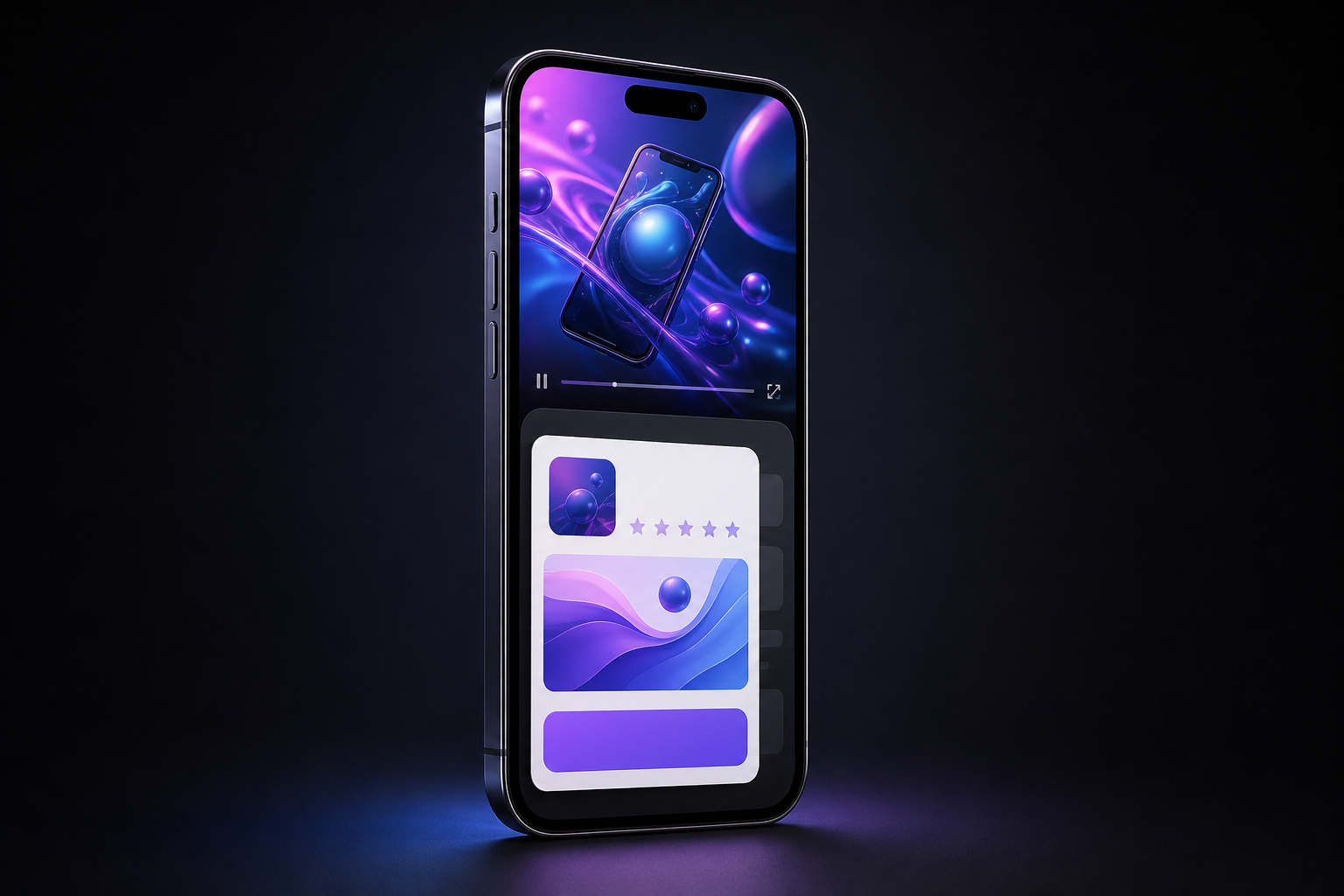
Your video can finish exactly as edited and still deliver a different final impression from the one your team approved. On an eligible Google video ad, an automated conversion card can appear after playback and replace the YouTube end screen you expected viewers to see.
If you run mobile app install campaigns, review the served experience rather than approving only the video file. The ending now depends on the creative, the campaign data used to build Google’s card, and whether an existing YouTube end screen is displaced.
Key takeaways
- Google can append an interactive, AI-generated conversion card after an eligible video finishes.
- The stated eligibility is currently limited to in-stream ads in mobile app install campaigns. A broader rollout is planned, but no definite timeline has been given.
- The card can draw on campaign information such as the app name, icon, price, and a direct install link.
- When automatic end screens are active, they overwrite manually added YouTube end screens. An outro embedded in the video remains part of playback, but it is no longer necessarily the final thing viewers see.
- The feature does not change billing or view counts, so those metrics cannot tell you whether the end screen appeared correctly.
Separate the video ending from the ad ending

The most important distinction is between an embedded outro and a YouTube end screen. An embedded outro is part of the video file: the logo, message, animation, or call to action is encoded into the final frames. A YouTube end screen is a platform-level element added around the video. Google’s automatic card is another platform-level element, shown after playback.
That means you are managing three layers, not one. Approving the edited file verifies only the first layer. It does not verify which platform-level screen will follow it or whether the information on that screen is correct.
| Layer | What to verify | Main risk |
|---|---|---|
| Embedded video ending | Brand, message, visual hierarchy, and spoken call to action | The outro assumes a different action from the automated card |
| Manual YouTube end screen | Whether the campaign depends on it for an essential message or destination | It can be overwritten when automatic end screens are active |
| Google automatic end screen | App name, icon, price, install link, and overall presentation | Campaign data becomes part of the creative without appearing in the source video |
| Billing and view reporting | Normal campaign accounting | No change is expected, so these metrics are not a QA signal |
The replacement behavior matters most when a manual end screen carries information that appears nowhere else. If your offer, product distinction, or required next step exists only in that layer, the automated card can remove it from the experience. Treat any message essential to comprehension as part of the video itself.
Design an ending that works with either screen
You do not need to rebuild every eligible video around the automatic card. You do need an ending that remains coherent when the card follows it. The safest pattern is to let the video complete the argument and let the automated screen provide the conversion path.
- Finish the promise inside the video. State the app’s purpose, the relevant benefit, and the intended action before playback ends. Do not leave the meaning of the ad to a manual YouTube end screen that may disappear.
- Use a compatible call to action. If the automatic card supplies a direct install link, an embedded instruction that sends viewers somewhere else can create two competing next steps. Decide which action matters and align the video’s language with it.
- Avoid making a visual end card do all the work. A final logo frame can still reinforce recognition, but the viewer may immediately see an interactive Google-generated screen. Keep essential copy readable during playback instead of relying on a post-roll hold.
- Treat campaign metadata as creative material. Because the automatic card can use the app name, icon, price, and install destination, those fields need the same review discipline as the headline and artwork in the video.
- Plan for both states. The video should make sense if the manual end screen appears, if the automatic card appears, or if a viewer leaves as soon as playback finishes.
This approach also prepares non-eligible campaigns for a wider rollout. There is no announced timetable, so a wholesale redesign would be premature. Making new endings self-contained is a low-regret change: it improves message continuity without depending on an unconfirmed expansion date.
Audit the served ad, not just the source file

The current priority is easy to define: find in-stream video ads used in mobile app install campaigns. Those are the ads within the stated scope. Other campaign types can go on a watchlist, but they do not need to be treated as eligible without confirmation.
- Build the eligible inventory. List each mobile app install campaign using an in-stream video, along with its video asset, intended YouTube end screen, app, destination, and owner.
- Record the approved ending. Capture the final frames of the video and any manually configured YouTube end screen. This gives reviewers a clear baseline instead of relying on memory.
- Check whether automatic end screens are active. Eligibility and activation determine whether the manual screen is at risk. Record what the account currently shows rather than assuming the behavior is universal.
- Inspect the complete ad experience. Use the preview or test-serving method available to your account and continue through the end of playback. Checking the uploaded video alone cannot reveal an appended post-roll card.
- Verify every populated field. Confirm the displayed app name, icon, price, and install link wherever those elements appear. Follow the link and make sure it reaches the intended app destination.
- Check message continuity. Read the final spoken or visual call to action and then the automatic card as one sequence. Flag conflicting actions, abrupt changes in branding, duplicated instructions, or a missing claim that previously lived on the manual screen.
- Save evidence. Keep a screenshot or short recording of the result with the campaign, asset, device context, and review date. A pass/fail label without the rendered screen is difficult to investigate later.
- Assign a release decision. Mark the ad approved, approved with a known limitation, or blocked. Give every failed field or conflicting call to action an owner before the campaign receives traffic.
Repeat this check when the video changes, relevant campaign details change, the app destination changes, or Google expands eligibility. You do not need a daily inspection. You need a defined trigger that puts the end screen back into the normal creative approval process.
Measure conversion impact without misreading the rollout
Automatic end screens are intended to guide viewers toward conversion, but intent is not proof of incremental performance. Treat creative QA and performance evaluation as separate questions. First establish that the card is accurate and brand-safe. Then assess whether campaign outcomes changed.
Do not look for evidence in billing or view totals. Google states that automatic end screens do not affect billing or view counts. An unchanged view count therefore says nothing about whether the card rendered, whether viewers interacted with it, or whether it improved conversion behavior.
- Record the first verified date. Use the date your team confirmed the automatic card in the served experience, not an assumed platform-wide launch date.
- Note simultaneous changes. Budget, audience, bidding, app price, video, and destination changes can all complicate a before-and-after reading. Log them beside the end-screen verification.
- Use conversion-relevant reporting. Review the campaign’s established click, install, and conversion measures rather than expecting billing or view-count movement.
- Prefer a controlled comparison when one is genuinely available. If your account configuration permits a clean comparison, keep the rest of the campaign conditions as stable as practical. If it does not, describe any performance movement as an association rather than crediting the end screen alone.
- Keep brand QA as a release requirement. Even a favorable conversion trend does not make a wrong price, incorrect icon, broken destination, or contradictory call to action acceptable.
Start with the campaigns inside the known eligibility boundary. Add the automatic card to your creative sign-off, move indispensable messaging into the video, and keep non-eligible formats on a monitored list until Google confirms a broader rollout. That gives you control over the part you can verify now without pretending the future scope is settled.
Leave a Reply