
You have useful photos on your phone and first-hand details about a place, but turning them into a clear Google Maps contribution still takes judgment. The latest contributor features reduce the mechanical work: they surface media sooner, draft captions and make contributor history more visible.
Use that convenience to publish more useful evidence, not simply more content. A faster upload, an AI-written caption or a prominent badge can attract attention, but none of them can make a vague or inaccurate contribution trustworthy.
Key takeaways
- Local Guides profiles now place greater emphasis on total points, levels and badges. Gold profile indicators can make top contributors more noticeable, but prominence is not proof that every contribution is accurate.
- Gemini can analyze selected photos and propose a caption. You can edit or discard the draft, so treat it as a starting point rather than an observation you must accept.
- The Contribute tab surfaces recent uploads, while camera-roll suggestions can shorten the path from taking a photo to sharing it. Media access is required for those suggestions.
- These features may affect which reviews and businesses receive attention. They do not, by themselves, establish a direct improvement in local rankings, AI-search visibility or business performance.
Match each contributor feature to the job it actually does
The contributor changes solve three different kinds of friction. Keeping those jobs separate prevents you from treating every feature as a ranking tool.
- Contributor profiles provide context. The redesigned Local Guides profile displays total points and levels more prominently, gives badges a refreshed presentation and adds gold profile indicators for top contributors. These are reputation and attention signals around a contribution. They do not verify the claim inside it.
- Gemini caption drafts reduce writing friction. The feature analyzes the photos you select and proposes text that you can edit or reject. Its useful job is getting you past the blank field, not supplying knowledge that the image cannot contain.
- Media suggestions reduce retrieval friction. Recent uploads appear in the Contribute tab, and Google Maps can suggest camera-roll images after you allow media access. This helps when the obstacle is finding the right photo later.
If you contribute regularly, test every photo or review without its profile decoration: would the content still help someone choose an entrance, recognize a storefront, understand the layout or set an accurate expectation? If not, more points and a brighter badge will not repair it.
If you manage local visibility for a business, reverse the test. A gold indicator may cause a user to notice a review, but you should still inspect the review’s specificity, recency and visible evidence. Contributor status is context for evaluating a claim, not a substitute for evaluating it.
Edit Gemini captions until they say what the photo proves
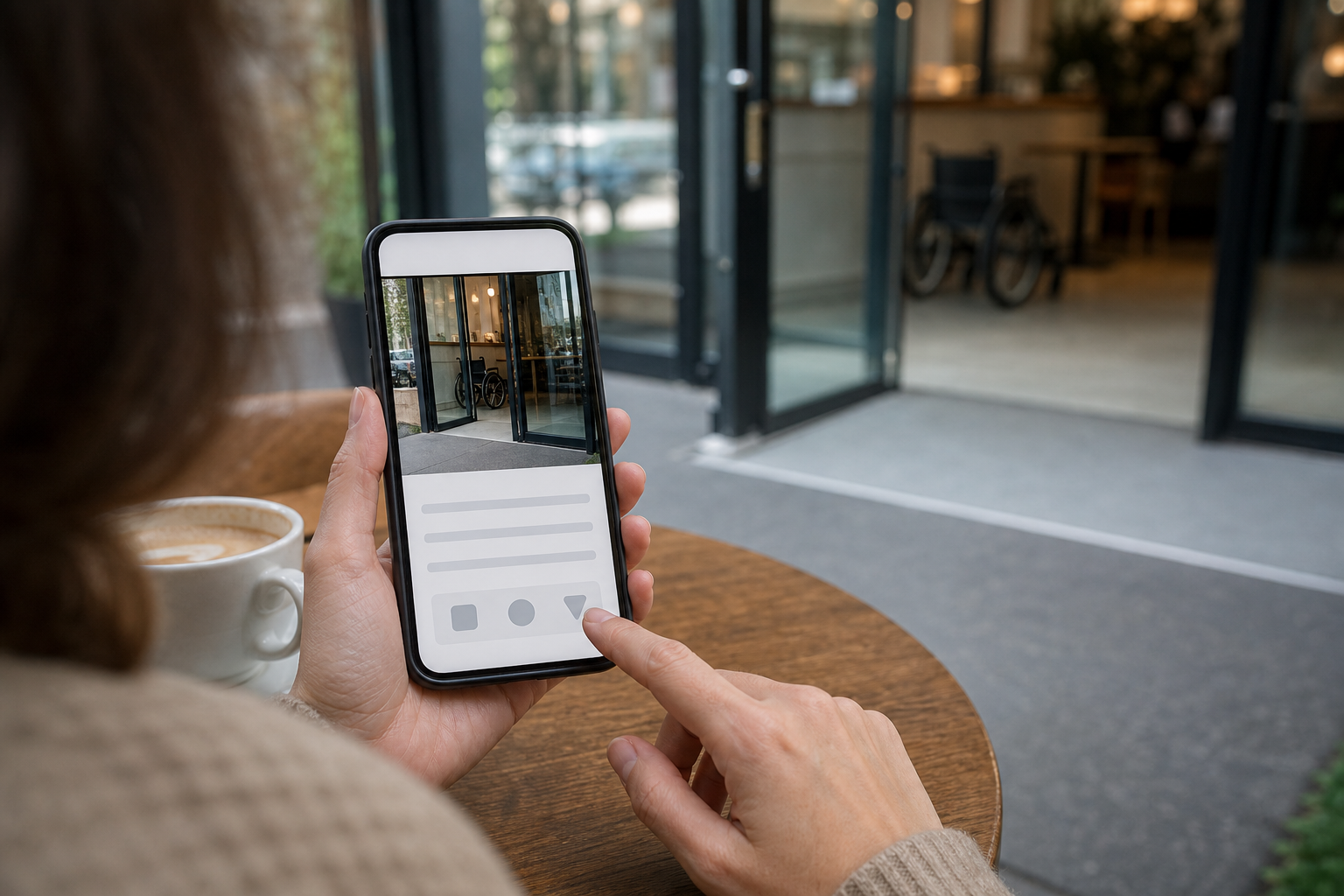
At its introduction, the Gemini caption feature was available in English on iOS in the United States. Broader Android and international availability was planned. Availability can therefore differ by device, language and location; keep a manual caption workflow even if another contributor already has the control.
The most important limitation is conceptual. Gemini can analyze the selected image, but a photo does not necessarily prove how the service felt, how food tasted, whether a route is fully accessible or whether a temporary display will remain in place. The draft can turn a visual impression into a stronger claim than the evidence supports.
Use a four-pass caption edit
- Name the visible subject. Identify the entrance, seating area, menu board, counter, parking area or other feature the photo is meant to show.
- Remove inferred praise. Delete generic judgments such as “excellent,” “welcoming” or “perfect” unless the caption is deliberately expressing your own experience and the wording makes that clear.
- Add decision-relevant context. Explain where the photographed feature is located or why someone might need to recognize it. Add only details you observed or verified.
- Check whether the claim will age badly. Prices, hours, displays and layouts can change. Do not present a time-sensitive detail as a permanent feature.
For example, a draft such as “A cozy cafe with plenty of seating” is broad and evaluative. A more useful edit would be “Indoor tables are beside the front window, with the order counter at the back.” The second version tells a visitor what the image is intended to establish without pretending that the photo proves comfort, availability or service quality.
There is also a quick test for generic AI text: ask whether the same caption could be pasted onto a different venue’s photo without anyone noticing. If it could, the caption is not finished. Name the concrete feature that makes this image useful at this place.
Turn camera-roll suggestions into a controlled publishing queue

The media-sharing update has a broader footprint than the initial caption rollout. Recent media and camera-roll suggestions were made available on iOS and Android globally. Suggestions depend on granting media access.
A suggestion is an invitation to review an image, not confirmation that the image belongs on Maps. Camera rolls also contain duplicates, screenshots, private details and photos whose location is ambiguous. Put a short verification step between the prompt and the publish button.
- Open the Contribute tab after a visit. Review the recent media while you can still distinguish the venue and remember what each image shows.
- Confirm the exact place. Check the name and location, especially when a business has several branches or neighboring listings look similar.
- Choose the highest-information image. Prefer a photo that answers a practical question over several nearly identical angles.
- Inspect the full frame. Exclude unrelated or sensitive details and any image too blurry, dark or obstructed to support its caption.
- Write or generate the caption. Apply the evidence test even when Gemini supplies the first draft.
- Read the listing and caption together. Make sure the text describes this image at this place, then publish only when both are unambiguous.
If you are not comfortable enabling camera-roll access, do not enable it merely to save a few taps. A slower, deliberate selection process is better than a convenient workflow you will not review carefully. You can also revisit the relevant operating-system permissions if your comfort level or contribution habits change.
Do not mistake contributor visibility for a ranking result
More prominent contributor profiles, faster media sharing and clearer captions can change what people notice. That can influence which reviews they consider credible and which businesses receive attention. It is still a leap from increased attention to a claim that a feature directly raises a business in Google Maps, local search results or an AI-generated answer.
Three outcomes need separate measurement:
- Publishing efficiency: Did the recent-media flow help you turn relevant photos into completed contributions instead of leaving them in a backlog?
- Contribution quality: Did the final captions become more specific, accurate and useful after editing, or did AI merely increase the volume of generic text?
- Search or business visibility: Did the business’s observed visibility change after the contribution? If it did, record the timing as a correlation. Do not assign causation without isolating other listing, review, competition and search changes.
The same restraint applies to AEO and GEO claims. A Google Maps caption may add useful public context around a place, but these contributor changes do not demonstrate that a frontier model will retrieve, cite or rank that caption. Treat any such effect as a hypothesis to measure, not a benefit to promise.
Start with one recent photo that answers a real visitor question. Verify the place, edit the caption until every claim is supportable and record when you published it. If the workflow consistently produces clearer contributions, keep it. If it only produces more contributions, tighten the review step before you scale it.
References

Leave a Reply