
Your local website can rank for a service name and still miss the customer who eventually buys. The gap often appears one step earlier, when that customer is searching for a symptom, trying to understand the problem and deciding whether professional help is necessary.
To generate more qualified inquiries, treat technical SEO and local content as one system. The right page must exist for the customer’s question, search engines must be able to crawl and index it, and the page must move the visitor toward an appropriate service without forcing them to translate their problem into your internal terminology.
Find the demand that appears before the service query
Most local sites are organized around what the business sells: plumbing, drain cleaning, furnace repair, roof replacement or another named service. That structure serves people who already know what to request. It does much less for someone asking why a sink keeps backing up, why a room never gets warm or whether a roof stain needs urgent attention.
Those searches aren’t merely informational. The person is diagnosing a visible symptom, estimating the seriousness of the situation and deciding what to do next. A site that answers only service-name searches can therefore miss high-intent demand during the decision stage that precedes a direct local-service query.
Start by separating three jobs your pages need to perform:
- Problem pages help a visitor understand a symptom, its plausible causes, safe next steps and the point at which professional help makes sense.
- Service pages explain the professional solution, what the work involves and how to request it.
- Location pages establish where the service is available and give locally relevant information rather than repeating a generic service page with a different place name.
Build your initial problem-page list from actual customer language. Review search queries, on-site searches, inquiry forms, call notes, sales questions and customer-service messages. Record the symptom as the customer describes it, the service it normally maps to and the decision the person is trying to make. A question such as “Can this wait?” represents a different content need from “What causes this?” even when both eventually lead to the same service.
Don’t turn every wording variation into a separate URL. If several phrases describe the same condition and require the same answer, consolidate them on one strong page. Create a new page only when the symptom, likely causes, available options or appropriate service materially changes. That distinction prevents a useful resource library from becoming a collection of overlapping, low-value URLs.
Prioritize technical fixes by their effect on leads

A technical audit can produce hundreds of findings, but a long export isn’t a delivery plan. Development capacity is a real constraint: up to 67% of respondents have identified non-SEO development work as an impediment to technical implementation. Your backlog must distinguish a blocked revenue path from a cosmetic imperfection.
Triage issues in this order:
- Make priority pages accessible and indexable. Confirm that each important service, problem and location URL returns a successful response, isn’t blocked from crawling, doesn’t carry an unintended noindex directive and identifies the correct canonical URL. Check the rendered page, not only its raw source, when JavaScript supplies essential copy, navigation or forms.
- Resolve competing URL signals. Look for duplicate paths, outdated URLs, parameter versions and inconsistent canonical tags. Redirect retired URLs to the closest relevant replacement, link internally to the preferred version and keep noncanonical duplicates out of the XML sitemap.
- Remove architectural dead ends. Every priority page should be reachable through a relevant hub or service page. A URL that exists only in a sitemap has far less contextual support than one connected to the site’s visible customer journey.
- Fix performance where it interrupts action. Address backend delays before polishing minor front-end details. Then inspect excessive JavaScript, rendering dependencies, late layout movement and resources that delay the information or controls a visitor needs first.
- Test the complete mobile journey. Check navigation, readable content, tap targets, telephone links, forms, validation messages and confirmation states on a narrow screen. A fast landing page still fails commercially if the form becomes difficult to complete.
Score each task against four questions: Does it affect a page capable of generating a lead? Does it prevent crawling, indexing, understanding or conversion? How many priority URLs inherit the problem? What implementation effort and coordination does it require? A shared template defect affecting every service page should usually outrank an isolated warning on an old resource, even if an audit tool labels both issues the same way.
Performance work should also follow the user’s sequence. Prioritize the page heading, main explanation, navigation and primary action before secondary widgets. Backend bottlenecks can affect the whole experience; after those are addressed, techniques such as critical CSS, selective preloading and reserving space for dynamic elements can improve perceived speed and stability. The point isn’t to chase a score in isolation. It is to keep the visitor’s path to an informed decision usable.
Build an architecture that connects problems to solutions
Your site structure should reflect the customer’s journey without abandoning clear service organization. A practical model contains a main service hub, individual service pages, a problem or advice hub, focused problem pages and useful location pages. The exact folder names matter less than the relationships between those pages.
Make the internal links intentional:
- A problem page should link to the service that resolves the issue, using language that explains the relationship.
- A service page should link back to the common symptoms or situations that lead customers to need it.
- A service hub should help visitors distinguish between related services instead of presenting an undifferentiated list.
- A location page should link to services genuinely available in that area and to any problem resources that add local relevance.
- Breadcrumbs and visible parent navigation should preserve the hierarchy for visitors as well as crawlers.
This structure does more than distribute internal authority. It tells search engines that a symptom page, a professional solution and a service area belong to the same topic. It also gives a visitor an obvious next step without making every page behave like a hard-sell landing page.
Watch for signal dilution as the site grows. Multiple URLs competing for the same intent, inconsistent canonical choices and weak internal links can prevent search engines from identifying the page you consider most important. Consolidating overlapping topics and strengthening links to priority pages are often more achievable than a complete architecture rebuild, especially when development resources are limited.
Avoid automatically multiplying every service by every city and every symptom. A service-location page deserves its own URL when it can provide distinct, accurate value about that service in that place. A problem page deserves its own URL when it answers a distinct decision. Swapping a place name across otherwise identical pages creates inventory, not usefulness.
Write problem pages that turn uncertainty into action
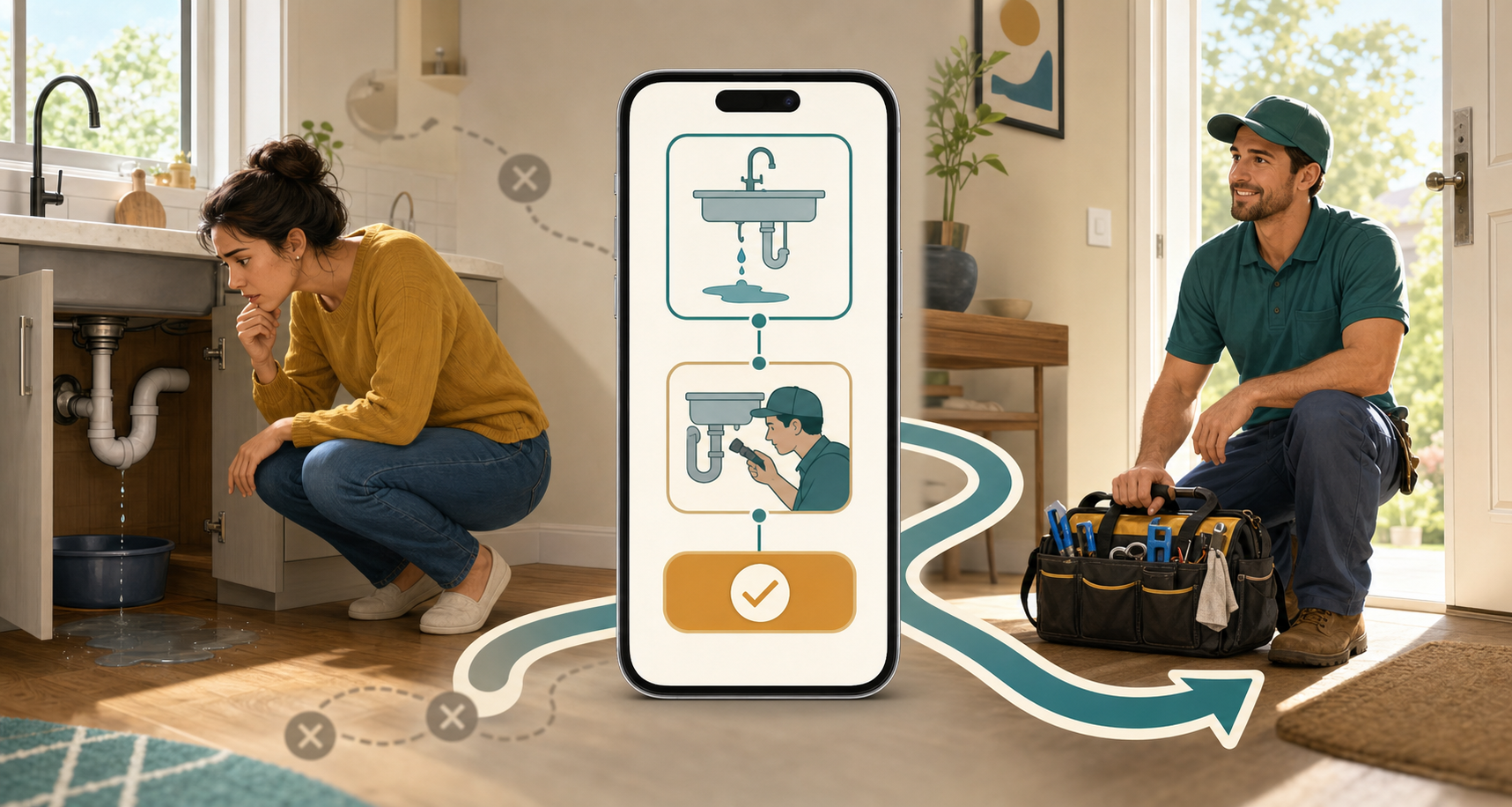
A useful problem page follows the visitor’s reasoning. It doesn’t open with a company history, a broad definition or a sales pitch. It begins with the situation the person can observe and then helps them make a safer, better-informed decision.
Use this page sequence:
- Name the symptom precisely. Put the customer’s description in the title, opening paragraph and relevant subheadings. Confirm what the page covers and distinguish it from a similar-looking problem when that distinction matters.
- Give the short answer early. Explain what the symptom commonly indicates, whether several causes are possible and what the visitor should determine next. Don’t force someone to read an essay before learning whether the page applies to them.
- Order plausible causes usefully. Move from simpler or more common explanations toward causes that require inspection or specialist work. Explain the signs that separate one possibility from another without pretending to diagnose an unseen situation.
- Offer only safe checks. A visual observation or a basic setting check may be reasonable. Instructions involving gas, live electricity, structural damage, hazardous materials or equipment disassembly are not appropriate DIY lead magnets. State the stop condition and identify the qualified professional needed.
- Explain the available options. Tell the reader what can sometimes be monitored, what may require maintenance and what generally calls for professional diagnosis or repair. This is where the page earns trust by helping the visitor decide, not merely urging them to call.
- Set honest cost expectations. Publish a range only when it is supported by the business’s real service data and can be qualified appropriately. Otherwise, explain the factors that change the price, such as the underlying cause, access, parts, extent of damage or work required. Cost context and explicit signals for professional help reduce uncertainty without making an unsupported promise.
- Connect the problem to the service. Name the relevant service, explain how a professional would investigate the issue and offer an action that matches the urgency: request an assessment, call about an urgent condition or review the service before deciding.
Place these pages inside a visible resource or problem hub, not in a forgotten chronological blog archive. A permanent position in the architecture makes their purpose clearer and lets service pages support them with relevant internal links.
Make each answer easy for search and AI systems to interpret
Clear structure helps beyond conventional rankings. Use headings that state the question being answered, concise paragraphs for direct explanations, lists for causes or decision criteria and consistent names for the symptom, service and location. A predictable symptom-to-cause-to-option-to-service relationship gives both search systems and AI-generated summaries less ambiguity about what the page means. Problem-led pages can therefore support indexing accuracy and visibility in AI-mediated search experiences, although no format guarantees inclusion.
Clarity is more valuable than repetition. Don’t force the city, service and symptom into every heading. State the location where it changes the answer or establishes availability, and keep the diagnostic explanation readable for the person who actually has the problem.
Key takeaways: measure the whole local lead path
Don’t judge this work from rankings alone. Measure the handoffs between technical eligibility, discovery, consideration and inquiry:
- Eligibility: priority service, problem and location URLs are crawlable, canonicalized correctly, rendered properly and eligible for indexing.
- Discovery: problem pages receive impressions for symptom and decision-stage queries, not only for branded terms.
- Movement: visitors use contextual links from problem pages to the relevant service pages or inquiry actions.
- Conversion: calls, forms or bookings can be attributed to the landing page and page type that began the session.
- Lead quality: the inquiries concern services the business provides in areas it actually serves.
- Prioritization: the next fix is selected by lead impact, affected page reach and implementation effort, not by the raw number of audit warnings.
The pattern in the data tells you what to change. Impressions without visits point toward a mismatch between the query, title and promised answer. Visits without movement to a service page suggest that the page isn’t resolving the visitor’s decision or making the next step clear. Service-page visits without inquiries shift attention to relevance, mobile usability, form friction and the offer itself. No impressions at all require you to revisit demand, internal linking and indexability before rewriting the call to action.
Choose one commercially important service area for the next implementation cycle. Map its symptom questions, identify the existing service and location pages, fix the technical barriers across that small cluster, publish only the missing problem pages and connect the journey with deliberate internal links. Once you can measure that path from crawl to qualified inquiry, extend the model to the next service cluster.
References
- CrushPress.AI – Master Technical SEO: Prioritize for Maximum Impact
- CrushPress.AI – Transform ‘What’s Wrong?’ Searches into Local Leads
Leave a Reply