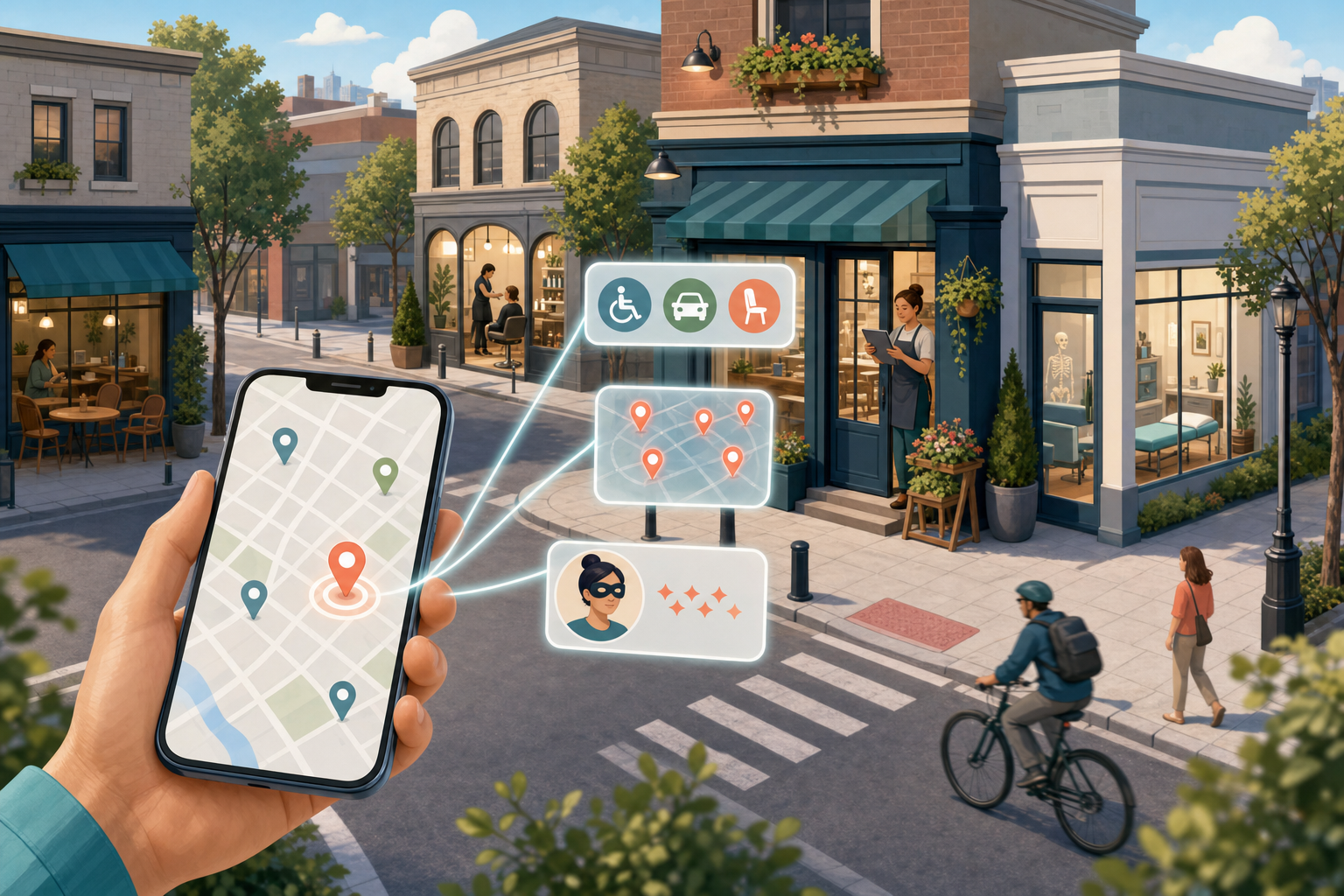
If your local search strategy stops at accurate hours, fresh photos and review volume, these Google Maps updates widen the job. Maps can now answer practical questions about a visit, highlight places attracting attention nearby and let reviewers publish under nicknames.
For your business, this is not a new ranking trick. It is a reason to make visit-critical facts easier to find, give customers accurate details to repeat and monitor how your location is presented beyond ordinary search results.
What changed, and where each feature appears
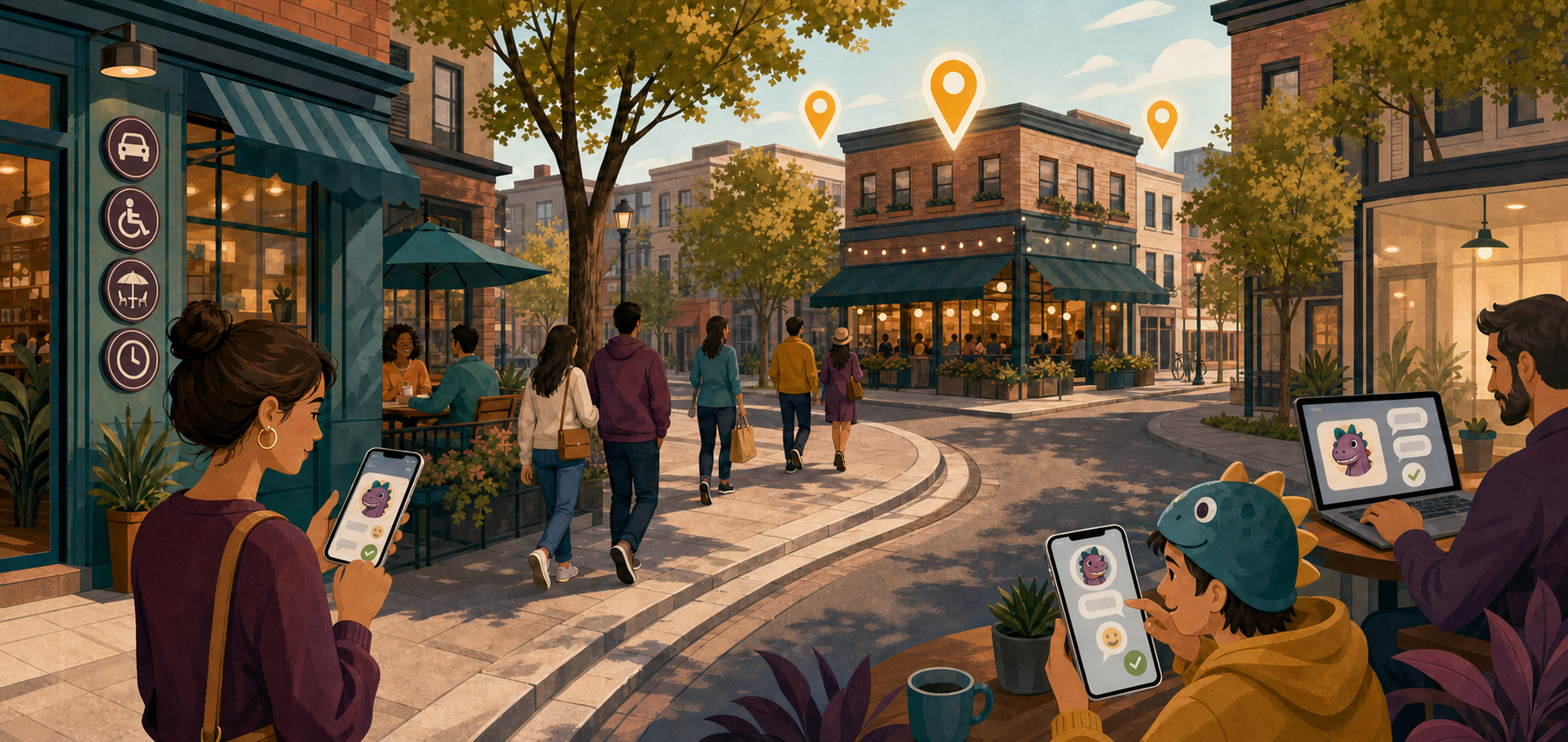
The three additions affect different stages of local discovery. One helps people prepare for a place they are considering. Another introduces places through nearby trends. The third changes the identity a reviewer can display. Treating them as a single SEO update hides those distinctions.
Key takeaways
- Know before you go was introduced in the United States on Android and iOS, surfacing details such as parking advice, less-obvious menu items and preferred reservation methods.
- The Explore tab can highlight trending restaurants, activities and attractions nearby. Its announced mobile rollout was global.
- Reviewers can choose a nickname and profile instead of displaying their real name. Reviews are still connected to Google Accounts, and Google’s systems continue to monitor for fake activity.
- None of these additions, by itself, establishes a new local ranking factor. Measure visibility, decision support and reputation effects separately.
Launch scope matters when you audit the experience. A business outside the United States should not interpret the absence of Know before you go as an optimization failure. Likewise, test the surface on the platform named for the feature: Explore is a mobile experience, while reviewer nicknames were announced for Android, iOS and desktop.
Know before you go rewards useful operational detail
Know before you go addresses the questions that sit between discovery and a visit. A customer may already like your business but still need to know where to park, whether a reservation is necessary or how to request an item that is not obvious from the standard menu.
Google Maps assembles these insider tips from user reviews and other information available online. That makes the consistency of your public information more important than any isolated piece of copy. If your website describes one reservation process while recent reviews describe another, a user may encounter the conflict before reaching your site.
- Collect the questions customers repeatedly ask before arriving. Start with practical friction: access, parking, reservations, menu availability, entry procedures and anything visitors routinely misunderstand.
- Check whether the correct answer is visible on your Google Business Profile and on the relevant page of your website. Do not bury a critical instruction in a social post that will quickly disappear from view.
- Use one clear answer across your location page, booking flow, menu and customer-service material. If exceptions exist, state the condition that changes the answer instead of publishing a vague promise.
- Add LocalBusiness structured data where it accurately represents visible page content. Schema can reinforce machine-readable consistency, but it does not prove that Google Maps will use a field in an insider tip.
- Read recent reviews for recurring operational descriptions. You are looking for both useful language and persistent misunderstandings, not merely positive or negative sentiment.
When requesting feedback, ask for an honest account of the visit rather than prescribing phrases. Repeated, natural descriptions are more useful to prospective customers than a collection of reviews that sound as though the business wrote them.
If Maps displays an inaccurate tip, correct the underlying public facts first. Update the official listing and the page that should answer the question. When a review contains the misunderstanding, a short factual response can give future readers the current information. Do not assume you have direct editorial control over the generated tip.
The strategic shift is straightforward: operational content is now discovery content. A parking instruction may not resemble a conventional target keyword, but it can remove the final obstacle between a Maps view and a real visit.
Trending Explore results create a different competitive set
Users can swipe up in the Explore tab to see restaurants, activities and attractions gaining attention nearby. The inputs can include travel platforms such as Viator and Lonely Planet as well as local influencers.
This is not the same intent as searching for a named business or a fixed category. A person browsing Explore may have no settled destination. Your competition therefore includes any nearby experience that can satisfy the person’s available time and interest, not only businesses sharing your primary category.
- Describe the experience, not only the business type. Your location page should make it clear what a visitor can actually do, see, order or participate in.
- Keep time-sensitive information visibly current. If an activity, menu or attraction has ended, remove or revise the page that still presents it as available.
- Make legitimate local coverage easier by maintaining a clear press or contact route, accurate location information and pages that can be cited without interpretation. Coverage should follow a real experience or development; manufactured buzz is not a durable discovery strategy.
- Review the mobile experience around your location. Note which businesses and activities appear in Explore, what makes their presentation understandable and whether your own public information communicates an equally concrete reason to visit.
Do not report an Explore appearance as a conventional ranking gain. Save the query or browsing context, location and visible placement when you document it. That prevents a temporary discovery surface from being confused with movement in ordinary Maps search.
There is also no supported basis here for claiming that a creator mention guarantees inclusion. The useful conclusion is narrower: Google’s nearby discovery experience can draw on an ecosystem wider than your listing. Your local visibility work should therefore include accurate owned content, genuine third-party coverage and a clearly described visitor experience.
Review nicknames change identity, not accountability
A reviewer can now choose a nickname and profile if they prefer not to publish under their real name. That changes what a business sees, but it does not turn the review into an account-free submission. The review remains linked to the person’s Google Account, and Google says its systems continuously monitor for fake reviews.
Your reputation workflow should not treat a nickname as proof that a review is fraudulent. A visible legal name was never proof that every claim was accurate, and a nickname is not proof that every claim is false. Triage the content instead of making assumptions about the label attached to it.
- Look for concrete details that can be checked against the transaction or operating conditions.
- Determine whether the review identifies a correctable issue, even if you cannot identify the customer.
- Compare the complaint with themes in other recent feedback. Repetition may reveal an operational problem that an isolated score does not.
- Separate an unfavorable opinion from evidence of manipulation or abuse. A negative review is not automatically fake.
Respond in the same professional manner you would use for a named reviewer. Address the substance, correct verifiable misinformation without exposing private customer information and offer an appropriate route for resolving a genuine service problem. Publicly attacking a reviewer for using a nickname distracts from the facts and can make the response more damaging than the original review.
Update internal reporting as well. If your team tracks suspicious reviews, record the actual reason for concern rather than using nickname status as a proxy. That keeps authenticity decisions separate from a reviewer’s choice about public identity.
Turn the updates into a repeatable local visibility routine

You do not need to rebuild your local strategy around these features. Add a focused Maps review to the content and reputation work you already perform.
- Confirm the relevant market and platform before diagnosing a missing feature.
- Open the place page as a prospective visitor and record any insider tips that appear. Check each factual statement against current operations.
- Browse the nearby Explore experience on mobile. Document it separately from ordinary search results.
- Audit your listing, website, booking journey and structured data for conflicting answers to common pre-visit questions.
- Review recent customer language for facts Maps could summarize, along with misunderstandings that need correction.
- Check whether your review-response process evaluates the content of nickname reviews rather than dismissing them on identity alone.
Measure the outcomes in separate buckets. Accuracy asks whether Maps and your owned pages present the right facts. Discovery asks where the business appears when someone explores nearby options. Reputation asks what customers repeatedly describe and whether your responses resolve uncertainty. Keeping those buckets separate stops you from calling every change a ranking change.
Start with a location where pre-visit questions are common. Correct the public facts, make the answers concise and revisit the Maps experience after material changes to your menu, access, reservations or visitor process. The goal is not to feed a feature with promotional language. It is to leave Google and your customers with fewer conflicting versions of the truth.
Leave a Reply