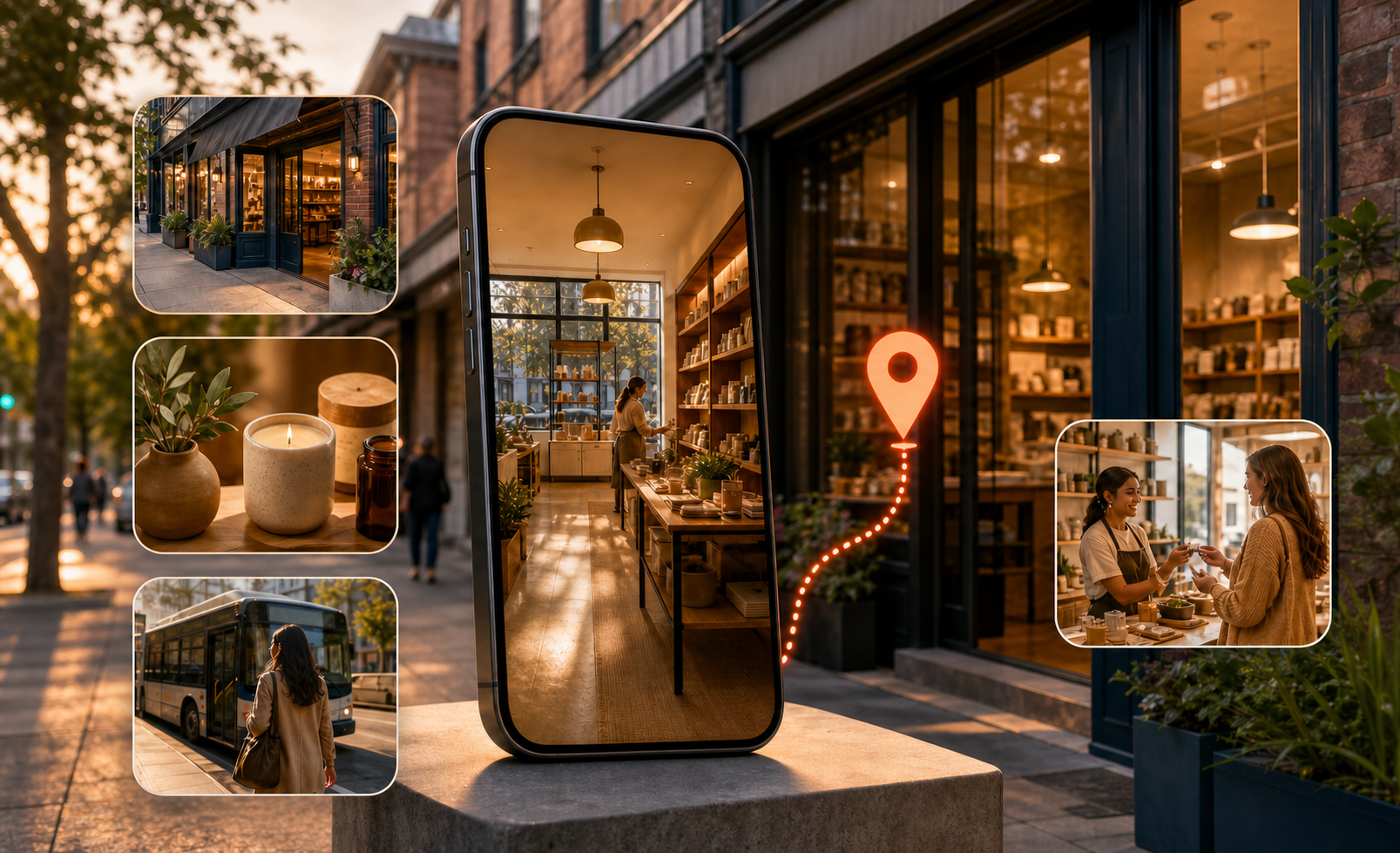
If you advertise physical locations, Google’s local video experiment puts a practical decision in front of you: prepare visual assets now, or wait until the format is more established and rush production later. You don’t need to gamble your local budget or commission a polished brand film to get ready.
The useful move is to build a small, reusable creative system around proof of place. Show what a nearby customer needs to see, connect each asset to the correct location, and test it against business outcomes. That approach remains valuable even while access to the emerging placement is uncertain.
Local video should prove the place, not merely promote the brand
Google has been testing video ads inside the local pack through an immersive, map-style experience. This puts paid visual creative in a context where the user is already comparing nearby businesses. The format is still preliminary, and its performance against conventional local ads hasn’t been established.
That context changes the creative brief. A general brand montage may look polished but still leave the local decision unanswered. Your video should help the viewer confirm that this is the right place, understand what is available there, or feel confident about the next step.
Give each asset a clear local job:
- Confirm the place. Show a recognizable exterior, entrance, sign, storefront, or other accurate location detail.
- Reduce arrival friction. Show the approach, parking arrangement, reception area, pickup point, or check-in process when that information matters.
- Demonstrate the local offering. Show the product, service, equipment, room, menu item, or experience that is actually available at the advertised location.
- Set an honest expectation. Let the viewer see the environment they will encounter rather than substituting generic stock imagery.
- Support the next action. Align the ending with the action you want the customer to take, such as calling, booking, ordering, requesting directions, or visiting.
Don’t force every job into the same edit. A short asset focused on finding the entrance can be more useful than a compressed tour of the brand, building, staff, services, offers, and history. If the customer uncertainty is specific, the creative answer should be specific too.
Write the local promise before you choose footage
Use a brief that can fit on a small card. Complete these fields before opening a production tool:
- Search situation: What is the nearby customer trying to find or decide?
- Question to answer: What uncertainty could stop that person from choosing this location?
- Visual proof: What real image or sequence resolves that uncertainty?
- Destination: Where should the ad send the person, and does that page continue the same promise?
- Business outcome: Which available action or conversion will tell you the creative helped?
A useful brief might be as simple as showing a first-time visitor where to enter and then sending them to that location’s booking page. It doesn’t need a cinematic concept. It needs continuity from search, to image, to arrival or conversion.
Keep that promise location-specific. If footage shows the flagship branch’s amenities while the ad is attached to a smaller branch, the creative may win attention by creating an expectation the business can’t meet. Treat location accuracy as part of ad accuracy, not as a final production check.
Make the location connection part of creative QA
The reported implementation appears connected to Google Ads Location Manager and may involve a pre-opted control in the Shared Library. Because the placement is experimental, you shouldn’t assume that uploading a video makes an account eligible, that every account exposes the same controls, or that an asset will appear in the local pack.
Before changing a setting or adding assets, create a record of the current configuration. That gives you a clean way to distinguish a creative change from an account or location change.
- Document the existing setup. Record the location groups, business identities, campaigns, Location Manager configuration, and relevant Shared Library controls already in use.
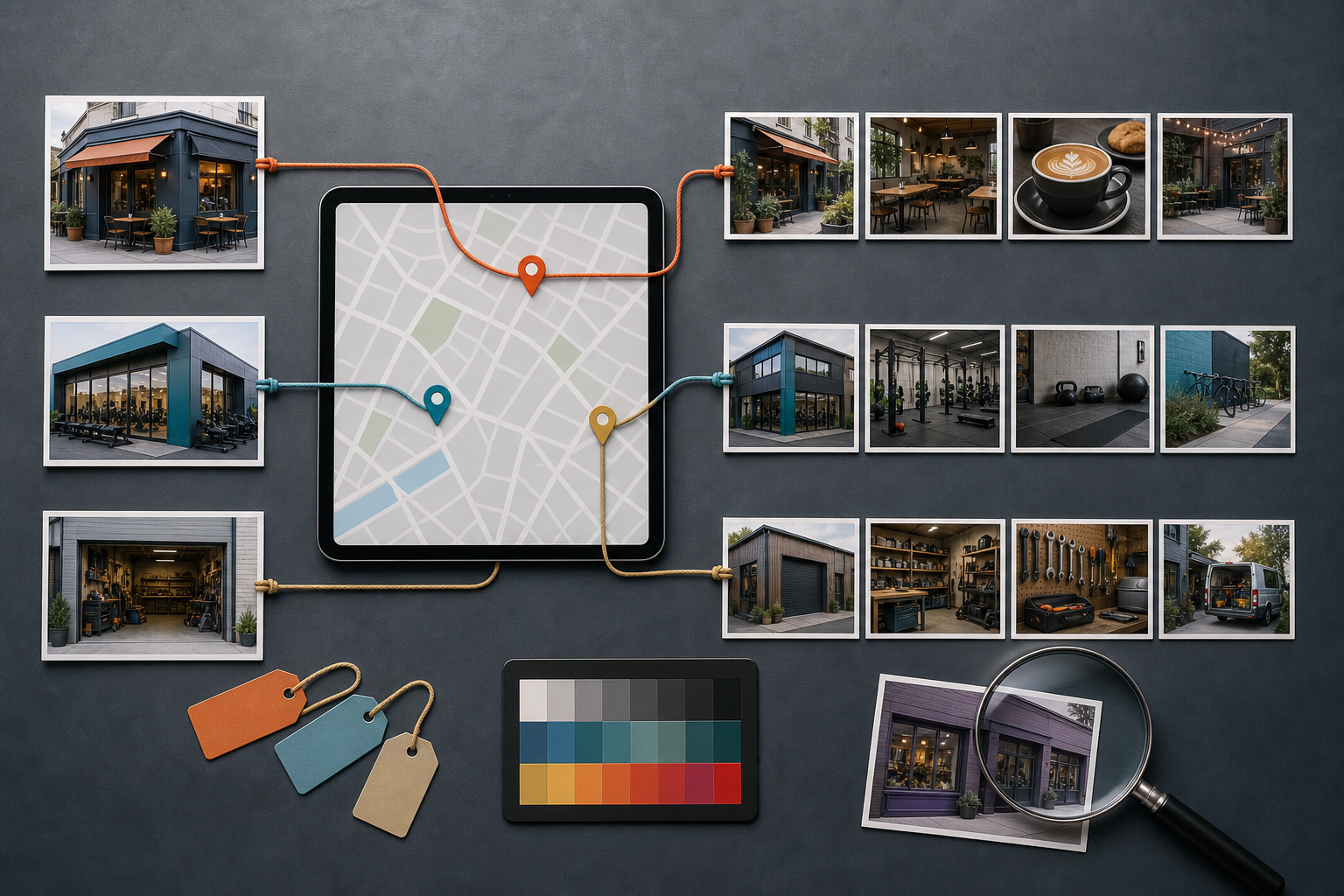
- Map every asset to a physical location. Use a naming convention that includes the location, the creative job, and the version. A filename such as a generic video final is almost impossible to audit later.
- Verify visible facts. Check signage, entrances, products, services, prices, offers, opening information, and amenities represented in the creative. Remove anything that isn’t true for the linked location.
- Inspect the destination. The landing page should name or clearly represent the same location and make the intended local action easy to complete.
- Check the scope before enabling anything. If a control is already selected or its reach is unclear, determine which campaigns and locations it can affect before changing it across the account.
- Preserve a change log. Note when assets and settings were added, removed, or replaced so later performance shifts can be interpreted responsibly.
An unfamiliar pre-enabled setting isn’t a reason to switch the entire account on or off. Use the smallest reversible scope the interface allows, and confirm which locations are included. The downside of a mismatched local ad isn’t merely a weaker click-through rate. It can send a customer toward the wrong branch, offer, entrance, or service.
Also separate inventory from eligibility. Having an approved video in the account means you have an asset available; it doesn’t prove that the experimental local format served it. If delivery doesn’t occur, investigate placement access, campaign configuration, location linkage, and asset status before declaring the creative ineffective.
Build a production system that survives Asset Studio’s limits
Google Ads Asset Studio, available through Google Ads > Tools > Asset Studio, can manage visual assets and turn supplied images into video variations. AI-assisted features such as Veo and Nano Banana can make simple animation and versioning more accessible when you don’t have a full production workflow.
Speed is not the same as direction, though. Asset Studio has shown limited scene-level control, errors involving face-like content, and constrained audio choices without custom-track uploads. Those constraints matter most when your concept depends on exact motion, a human performance, precise pacing, or a distinctive soundtrack.
Use the tool as a production lane, not as the owner of your creative strategy. Decide what must be shown before generating anything, and choose the production route according to how much control the idea requires.
| Creative requirement | Recommended starting route | What to verify |
|---|---|---|
| Simple motion from accurate location or product images | Asset Studio template or AI-assisted generation | Signs, architecture, product details, sequence, and location identity |
| Exact scene order, movement, or pacing | A manually edited master | Every required shot survives the final placement treatment |
| Human-led demonstration or testimonial | Approved original footage, with Asset Studio used only where the input is accepted | Identity, consent, facial integrity, gestures, and spoken claims |
| Custom music or a tightly timed audio concept | External production or editing | Audio rights and whether the visual story remains understandable without relying on the score |
| Fast variations of a stable concept | Asset Studio trimming, templates, or image-to-video tools | Each version still represents the same location and offer accurately |
Keep the master assets modular
Start with a library of accurate source material rather than a single finished video. Capture or collect the exterior, entrance, arrival path, interior, product or service detail, staff activity where appropriate, and a clean ending image. Label every file by location and keep its usage approval with it.
Then storyboard the sequence outside the generator. This can be plain language: establish the place, show the relevant proof, and support the next action. The storyboard becomes your acceptance test. If a generated version changes the order, invents a feature, deforms a sign, alters a product, or obscures the local proof, reject it rather than trying to justify the output after production.
Keep original images and edited masters outside Asset Studio as well. A modular library lets you rebuild the ad when placement requirements change, a location is renovated, an offer expires, or the generator can’t reproduce an acceptable version. It also prevents the generated file from becoming the only surviving copy of your creative.
If the available audio choices don’t fit, simplify the concept instead of attaching unsuitable music. The visual sequence should communicate the local point on its own. If sound is central to the idea, move that concept into a workflow that gives you the necessary audio control.
Test business outcomes, not the novelty of video
Performance for the emerging local format remains unclear, while easier production can create more assets than a team can evaluate responsibly. The right question isn’t whether Asset Studio produced a video quickly. It is whether the creative improved conversions, sales, or another meaningful campaign outcome without compromising accuracy.
Set up the test so you can make a decision when the data arrives:
- State a local hypothesis. Describe the customer uncertainty and why the proposed visual proof may resolve it. Avoid a circular hypothesis such as video will perform better because it is video.
- Choose the primary outcome in advance. Use a local action or business conversion your existing setup can measure, such as an eligible call, booking, order, qualified lead, store action, or sale. Don’t select the winner afterward based on whichever metric happened to rise.
- Preserve a comparison. Keep a suitable existing asset or campaign state as a control where account settings allow it. If Google selects assets automatically and the format can’t be isolated, annotate the introduction date and describe the result as directional rather than causal.
- Change one creative idea at a time. Test proof of entrance against proof of service, for example, rather than changing the footage, destination, offer, audience, and bidding setup together.
- Read results by location when locations differ. A pooled average can hide a useful asset at one branch and a misleading one at another.
- Review quality alongside performance. Check the served or approved asset for visual errors, outdated facts, mismatched locations, and promises the destination doesn’t support.
Use the pattern in the data to decide what to inspect next:
- No meaningful delivery: investigate eligibility, settings, campaign scope, location linkage, and asset status before revising the creative concept.
- Delivery without useful interaction: inspect the opening image, local relevance, clarity, and whether the asset answers a real customer question.
- Interaction without a local action: inspect the gap between the visual promise, landing page, offer, and conversion path.
- A higher click-through rate without better business outcomes: treat the video as attention-getting, not proven. Don’t scale it on clicks alone.
- Better business outcomes with accurate creative: expand carefully to comparable locations, then verify that the result holds rather than assuming every branch will respond the same way.
Production efficiency is still useful. Templates, trimming, and image-to-video generation can lower the effort required to reach a testable asset. But the time saved in production should be reinvested in location verification, experiment design, and outcome review. Otherwise, automation simply helps you publish weak creative faster.
Key takeaways
- Treat local video as proof of place: answer a nearby customer’s practical question with accurate visual evidence.
- Audit Location Manager, Shared Library controls, campaign scope, and location-to-asset mapping before enabling an unfamiliar format.
- Use Asset Studio when the concept can tolerate template and generation constraints; use controlled production when exact scenes, faces, pacing, or custom audio are essential.
- Keep source images and masters modular, labeled by location, and available outside the generation tool.
- Separate lack of delivery from creative failure, especially while the local placement remains an early test.
- Choose winners by conversions, sales, or another preselected business outcome, not by novelty or click-through rate alone.
Start with the location where you can verify the visual promise, destination, and business outcome most cleanly. Build one focused brief, prepare accurate source assets, and document the account state before launch. That gives you a controlled pilot without betting the wider local program on an unproven placement.
References
- Search Engine Land — Google tests video ads in local search results
- Search Engine Land — Google Ads Asset Studio: A game changer?

Leave a Reply