
If CrushPress failed to install or activate on a client site running PHP 7.4, there is now a direct path forward: install CrushPress 4.2.43 and try the activation again. This compatibility release replaces PHP 8-only code paths that had caused fatal errors on a small number of older hosting environments.
You do not need to redesign your schema, change your AEO or GEO workflow, or learn a revised dashboard. Version 4.2.43 changes runtime compatibility, not the plugin’s feature set. The important job is to identify affected sites, deploy the correct build, and verify that each installation can load normally.
What changed in CrushPress 4.2.43
CrushPress 4.2.43 restores full compatibility with PHP 7.4. Several code paths that previously depended on PHP 8 were rewritten so the plugin can run on PHP 7.4 hosting without removing functionality.
| Release detail | What it means for you |
|---|---|
| Version | CrushPress 4.2.43 |
| Compatibility addressed | PHP 7.4 |
| Type of release | Compatibility patch |
| Feature changes | None |
| Workflows retained | Schema generation, AEO and GEO tools, and dashboard workflows |
| Manual installation package | crushpress-ai-schema-suite-4.2.43.zip |
The distinction between compatibility and functionality matters. On an incompatible PHP runtime, a plugin can encounter a fatal error before its normal features are available. Changing settings inside CrushPress cannot correct that kind of failure because the plugin first has to load successfully. Version 4.2.43 addresses that loading barrier in the plugin code.
This update does not change the PHP version configured by your hosting provider, and it does not establish compatibility for the rest of your WordPress stack. It specifically removes the PHP 7.4 blocker identified in the affected CrushPress code paths. Themes and other plugins still need to meet their own runtime requirements.
Decide which WordPress sites need action
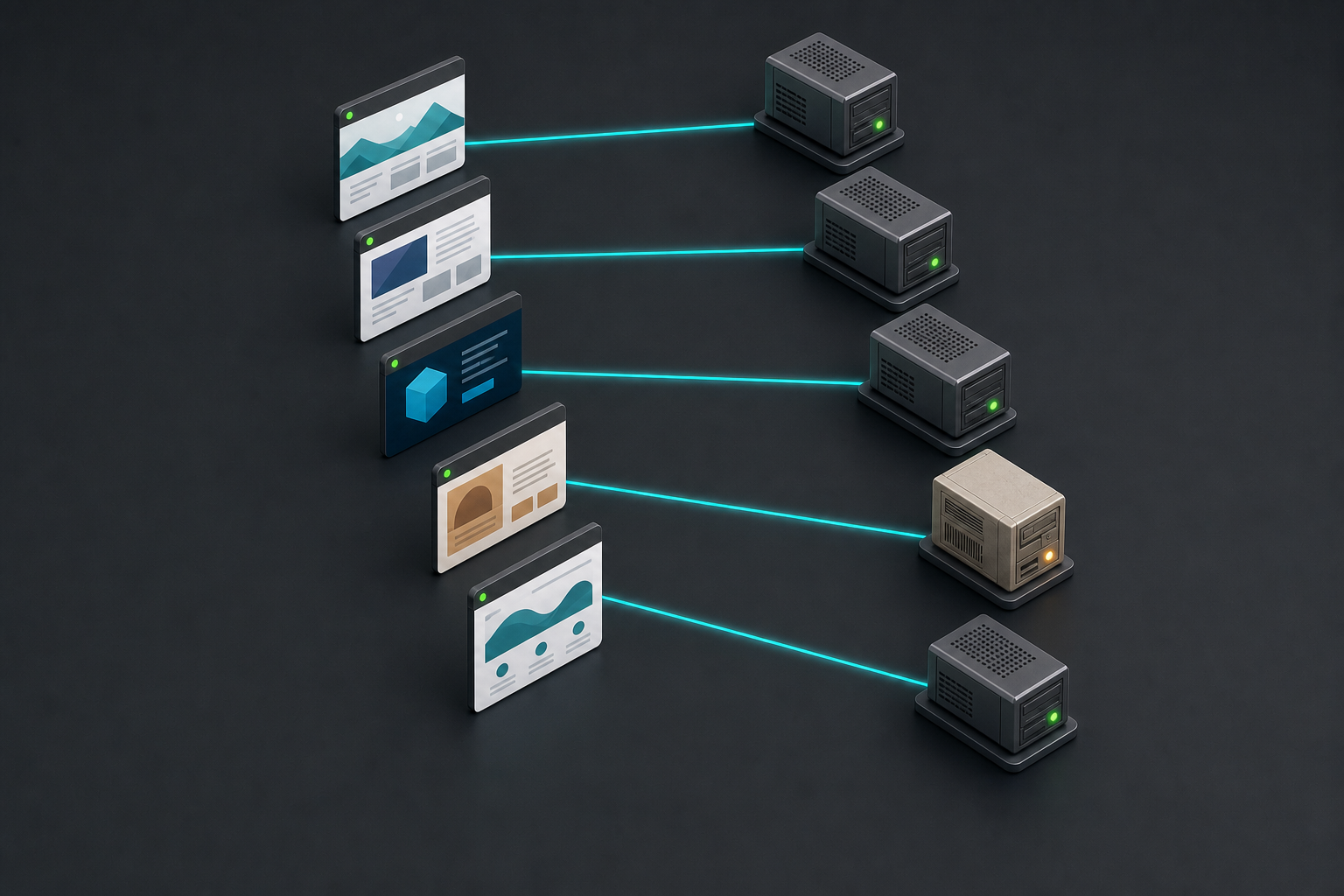
Start with the installation outcome, not the age of the site. A legacy site that already runs CrushPress 4.2.43 normally does not need another compatibility intervention. A site that failed during installation or activation on PHP 7.4 should be first in your update queue.
- CrushPress previously produced a PHP error on PHP 7.4: install version 4.2.43 and reactivate the plugin.
- You postponed installation because the host only offered PHP 7.4: use the 4.2.43 build for the new installation.
- You have an earlier ZIP in an agency or deployment repository: replace it with crushpress-ai-schema-suite-4.2.43.zip so another site is not provisioned from the incompatible package.
- Version 4.2.43 is already active: no additional action is required for this specific compatibility change.
- The plugin was already working on a newer PHP environment: the patch does not require a new schema, AEO, GEO, or dashboard workflow.
For agencies, the easily missed problem is often the stored deployment artifact. Fixing one failed site while leaving an older ZIP in an internal toolkit can reproduce the same activation problem on the next PHP 7.4 account. Treat the package replacement as part of the update, not as housekeeping for later.
Update and verify the plugin without changing the workflow

A compatibility patch is narrow, but it still deserves a controlled rollout when you manage client sites. Keep the PHP environment and unrelated plugins unchanged during the first test where practical. That gives you a clear result: either the 4.2.43 build resolves the CrushPress activation barrier, or another issue remains to be diagnosed.
- Identify the affected installations. Prioritize sites on PHP 7.4 where CrushPress previously failed to install or activate.
- Record the starting state. Note the site’s PHP version, the installed CrushPress version, and the exact error previously shown. This prevents a general memory of a “PHP problem” from being mistaken for the specific issue fixed here.
- Use your normal recovery protection. Take the backup or staging step required by your WordPress maintenance process before replacing plugin code, especially on a production client site.
- Install CrushPress 4.2.43. Update through the WordPress dashboard, or use crushpress-ai-schema-suite-4.2.43.zip when performing a manual installation.
- Reactivate the plugin. This is necessary on sites where an earlier build failed or was deactivated after a fatal error.
- Confirm that the plugin remains active. Reload the relevant WordPress administration screen rather than treating the first success message as the entire test.
- Check the existing workflows. Open the CrushPress dashboard and confirm that the schema generation, AEO, and GEO tools you already use remain accessible.
- Inspect a representative page. Where your normal setup expects generated schema or other CrushPress output, verify that the output still appears as expected after the update.
You should not need to rebuild the site’s configuration simply because of this release. The update is intended to preserve the existing feature behavior. If you change PHP, replace several plugins, alter the theme, and install CrushPress in the same maintenance window, however, any remaining error becomes harder to attribute. Separate those changes when the site allows it.
If activation still fails on a legacy host
A failure after installing 4.2.43 should not automatically be treated as the already-fixed PHP 7.4 issue. First confirm that WordPress is actually loading the new package. An older cached ZIP, an incomplete replacement, or a different error can look like the same problem from a distance.
- Confirm that the installed version is 4.2.43, not an earlier package with a similar filename.
- Confirm the PHP version reported by the affected hosting environment.
- Capture the exact fatal-error text instead of paraphrasing it as an activation failure.
- Record whether the error appears during upload, installation, activation, dashboard access, or a later CrushPress operation.
- Compare the failing site’s environment with any site where the same 4.2.43 package activates successfully.
- Use the in-plugin support panel if the problem continues on the legacy PHP host, and include the version and error details you collected.
Do not keep forcing activation on a production site that repeatedly returns a fatal error. Restore the site to its known working state if necessary, retain the exact diagnostic details, and investigate from staging or through support. The compatibility patch removes one known blocker; it cannot make every unrelated hosting, theme, or plugin problem the same issue.
Key takeaways
- CrushPress 4.2.43 restores full compatibility with PHP 7.4.
- The release rewrites PHP 8-only code paths that had caused fatal errors on some older hosting environments.
- Schema generation, AEO and GEO tools, and dashboard workflows are unchanged.
- Sites that previously failed on PHP 7.4 should be updated to 4.2.43 and reactivated.
- The manual package is crushpress-ai-schema-suite-4.2.43.zip.
- If the new build still fails, verify the installed version and capture the exact error before using the in-plugin support panel.
Your next step is simple: find the PHP 7.4 sites that were excluded from your rollout, replace any older deployment package with 4.2.43, and test one affected installation under controlled conditions. Once activation and the existing workflows are verified, you can apply the same update process to the rest of that group.
References
- CrushPress.AI — Black Friday – Cyber Monday Deal: Unlock AI Visibility for All Your WordPress Sites (Free for 2 Months!)
- CrushPress.AI — Version 4.2.43 released
Leave a Reply