Tag: Google SEO

  • Google AI Mode to Transform Complex Searches, Enhancing User Experience

    Google AI Mode to Transform Complex Searches, Enhancing User Experience

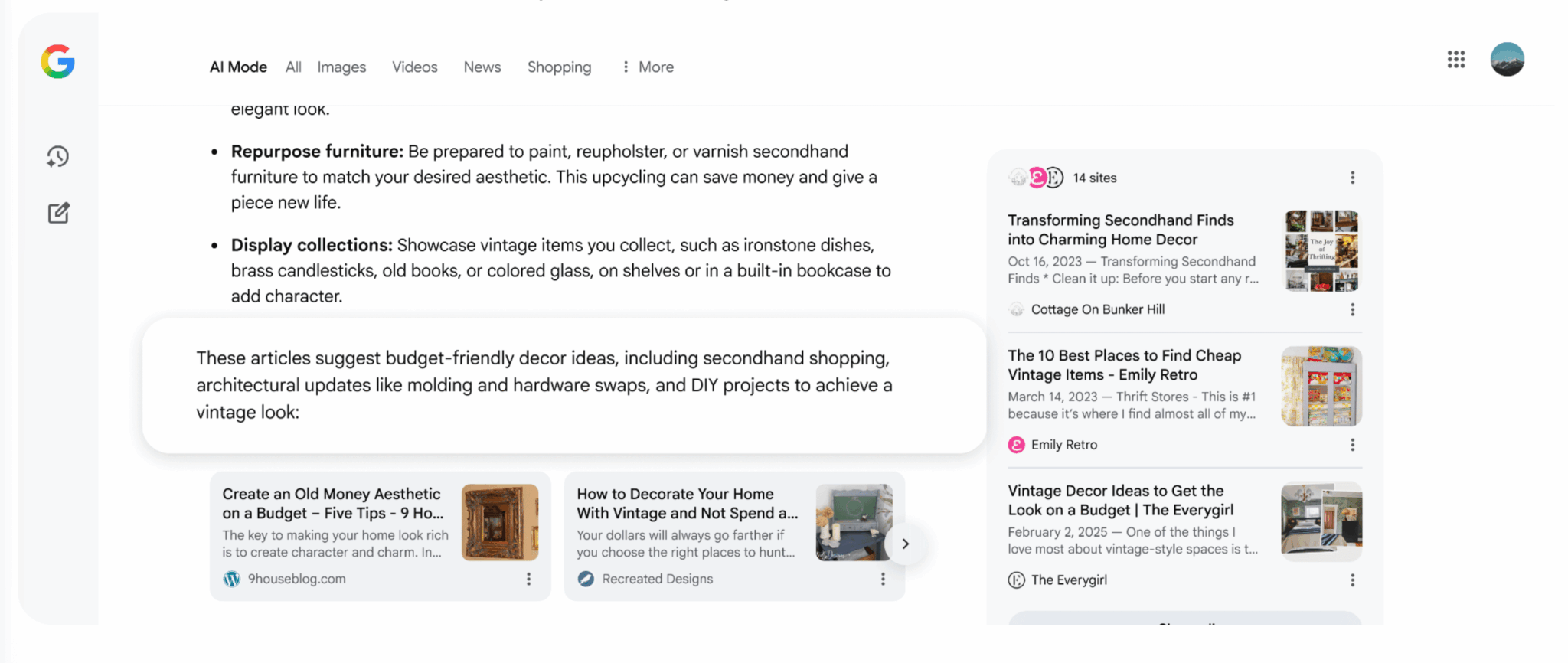
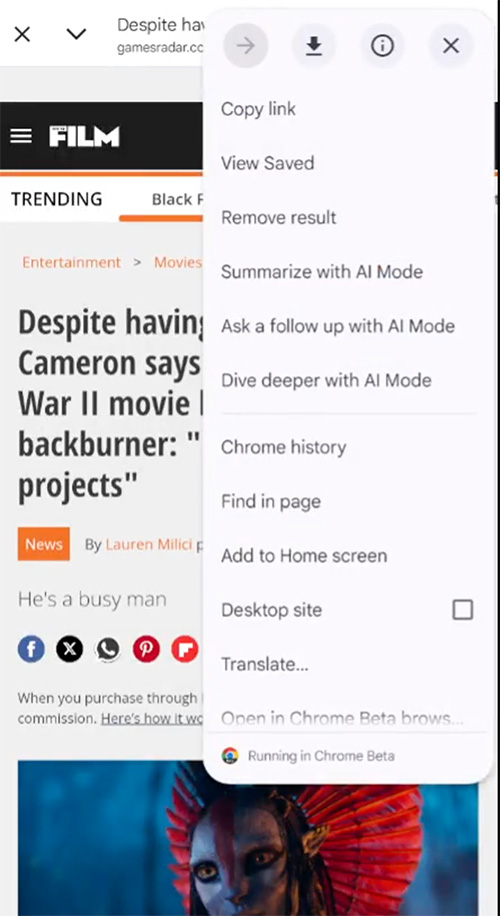
    I attended a fascinating talk yesterday at the Simply Business headquarters in London, where Jonathon Heard, the Industry Head, Insurance at Google, shared some groundbreaking insights. He revealed that Google Search is gearing up to direct complex queries straight to AI Mode, effectively bypassing the traditional search process.

    Heard also hinted at future enhancements in Google Search Console, aiming to provide separate reports for AI Mode and AI Overviews.

    Bypassing Google Search. According to Heard, with the advent of Gemini 3, complex queries will be automatically channeled through AI mode, a feature currently being tested in the US.

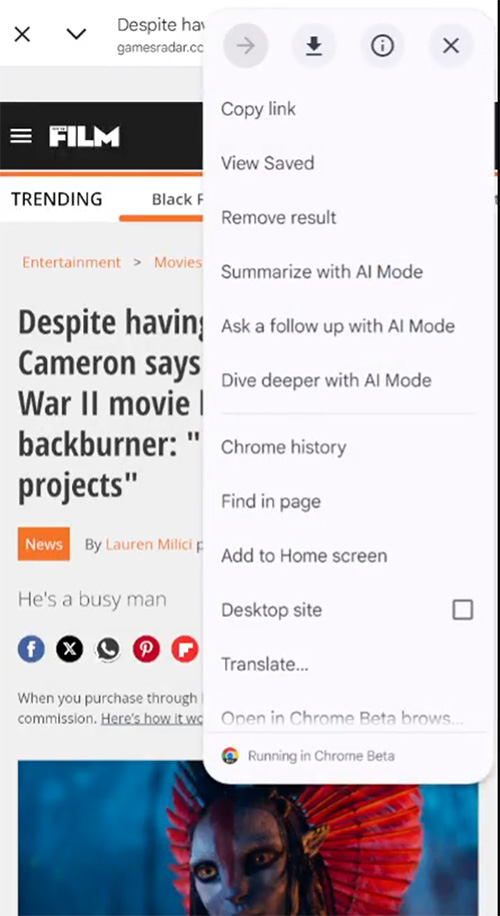
    One curious attendee asked about the implications of these changes. Heard confirmed that any query entered in the standard Google search could indeed be redirected to AI Mode. This revelation sparked a lively discussion, as the audience realized the significant shift this represents.

    Although Google previously hinted that AI Mode might become the default search experience, they later retracted those statements. Robby Stein from Google downplayed the speculation, emphasizing the company’s focus on easy access to AI Mode for interested users.

    AI Mode & AI Overview Search Console data. During the panel discussion, Simon Schnieders, Founder of Blue Array, inquired about the potential for separate AI Mode and AI Overview data within Search Console. Currently, these data points are lumped together, making it challenging to assess their individual performance.

    Heard responded that Google is actively exploring this possibility, acknowledging the need for new data structures as search interfaces evolve. Schnieders welcomed this openness, noting it was the first time a Google representative had mentioned it.

    Heard further elaborated, highlighting the rapid pace of change and the necessity to adapt reporting structures to keep up. He mentioned that although nothing is publicly announced yet, the transformation in reporting is a constant conversation within Google.

    Here is the video of the event:

    Why we care. I’ve reached out to Google to confirm the accuracy of Jonathan Heard’s statements. If Google transitions to an AI-centric approach bypassing traditional search, it will dramatically alter how users discover websites, content, and services.

    Additionally, Google’s reticence to discuss AI Mode and Overview data in Search Console since the SGE demo could signal substantial upcoming changes. We will update this story as soon as we receive new information.


    Inspired by this post on Search Engine Land.


    crushpress.ai community screenshot
  • Explore Google’s New Branded Queries Filter in Search Console

    Explore Google’s New Branded Queries Filter in Search Console

    I’ve got some exciting news about Google Search Console that’s just too good to keep to myself. They’ve introduced a branded queries filter that’s rolling out gradually, and trust me, you’ll want to get your hands on it!

    With this new addition, I’ve found that filtering performance reports by branded or non-branded queries has never been easier. Google can now show me the percentage of traffic my site gets from either branded or non-branded sources, right from Search Console.

    This update made its debut at today’s Google Search Central event in Tel Aviv, and if you’re hearing about it now, it’s because news travels fast, especially from events like these.

    Understanding Branded Queries. Google defined branded queries for us: These are search queries that include my brand name, its variations or any brand-related products. For instance, if my brand was Google, related queries could be “Google,” “Gogle,” or even “Gmail.”

    This differentiation helps me see how returning users differ from new ones. Focusing on this can lead to higher click-through rates for branded queries. Meanwhile, non-branded ones show how new users find my content organically.

    ```json
{
  "alt": "Google Search Console filter menu for query settings with non-branded queries selected.",
  "caption": "Exploring search performance insights with Google Search Console's filter menu, focusing on non-branded queries for a three-month period.",
  "description": "This image displays the Google Search Console interface, specifically the filter menu for setting search query parameters. The menu shows options to filter by keyword, branded queries, and non-branded queries, with the latter selected. The background features a line graph representing performance data for a three-month timeframe. Key interface buttons 'Cancel' and 'Apply' are visible, providing a comprehensive tool for analyzing website performance metrics. Keywords: Google Search Console, filter, search queries, non-branded, performance analysis."
}
```

    Finding the Filter. Ready to use it? You can locate the branded versus non-branded filter within performance reports under search filters for queries. I love how it works across all search types, whether web, images, video, or news. Metrics like impressions and CTR tailored to my needs are just a click away.

    Here’s a handy screenshot for visuals:

    ```json
{
  "alt": "Chart showing top countries and branded traffic percentages. United States leads with 26% clicks, followed by India at 20%.",
  "caption": "Discover where your traffic comes from! The United States leads with 26% of clicks, while non-branded traffic dominates at 87%.",
  "description": "This image displays two charts: 'Top countries' and 'Branded traffic.' In the 'Top countries' section, the United States leads with 26% of clicks, followed by India at 20%, the United Kingdom at 6%, and both Germany and the Philippines at 5%. The 'Branded traffic' chart shows 13% branded and 87% non-branded clicks. These insights help understand the geographic and branding sources of website traffic."
}
```
    crushpress.ai community screenshot
  • Combatting Affiliate Fraud: Secure Your 2026 Growth

    Combatting Affiliate Fraud: Secure Your 2026 Growth

    Affiliate marketing is a major driver of revenue, but it also hides significant losses. I’ve seen firsthand how brand bidding, ad hijacking, coupon abuse, and subtler forms of affiliate fraud can erode ROI and distort attribution figures.

    The critical issue isn’t whether these challenges exist, but rather understanding how much they’re impacting our business. In this article, I delve into the most prevalent types of affiliate marketing fraud. I’ll also share insights on how modern tools like Bluepear offer advanced affiliate fraud detection strategies that protect our growth, reputation, and budget.

    Not all affiliate programs offer the same benefits, nor do they come with the same risks. Particularly in SaaS, where affiliate commissions can be between 20% to 70%, these programs become highly enticing targets for fraudsters.

    ```json
{
  "alt": "Diagram illustrating different methods where affiliate fraud hides, such as brand bidding and look-alike ads, targeting a central brand element.",
  "caption": "Uncover the hidden tactics of affiliate fraud targeting your brand, from look-alike ads to misleading coupon sites.",
  "description": "This diagram highlights the various ways affiliate fraud can undermine a brand. It features a central 'Brand' element with arrows pointing to different fraudulent methods: brand bidding, look-alike ads, coupon sites, and cloaked pages. The image emphasizes the importance of understanding how these tactics operate to better protect brand integrity. The text at the bottom promotes Bluepear as a solution for gaining visibility into these fraudulent activities."
}
```

    Fraudsters exploit trust gaps, often bidding on brand terms or using shady tactics like ad hijacking and coupon code misuse to siphon off profits. A staggering 63% of affiliate marketers identify these threats as their primary concern.

    Unfortunately, much of this fraud operates under the radar. Affiliates execute campaigns and manage landing pages without real-time monitoring, which means you may end up paying commissions on existing traffic or, worse, funding brand impostors.

    ```json
{
  "alt": "Three-step guide on checking brand bidding with Bluepear featuring project creation, monitoring, and review stages.",
  "caption": "Master brand bidding with Bluepear by creating a project, monitoring brand-related ads, and reviewing strategic results. Empower your marketing tactics!",
  "description": "This image illustrates a three-step process for checking brand bidding using Bluepear. Step 1 involves creating a project by adding your brand and keywords, targeting GEOs, and selecting devices. Step 2 focuses on monitoring, with Bluepear identifying ads using your brand terms in paid search. Step 3 is about reviewing results such as screenshots, redirect chains, and affiliate IDs. Ideal for marketers aiming to enhance their brand's online presence."
}
```

    Let’s dig deeper into common fraud tactics and how to recognize and counteract them early on. Equipped with strategies, you can shield your program from such threats.

    I focus on four primary fraud tactics: brand bidding, ad hijacking, coupon abuse, and non-compliant content. Each poses unique challenges but can be counteracted with the right preventative measures.

    ```json
{
  "alt": "Infographic on detecting ad hijacking with Bluepear, outlining three steps using icons and arrows.",
  "caption": "Discover how Bluepear helps protect your brand by detecting ad hijacking through a simple three-step process.",
  "description": "This infographic titled 'How to Detect Ad Hijacking with Bluepear' outlines three key steps using visuals. Step one involves adding branded ad copy to a monitoring list. Step two uses Bluepear to simulate real searches, identifying look-alike ads. Finally, step three involves checking redirect paths to identify hijackers. The design uses icons, arrows, and a structured flow to convey the process effectively."
}
```

    Brand bidding occurs when someone purchases ads using your brand name. This diverts potential customers who are actively searching for your product, resulting in needless commission payments. It’s crucial to maintain a detailed list of brand-related keywords in your affiliate terms and monitor for sudden spikes in performance metrics.

    Ad hijacking mimics your paid search ads, lowering your campaign visibility. Regular checks and test searches can expose these fraudulent activities.

    ```json
{
  "alt": "Infographic on finding coupon abuse with Bluepear, featuring three steps with icons and text.",
  "caption": "Discover how Bluepear helps you tackle coupon abuse with three key steps: keyword addition, coupon detection, and code revocation.",
  "description": "This infographic titled 'How to Find Coupon Abuse with Bluepear' outlines three steps. Step 1: Add 'brand + code / promo / coupon / voucher' to your keyword list with an icon of a pencil and discount symbol. Step 2: Bluepear detects coupon publishers in search results, depicted by a magnifying glass icon. Step 3: Review UTM paths and landing pages to revoke unauthorized codes, illustrated with a web page icon. This guide enhances digital marketing strategies by tackling unauthorized coupon use."
}
```

    Coupon abuse is trickier; it manipulates traffic from affiliates who rank high for brand-related coupon searches. Ensuring coupon activity is pre-approved and regularly monitoring search results helps mitigate this fraud.

    Non-compliant content can easily escape detection. Cloaking tactics mean users see different content than compliance teams. Establish strong creative guidelines and treat content audits as an ongoing activity.

    ```json
{
  "alt": "Bluepear infographic on spotting non-compliant content with three steps and icons.",
  "caption": "Discover how Bluepear helps you identify non-compliant content with a simple three-step process, enhancing your digital content's credibility and compliance.",
  "description": "This infographic titled 'How to Spot Non-Compliant Content with Bluepear' illustrates a three-step process with icons. Step 1: Add affiliate domains and trigger words like 'official' and 'discount.' Step 2: Bluepear decloaks hidden landing pages and captures real user views. Step 3: Review evidence to tag violations or send notices automatically. The design uses a blue background with a modern, clean layout, aimed at improving content compliance monitoring."
}
```

    Defending against affiliate fraud requires continuous vigilance, clear program rules, and leveraging technology. Platforms like Bluepear use automated systems to highlight and eliminate fraud, giving you back control.

    For 2026, my focus is on building stronger relationships with affiliates, ensuring transparency, and promoting a culture that prioritizes honesty and clear communications.

    Ultimately, affiliate fraud is a continually evolving threat. By understanding these tactics, setting clear expectations, and utilizing advanced tools, we can protect our interests and secure sustainable growth.


    Inspired by this post on Search Engine Land.

    crushpress.ai community screenshot
  • Unveiling Gemini 3: Google’s Next AI Leap in Search

    Unveiling Gemini 3: Google’s Next AI Leap in Search

    I’m excited to share that Google has just introduced its latest AI marvel, Gemini 3. Sundar Pichai, Google’s CEO, described it as ‘our most intelligent model, combining all of Gemini’s capabilities to bring any idea to life.’

    As I delve into Gemini 3, I find it fascinating that it’s already powering the AI Mode in Search, bringing more complex reasoning and dynamic experiences right at our fingertips. Sundar Pichai highlighted, ‘This is the first time we are shipping Gemini in Search on day one.’

    AI Mode with Gemini 3. I’m thrilled to see how AI Mode in Search has evolved with Gemini 3, offering new generative UI experiences like immersive visual layouts and interactive simulations, all dynamically created based on our queries.

    Here’s a video demonstration showing how RNA polymerase functions with generative UI in AI Mode in Search. Watching it helped me better grasp these complex concepts.

    Robby Stein, VP of Product at Google Search, emphasizes how ‘Gemini 3 with generative layouts will make it easy to understand anything on your mind.’ It offers state-of-the-art reasoning, deep multimodal insights, and advanced agentic capabilities, making it shine in explaining advanced concepts or even coding interactive visuals instantly.

    More on Gemini 3. Diving deeper, I discovered that Gemini 3 features:

    • State-of-the-art reasoning
    • Deep multimodal understanding
    • Powerful vibe coding for seamless transitions from prompts to apps
    • Enhanced agentic capabilities for executing tasks efficiently

    Availability. I’m pleased to report that Gemini 3 is not just limited to AI Mode; it’s also accessible in:

    • The Gemini app and for Google AI Pro and Ultra subscribers in AI Mode in Search
    • Developers can integrate it via the Gemini API in AI Studio, on Google’s new agentic development platform, Google Antigravity; and through Gemini CLI
    • Enterprises can leverage its power through Vertex AI and Gemini Enterprise

    Why It Matters. For me, understanding Gemini 3’s impact is crucial as it continues to drive the future of Google Search. Staying ahead of these advancements is vital as they influence search dynamics and potentially impact sites and Google Ads strategies.


    Inspired by this post on Search Engine Land.

    crushpress.ai community screenshot