Tag: Google Search

  • Discover Google’s Personal AI Now in Search, Gemini & Chrome

    Discover Google’s Personal AI Now in Search, Gemini & Chrome

    I’ve got some exciting news to share about Google’s latest developments! They’re expanding their innovative Personal Intelligence feature across AI Mode in Search, the Gemini app, and in Chrome—specifically for U.S. users.

    Google’s Personal Intelligence now moves beyond its beta phase, reaching more everyday users. It’s an exhilarating step toward a truly personalized search experience, thanks to clever use of first-party data like Gmail and Photos. This shift makes search outcomes more personalized and unique, especially in AI Mode, where results adapt to individual user behaviors, previous purchases, and search histories.

    Why I care

    Google’s push into personalized search fascinates me. It’s creating a landscape where search results become increasingly individualized, but consequently harder to predict or replicate.

    The details

    Personal Intelligence will now function across:

    • AI Mode in Google Search (available now in the U.S.)
    • Gemini app (currently rolling out to free users)
    • Gemini integrated in Chrome (ongoing rollout)

    How it works

    I can connect applications such as Gmail and Google Photos, allowing Google to give me personalized responses. Some of the cool examples I’ve come across include:

    • Shopping suggestions rooted in my buying habits and favorite brands.
    • Tech troubleshooting aided by receipt details for the exact devices.
    • Travel tips tailored to my flight schedules and past getaways.
    • Custom itineraries and local recommendations.
    • Hobby proposals based on my interests.

    Availability

    It’s worth noting that these features are reserved for personal Google accounts and won’t extend to Workspace users—for now, at least.

    Want to know more?

    You can check out the details on the ad-free promise Google made for AI Mode users here.

    Catch-up quick

    Originally, Google introduced Personal Intelligence for Gemini subscribers in January with limited access to AI Pro and Ultra users. At that point, it hadn’t been integrated with Search—something they’ve since rectified.

    • Initially, the feature was optional and off by default.
    • New updates deliver on Google’s plan by making it part of Search AI Mode.
    • They’re rapidly expanding access to more users, even for free accounts.
    • Plus, it’s now merging into Chrome.

    Privacy and control

    Google emphasizes user choice:

    • Opt-in is required to connect apps like Gmail.
    • Users can enable or disable connections whenever they choose.
    • Importantly, Gmail and Photos content isn’t directly used to train AI models.
    • However, Google may use limited data like prompts and responses to enhance their systems.

    For further reading, check out Google’s blog post on this impressive expansion of Personal Intelligence here.


    Inspired by this post on Search Engine Land.


    crushpress.ai community screenshot
  • Elevate SEO with Profound’s Real-Time Google Search Node

    Elevate SEO with Profound’s Real-Time Google Search Node

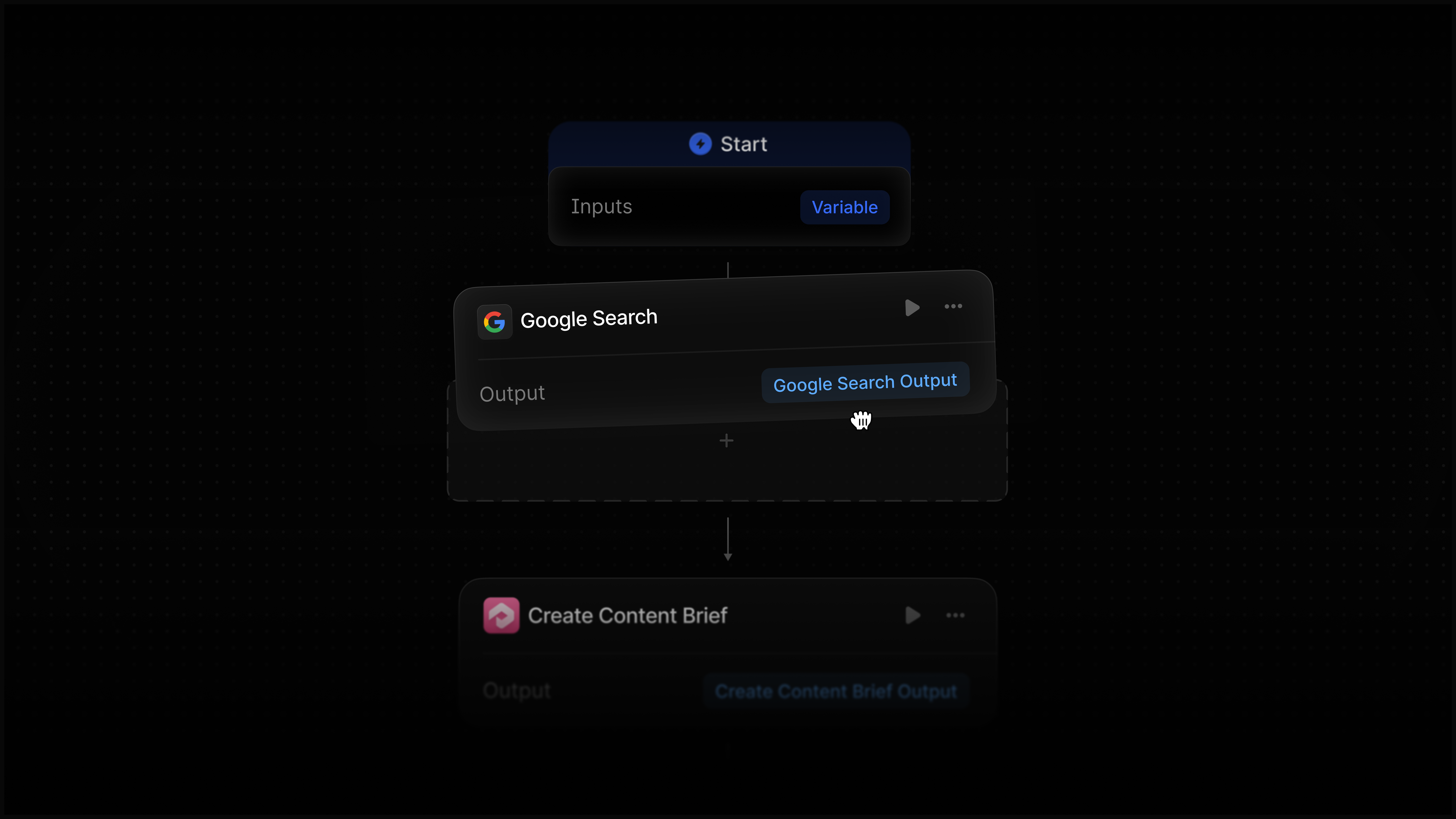
    I’m thrilled to share our latest innovation: the Profound Google Search node, designed to seamlessly integrate real-time Google SERP data into our Agents. This powerful tool empowers us to monitor, analyze, and act on crucial search intelligence without leaving the platform.

    With this integration, I can stay on top of my SEO strategy, making informed decisions based on live data. Whether I’m optimizing content or adjusting marketing tactics, having instant access to search insights is a game-changer.


    Inspired by this post on Try Profound Blog.


    crushpress.ai community screenshot
  • Boost SEO: Mastering Content Tools for Google’s Initial Retrieval

    Boost SEO: Mastering Content Tools for Google’s Initial Retrieval

    I often find myself over-crediting Google’s understanding of my web pages. It’s easy to imagine Google as an AI wizard that fully comprehends nuances, expertise, and quality. Yet, during the DOJ antitrust trial, I learned something intriguing.

    Google’s VP of Search, Pandu Nayak, testified about a first-stage retrieval system that relies heavily on word matching, rather than any magical AI trick. The foundation is based on older information retrieval techniques, like inverted indexes and postings lists. Okapi BM25, a well-known lexical retrieval algorithm, was cited as a crucial link in Google’s system evolution.

    After this initial stage, which is all about word matching, Google employs advanced AI models like BERT on a smaller set of content. These content tools are key to optimizing documents for this stage, yet many use them incorrectly, despite their real value.

    In this exploration, I’ll dive into the mechanics of first-stage retrieval, its significance, what content tools actually reveal, and how to effectively use these tools to get noticed by Google without obsessing over perfect scores.

    How first-stage retrieval works and why content tools map to it

    Understanding BM25 is essential. This retrieval function, crucial to Google’s first-stage system, prioritizes topicality by scanning vast amounts of data quickly, narrowing candidates for further processing.

    And for me, as a content creator, certain details stood out.

    • Term frequency with saturation: At some point, repeating keywords has diminishing returns.
    • Inverse document frequency: Less common terms score higher, so specificity is rewarded.
    • Document length normalization: Longer documents can be penalized, as density matters.
    • The zero-score cliff: Not mentioning a term means zero visibility for related queries.

    So, effectively using these tools means identifying gaps in my content and ensuring relevant terms appear. Tools like Surfer SEO and Clearscope guide me in avoiding the zero-score pitfall, offering significant value.

    AI enhancements like RankEmbed can assist, but counting on them to fill vocabulary gaps is a gamble. I focus on ensuring my core content is strong at the first retrieval stage.

    What the research on content tools actually shows

    Research shows a weak-positive correlation between content tool scores and rankings, with studies yielding a 0.10 to 0.32 range. While meaningful, these findings are often derived from studies conducted by vendors using their own tools.

    The real test remains: do these tools help a new page climb in rankings? The consistent finding is their efficacy in positioning content for retrieval, not securing high rankings against competitors.

    Why not skip these tools altogether?

    ```json
{
  "alt": "The CapmatchOne logo with a gradient circle and bold text.",
  "caption": "Discover innovation with the CapmatchOne logo, featuring sleek typography and a modern gradient circle.",
  "description": "The CapmatchOne logo features bold, modern typography coupled with a gradient circle, symbolizing connection and innovation. The sleek design conveys a sense of progress and creativity. This image can be used for branding or promotional purposes, appealing to audiences interested in innovative solutions and forward-thinking designs."
}
```

    It’s a mistake to write off these tools, especially since expert writers, myself included, often use overly technical language that audiences may not search for or understand, a classic example of the “curse of knowledge.”

    A real-world example is Clearscope helping Algolia align their language with their audience’s searches, ultimately lifting their content’s page ranking significantly.

    By showing me what vocabulary is used by successful pages, content tools reduce hours of analysis to minutes, whether I’m a frequent publisher or a solo blogger.

    What about AI-powered retrieval?

    Dense vector embeddings power AI retrieval but supplement rather than replace word matching due to computational limits. Hybrid systems combining traditional and AI search techniques consistently perform best.

    The takeaway for me is clear: AI matters, but traditional retrieval carries significant weight and serves as the foundation of effective content scoring tools.

    How to actually use content scoring tools

    Common advice tells me to get high scores with tools like Surfer SEO or Clearscope. However, I focus on using them wisely to target the zero-score terms and refine competitor analysis.

    Running these tools during research, not during writing, ensures I remain focused on quality and audience relevance rather than just scoring high numbers.

    A note on entities

    Google’s Knowledge Graph processes the relationships between entities more deeply than most tools measure. Recognizing the gap between flat keyword lists and Google’s more complex understanding helps me focus on providing detailed context.

    Retrieval before ranking

    Content tools effectively decode retrieval stage vocabulary, a less sensational, but fundamentally honest function. They help me pass the first stage of Google’s pipeline, setting the stage for engaging with more advanced ranking factors later on.


    Inspired by this post on Search Engine Land.


    crushpress.ai community screenshot