Tag: Geocoding

  • Boost Local SEO: Fix Your Google Map Pin for Better Rankings

    Boost Local SEO: Fix Your Google Map Pin for Better Rankings

    Your local business rankings might be suffering, and surprisingly, it could all be due to your map pin. Google’s placement of your business on their map significantly impacts your visibility, and addressing hidden addresses and setup issues is crucial.

    I’ve often found myself engrossed in the ongoing debate within the local SEO community about the ‘hide address’ toggle for service area businesses (SABs). Many business owners consider this option a mere privacy setting, but it’s much more—a decision that affects how Google’s algorithm perceives your physical relevance.
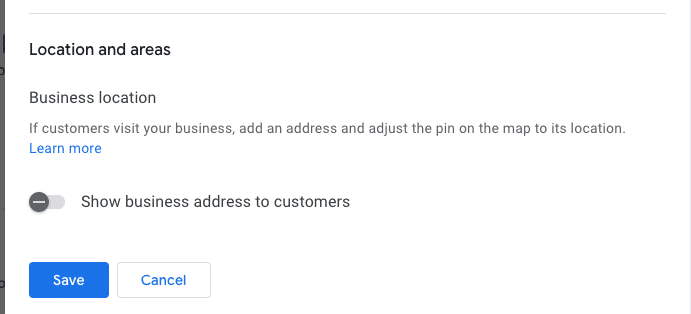
    ```json
{
  "alt": "Settings interface for business location visibility with toggle option and save button.",
  "caption": "Easily manage the visibility of your business address with a simple toggle switch. Options to save or cancel changes make location management straightforward.",
  "description": "The image displays a digital settings interface focused on business location visibility. It features a toggle switch labeled 'Show business address to customers,' which is turned off. Below the toggle are 'Save' and 'Cancel' buttons for submitting changes. This screenshot is relevant for understanding business location management settings in online profiles or platforms. Keywords: business location, settings interface, visibility toggle, save button."
}
```

    Here are some questions to consider:

    ```json
{
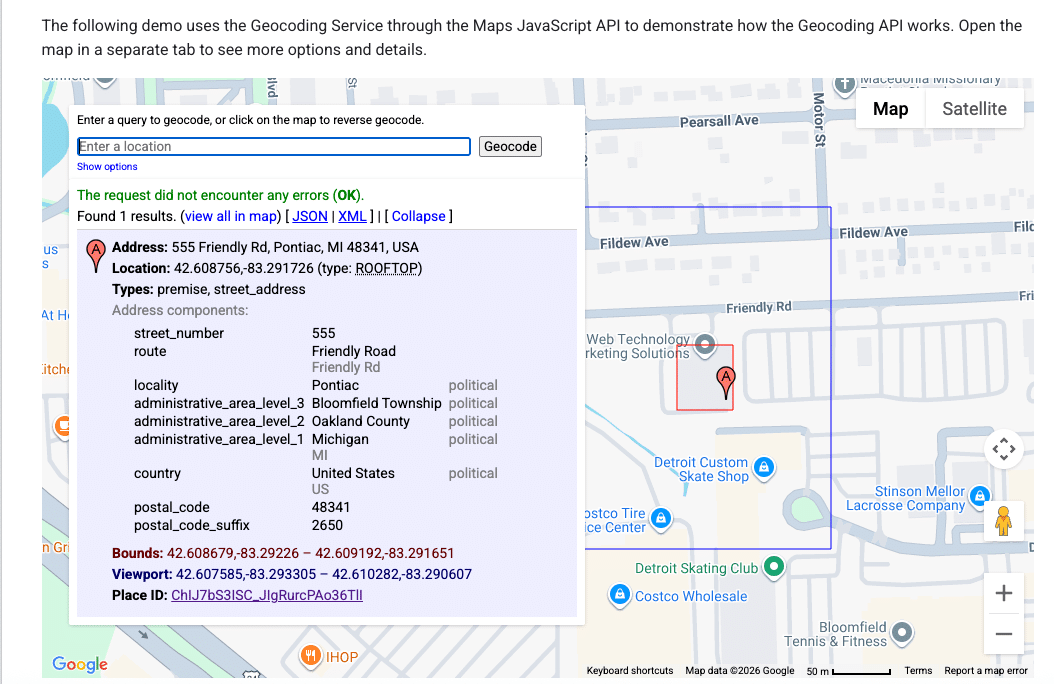
  "alt": "Geocoding service demo using Maps JavaScript API with address details and location on map.",
  "caption": "Explore the Maps JavaScript API with this geocoding demo, showcasing address details for 555 Friendly Rd, Pontiac, MI.",
  "description": "This image displays a geocoding service demo using the Maps JavaScript API. It highlights the detailed address of 555 Friendly Rd, Pontiac, MI 48341, USA. The interface shows the address components, coordinates (42.608756, -83.291726), and a map section indicating the location. The demo explains how to use geocoding for retrieving precise address information and viewing it on a map with options for different data formats like JSON and XML."
}
```
    • Does your defined service area affect your ranking?
    • Does hiding your street address impact your visibility in the local pack?
    • Is Google erasing that data, or does your map pin become an invisible anchor?
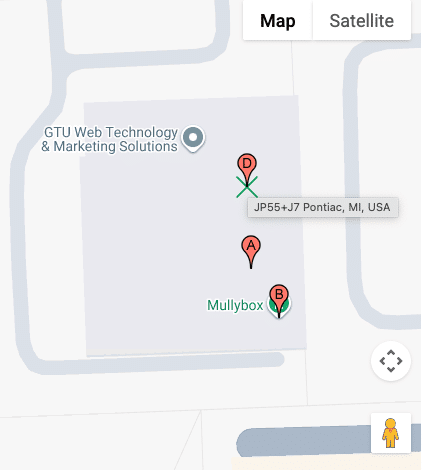
    ```json
{
  "alt": "Map showing GTU Web Technology & Marketing Solutions and Mullybox with pinpoints in Pontiac, MI.",
  "caption": "Discover the location of GTU Web Technology & Marketing Solutions and Mullybox in Pontiac, MI, with this detailed map view.",
  "description": "This image displays a map highlighting GTU Web Technology & Marketing Solutions and Mullybox in Pontiac, MI. The map features pinpoints indicating specific locations labeled A, B, and D. The area is shown in a standard map view with street outlines and an overlay for easy navigation. This visual guide can help users find exact locations and understand the surrounding layout in Pontiac. Keywords: map, GTU Web Technology & Marketing Solutions, Mullybox, Pontiac, MI, location."
}
```

    These are foundational questions in understanding how proximity works when you choose to ‘hide’ on the map.
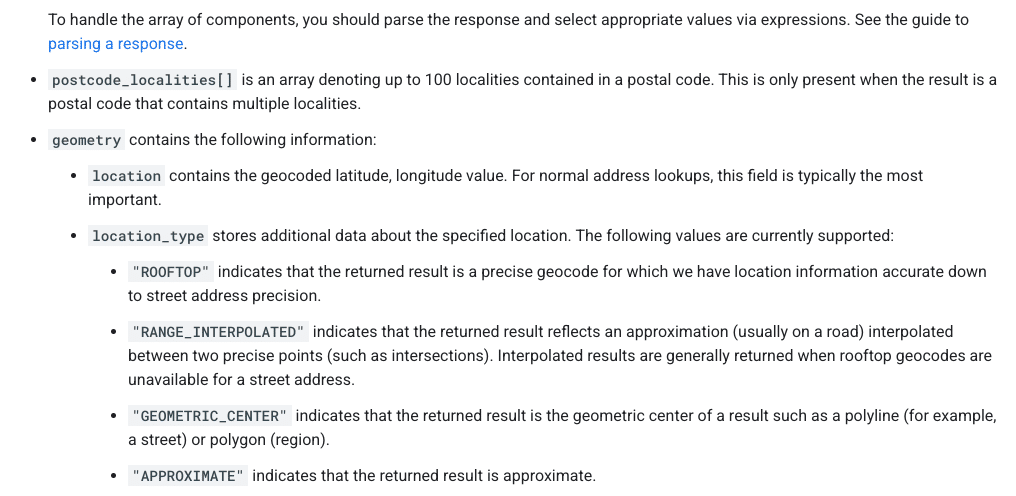
    ```json
{
  "alt": "Guide on parsing response components with types like ROOFTOP and APPROXIMATE.",
  "caption": "Understanding Geocode Location Types: Dive into the specifics of parsing response components from postal code localities to precise geocodes.",
  "description": "This image provides detailed guidance on parsing response components in geolocation data. It highlights how to interpret arrays like postcode_localities, and explains geometry details that include location types such as ROOFTOP, RANGE_INTERPOLATED, GEOMETRIC_CENTER, and APPROXIMATE. This is crucial for understanding accuracy and the precision of geocoding results, aiding in effective data handling and utilization."
}
```

    How Google Determines Your Map Pin

    ```json
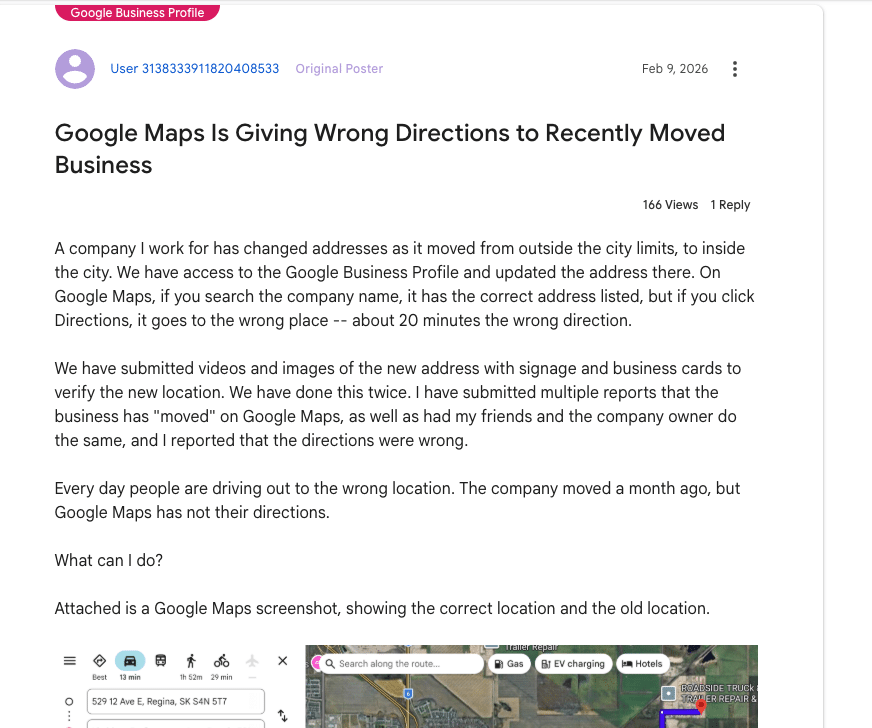
{
  "alt": "Forum post discussing Google Maps giving wrong directions after business address change.",
  "caption": "Frustration mounts as a business struggles with incorrect Google Maps directions following an address change, causing customers to get lost.",
  "description": "The image shows a forum post about issues with Google Maps providing incorrect directions to a business after its address change. Despite updating Google Business Profile, the directions lead 20 minutes off. Attached is a Google Maps screenshot indicating both old and new locations. The post has had 166 views and 1 reply, highlighting the frequent errors with directions and the efforts taken to rectify the situation."
}
```

    It’s essential to know that your address and map pin are not the same. Entering an address into your Google Business Profile doesn’t just place a pin; it’s processed through Google’s geocoding engine, comparing it against their database.
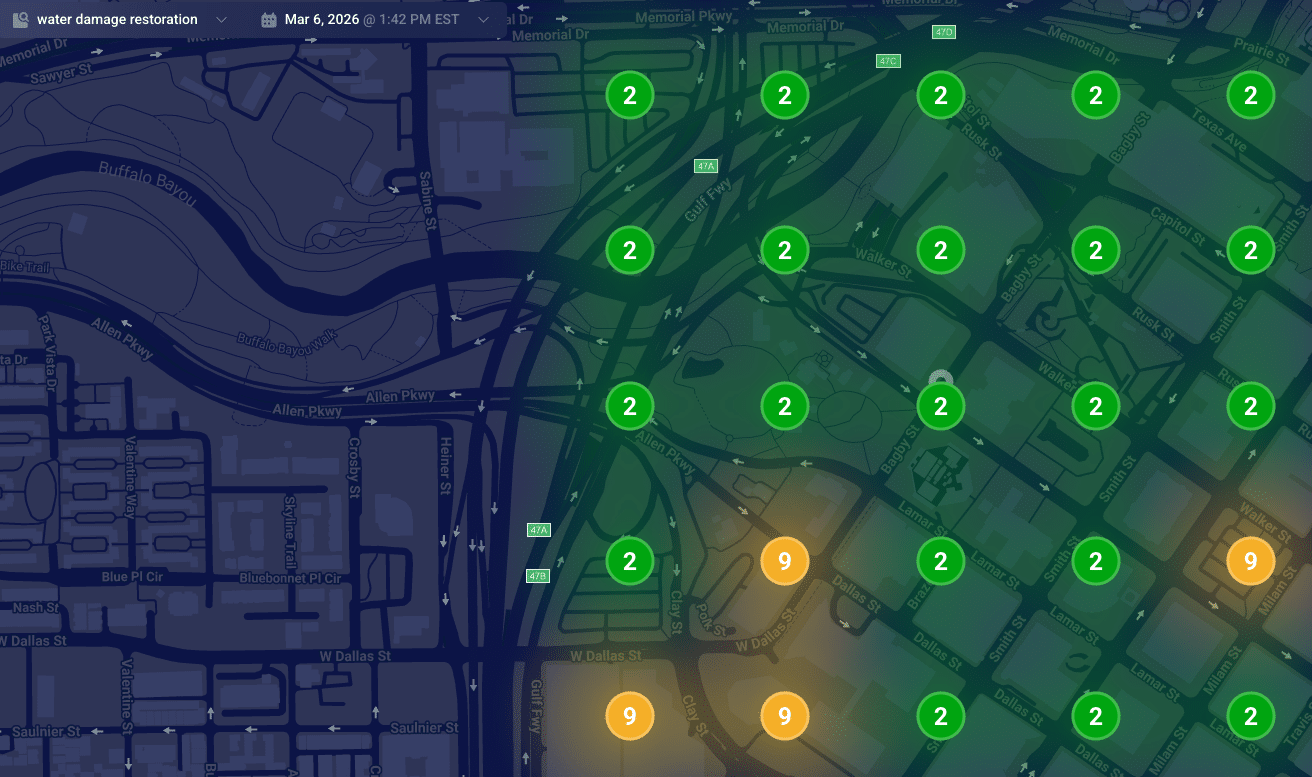
    ```json
{
  "alt": "Heat map visualization of water damage restoration needs in an urban area, showing numbered zones with color coding.",
  "caption": "Explore this dynamic heat map illustrating water damage restoration priorities across a city with distinct color-coded zones.",
  "description": "This image represents a heat map of water damage restoration needs in an urban area on March 6, 2026, at 1:42 PM EST. The map features a darkened city street layout with numbered circular zones indicating priority levels. Green circles with the number '2' indicate low priority areas, while orange circles marked with '9' highlight higher urgency zones. This visualization aids in strategic planning for restoration services."
}
```

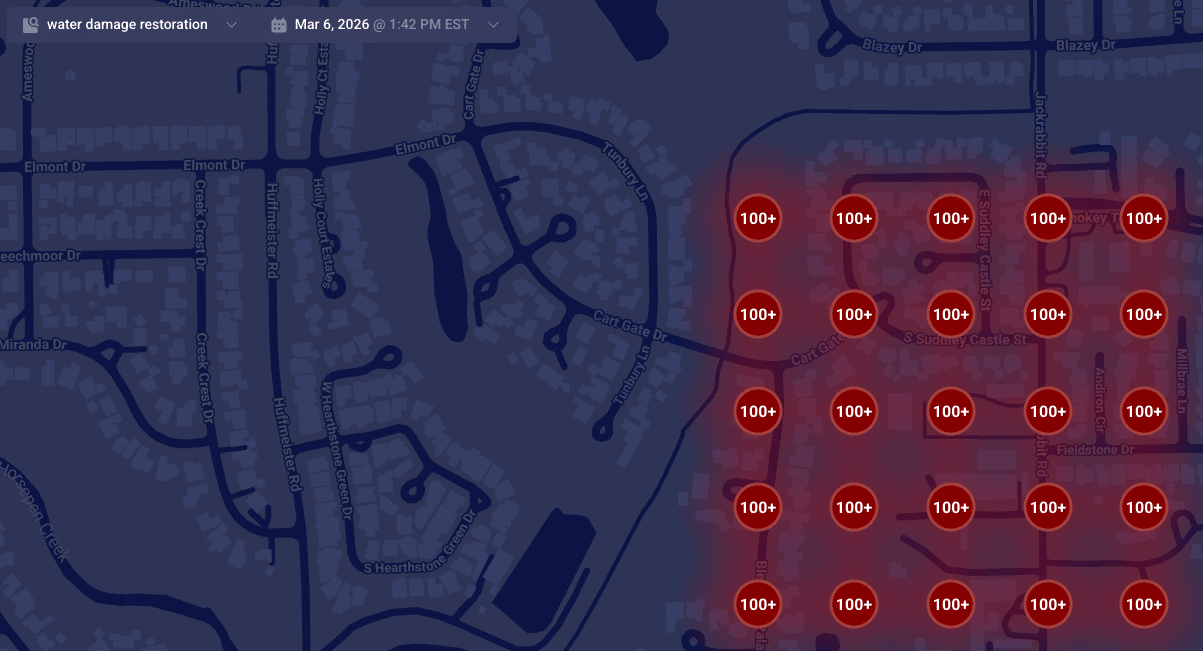
    Understanding Google’s data models is key to understanding why your pin might be misplaced:
    ```json
{
  "alt": "Map highlighting areas with over 100 instances of water damage restoration services.",
  "caption": "A map visualization displaying clusters of water damage restoration needs, with over 100 cases highlighted in red.",
  "description": "This map illustrates a dense concentration of water damage restoration demands in a residential area. Red circles marked with '100+' indicate regions with over 100 service instances. The map is set against a dark background, featuring roads and street names for context. This visualization aids in identifying service hotspots, essential for targeting restoration efforts efficiently."
}
```
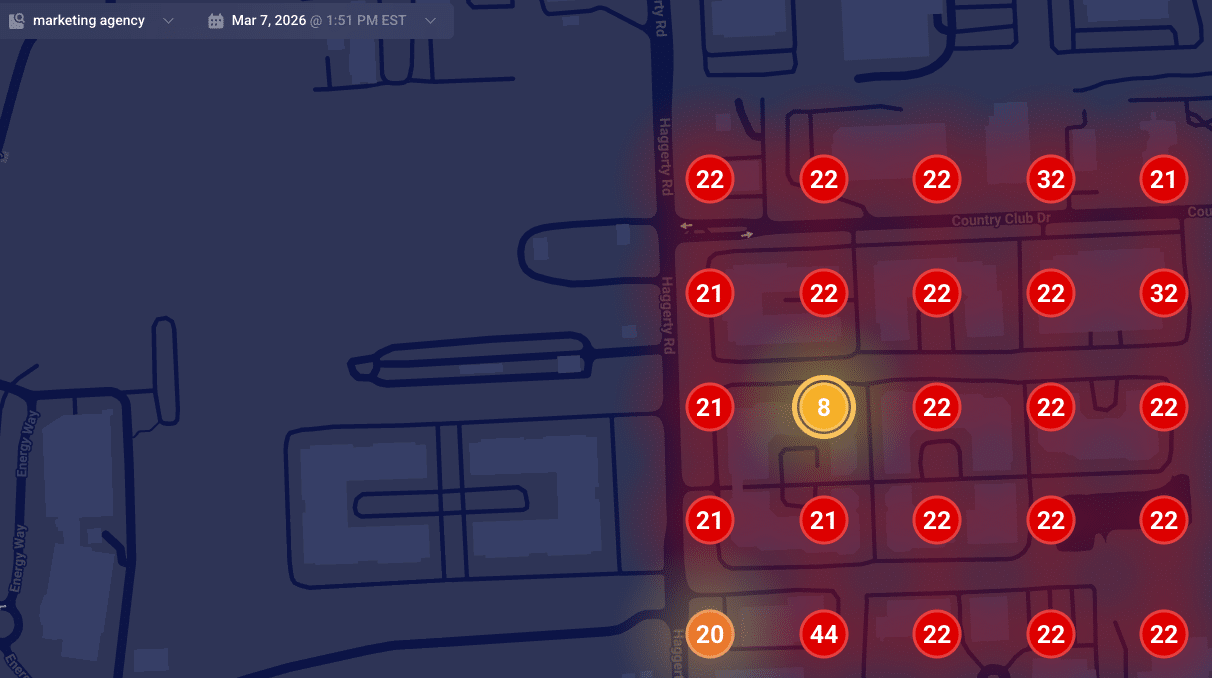
    ```json
{
  "alt": "Heatmap showing numerical data points on a dark map layout.",
  "caption": "A vibrant heatmap reveals numerical trends across a dark-themed map, spotlighting key data points for insightful analysis.",
  "description": "This image showcases a heatmap overlaid on a map, displaying various data points marked with numbers. The numbers, like 8, 22, and 44, are highlighted within colored circles ranging from yellow to red, indicating varying data intensities. Designed for data visualization, it suggests a real-time analysis function, useful for trend analysis or strategic planning. The heatmap context is set against a dark map background, enhancing the visibility of the highlighted data points."
}
```

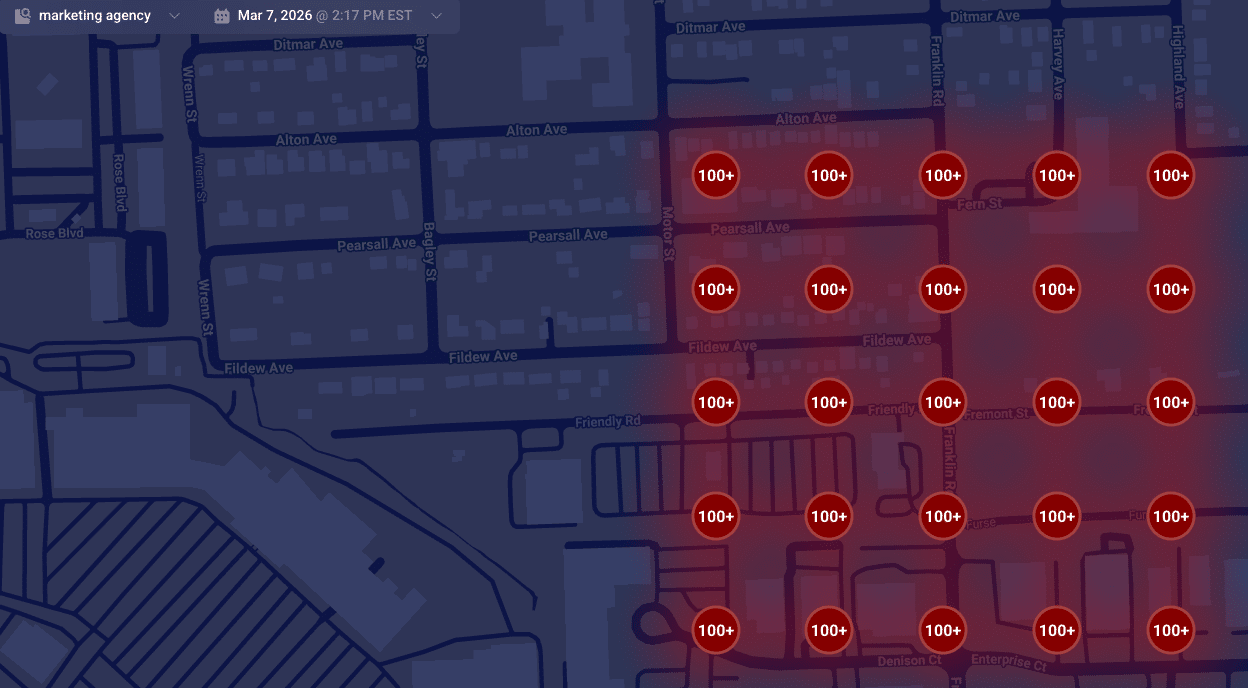
    When Google finds a reliable match, they place your pin accurately at your building’s rooftop. Understanding how these data models work can help explain why SABs sometimes rank differently in local searches.
    ```json
{
  "alt": "Map displaying high-density markers with '100+' in a red shaded area across various streets.",
  "caption": "This heat map reveals a high concentration area, with red-marked zones indicating significant density across streets like Pearsall Ave and Fildew Ave.",
  "description": "The map illustrates a geographic area with a high concentration of points marked '100+', shaded in red to indicate density. Streets such as Pearsall Ave, Fildew Ave, and Motor St are visible, providing a visual representation of congestion or population density. The interface is dated March 7, 2026, at 2:17 PM EST, possibly generated by a marketing agency tool, useful for spatial analysis or resource planning."
}
```

    Is Your Map Pin Placement Accidental?

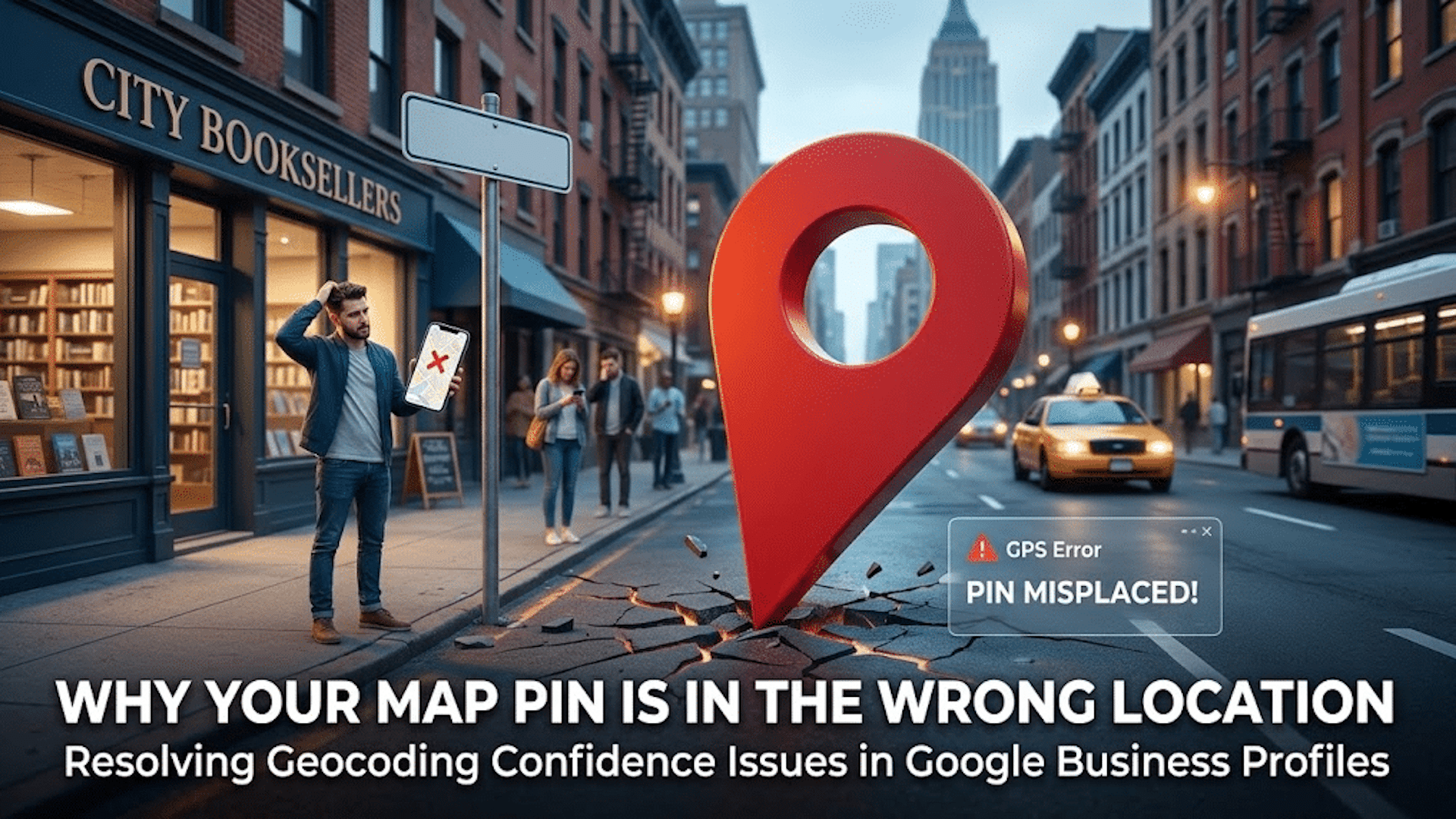
    Don’t be mistaken, it’s not a bug but a failure in converting text to precise map coordinates. When this fails, your business may end up with a map pin that’s misplaced, affecting your local ranking authority.

    When unable to secure a high-confidence match from your building, Google defaults to using the city’s center as your pin’s fallback location, often causing your business to rank from a less relevant area.

    Suite Number Issues

    I’ve warned clients countless times about the pitfalls of including suite numbers in Address line 1. These numbers aren’t street-level data; embedding them can lead to geocoding conflicts, making your map pin default to a broader location like a city center.

    Properly Anchoring Your Map Pin

    For accurate map pin placement, ensure your address in Google’s system is geocoding-friendly. Keep unnecessary details out of the first address line and verify how Google reads your address using their developer tools.

    When addressing geocoding problems, prepare for possible re-verification requests. Stay consistent in your corrections until Google verifies your business’s precise location.


    Inspired by this post on Search Engine Land.


    crushpress.ai community screenshot