I remember the days when a Google search was akin to embarking on a quest for information. It was an adventure of navigating various links and forming my own opinions.
Nowadays, tools like AI Overviews, ChatGPT, and Perplexity condense all that information into a single, simplified answer. This transformation often strips away the finer details while amplifying certain perspectives.
This shift has redefined online reputation management. Now, search engines not only present information but shape the underlying narratives. This raises the stakes for brands, as even a top-ranking status doesn’t guarantee influence if AI stories tell a different tale.
For brands, the game has changed. Being number one doesn’t ensure visibility and influence anymore. The underlying narrative holds far greater power.
AI Narrative Formation: Crafting User Answers
AI platforms now utilize what I like to call ‘AI narrative formation.’ This process crafts the responses we receive from various search engines. Let me walk you through how this system works.
Source Pooling
These systems pull content from numerous sources. Contrary to expected reliance on peer-reviewed articles, they gather data from Reddit, YouTube, and social platforms like Instagram and TikTok.
Signal Weighting
Not all sources are equal. Often, a popular yet low-quality source can outweigh a singular, credible entry. A bustling Reddit thread with negative feedback might overshadow a well-researched Wikipedia page.
Narrative Compression
The summarization process compresses diverse inputs, often losing nuance along the way. Complex reputations are simplified into general statements like, ‘Users find this company untrustworthy.’
Continued Reinforcement
These summaries transcend their original context, getting shared and re-shared across social media. As these echoes return as new data, they further entrench the narratives in AI responses.
Unraveling a Finance Company’s Reputation in AI Search
To illustrate AI narrative formation, consider a recent case I worked on involving a financial company, which we’ll call Company X.
Company X’s reputation remained strong on traditional SERPs. High Trustpilot ratings and reputable endorsements were the norm until Google AI Overview threads surfaced a forgotten Reddit forum rife with grievances against them.
The AI Overview skewed the narrative, suggesting Company X had unresolved customer service issues, even though these concerns had been addressed years prior. This created a skewed perception that was hard to counteract.
The Amplified Risk from AI Searches
AI dramatically increases reputational risk through several mechanisms:
The Spread of Negative Narratives: Negative content surfaces faster and more prominently than before.
AI Hallucinations: Despite growing awareness, AI inaccuracies continue to deceive.
The Snowball Effect: Repeated narratives gain momentum, complicating reputation management efforts.
It has become evident that in ORM, repetition often overrides accuracy.
Auditing AI-Generated Narratives: A Step-by-Step Approach
Let’s consider a situation involving an AI-generated narrative challenge faced by CEO X of a well-known SaaS company.
After an out-of-context quote from CEO X’s podcast appearance went viral, AI summarized him unfavorably. Quickly, his reputation transformed negatively across major platforms.
Step 1: Mapping Queries
I initiated a process to understand what queries AI outputs were generating about CEO X. This helped identify the underlying issues.
Step 2: Capturing Outputs
Identifying repeated claims revealed how CEO X was perceived. Narratives from Google AI and ChatGPT were consistently portraying him negatively.
Step 3: Delving Through Sources
The next step involved examining the quality of sources contributing to these narratives, often outdated or lacking accuracy.
Step 4: Analyzing the Narrative Gap
This involved assessing discrepancies between AI narratives and his actual reputation, contextualizing the initial quote, and examining the long-standing perception of CEO X.
Step 5: Correcting and Replacing Sources
Finally, I focused on directly addressing, correcting, and replacing those negative narratives. This involved engaging directly with platforms that contributed to the misinformation and reinforcing positive content elsewhere.
A New Perspective: From SEO to Narrative Management
The focus has shifted from merely achieving top SEO rankings to understanding and adapting to narrative shifts. We must rethink our strategy from content engagement to managing the narratives AI disseminates.
To succeed, it’s important to reinforce AI systems with quality inputs, including crafting high-quality content, pursuing credible mentions, disseminating structured data, and managing misinformation directly.
According to a recent, though unverified, report, Google Gemini’s AI is designed to tailor its responses based on the user’s tone, intent, and emotional context. This fascinating development suggests that the AI aligns its answers with the emotional backdrop of each query.
Why This Matters. If this information holds true, it means that the responses generated by AI might vary significantly, depending on how we phrase our queries, rather than just on the data available. This could change the way we engage with search engines.
New Findings. At the heart of this revelation is a system called upcast_info. As reported by Elie Berreby, head of SEO and AI search at Adorama, this system seems to provide the blueprint for how Gemini processes user queries, aiming to:
Reflect the user’s tone, energy, and purpose.
Acknowledge emotions before formulating a response.
Deliver answers from the user’s perspective.
Implications. Instead of maintaining a neutral stance, the AI’s responses could:
Emphasize negative perspectives (“Why is X bad?”).
Highlight positive aspects (“Why is X great?”).
Should the public sentiment toward a topic be negative, the AI might intensify that sentiment. As the report indicates:
AI mirrors prevalent emotional signals.
It doesn’t offer the balancing act usually provided by traditional search result links.
The Role of Query Framing. The emotional tone of a query can impact:
The choice of sources cited.
The style of summaries presented.
The overall tone and substance of the answers.
Google’s AI Overviews already demonstrate shifts in tone that align with the intent of queries, providing potential insight into the mechanics behind these changes.
Unsubstantiated Information. Google has yet to confirm this leak. As Berreby mentions: “I’ve decided to share just a portion of the leaked internal system data publicly. It’s not a security exploit or major breach, just a minor leak.”
I’ve noticed a significant shift in the SEO industry toward senior, strategy-focused roles. As AI increasingly handles execution tasks, the demand for seasoned strategists has grown, along with an increase in salaries and responsibilities that span multiple channels.
The change in hiring trends is evident when looking at a recent Semrush analysis of 3,900 job listings. It appears companies are now prioritizing leadership skills, innovative experimentation, and cross-channel visibility over purely technical execution.
Why it matters to me. The landscape for SEO careers and skillsets is evolving. Entry-level positions are mostly focused on execution, while leadership roles require a firm grasp of strategy across various domains such as search, AI assistants, and paid channels, ensuring they drive significant revenue.
What’s changing now. Senior roles account for 59% of job listings, clearly dominating the landscape. In contrast, mid-level positions like specialists and managers are less prevalent, with only 15% and 10%, respectively.
Companies are redirecting their budgets towards strategic roles as AI tools begin to absorb more of the technical workload.
The shift in skills. The skills in demand now extend beyond traditional SEO to include coordination, experimentation, and decision-making capabilities:
Project management is mentioned in over 30% of the listings, highlighting its importance.
Communication is highlighted in 39.4% of non-senior roles, indicating its fundamental role in the industry.
Experimentation is noted in 23.9% of senior roles, compared to just 14% of other roles.
Technical SEO appears in approximately 6% of postings, showing its niche but crucial role.
Tools and channels. The modern SEO toolkit now includes analytics, paid media, and comprehensive data tools.
Google Analytics is cited in up to 47.7% of job listings, underlining its importance.
Google Ads features in 29% of the listings, showcasing its growing relevance.
Demand for SQL skills is rising, especially at the senior level.
AI tools, such as ChatGPT, are increasingly mentioned, reflecting their future role in SEO.
AI expectations. AI literacy is shifting from being a nice-to-have to an essential skill:
31% of senior roles now reference AI capabilities.
Nearly 10% of listings highlight familiarity with LLMs.
Concepts such as AI search and AEO are increasingly common in job descriptions.
Pay and positioning. SEO is being increasingly recognized as a vital business function:
The median salary for senior roles has reached $130,000, markedly higher than the $71,630 for other roles, with some positions offering even more.
Preferred degrees are leaning towards business and marketing, reflecting the strategic emphasis.
Remote work prevalence. Remote options are available in over 40% of job listings, indicating a shift towards flexible work environments across all levels.
About the data. This analysis by Semrush covers 3,900 SEO job listings in the U.S., gathered from Indeed as of November 25. The roles were deduplicated and segmented by seniority before a semantic keyword extraction analysis was applied.
I’ve got some exciting news to share—Reddit has just opened up its Pro publishing tools to all publishers! No more waiting lists. Now, anyone can dive into the public beta and ramp up their content distribution and engagement strategies, all for free.
Why this matters to us. Reddit Pro offers me a centralized hub to monitor where my content spreads, simplifying my posting process, and helping me pinpoint the right communities to engage with. It’s transforming Reddit from being a place of manual posting to a well-organized distribution channel.
Here’s the scoop. I can now easily sign up for Reddit Pro, verify my domain (usually within three business days), and jump into the Links tab. With Reddit Pro, I can:
Keep track of where my content is shared all over Reddit.
Quickly auto-import articles through RSS, speeding up my posting.
Receive AI-powered tips on the most relevant communities to connect with.
Reddit has also rolled out some features based on early adopter feedback:
Community snapshots that display rules, stats, and top discussions.
Community notes that let me track strategy and context over time.
By the numbers. Back in 2025, Reddit revealed there were over 55 billion views of publisher-related discussions. Since some publishers started testing in September, they saw:
A 46% uptick in median post views.
An almost doubled amount of profile views.
A 48% climb in median comments.
What else to look forward to. Reddit is also expanding profile flairs to every Pro user. This means I can organize posts on my profile, making it easier for users to browse my coverage and get involved with stories.
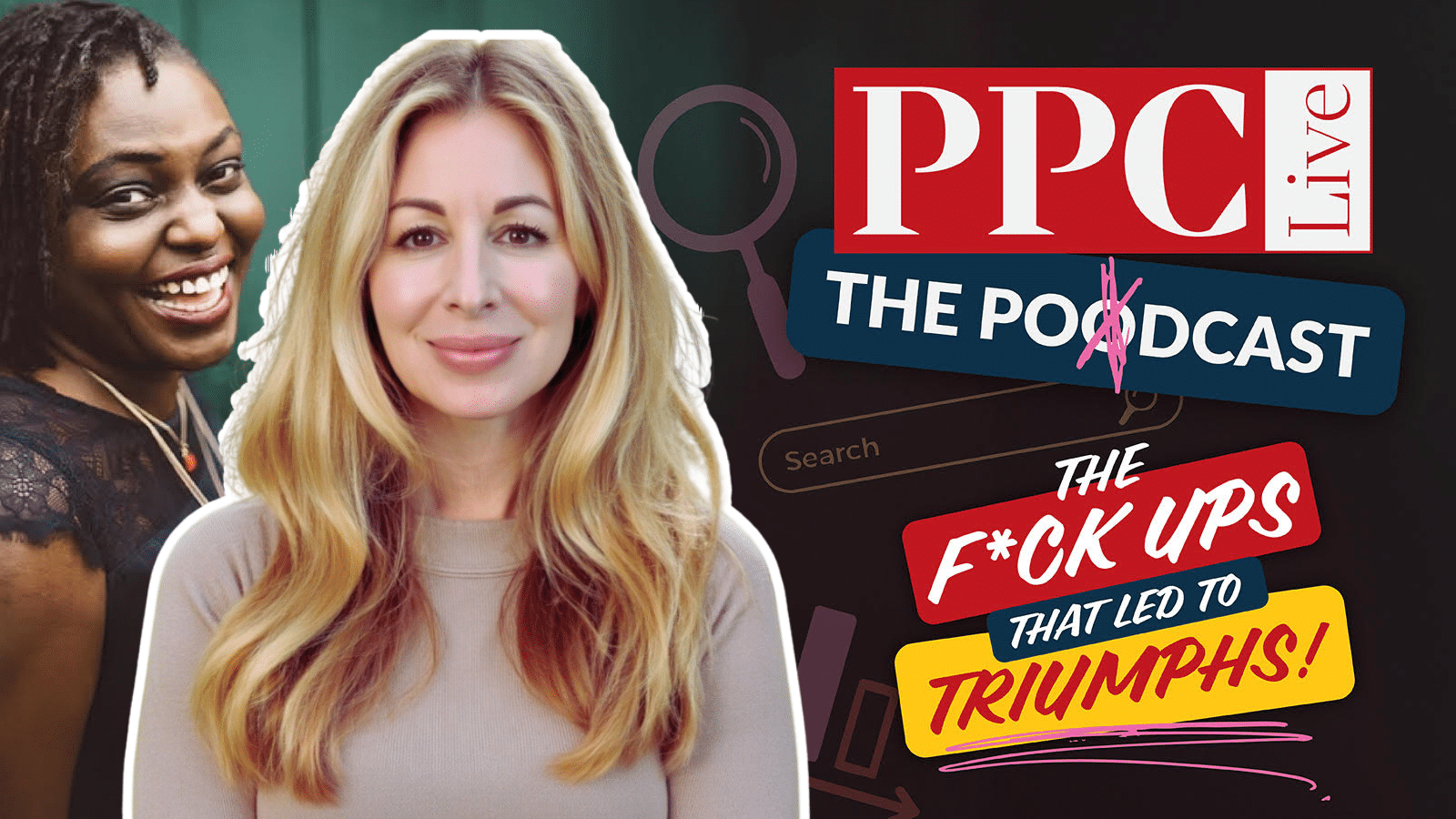
Heidi Sturrock, a seasoned paid search consultant, shared her insights with me in a recent episode of PPC Live The Podcast. With over two decades of industry experience, Heidi discussed a memorable campaign blunder that surprisingly turned into a strategic win, as well as her experiences with AI Max across numerous accounts.
Heidi’s career story includes a significant misstep she made while running a competitor campaign using broad match without negative keywords. Launched on a Friday, this led to a weekend surge of calls from irate customers of a competitor, a situation both alarming and chaotic for the client’s call center.
Unexpectedly, her client saw potential in this turmoil. Instead of dwelling on the mistake, they chose to transform these calls into sales opportunities by offering a discounted first month to switchers. By dividing the campaign for better focus, they turned a problem into a pathway for growth.
From this experience, I learned two valuable lessons: never initiate major campaigns on a Friday and ensure all stakeholders are involved in client meetings. Having both the business owner and the sales leader aware of the situation allowed for quick, effective problem-solving.
When facing a mistake, I’ve realized the importance of halting the issue swiftly, taking responsibility, and presenting a clear plan for resolution. Clients value honesty, and this approach can reinforce trust even in difficult times.
Common failures in account management often involve misaligned attribution windows and undue focus on secondary KPIs. It’s crucial to align metrics with the primary goals, ensuring that higher CPCs are understood within the broader context of achieving ROAS targets.
Regarding AI tools, Heidi’s exploration of AI Max across various accounts delivered mixed results. Success often hinged on the availability of comprehensive historical data and well-defined goals. Her advice is to experiment gradually and prepare upcoming guidelines on her blog.
For those in the industry, embracing technological changes, especially in AI, is essential. Mastering these tools can propel us ahead as marketers.
Stay connected with Heidi on LinkedIn or visit HeidiSturrock.com for her expert guides, including tips on crafting effective ad copy. Also, catch her live at SMX Advanced in Boston this June, where she’ll participate in an engaging expert panel discussion.
I was thrilled to learn that Google has rolled out its Google Search Live globally, expanding its reach to over 200 countries and territories where AI Mode is available. You can check which languages and regions are supported.
Google attributes this remarkable expansion to its cutting-edge audio and voice model, Gemini 3.1 Flash Live. This model offers more natural and intuitive conversations, and because it is bilingual, it allows individuals worldwide to engage with Search in their language of choice.
How it works. To get started with Search Live, I simply open the Google app on my Android or iOS device and tap the Live icon beneath the Search bar. From there, I can speak my question out loud and receive a helpful audio response. It’s seamless to continue the conversation with follow-up questions or delve deeper using the provided web links. When I need visual context, like figuring out how to install a new shelving unit, I just enable my camera, and it complements Search Live’s suggestions with relevant information from the web.
Moreover, if I’m already using Google Lens to capture an image, tapping on the Live option lets me have a real-time conversation about what I see, bringing what’s in front of me to life.
More. Back in September, Google made Search Live with video available in the U.S., appealing to those who enjoyed its earlier iterations. Initially, it was an opt-in beta, and before that, it featured a talk and listen mode, minus the video component.
Why we care. This development offers a fresh approach for users to interact with Google’s AI through conversation rather than text queries. While this might reduce traditional web traffic, since users get direct answers, the inclusion of citations and links might still benefit content creators and brands, even if users are less compelled to click through for more depth.
I recently discovered that Google has enhanced its structured data support for forum and Q&A pages. This update introduces new properties that allow us to better signal reply threads, quoted content, and identify whether content is generated by AI or humans.
With these changes, which aim to boost Google’s accuracy in interpreting discussions and Q&A content, we can now ensure our content is represented more precisely.
What’s New. Google has updated its QAPage documentation to include commentCount and digitalSourceType. Moreover, the DiscussionForumPosting documentation now supports sharedContent alongside these new properties.
The Details. Using Q&A markup, I’m able to apply commentCount to questions, answers, and comments, showcasing the total number of comments even if they are not fully marked up. This total should align with answerCount + commentCount, representing all types of replies.
How It Works. The digitalSourceType property allows me to indicate whether content is produced by a model or simple automation. I can use TrainedAlgorithmicMediaDigitalSource for advanced outputs and AlgorithmicMediaDigitalSource for basic bots. If this property is left out, Google assumes the content is human-generated.
What’s New for Forums. The sharedContent property helps me to mark the primary item that’s being shared in a post. Google supports various content types like WebPage, ImageObject, and more, including quotes or reposts.
Why This Matters. This update provides me with greater control over how Google interprets community content, which is particularly important for sites rich in forums, support communities, UGC platforms, and Q&A sections. Google can now distinguish between answers and comments more effectively, tally partial threads across multiple pages, and recognize when a post primarily shares specific media types.
Documentation. The official documentation was updated on March 24, providing all the details I need to apply these new capabilities.
One click can turn an unanswered review queue into a wall of polite, interchangeable replies. That is faster, but it is not the outcome you want. A useful response shows the reviewer, and every prospective customer reading along, that someone understood the actual experience.
If Google’s AI reply control appears in your Google Business Profile, treat it as a drafting layer inside a human approval process. The goal is not to publish more words. It is to respond faster without inventing facts, exposing customer information, making promises you cannot keep, or sanding every reply down to the same generic apology.
First, verify what the AI control does in your account
Google has conducted a limited test of AI-generated review replies within Google Business Profile. The tested feature creates a proposed response that a business can review, edit, and manually submit.
Do not assume every profile has the same interface or publication flow. Availability has varied between accounts and individual reviews. Documented appearances included the United States, Brazil, and India, while the feature was not yet broadly visible in Europe. Some prompts focused on older unanswered negative reviews.
The most important variation concerns bulk use. At least one observed version could generate suggestions for multiple reviews. Experiences differed after generation: some still involved a review step, while others appeared more automated and required no edits. That difference matters because generating twenty drafts is reversible; publishing twenty unchecked replies under your business name is not.
Before touching your backlog, use one low-risk positive review to inspect the actual workflow. Confirm whether the tool only creates a draft, whether any bulk action pauses for approval, which user is publishing, and which location profile is active. If you cannot clearly identify the final approval step, do not use the bulk option.
Not every review needs the same amount of editing. A short five-star comment is different from a complaint involving a disputed charge, a safety concern, or personal information. Use the review’s factual and reputational risk, not the size of your queue, to decide how much authority AI receives.
Review type
Appropriate role for AI
Required human check
Simple positive review
Create a short first draft
Make sure the reply reflects what the reviewer actually wrote and adds no invented detail
Specific praise naming an employee
Draft an acknowledgement
Check spelling, context, privacy, and your policy on repeating employee names publicly
Star rating with no written comment
Suggest a brief neutral response
Do not infer a visit, purchase, problem, or reason that the reviewer never stated
Mixed or negative service review
Provide a structure, not a finished answer
Verify the incident, any corrective action, the contact route, and every promise
Claim involving safety, discrimination, payment, personal data, or legal action
No autonomous publication
Escalate to the responsible manager and publish only an approved, factual response
The dividing line is not positive versus negative. It is whether the reply could create a false factual record, disclose something private, or commit the business to an action. A warm thank-you usually has little exposure. A sentence claiming that a refund was processed has much more.
Negative reviews also demand more than a longer apology. Generic language such as “we strive to provide excellent service” can make the reply feel automated because it does not identify what went wrong or what the customer should do next. Use AI to establish a calm tone, then replace abstractions with verified detail.
Build a review-to-reply workflow that catches AI mistakes
A reliable process separates understanding, drafting, verification, and publication. When those tasks collapse into one button, a plausible sentence can escape before anyone asks whether it is true.
Confirm the profile and context. Check the business location, star rating, review text, review date, and any named service or employee. Multi-location teams should be especially careful: a polished response posted from the wrong location is still wrong.
Classify the review before generating anything. Decide whether it is praise, a question, a mixed experience, a service failure, or a sensitive allegation. A five-star review containing a complaint is not simple praise. A one-star rating with no text does not give you an incident to explain.
Create a small set of usable facts. Separate what the reviewer publicly stated from what your team has verified. Useful facts can include the location, service named, confirmed action already taken, approved contact channel, and role responsible for follow-up. If a detail is neither in the review nor verified internally, leave it out.
Decide what the response must accomplish. A reply should normally do one primary job: thank the customer, acknowledge a problem, answer a question, correct a material misunderstanding, or move a sensitive discussion to an appropriate channel. Do not let the generated draft wander across all five.
Generate the draft, then edit sentence by sentence. Keep a sentence only if it acknowledges a real detail, supplies verified information, or gives the customer a useful next step. Remove filler, excessive apologies, promotional language, and service or location keywords inserted for their own sake.
Run a pre-publication check. Verify every proper noun, operational claim, promise, contact method, and time-sensitive statement. Make sure the tone fits the review. Do not request or repeat addresses, card details, health information, account data, or other sensitive information in a public reply.
Close the operational loop. Publish the response, but route the underlying issue to the team that can fix it. If several reviews mention the same delay, handoff, product problem, or communication gap, the important result is not a larger collection of apologies. It is a corrected process.
Assign ownership before volume increases. Someone should be responsible for low-risk approvals, someone should handle sensitive escalations, and location managers should know which statements they are allowed to make. Otherwise, the AI tool may reduce drafting time while adding an approval bottleneck that nobody owns.
Edit generated replies into specific, human responses
You do not need a different writing system for every review. You need a few reliable response shapes and the judgment to fill them only with information you can support.
For a positive review, reflect one meaningful detail
A practical shape is: thank the reviewer, mention one detail they supplied, and close without turning the response into an advertisement.
Template: Thanks, [reviewer name, if appropriate]. We are glad [specific detail from the review] made your [visit or service experience] easier. We appreciate you taking the time to mention it.
One detail is enough. Do not repeat the full review, invent what the customer purchased, or attach a string of services and place names in the hope of gaining search visibility. A review reply is a customer-service message, not a miniature landing page.
For a negative review, move from acknowledgement to action
A useful negative-review reply has three parts: acknowledge the experience described, state only what has been verified, and provide an appropriate next step. It does not need to settle the entire dispute in public.
When the event and next step are verified: We are sorry your order was not ready at the confirmed time. Please contact [approved channel] with [non-sensitive identifier] so [responsible role] can review what happened and follow up.
When important facts are still unknown: We are sorry to hear about the delay you described. We would like to understand what happened. Please contact [approved channel] so [responsible role] can review the details with you.
The second version acknowledges the complaint without pretending the business has already completed an investigation. Do not write that an issue was fixed, a refund was issued, an employee was disciplined, or an event never happened unless the statement has been verified and approved for public release.
For an older unanswered review, acknowledge the timing
AI prompts may bring older negative reviews back into the queue. Do not publish a reply that reads as if the incident occurred yesterday. If accurate, open with a simple acknowledgement: We are sorry we missed your feedback when you first shared it. Then provide a contact route that is valid now.
A late reply can still show prospective customers how the business handles criticism. It should not promise a retroactive resolution that the current team cannot provide. If no meaningful next step remains, keep the response brief, acknowledge the gap, and avoid manufacturing activity merely to make the reply sound complete.
Key takeaways
Treat every AI-generated reply as an unverified draft until a person checks its facts, promises, tone, and privacy implications.
Test the exact approval flow in your own Google Business Profile before using any bulk-generation option.
Use AI more freely for low-risk acknowledgements and require stronger human review as factual or reputational exposure increases.
Personalize with details the reviewer supplied, not plausible details the AI added.
Move sensitive cases to an approved private channel without repeating customer information in public.
Use patterns in reviews to fix the underlying operation rather than automating repeated apologies.
Start with one low-risk reply and write a short approval rule before working through the backlog. Once the same checks reliably protect single drafts and bulk suggestions, you can increase speed without handing your public reputation to an unchecked generator.
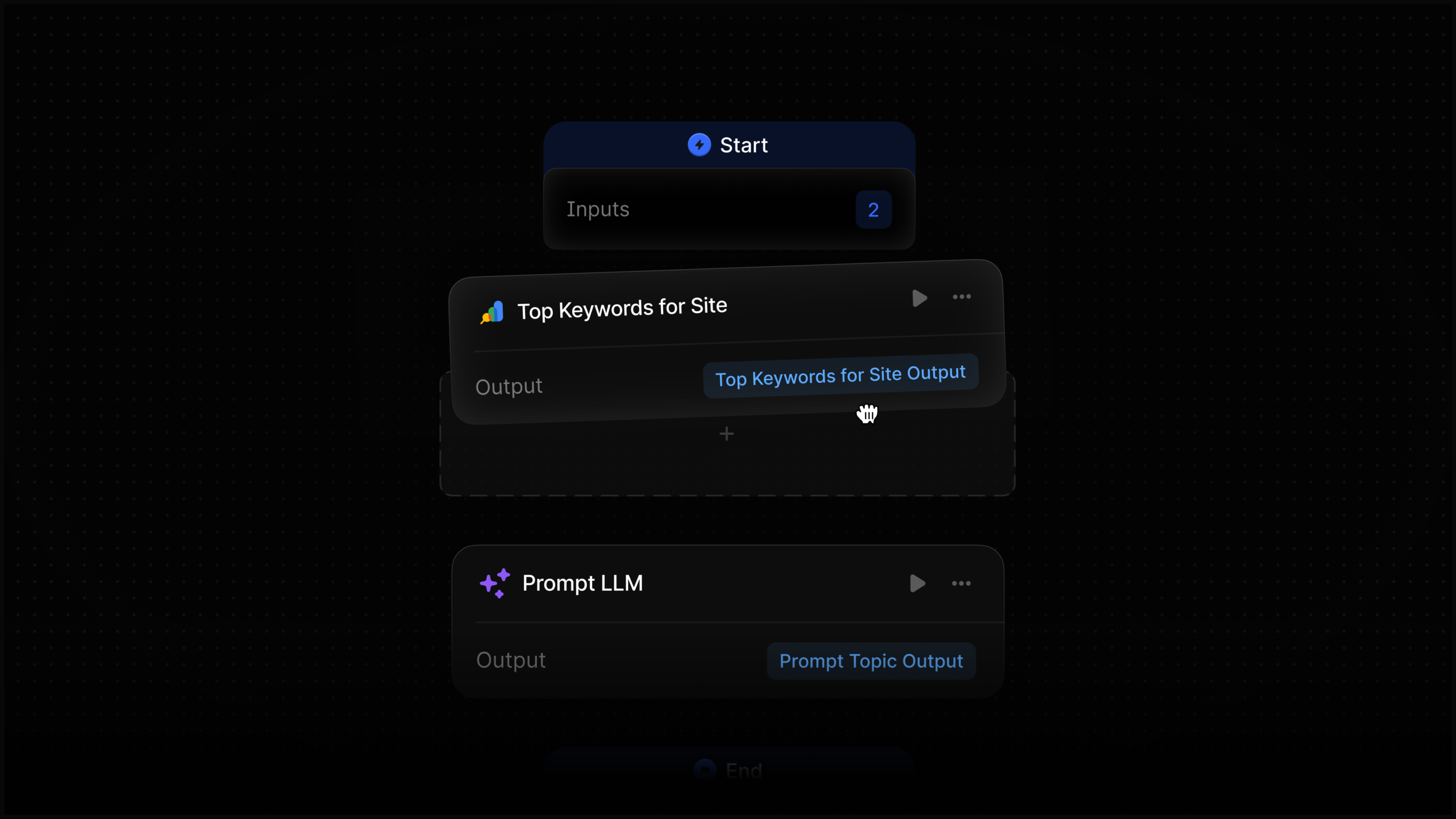
I’m excited to share that I can now effortlessly integrate Google Search Console data directly into any of my Profound Agents. This powerful combination, uniting Search Console insights with Profound’s answer engine data, is transforming how I handle reporting, content creation, monitoring, and optimization.
Staying on the Profound platform makes the entire process seamless, allowing me to focus on what truly matters—building and optimizing my digital strategies without the hassle of platform switching.
When I first heard about Walmart’s experiment with ChatGPT’s Instant Checkout, I was intrigued. But after testing 200,000 items, Walmart discovered that conversions through this method were three times lower compared to their website.
Why This Matters: This experiment highlights an important point: traditional shopping environments still hold the crown when it comes to conversions. Even in a world dominated by AI, guiding users to owned environments proves more effective.
The Experiment Details: Starting last November, Walmart introduced around 200,000 products available for purchase directly inside ChatGPT through OpenAI’s Instant Checkout. The goal was to let users buy items without ever leaving ChatGPT.
Daniel Danker, Walmart’s EVP of Product and Design, revealed that these purchases had a conversion rate one-third lower than similar transactions on their website. He described the experience as “unsatisfying,” which prompted Walmart to reconsider their approach.
Farewell to Instant Checkout: Originally, Instant Checkout aimed to complete transactions within ChatGPT. However, OpenAI recently confirmed plans to phase it out, leaning towards merchant-handled app checkouts.
Changes on the Horizon: Walmart plans to integrate its own chatbot, Sparky, within ChatGPT. This will allow users to log into Walmart’s system, sync their carts across platforms, and finalize purchases seamlessly.
A similar integration with Google Gemini is expected next month, broadening Walmart’s technological reach.
The WIRED Report: For those interested in the comprehensive story, WIRED provides further insights into how Walmart and OpenAI are revolutionizing agentic shopping (subscription required).